

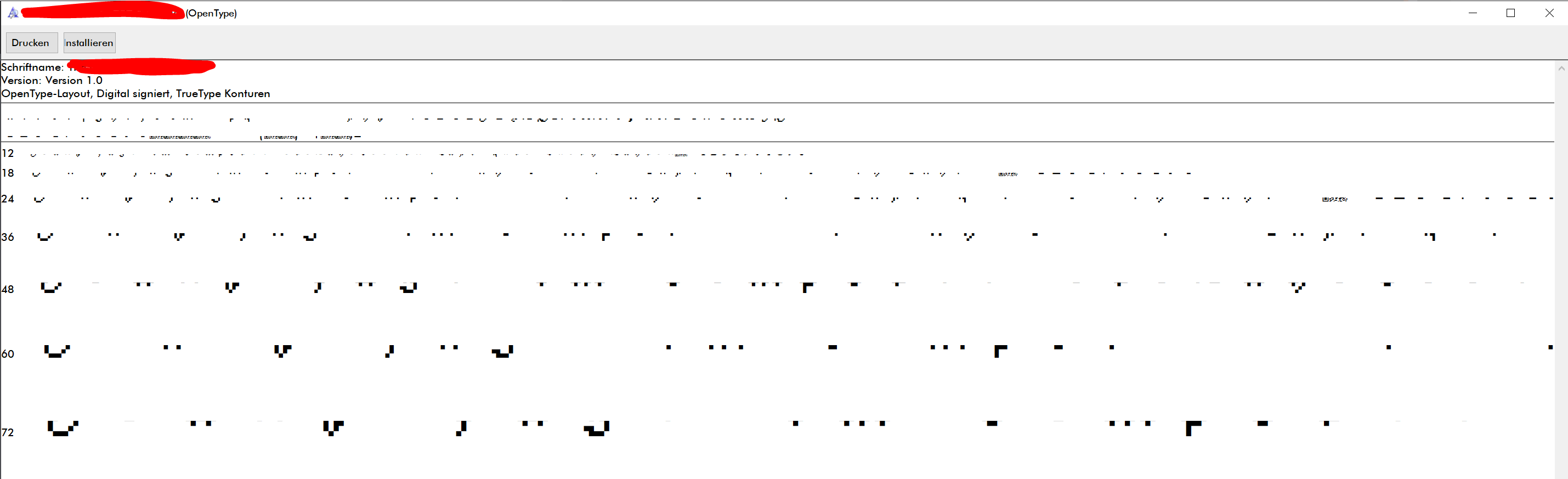
Whenever I try to view my file in the Windows 10 font-prieview, it all looks very buggy and weird.
It says "open type" although I export it as true type. Is that the reason? I tried so many possible settings but I won't get fixed...

Lets you create your own TTF fonts out of pixel font images! · By
And how do I fix this? I tried to adjust it but after changing the default values in combination with my chosen letter resolution, I'm pretty lost...
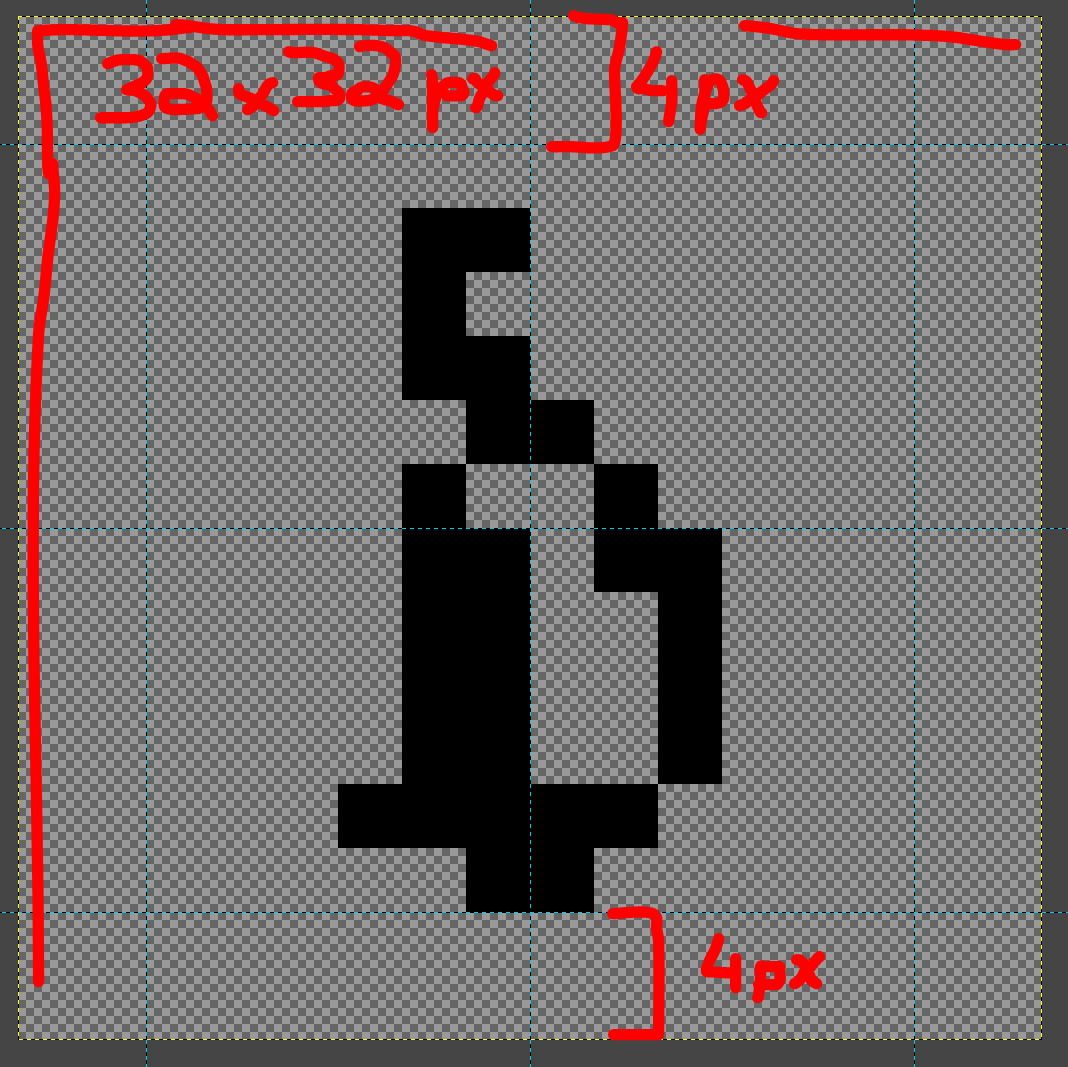
I used 32x32 px big letters with 4 px space on the top, bottom and both sides. Could you tell me what to put here? I try to fix this for the 6 hours straight now and I just want it to be previewed right in the Windows font viewer, everything else is already set up.
Thanks for helping btw. (x_x)

Ascent and Descent are in em units, not in pixels. There’s an overlay when you move your mouse over the input image showing ascent/descent.
I can’t tell what this glyph of yours is supposed to be, but you can try ascent=896, descent=128, linegap=0 (and adjust your Baseline Y to be, well, at the baseline).