On Sale: GamesAssetsToolsTabletopComics
Indie game storeFree gamesFun gamesHorror games
Game developmentAssetsComics
SalesBundles
Jobs
TagsGame Engines

zcaalock

49
Posts
252
Followers
1
Following
A member registered Feb 02, 2025 · View creator page →

Creator of

Recent community posts

Yes you can share it, no problem. Post your video link I’ll add it to the mod page 

Yes, you can find it in some of my posts 

cars do not derail because of weight, probably your corners are not aligned or ground in not flat. Watch my video on how to build railroads

GIANTS have just updated the plugin for blender so i will add new train i`m working on

send log file 

I could add rail crossing, the problem is it would have no collision otherwise it would derail train. There is invisible cylinder below every train and cart that keeps train on the rails.

(1 edit)

those all bugs are game related and cannot be fixed. This mod is basically a hack of game engine and engine is very limited. All tracks in this game can be flat only. So „slope track” collision is like small stairs, they just look smooth.
you need to do flattening by yourself because in game editor it is defined only by 2 points and that means for all curved tracks it would be big rectangle. For that reason flattening is only in small area so you can get the reference for manual flattening 

I’m not adding anything new because game developer haven’t updated tool for new blender version. I have almost ready train but still waiting for an update from develpoers

nope, its completely different game system

this is game engine issue. You have to always go back turntable to initial position after you do the turn. Train derail because after reloading the game teleport rigged body to the last saved position instead of play the animation

the connection from another side is how this game works. If you want to connect engine to the carts from other site you have to disconnect every cart then go around and connect it again. Every time you connect cart, the game determines where is front and where is back (rear end) and there is no feature in this game to pull something from it`s "rear end".

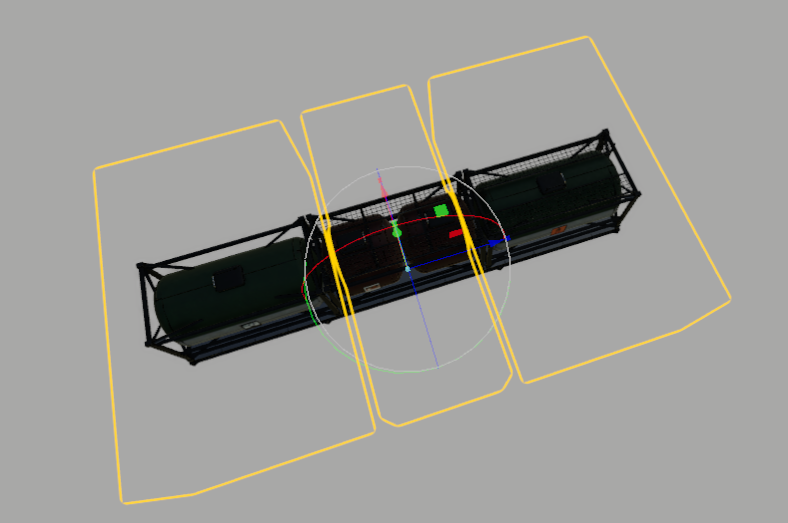
To load diesel/water/herb you need to press U to select which tank you want to use. Below you can see the trigger boxes. The place where you want to load/unload have to be in corresponding trigger (it`s invisible in the game). Left - water, center - herb, right - diesel.
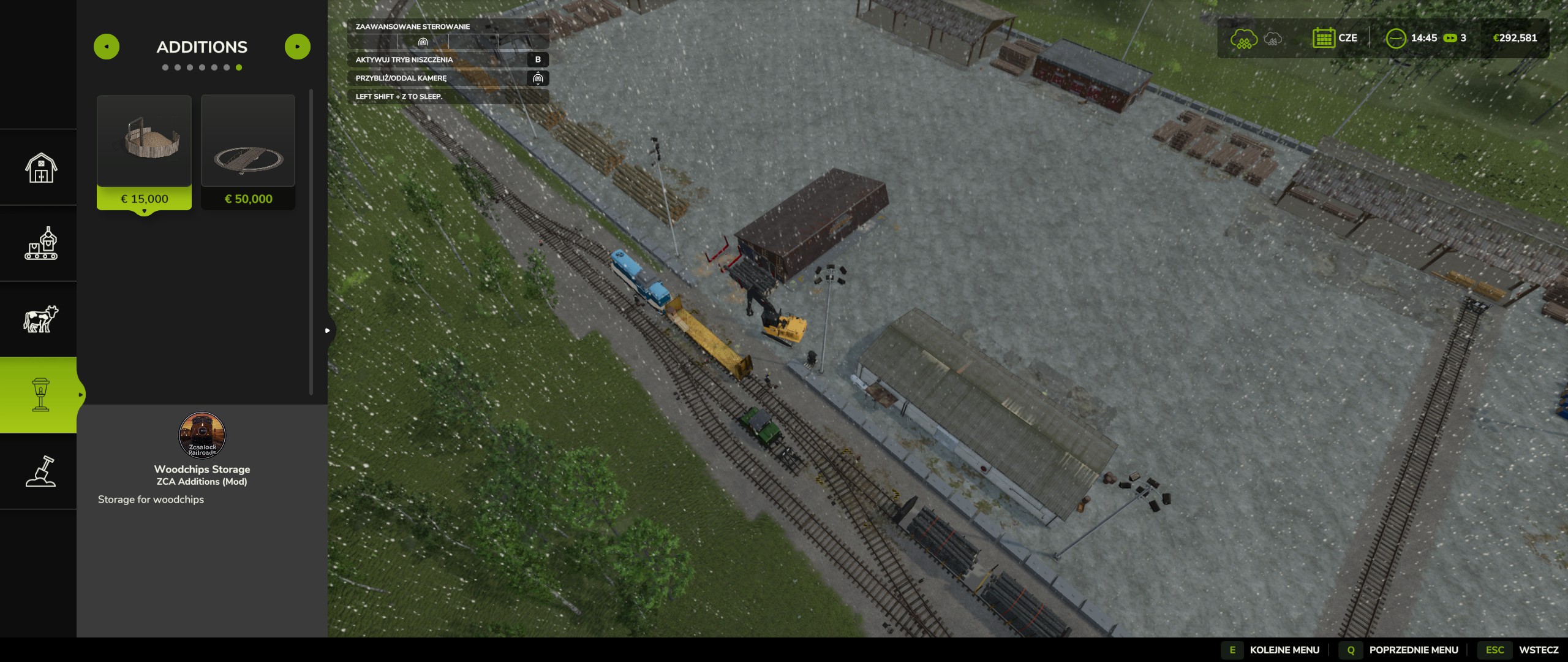
curves on slopes are made with workaround and game physic hack. They are super unstable and i cannot change that due to how the game engine works. 

very nice

can you elaborate on derailing, did you unfold them? can you post some video clips. I haven`t changed anything with collision and physics so they should behave as they were from beginning.

autodrive will not work with this mod and may cause the mod to stop working at all, so maybe this is the issue with derailing 

ok, thanks I can fix that

i haven`t tested this mod in multiplayer

(1 edit)

sorry was away for few weeks, do you have any errors in log? Shunt train, the small on doesn`t need to be unfold

they do unfold, check mod conflicts and try to run game with train mods only

thanks, i see where is the problem. For temporary fix you can edit Amtrak .i3d file with notepad and change "../FS22_railroad_locomotives/Textures/dirt1.dds" to "Textures/dirt1.dds" i will update this in the next patch

did you try change camera with C button?  You can run new save with only my mods and see if this bug also happen. This sounds like mod conflict 

hi, i can add crossing but it would be only visual without collisions, trains use whole space between tracks as guidance to stay on tracks. 

tanker is ready but i don`t have time to test it, send me PM on discord and i`ll send you the files

can you send me log file?

try place anywhere mod

no. Game tracks are just decoration and have no physics.  

i made tanker, just need some finish touch but don’t have time now. Hope will upload it in few days 

hi thank you,

i know about this, it is not affecting the game. I`ll fix it next patch

(2 edits)

can you send me log file to my discord or upload it somewhere

474205699073900544


it should look like this

you need to update this also https://zcaalock.itch.io/zca-store-items

there is a bridge https://zcaalock.itch.io/zca-railroads/devlog/901920/1010-update

or do you mean something else?

hi, you need to update store items mod from my mod list

you need to flat the ground on curves by hand. Also one of the curves i think 15 degree is 4cm to low compare to other tracks. ill fix that in next update

can you post screenshot

i`ll add some curved trucks for slopes at some point later, before that I'm trying to do it procedurally because i don`t like the idea of producing 50 placeables with different angles. 

(1 edit)

i took some parts from game objects and combined it in blender, i`ll release silo with turntable. Hit mi up on discord i can send you for testing

only help i need for now is LUA code, i did try with grok but no luck. 

Yes, in some near future. Now working on turntable and woodchips silo

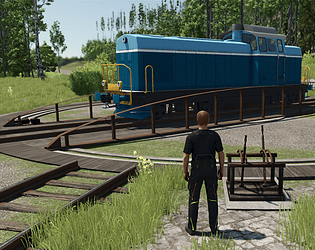
turntable coming soon

you mean after update? which train

default key is X

for straight track its better to use normal tracks not retractable, they have less polygons. 

Most shaders i took from game, only amtrak, english electric and woodchips cart are custom textures. i`ll make in future paint variant with game shaders to save some V-ram

if you have log file you can send to my discord 474205699073900544

i`ll add slopes late in the night today (CET time)