Indie game storeFree gamesFun gamesHorror games
Game developmentAssetsComics
SalesBundles
Jobs
TagsGame Engines

Yosa

50
Posts
5
Topics
9
Followers
21
Following
A member registered Jun 25, 2018 · View creator page →

Recent community posts
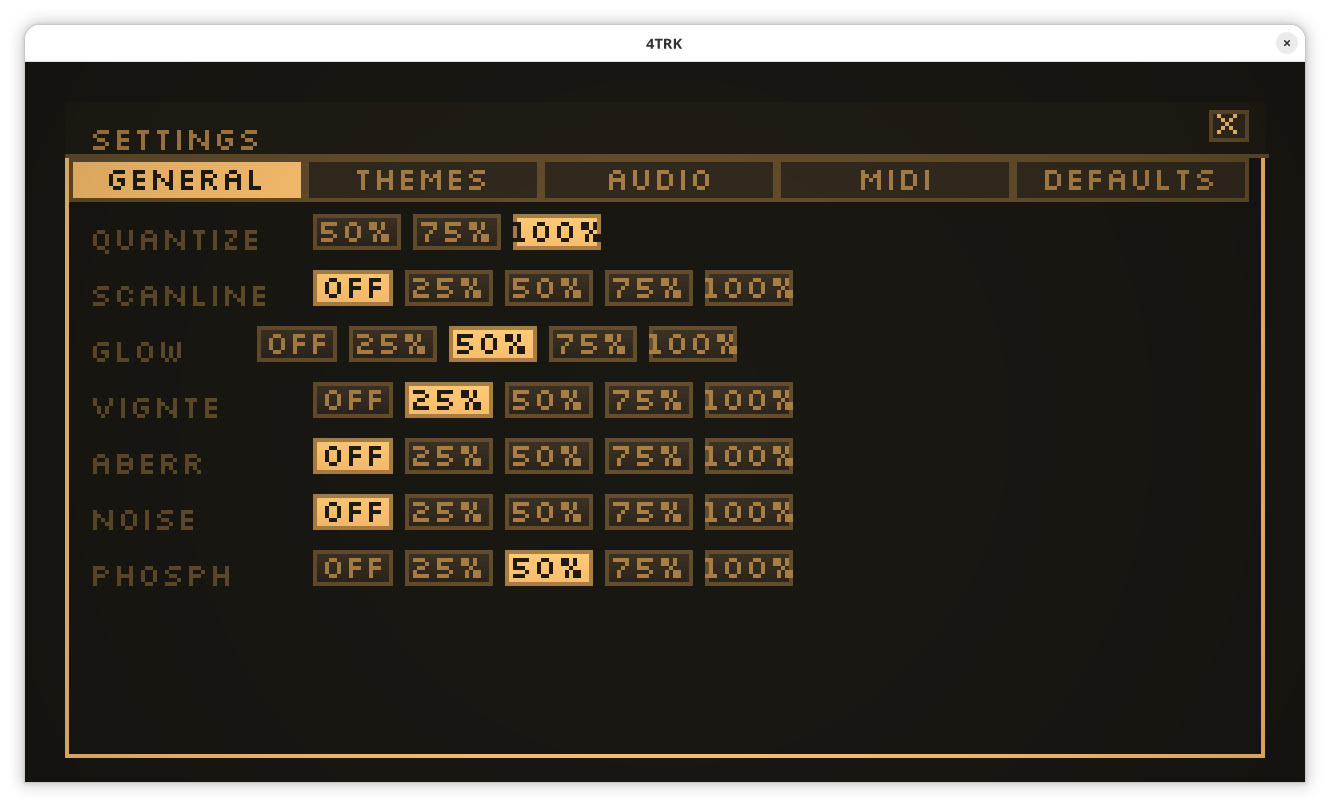
Much much better, 128 buffer works clean !

Yes awesome news !! python is probably what’s driving it down

It’s much better right now ! Good work

Awesome that was quick ! Thanks for that, I’m gonna keep you updated

yes, doesn’t do a lot !

(1 edit)

On a different topic, do you test it on linux ? More than 4-5 voices start to crackle a lot. I think using this command lower them:

env PIPEWIRE_LATENCY=“1024/48000” ./4TRK

Edit: pinning to single core has the best results. → taskset -c 3 env PIPEWIRE_LATENCY=“1024/48000” ./4TRK

Have you tried anything else that works ?

yes It was the old version ! all good. Thanks

image.png

It’s another tool version maybe ? I can’t find the Startup button

Hi beautiful software ! I however can’t seem to find how to switch between the two screen modes: studio 640 or classic 320 ?

Thank you !! 


  • (least important) basic symmetry guides

    • Define symmetry guides please.
    > A toggle that shows a line in the middle of the image. when drawing, it should draw the point symetrical to it in regard to the guide line.
  • Some features I'm looking for:

    - easy zoom using the scroll wheel

    - image panning using the middle click or the space modifier

    - (least important) basic symmetry guides

    Thanks !

    (1 edit)

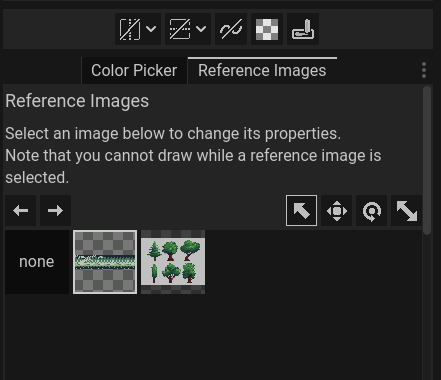
    Thanks Variable ! In the reference tab I don't see the button (to delete) (ver 1.1).

    How can you remove reference images ?

    Solved by using the native resolution (Default was 800x600 when installed)

    Specs (from Lutris):

    [System]
    OS:              GNOME 45 Flatpak runtime
    Arch:            x86_64
    Kernel:          6.1.68-1-MANJARO
    Desktop:         GNOME
    Display Server:  x11
    [CPU]
    Vendor:          GenuineIntel
    Model:           Intel(R) Core(TM) i7-6820HQ CPU @ 2.70GHz
    Physical cores:  4
    Logical cores:   8
    [Memory]
    RAM:             30.6 GB
    Swap:            8.0 GB
    [Graphics]
    Vendor:          Vendor unavailable
    OpenGL Renderer: OpenGL Renderer unavailable
    OpenGL Version:  OpenGL Version unavailable
    OpenGL Core:     OpenGL core unavailable
    OpenGL ES:       OpenGL ES unavailable
    Vulkan Version:  1.3.261
    Vulkan Drivers:  Quadro M1000M (1.3.260)
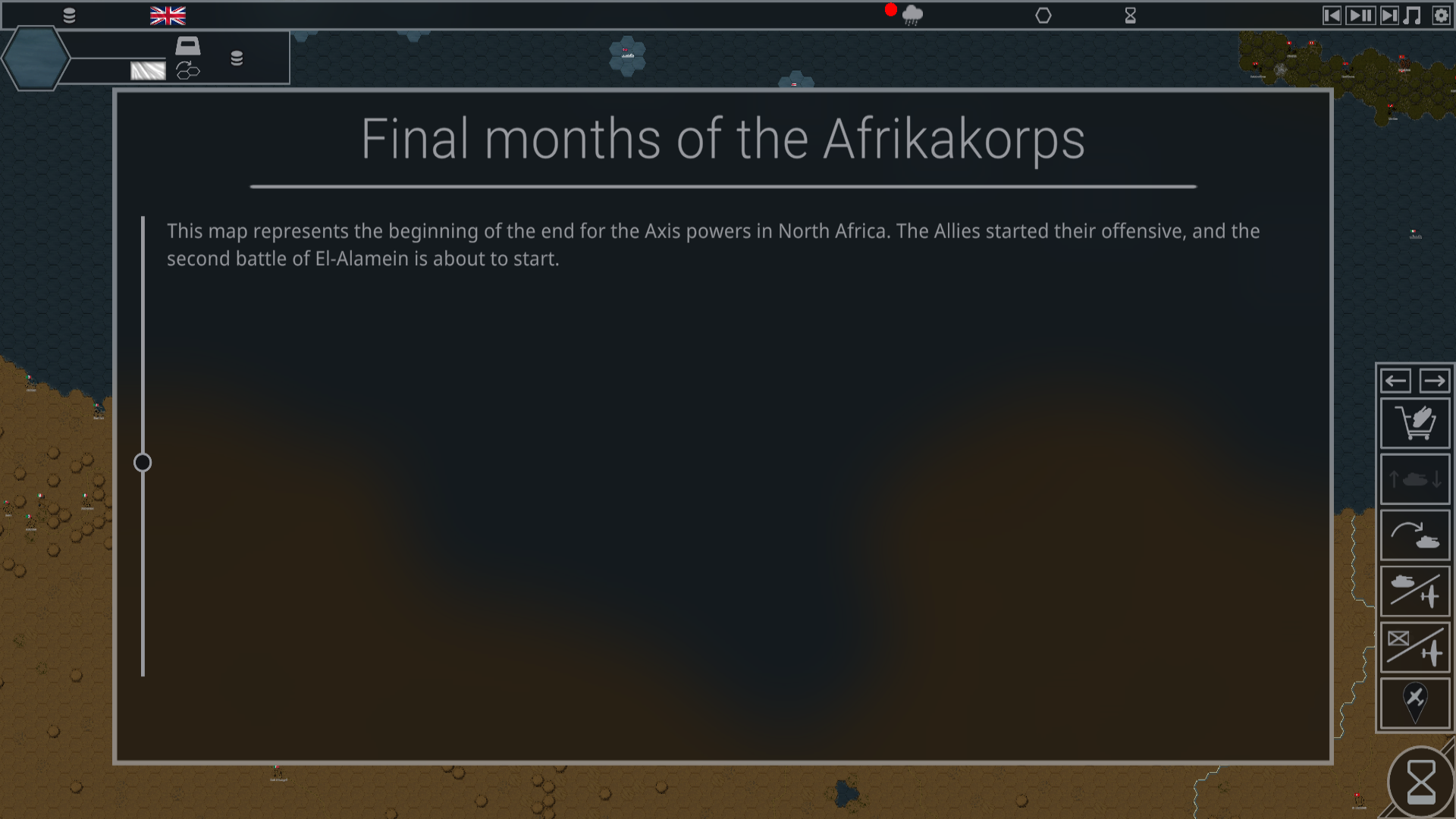
    Bug: Start a new game. Some text is showing, but a lot (The preferences icons notably) is not showing. See screenshot. No errors printed when launched from terminal.

    Favorite, 10/10. Lots of gameplay elements, creative puzzles, polished animations. Good job

    Thanks ! Yeah the boss is not polished at all...

    Awesome game

    Good ! What software did you use ? I like the way the screen is rendered. is it a shader ?

    (1 edit)

    Yes good idea!

    Thanks for playing

    Really cool one. But damn the guy is fast!

    At which level ?

    Awesome game. The cpu is relentless though !

    (1 edit)

    1024x768 ,60Hz, 10'

    how do you use love.graphics.scale ? any example?

    Makes you *feel* like a Golf!

    (1 edit)

    I don't like the fact that no communication is made since May 19. That's a lot of time. It pains me, because the game is amazing already

    Yeah So I lost my queen to a pawn, everything is fine

    me too

    I love this comment 

    no :(

    Thanks VolcanoBytes,

    I'm following your project very closely then.

    Good job ! is there a way to export a Linux version ? I would be more than happy to pre-order it.


    Have a good day !

    https://buried-treasure.org/2020/08/curse-of-vanishing/

    :0

    Thanks Pennie ! 

    Thanks !