You need a programmer and a programmable cart.
The ROM is not large so a 2 meg cart with SRAM is good enough.
You can get the flashkit and carts from AliExpress for not much money.
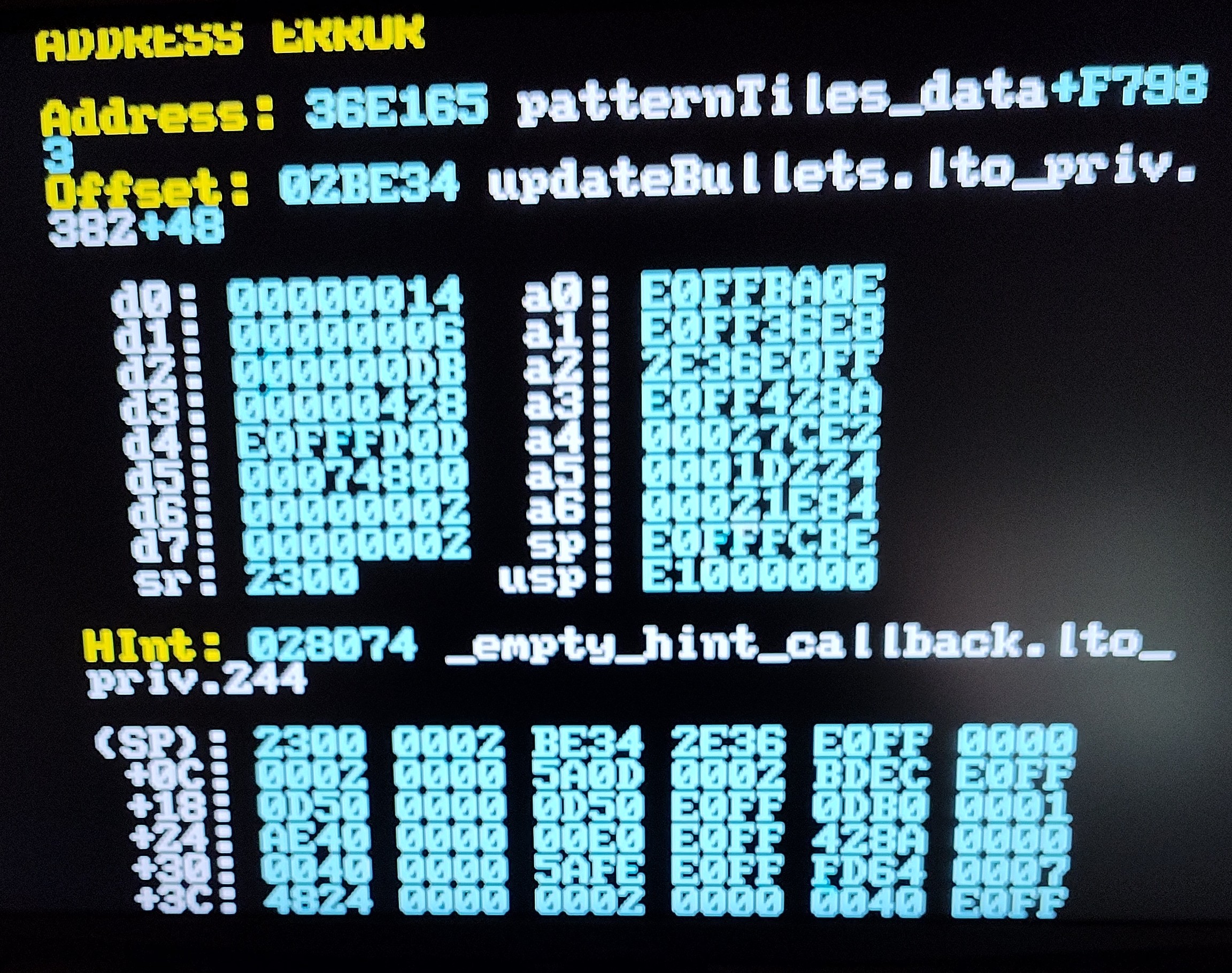
I did some testing and my results are the same as yours for all my American systems with TMSS.
I originally said I tested Genesis 2, the was a mistake. I thought I tested the standalone cart there but I must have been mistaken. I apologize.
Here are my full results:
1x Mega Drive 1 no TMSS - working
1x Genesis 1 no TMSS - working
2x Genesis 1 TMSS - not working
1x Mega Drive 2 - working
2x Genesis 2 - not working
1x Genesis 3 VA1 (mod to support 32x/CD) - not working
1x Genesis 3 VA2 - not working
All Genesis 2/3 and Mega Drive 2 have TMSS.
So, North American systems with TMSS are not working.
It's possibly something in the code.
Hoffman might be interested since it impacts flash carts too.
I have no way to test PAL.
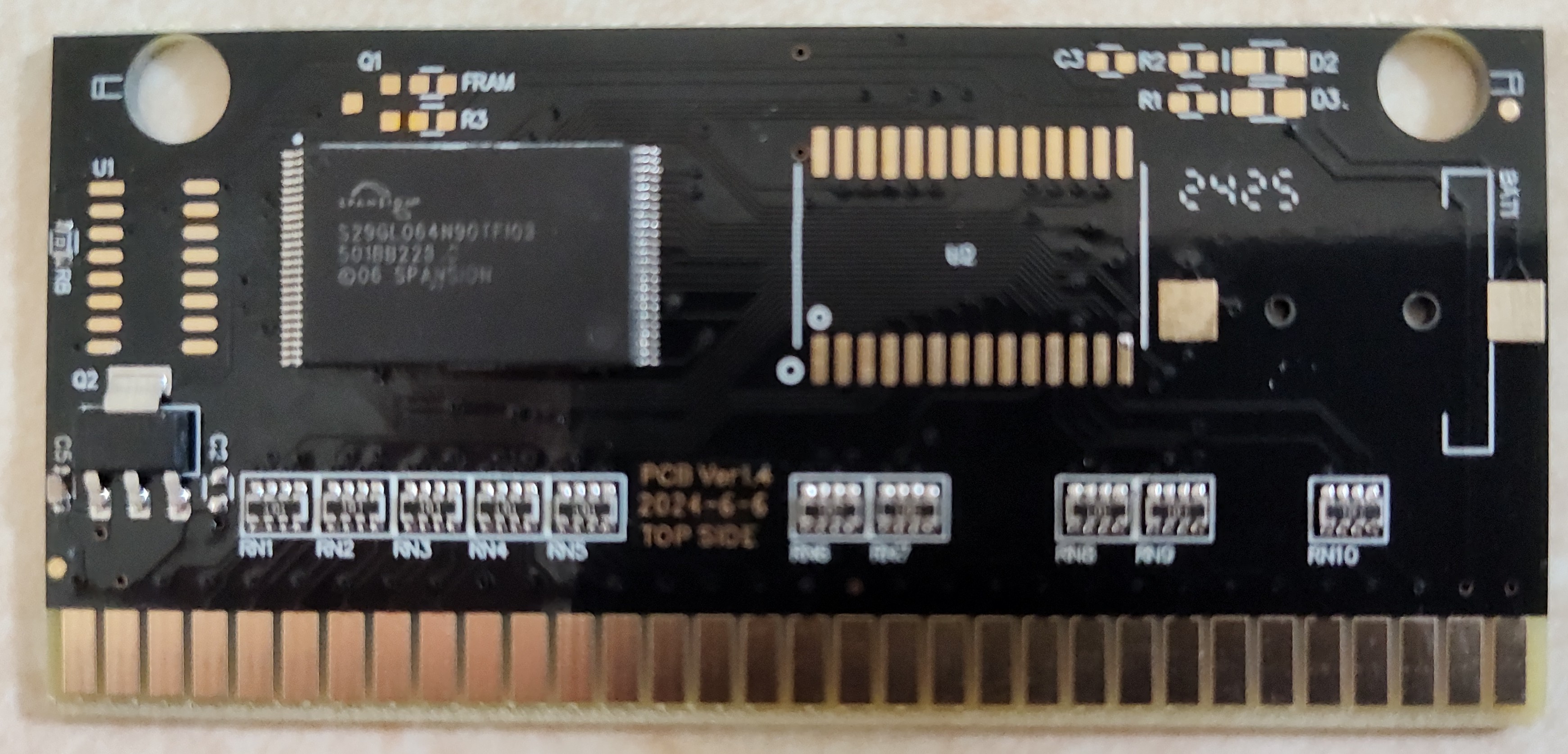
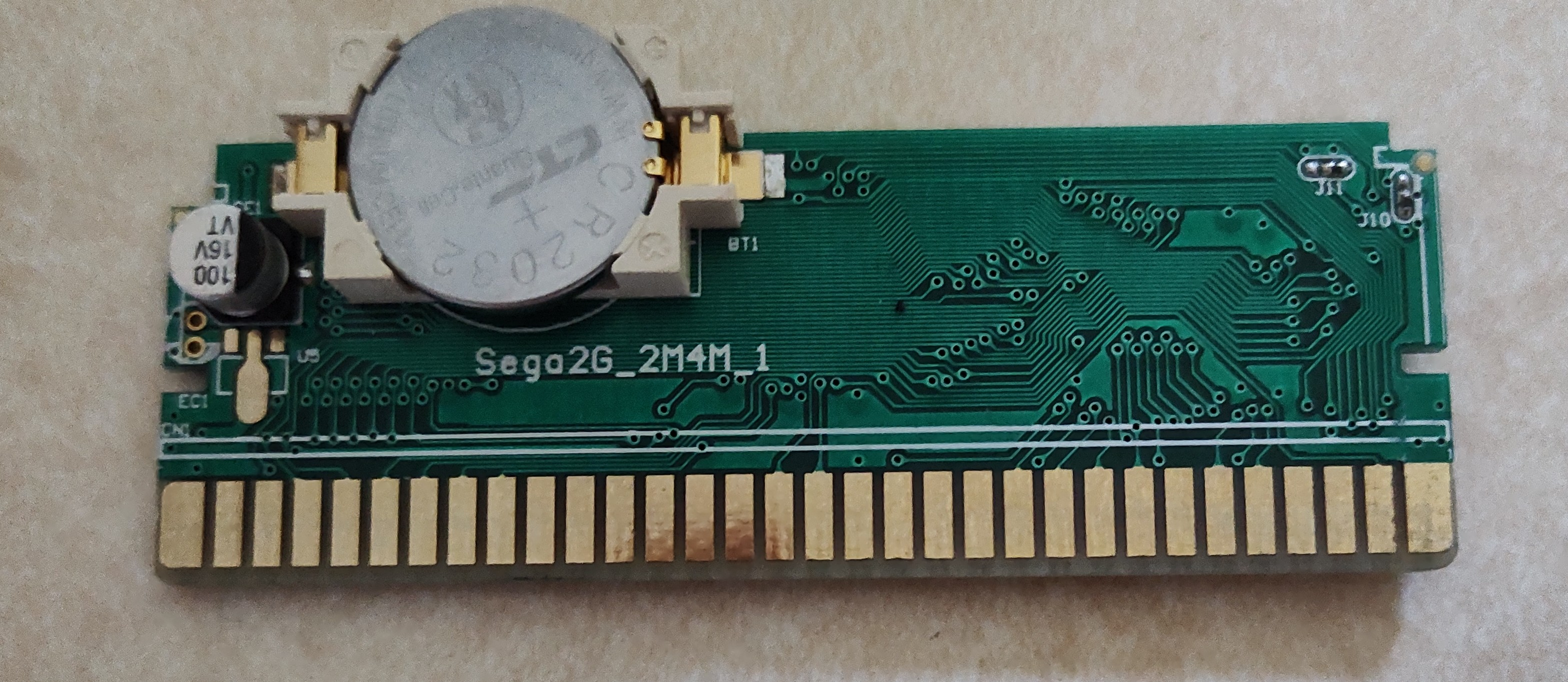
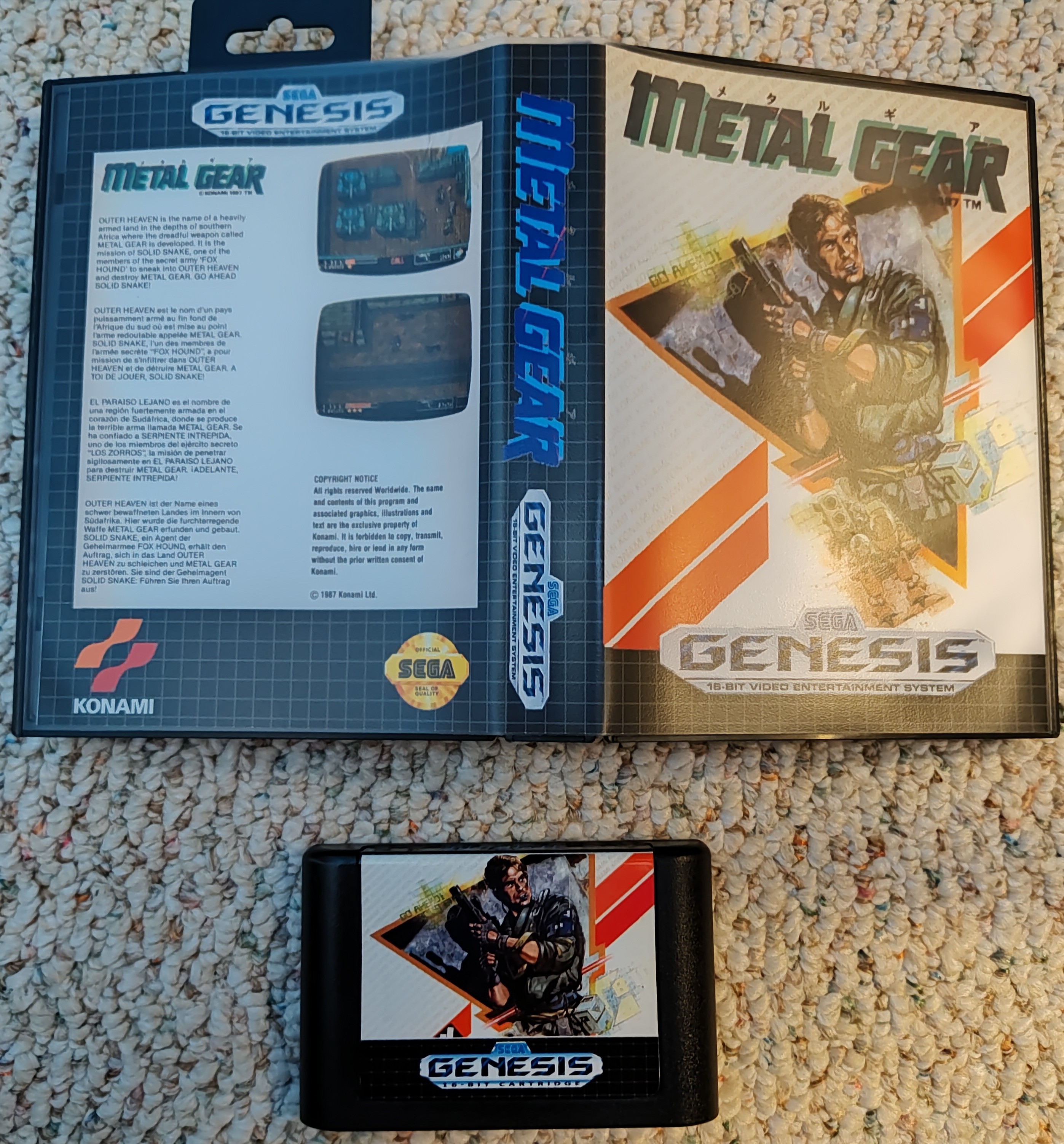
This is what my cart looks like.
Now the I've looked at AliExpress carts, I actually don't know where I got it cuz it doesn't look like a typical AliExpress cart.

It looks like those xxx in 1 game carts they sell in AliExpress, Amazon, and eBay but I've never bought one of those.
I made another cart on a dragondrive and it seems to work as well:
https://dragonbox.de/en/products-for-sega-megadrive/dragondrive-4mb-megadrive-fl...
I just used the dragondrive as a test because that cart is usually cave story.
You're welcome.
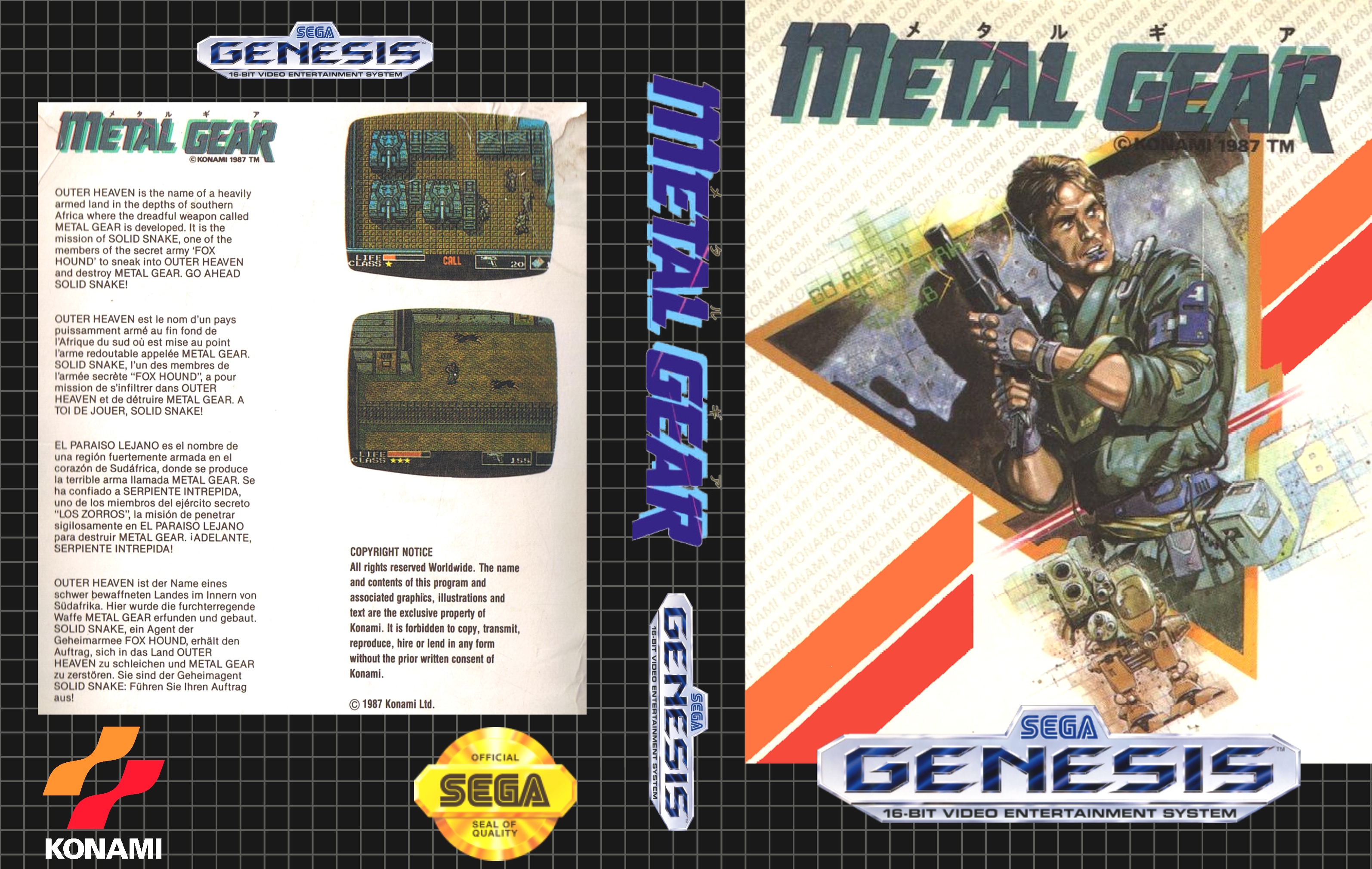
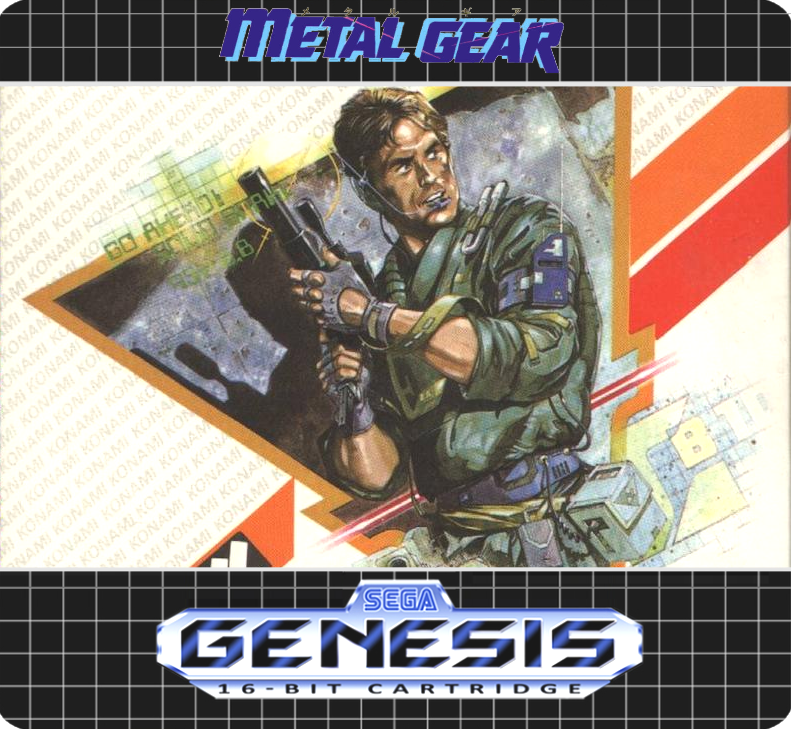
Here is the cover.

The 6.1 MB png can be found here: https://limewire.com/d/7aWr6#nGJyvYqNB2
Here it is.
I used these dimensions when printing: W: 78mm H: 68.5mm
I generate the pdf to print using this site: https://www.avery.com/templates
I just use the blank template.

I am using a cheap HP Inkjet printer.
JOYEZA glossy vinyl sticker paper for the label.
Epson matte legal size presentation paper for the insert.
I designed the insert and cartridge label (obviously not the artwork).
I use Avery online design tool to generate a PDF for the label. I usually do 3 to a sheet in case I make a mistake cutting. I print the PDF with Adobe Acrobat. Avery design tool helps set the labels to the correct size.
I cut out the label and insert on a plastic cutting board using an exacto knife. I use a large metal ruler as a straight edge.
I use a 3mm corner rounder on the labels.
Thecoverproject.net forums have tutorials that are helpful.
YouTube has video tutorials that can be helpful.
After some trial and error it's very easy for me to make a cart now.
With the current high price of authentic carts, I mostly make my own now.
I don't care if the cart is authentic. I care that it works.
Comments like yours are a good way to discourage someone from offering us many more hours of their hard work FOR FREE in the future.
I can see mentioning the feather because he might be interested. I think it might also be somewhat hardware specific.
The comments about the colors being different in a few cases are completely unnecessary and come off as nit picking or OCD.
hOffman has acknowledged that there are some differences.
Enjoy the game, say thank you, and don't nit pick.