

You can use it however you want, the graphics are yours once you buy them. The only limits are listed in the License section:
"
You Can't:
- Redistribute it or sell it, as is or modified.
- Use it to train AI models.
"
Just released the latest version of our tool SoundDevX! This tool has been a popular option for sound effects generation here on itch.io, and we decided to give it a big update!
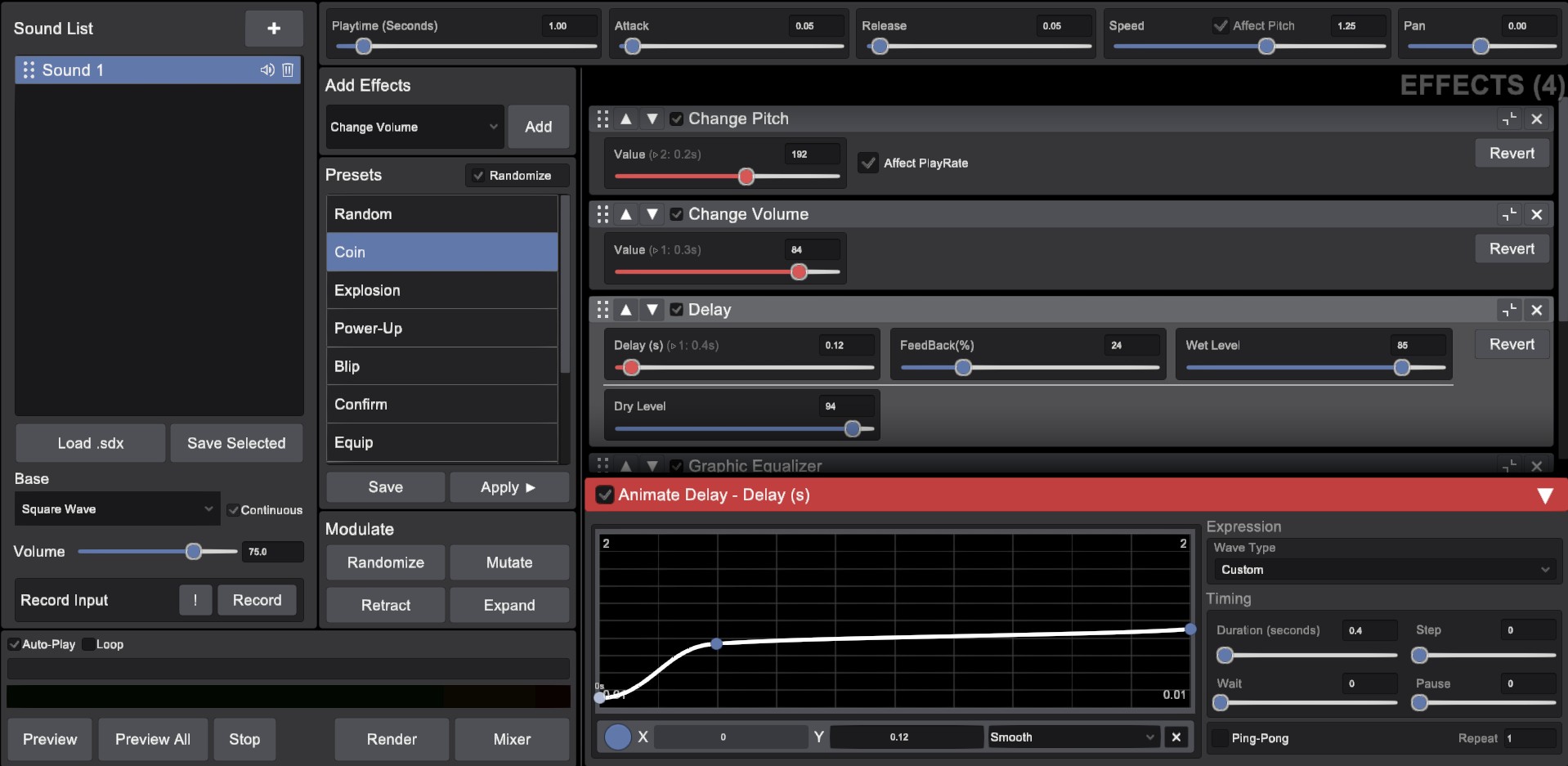
FEATURES:
- Multiple soundwaves to modify.
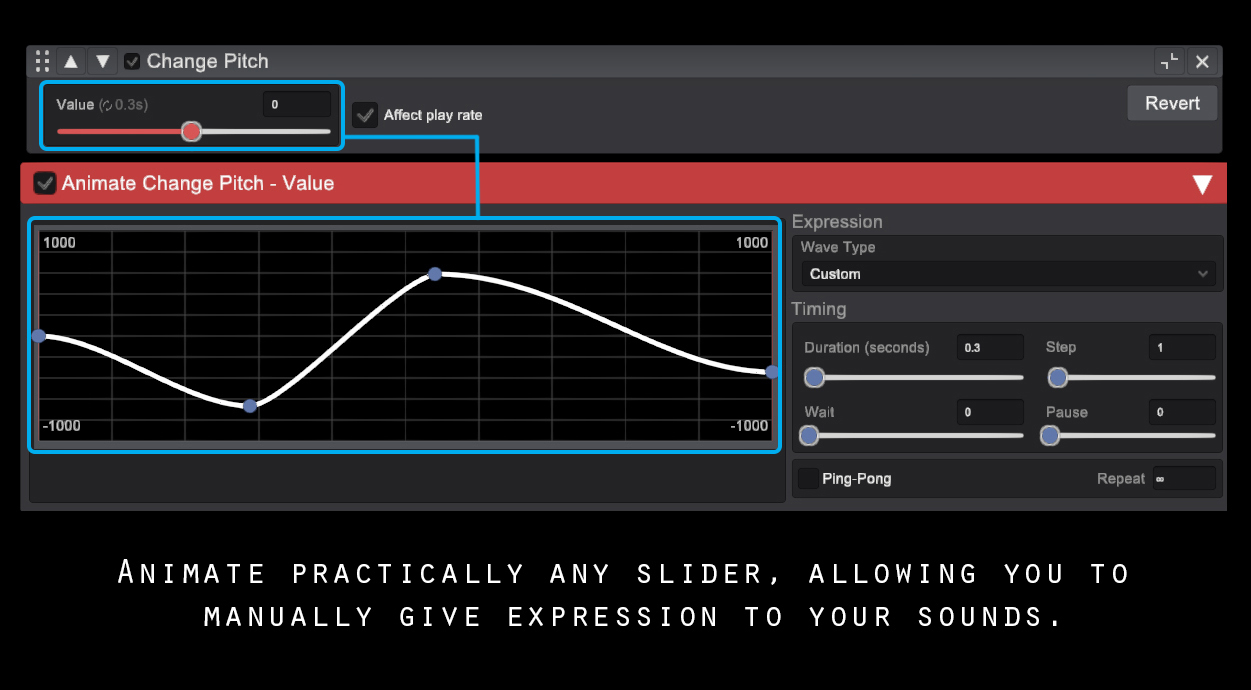
- Animate practically any Slider! This is one of the main features of the 2.0 version, allowing users to animate sliders and changing their value over time.
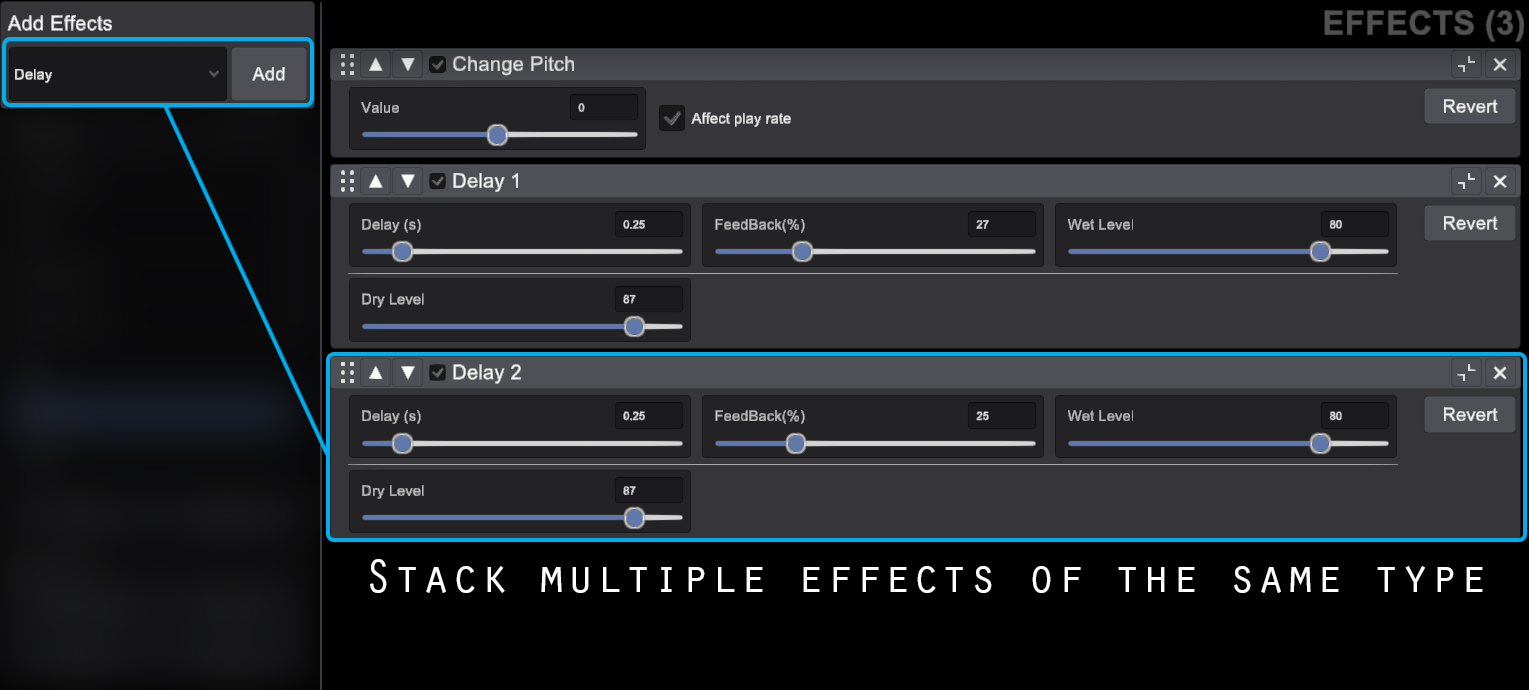
- Add and stack the effects you want on your sounds.
- Create and manage multiple effects per project. Mix them to create more intricate, richer sounds.
- Many Different Presets to experiment with.
- Import Custom Sounds from your computer and modify them within the tool.
- Record sounds from your mic and import them back to SoundDevX to modify them.
- Render your sound to use it on your games.
- Save your presets to modify them later or share it with other users.
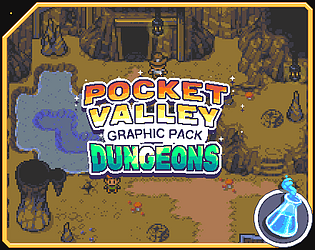
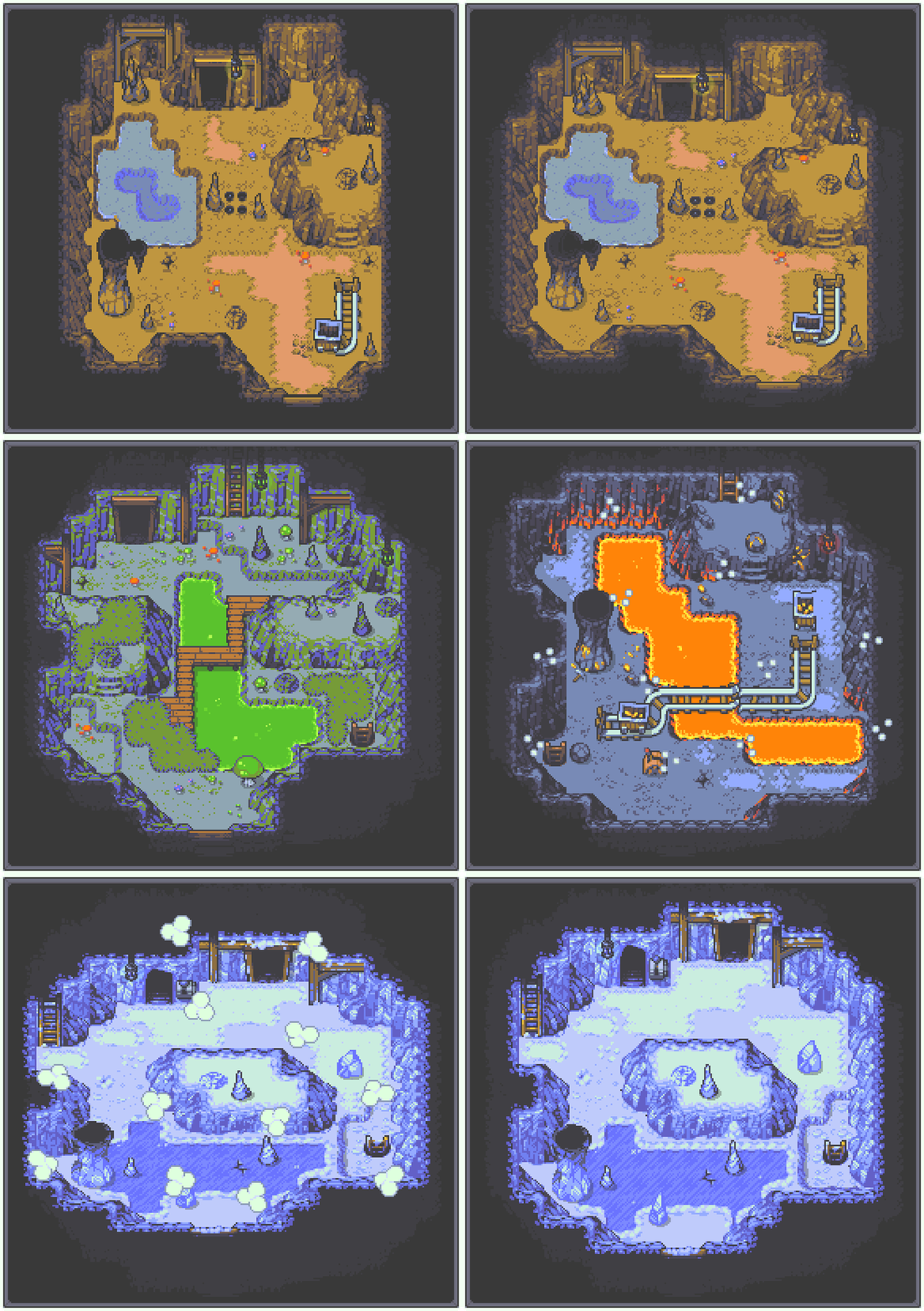
We are excited to announce our newest graphic pack: Pocket Valley - Dungeons!
It's part of a collection of graphic packs we have been releasing, that allow users to create top-down retro games with a gameboy aesthetic!
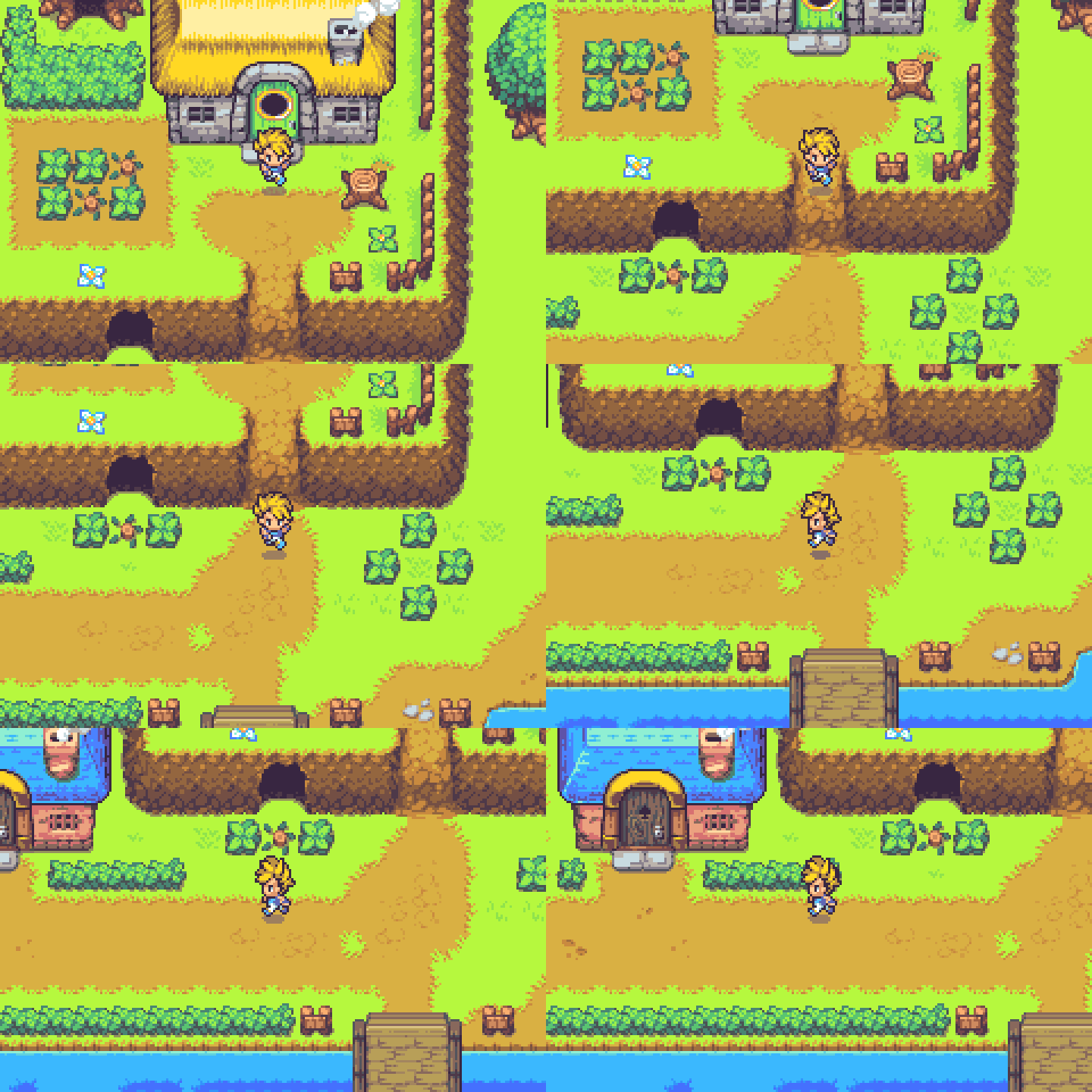
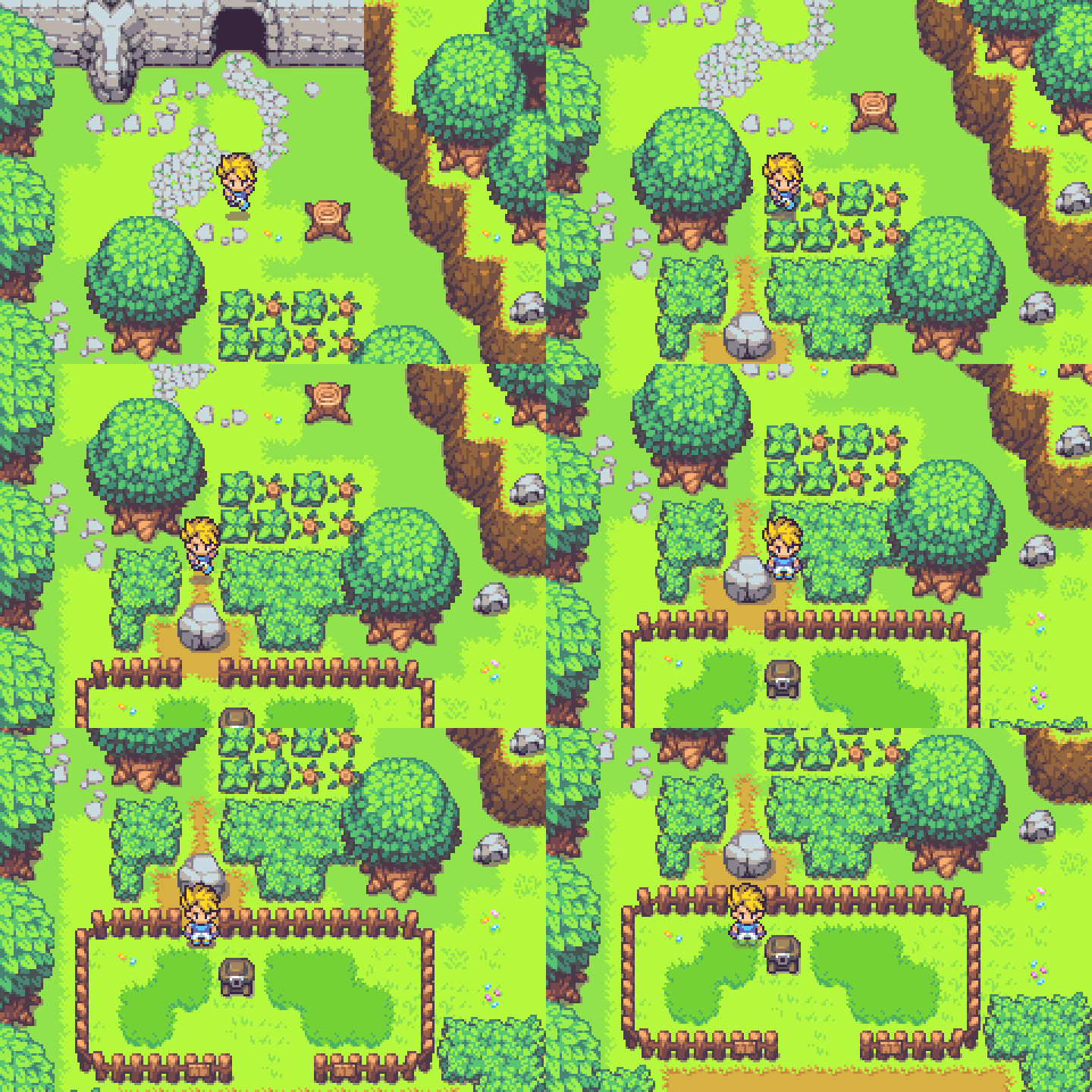
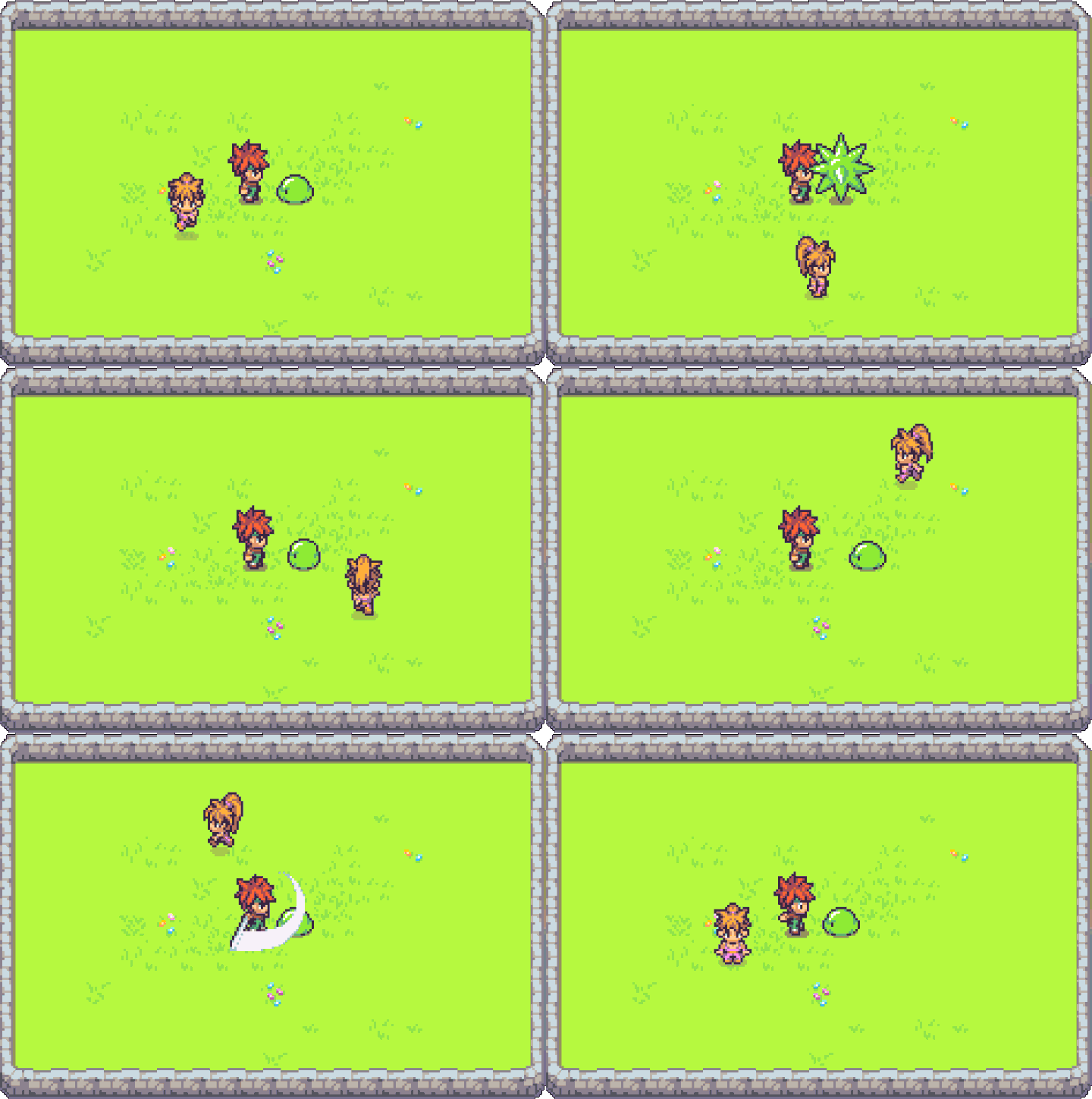
Hello!
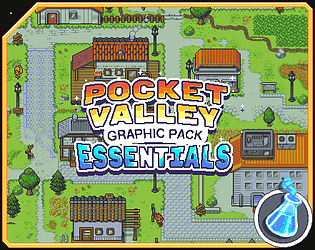
We just released a free update for our graphic pack Pocket Valley Essentials, called Sakura Update, which includes a variety of eastern-style objects and structures!
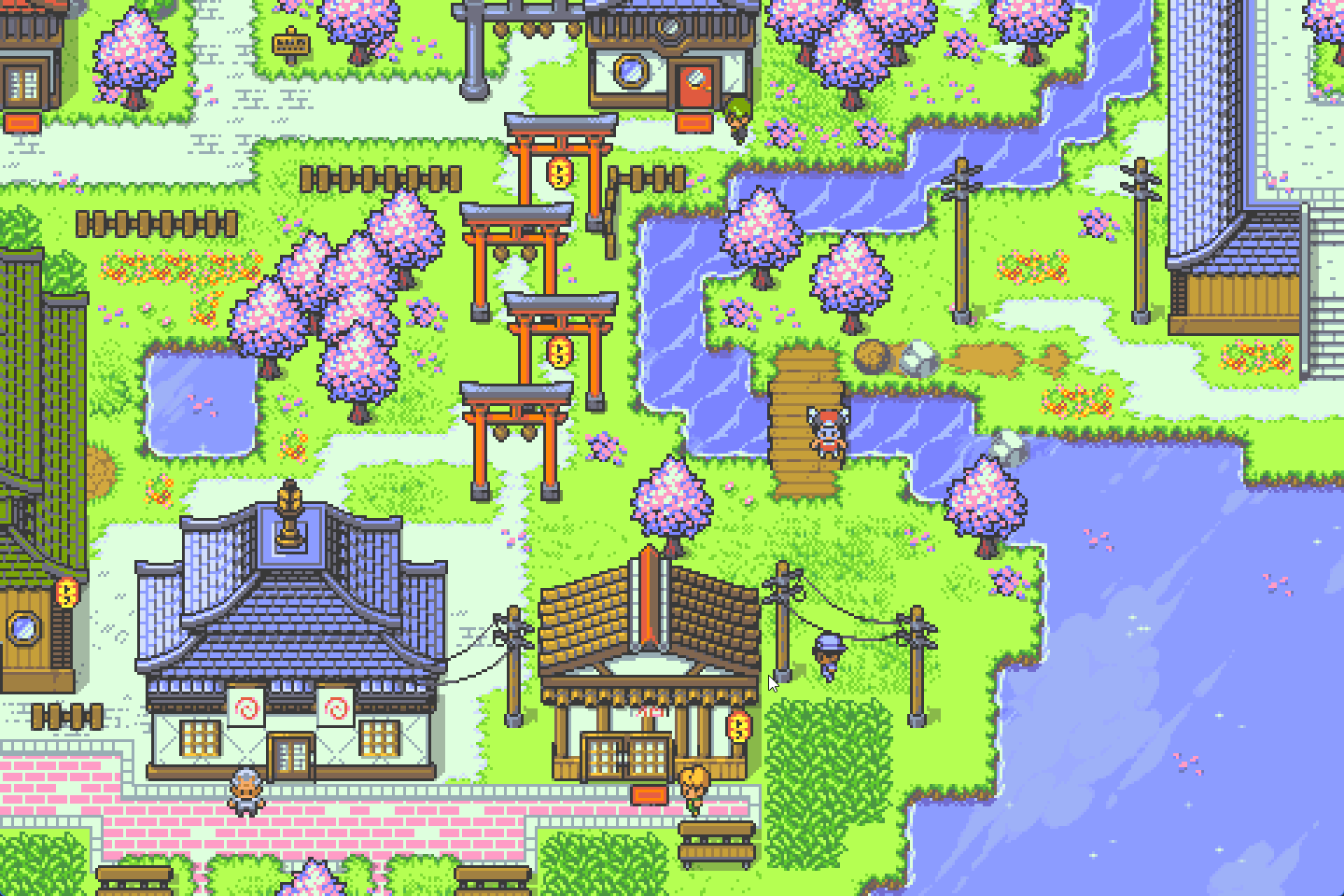
We made this update with a lot of care and you hope you like it!
Hello DaviCompai! Thank you for leaving a comment :)
The issue arises because there are 2 Normal Maps presets: DirectX style and OpenGL style.
The style you used on your character was OpenGL, while this software currently only supports DirectX style.
We're going to add OpenGL style support sometime in the future.
You can reference each on this figure. The one compatible with this software is the left one:
