OK, the Windows version is running fine on my Virtual Machine. So an isolated Mac issue, then, I think
A member registered Feb 27, 2025 · View creator page →
Creator of
Recent community posts
Crystal Desires [1.13] [Completed!] comments · Replied to weirdkitty2 in Crystal Desires [1.13] [Completed!] comments
Update:
Using the command <sudo chmod -R 755 Game.app> allows the game to run, which is progress.
However,I now get this: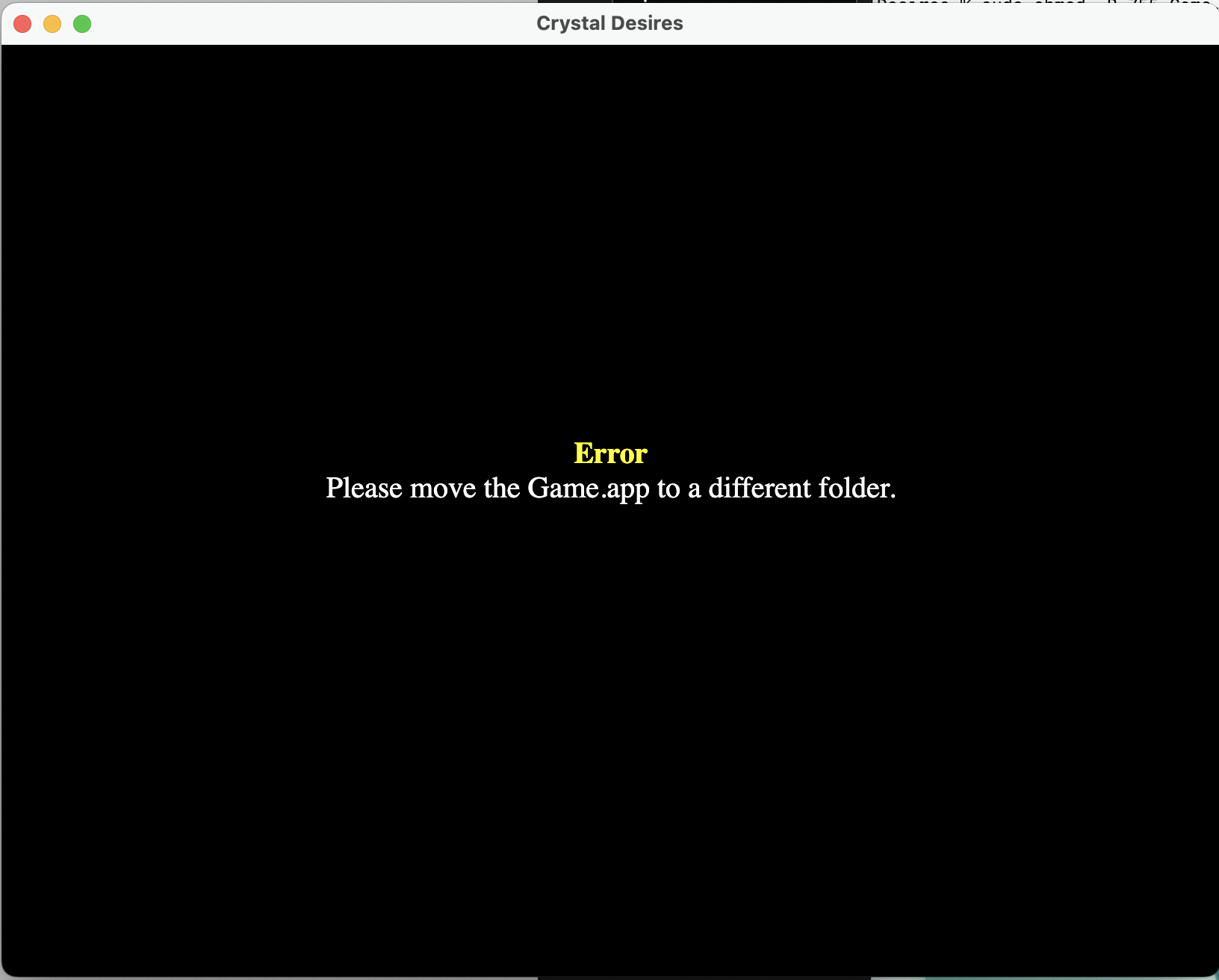
My current file path is downloads/CrystalDesiresMac1.02/CrystalDesires/Game.app
The folder CrystalDesires contains Game.app, v8_context_snapshot.x86_64.bin, and credits.html, which is how it came when I unzipped it.
Is there still something I'm missing?