

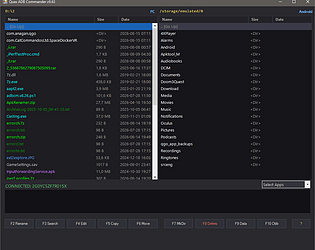
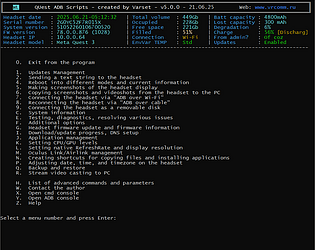
A Total Commander-style file manager for your Meta Quest / Android device.
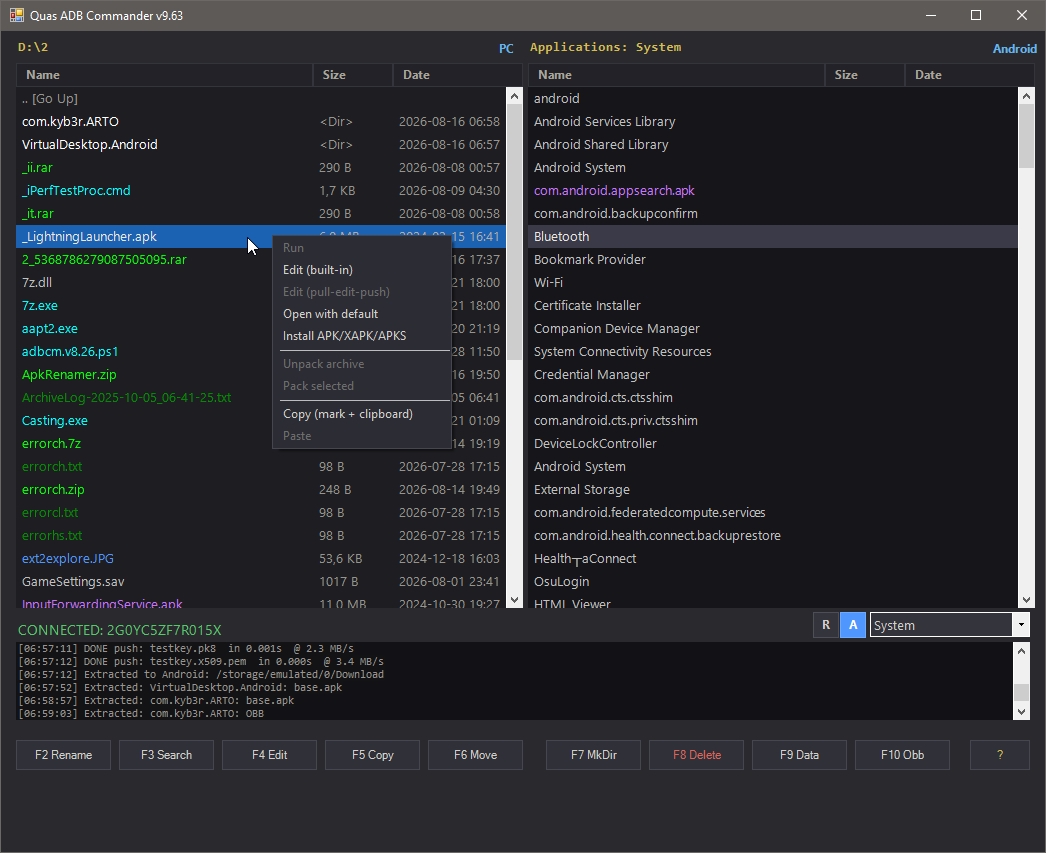
Tired of poking around your device's files through raw adb commands in a console window? Quas ADB Commander is a dual-panel file manager in the classic Norton/Total Commander style — your PC on the left, your connected Quest (or any Android device) on the right.
What's inside
📁 Full hotkey-driven file management — F5 to copy, F6 to move, F7 to make a folder, F8 to delete, all the classics. Move files between PC and device in either direction.
📝 Built-in text editor — with syntax highlighting and automatic encoding detection. Open a file from the device, edit it, hit save — it gets pushed back automatically.
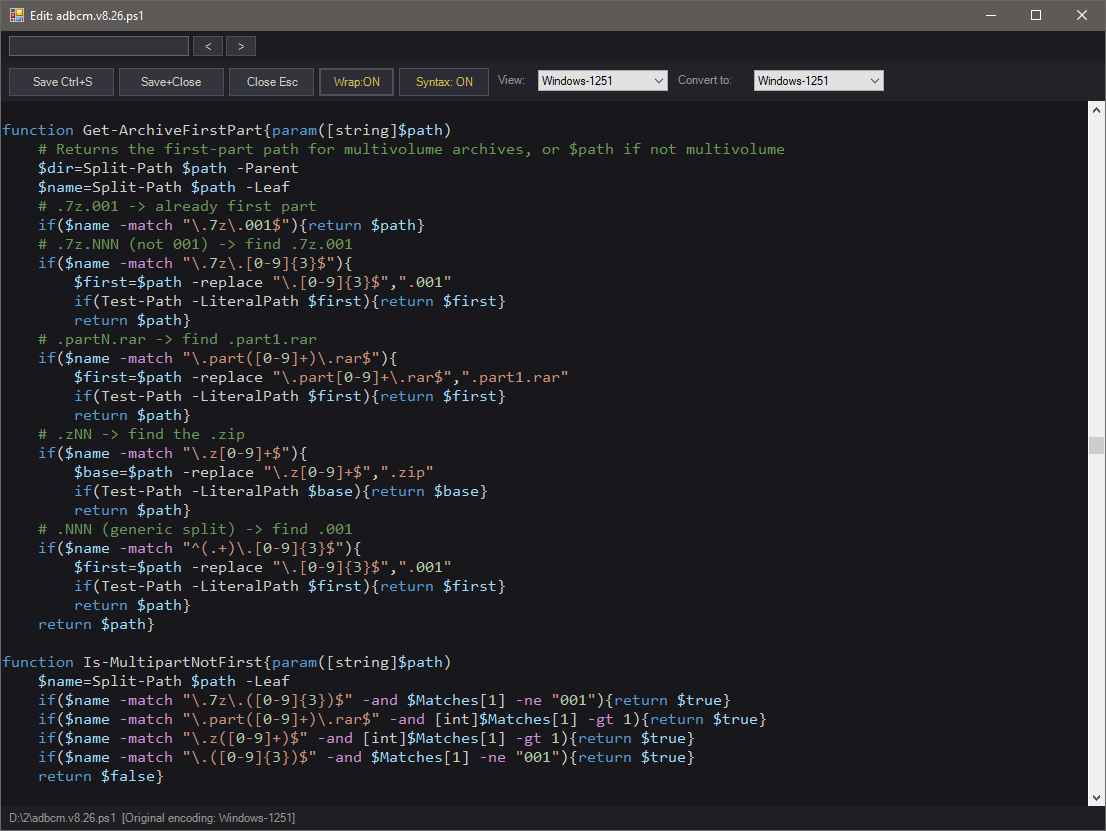
📦 Full archive support — browse .zip/.7z/.rar archives like regular folders, extract and pack on the fly. You can even edit text files directly inside an archive without manually unpacking it — save, and the change is written straight back in.
📲 One-click APK/XAPK/APKS installation — with automatic OBB detection and transfer, including split-APK packages.
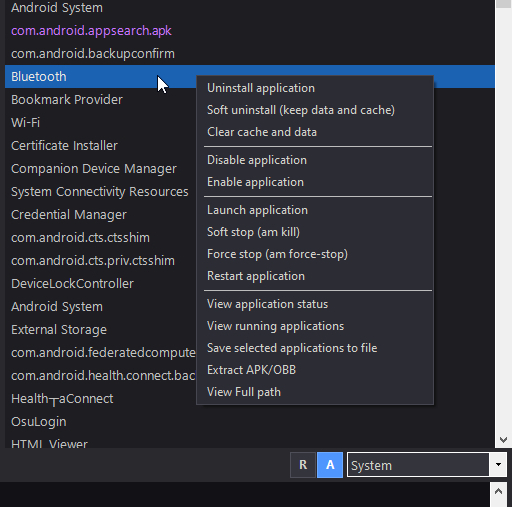
⚙️ Application Manager — a complete app management panel: uninstall, disable, clear cache, view status, see running processes, extract APK/OBB to your PC, restore removed apps, and more — no manual commands required.
Nothing extra to install
Everything's already bundled in — adb, aapt2, 7z, and everything else you need. Download and run adbcm.v9.63en_setup.exe, connect your device over USB with debugging enabled, and you're good to go.
Feedback and bug reports welcome! Full description of all features on the release page..
Project link: https://varset.itch.io/quas-adb-commander