








Hey hey! 👋
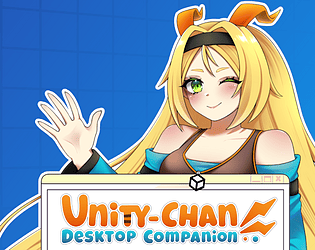
Here's a basic info on how to install mods to Unity-Chan: Desktop Companion
- Download the mods you want, basic pack can be found here: [Mega Link]
- Unzip the archive
- You need to have launched Unity-Chan: Desktop Companion at least once so it creates mod directory. You should find it in
C:\Users\[USER_ACCOUNT]\.unityChanCompanion\Mods
or in other way
%USERPROFILE%\.unityChanCompanion\Mods - Select .ucdcmod mods you want to add and paste them to the mod directory
- Open the game
- Some mods require additional setup: they may require API keys, or any other info typed in mod settings
- Once you create API key, play the UCDC game and click in phone Menu -> Settings -> Mods, select the mod you want to edit settings and paste the API.
- ElevenLabs also needs voiceID. For it you need to browse ElevenLabs page, select the voice you like and copy its voice ID in settings
