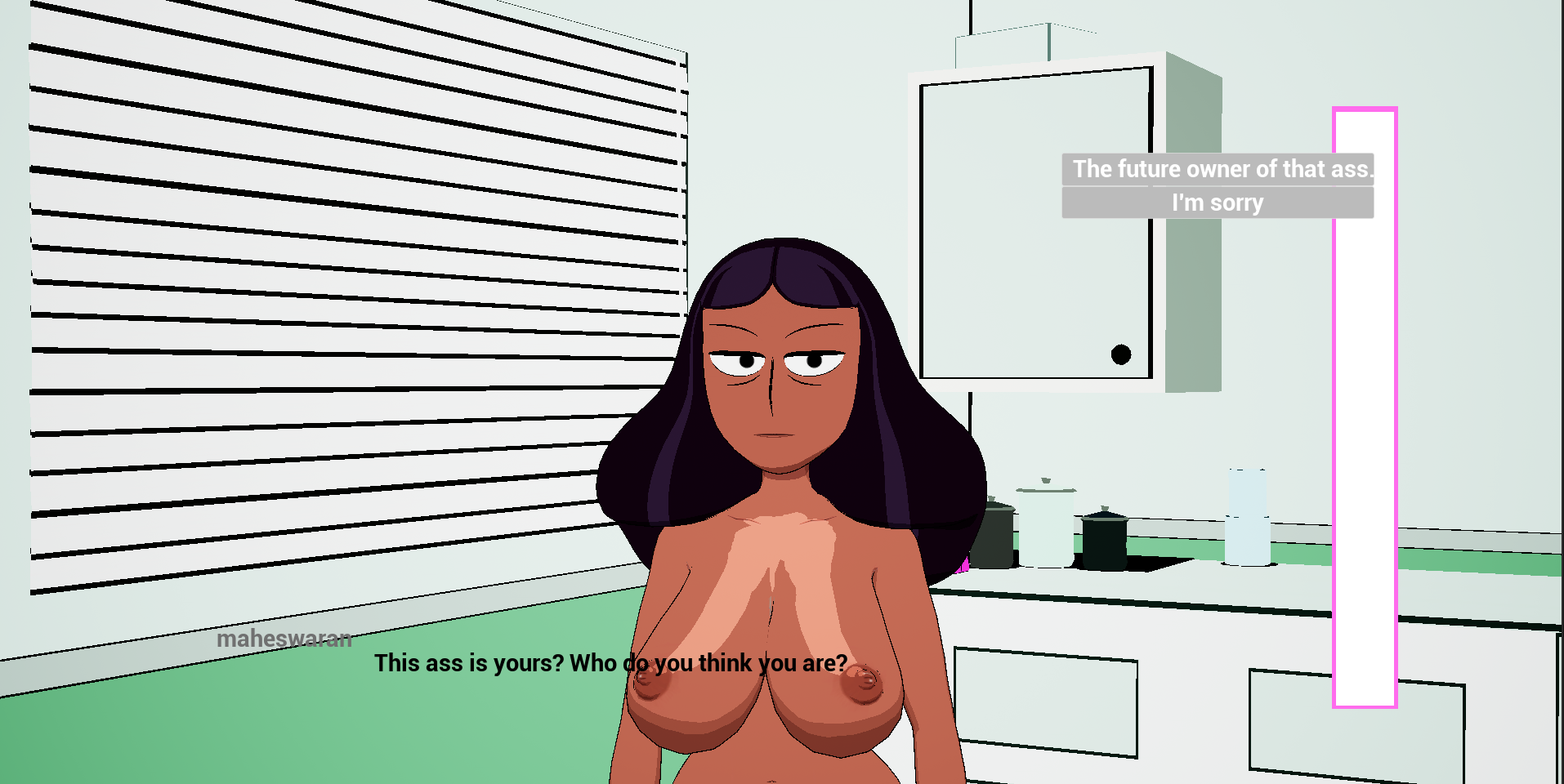
I hope to do it as soon as possible, maybe in 1 or 2 weeks. Fixing the doctor's 3D model and creating more interactions and dialogues are things I plan to add in the future.
A member registered Aug 10, 2025 · View creator page →
Creator of
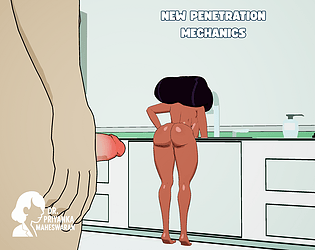
He seduces and excites Dr. Priyanka Maheswaran by doing "questionable" things.
Action
Recent community posts
Clinic Maheswaran - Alpha v2.4 - Update comments · Replied to t0m0k028 in Clinic Maheswaran - Alpha v2.4 - Update comments