Indie game storeFree gamesFun gamesHorror games
Game developmentAssetsComics
SalesBundles
Jobs
TagsGame Engines

Patrick W. Crawford

393
Posts
3
Topics
41
Followers
22
Following
A member registered Jan 30, 2021 · View creator page →

Creator of
Recent community posts

Thanks a bunch for the info 🙏

Thanks for trying it - but ah darnnit, no transparent background? If you have a moment, it would be a huge help if you could share details about your system (OS name/version, graphics card too) and maybe a screenshot of it with a little bit of margin to show stuff behind. I want to keep iterating on this desktop app even if I get booted out, and want to at worst at least identify what the source of incompatibility might be.

Also thanks for sharing the combo stat, definitely makes it sounds like more variety than in my head.

(1 edit)

image.png

Ah well, it is often the case that true randomness doesn’t feel actually random to us mere humans. If it were me, I’d probably do something like pre-calculate the number of enemies to be killed before the next one is dropped, and tie it to that counter, rather than rely on true randomness at any given %. This way, you can control the extremity of the range (and more easily tune early vs late stage behaviors).

(1 edit)

Nice implementation. Took me a moment to realize the cards were also health (I think?) and that I was losing abilities as it was going on. I also feel like I stopped getting new drops even as more enemies were appearing, so then I would just get stuck with 2 cards. All said, nice work.

Edit: High score counter was a nice touch too, motivating to replay

Unique amongst the entries! I actually had the thought of “hm maybe I could have done a car customizer entry” and then I saw yours so I was excited.

It felt a bit random each time I passed through what I’d get, which I guess is part of the point. I think it could have been interesting if as you approached each checkpoint, er, each set of check”boxes”, having a UI hovering over saying which one each was, could have help you strategize more. And if not the specific item, at least that “category” of which box relates to what, so you could avoid getting a lower tier engine if you think you already have the best. All the same, nice work.

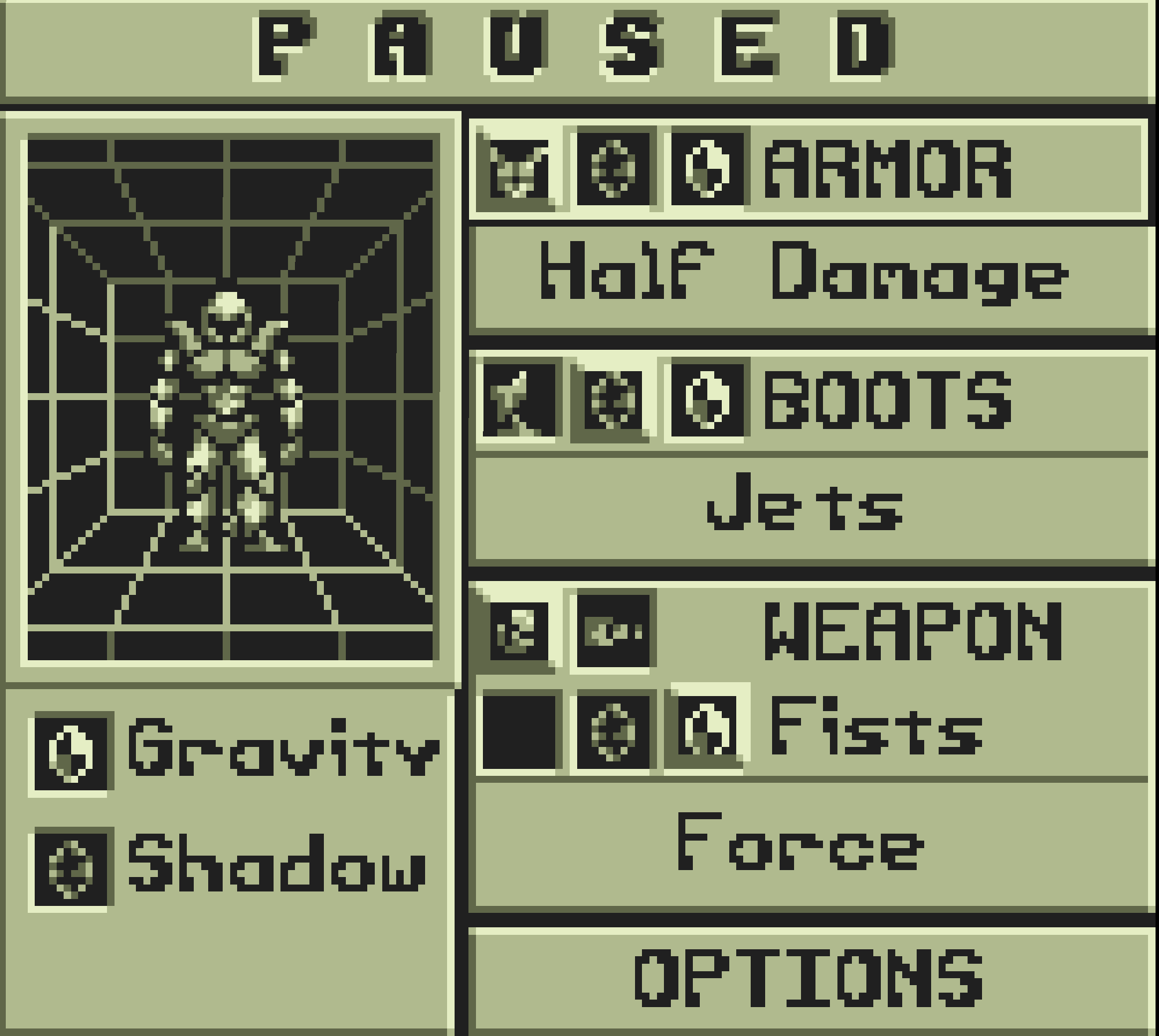
My preferred loadout (not sure if I missed anything, but force all the way over the gun). Felt like a nice progression over a short period of time, good execution of the theme while still making it easy to see the variety of cusotmizeables.

Always a fun of the classic spoonsweet color palette. Was a little confusing at first to know the impacts of e.g. boy/girl vs young/old as it also changed a cosmetic at the same time, so it was like a randomizer. I eventually got two bald’s in a row going between old and young so I could see the difference. Maybe a combo selector, or always reset other attributes (like hair) back to bald so it’s easier to compare? Anyhow, curious how this “walk” goes from here!

Love the blocky style, wish we could see some animations or turn around the character to see more of the selected shapes, but there was a decent variety and of course unlimited color choices.

Fun shapes, appreciate the UI sfx - not a ton of variations, but I do appreciate their expressive personalities. Fun way to make a mechanic out of your choices.

Blobs unit!

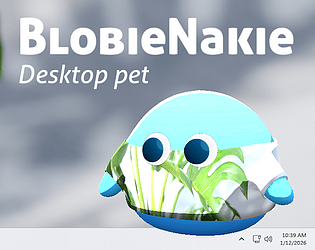
Thanks for giving it a play and sharing your Blobie!

Thanks for giving him a try! Funny thing about the image selection, I actually had screenshot-based texture applying from the very start, but never got around to making a rectangle tool to actually select the subsection. Drag and dropping in was a last ditch effort in the few hours before the end of the jam, but definitely helps vary up those customizations. Glad your (spooky!) buddy is keeping you company.

Good to see you in the jam once again, and thanks for giving Blobie a try

Thanks for giving Blobie a try, may he resurrect the bygone era!

Thanks for giving it a try!

Glad you saw the note. I guess when you add things in the last hour or two before the jams, things are bound to end up funny. Initially, there were no sub menus and I had you just tapping the buttons to toggle through the states, but when I added the sub menu forgot to remove the auto advance part. I’m also happy how the color picker turned out, amazing how far a few lerps can get you!

Thanks for giving my entry try - indeed, a shy little blob.

Thanks for giving it a play, and glad you appreciated that little easter egg!

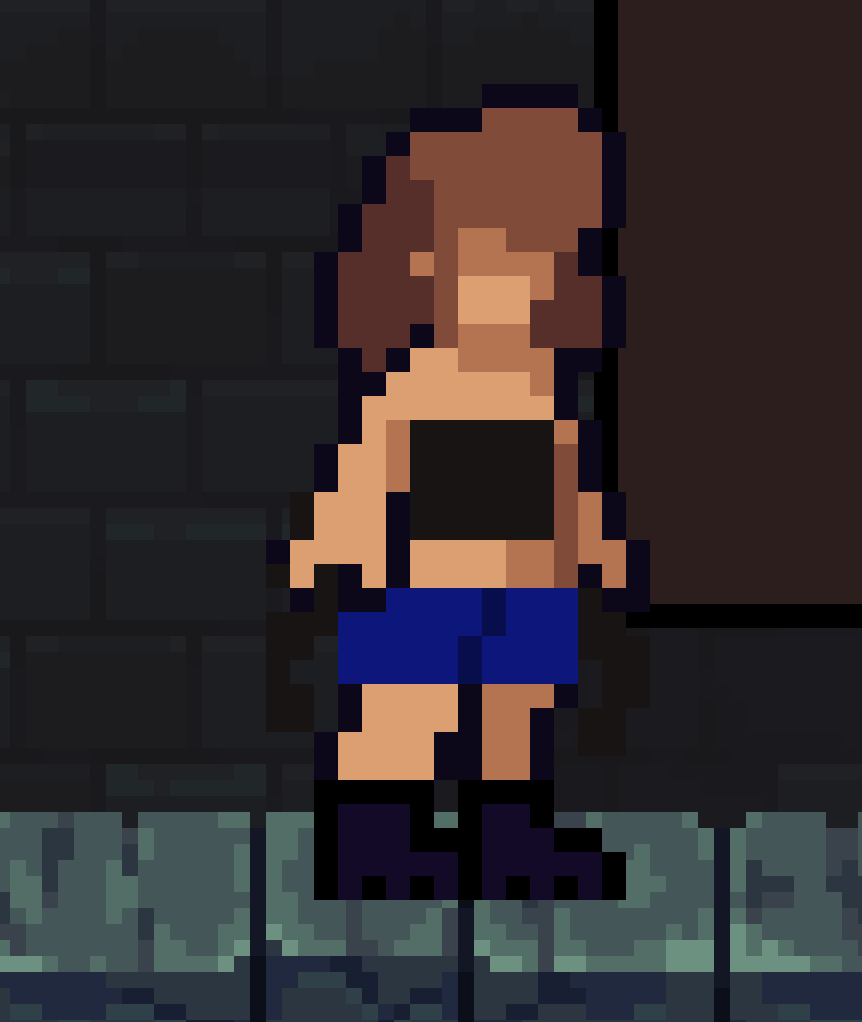
I was going to say, kind of risqué but I guess being so pixel art it passes :p Though not a ton of options, it works as expected and is bug free, and the continually moving animations make it engaging. My fit:

Thanks for trying it out, and glad it worked! Indeed, Blobie has big dreams and aspirations.

A very unique take indeed, nice job “breaking the mold” (fitting phrase, no?). I wasn’t as creative as the others, but still had a good time.

(Only nitpick would be clicking to drag with multiple overlapping parts seems to pick from the bottom instead of top, so had to drag around a bunch of parts to till I could move the one I actually saw on top)

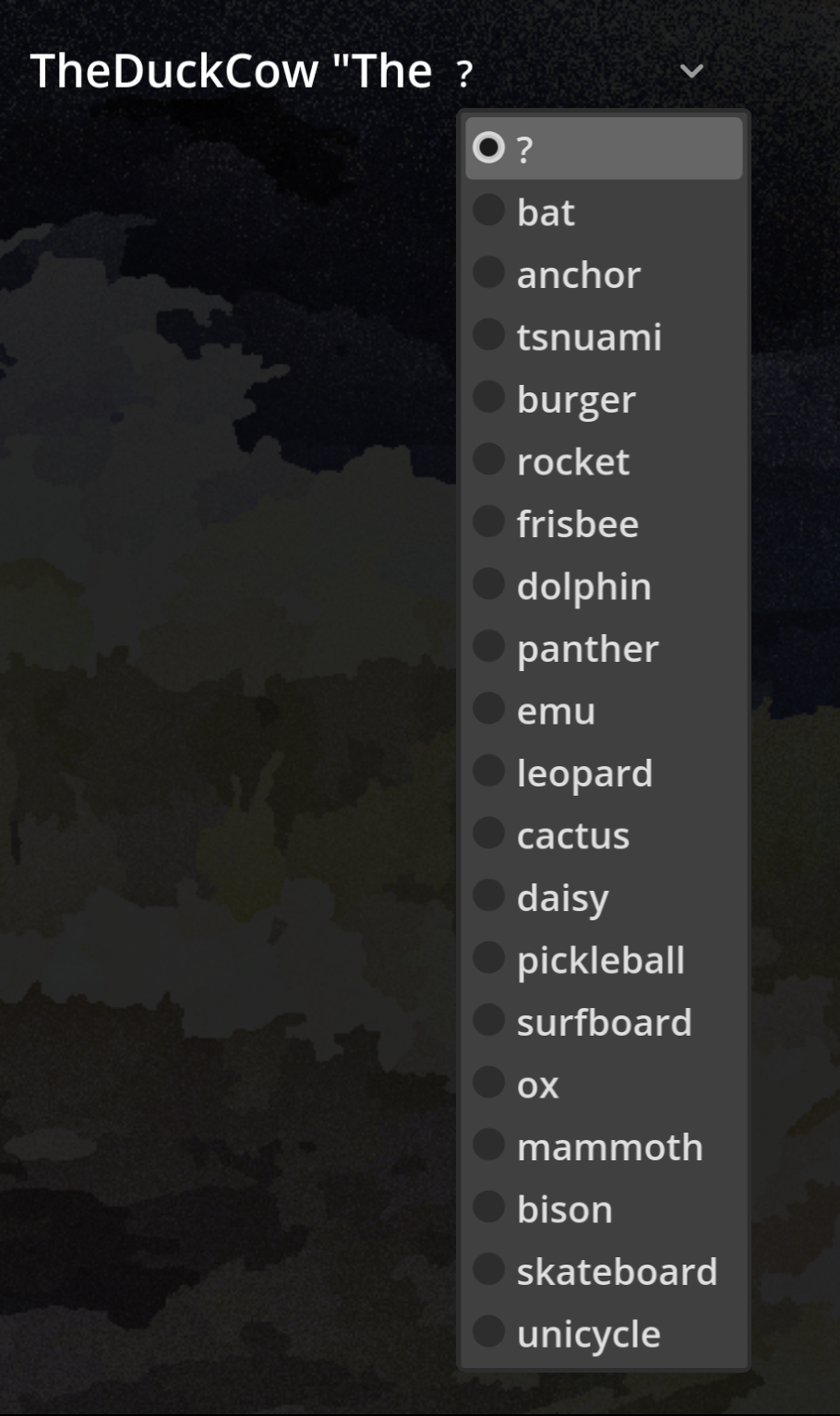
Fun madlibs like setup! I’ll jokingly say I was disappointed at this dropdown given my name ;) but was happy to find I had a duck option later. Life getting in the way is a definite thing, congrats on what you did put together!

I feel that! While trying to get some more screen grabs of my own entry, I see I botched a few states as well so you’re not alone there

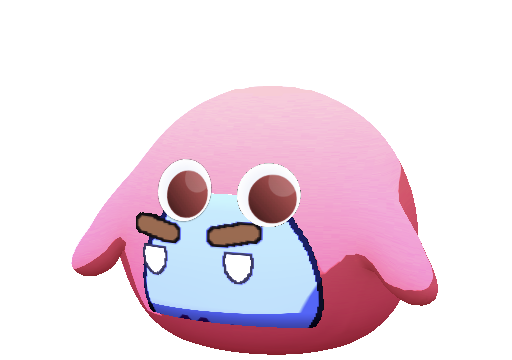
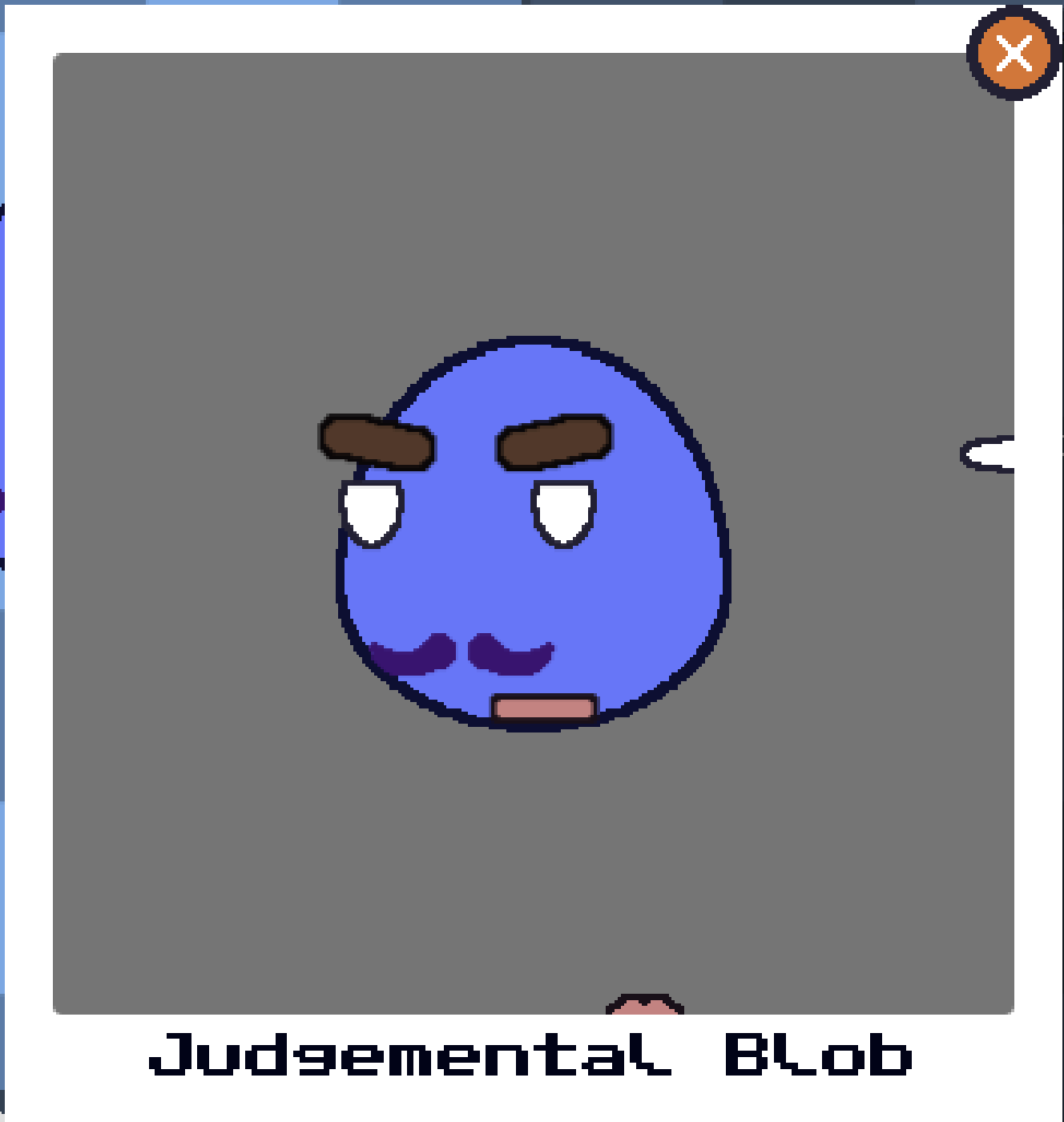
Had to rate a fellow blob-entry of course. Definitely does well for all the categories, and the squishing is satisfying. Got a little hard to remove some items, placing them back in the menu led to them being floating and sometimes the mouths were hard to grab / repositioning items was slightly awkward? But overall, nice work - and definitely lots of permutations!
Nicely done! Love the rotation at the start and how it seamlessly blends into the level start, not too long and not too short. Gives me Wave Race vibes which is awesome. Only nitpick is the tilting of the camera made it hard to see / felt too strong, though I also get the balance needed to show to the user their input is working. While playing I figured it was meant to be representing the tilting of the whole level itself, but then in one level I saw it made a difference how you sped up being tilted in the air, so perhaps it’s mean to be the cat in the ball? if so, another idea could be to do some visual effects inside the ball to also help accentuate the current tilt/movement input, allowing you to do less of the screen tilt. Just some game ux thoughts as I have ’em! Nice work getting sound and so many levels together.

Glad you found the feedback helpful!

When I watched back, I saw the stadia controller actually did match the xbox buttons listed for pinball, I just forgot because I was initially trying via keyboard and then switched to controller after.

Yeah, I’d say both left bumpers for the left paddle + left click (which is already set), and both right bumpers for the right paddle + right click (not set), and then to pull back either or both X and A seems reasonable to me, I wasn’t expecting it to be a bumper so I ended up hitting just about every other button on the controller first.

I wouldn’t say you necessarily need a full-blown tutorial stage, truly a sign here and there to guide you could be sufficient, and then just intentional level design which tends to drive players to discover things in a useful order (tutorial through level design essentially). So, people will walk around, figure out jump in the first little section. Maybe ground pound is the first thing you’d want them to discover? And assume they don’t figure out wall jump right away, so you could flip around the position of the blue switch by the gate so you discover that first (you’d also need to cut off the upwards ramp on the right side as that’s an easy way out). Then if you want them to figure out wall jumping next, put some obvious feature right on the other side of the gat which shows it, maybe even some carving into the wall with arrows so visually players get the idea that “ah they want me to wall jump”. Then again, the back stone area actually conveyed that quite clearly to me, I just happened to discover the wall jumping earlier. This way, the first level becomes a tutorial, but anyone who already mastered the motions can easily wall jump past and go straight where they want. Whereas a dedicated tutorial can often feel rather heavy handed. Just my 2c of thought!

Hi there! Been following you on Blue Sky but never got to play till now (or is this the first playtest?). My partner and I gave it a ply. As a gamedev myself, I always find someone’s very first moments trying the game insanely helpful, so we recorded our play through. Overall very cute aesthetic, and fun gameplay. Characters are well styled and are memorable - notes below are just what I, if I in your shoes, would prioritize to improve the experience:

https://youtu.be/96-0hXvVafk

  • Fought a little at the start to get it into a larger screen size, maybe don’t “capture” the mouse pointer until you move or click onto the window? And pressing esc should ideally always release the mouse (ie if the menu is up, mouse should be visible, capture again on pressing esc to get back in the game)
  • Not a note but positive feedback: Loved the little details like the thought bubbles saying “hmm too small to fit in there” and the different text popups everytime you collect something; also, having a very clear objective was nice, and that it kept reminding you of progress and what remains
  • As others have said, I’d add settings to allow for (un)inverting mouse controls, we both nearly stopped playing early on because of this
  • More control hints early on, such as for ground pound and punching.
  • Also having enemies right where you initially spawn, before you even know the movement controls let alone how to punch, is a little tough, I’d put the lil gophers on the other side of the gate or something
  • There are some places where input controls are described, such as with the bird and your scientist sister, but otherwise not described. Signs or even just automatic toast popups when you approach an entity for the first time can be helpful. Also where the inputs were described, it wasn’t giving me the keyboard input messages (and when I switched to controller, I don’t think they matched the buttons on mu controller… I know, a super hard area to solve for). An idea: maybe an in-game action mapping screen? Where it lists the action name, then columns for the keyboard + controller inputs, and even if you can’t change the mappings, you could have it highlight or showcase which ones are being triggered as you press them on the keyboard/controller? That way you test to see how to do each thing easily.
  • For the pinball machine, we had quite a tough time - no way to exit, and no clue on what the keyboard controls were. Using the mouse, I could only get the left flipper to work via left click, right click did not seem to affect the right flipper - had to go into he closet to get a controller. Likewise, because the start was zoomed in on the ball, I found myself laughing the ball just so I could have about 1-2s to frantically try a bunch of buttons to see which would get the right flipper to move until the ball inevitably fall through. If you started off the view showing the whole board and left it interactive, I could have probably self discovered the flipper controls. Then only zoom in on the launching once you hold the button down to wind up. Also on a controller, left + right bumper feels more logic than X + A (on my stadia controller anyhow), I had to hold the controller funny to play the pinball game naturally (left thumb over x, right think over a) as I want to be able to flip both flippers at once, but doesn’t work too well when it’s on the same side.
  • Very minor nitpick, but was hoping for some acknowledgment or something once we got the last collectable, as I believe we got them all in the end! Even. Temporary “You got’em all!” title overlay that disappeared a moment later would suffice

Overall, really nice work and excited to see where it goes! Also as a sign of success, this inspired us to play Spyro on the gamecube for an hour or so afterwards :)

It is distractingly mesmerizing to watch little cars wizz around a track hehe. Thanks for giving it a try even in this limited state, biggest one indeed the debug state I forgot to turn off which made the toll booth have an impact even when not built yet.

Thanks for giving it a play! I’ll be sure to drop another reply once it’s enough further along.

Thanks for giving it a play - I’ll give another reply at some point when it’s indeed further along!

That feeling when you realize the debug state got committed and pushed in the final build 😅 it was intended that you’d only have the booth present initially, but because the other was was present it messed up state var which would cause cars to act as though the tollbooth were already there. Whoops.

Glad you gave it a try, and hopefully you at least felt those 15m were somewhat worth your time! Planning to evolve this into a tech demo for the Road Generator, I’ll drop another reply one day once it’s a decent chunk further along.

Thanks! I’m planning to build it out more over time as an interactive demo for the Road Generator, I’ll drop a reply when it gets to a respectively-updated state one day

Glad you like the potential of it! Hoping to expand on it as a continual demo of the Road Generator plugin. Happy I got at least something together, thanks for playing

These citizens are indeed hard to please! Thanks for giving it a try and the candidate feedback

Thanks for giving it a try! Yeah, there’s definitely a vision that deserves the light of day, someday

Oh man, that actually is one mechanic that WOULD have been doable during the jam - road work you can’t even see haha

Thanks for giving it a play!

(1 edit)

Well done! Fun details that you get to rename your cars. I was going to saw I wish there was more of an indicator of the difference between a regular upgrade and a resetting one (once that’s unlocked), but I now realize it’s blue. Still, maybe other strong button outline or something could help. But yikes otherwise, solid entry with top marks. Nice work.

Edit: I won’t post the screenshot to avoid spoilers (as awaiting to see how the track unfolds and what unlocks is half the fun), but got to “the end” and then cross the $1M mark, I guess that means I made it!

Tbh maybe it’s even a good thing, cuz it gave me chuckle :) For a jam, there’s plenty to be said about good enough is the best option, and you spent time on the part that was actually fun to play, so kudos there

Nice job, definitely a creative interpretation of the theme, short and sweet! A good amount of time to encourage replays, and showing your own score and personal best is a good touch to motivate pushing it a bit further. Only nit pick would be the rope kind of looked like breadsticks heh and when jumbled up, was hard to see where the actual lines were meant to be connecting