
Indie game storeFree gamesFun gamesHorror games
Game developmentAssetsComics
SalesBundles
Jobs
TagsGame Engines

Sveta532

12
Posts
6
Topics
3
Followers
A member registered 98 days ago · View creator page →

Creator of

Recent community posts


Advanced Inline Sprite Control

Tired of the limitations of image_tag?

Standard Ren'Py auto-highlighting can be rigid and hard to customize.

This toolkit offers a highly controlled alternative. Instead of relying on automatic logic, it gives you a clean, high-level syntax to manage focus, transitions, and sprite states directly within your dialogue lines.

Why use this instead of standard image_tag?

— Total Control: You decide exactly which sprites are part of the "scene focus" and when.

— Multi-Character Focus: Easily highlight two people at once or dim everyone for a dramatic pause.

— Dynamic Transforms: Pass custom parameters (like xalign, xoffset, or duration) to your shows and hides without leaving the dialogue string.

— Cleaner Script: No more jumping between show statements and dialogue. Your stage directions live inside your lines.
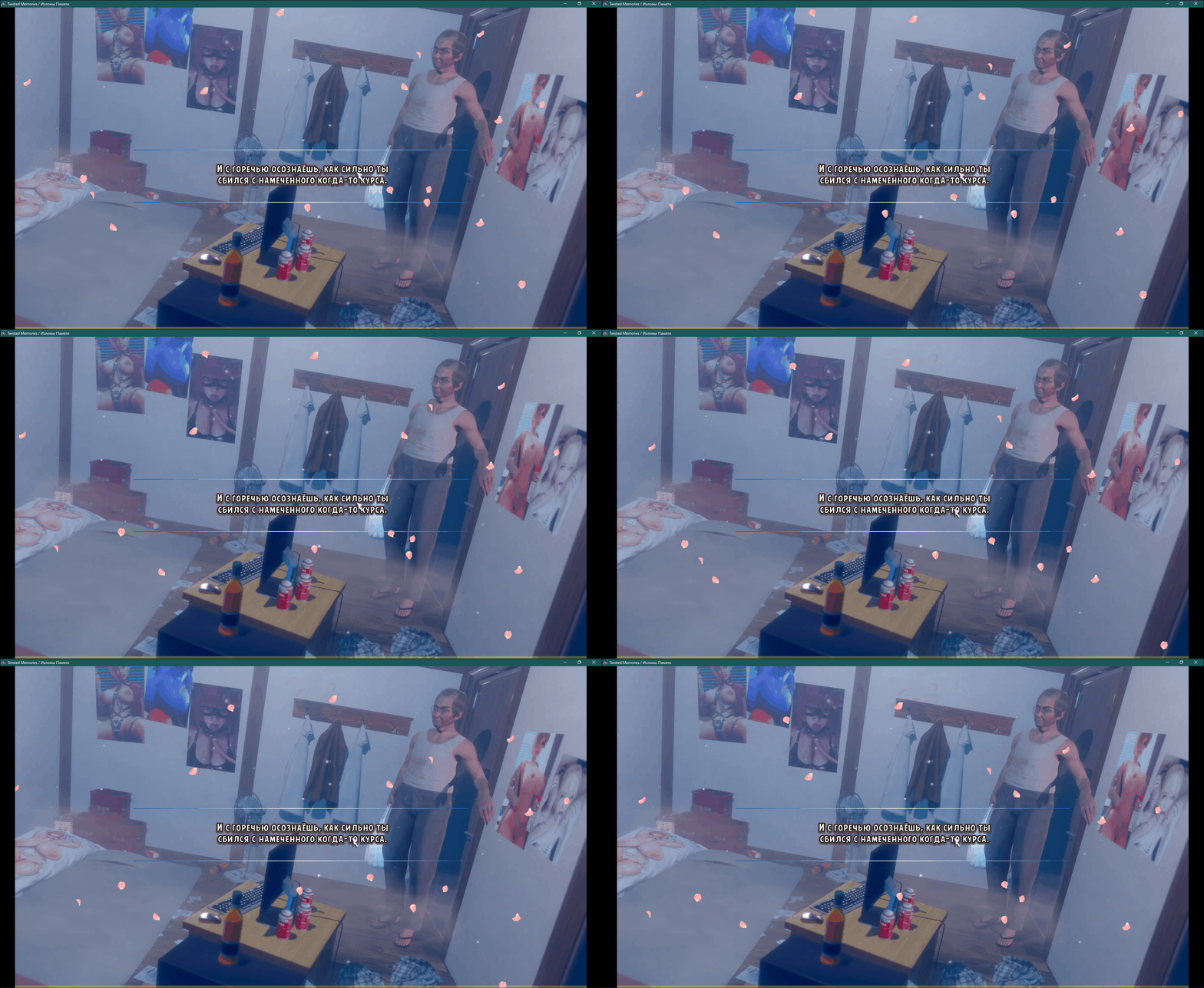

If you're interested, there’s a branched version available: a streamlined base effect and a higher-quality, but heavier, version ^^

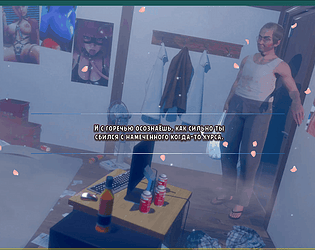
A simple and performance-optimized particle system for Ren'Py visual novels, 

designed for falling effects like sakura petals, snow, leaves, and dust.

## ✨ Key Features

- **High Performance** — 160+ FPS on 2010-era hardware in windowed mode

- **Global Wind System** — All particles react to shared wind with gusts and waves

- **Ready-to-Use Configs** — Sakura (gentle/normal/storm), snow, and dust presets

- **Easy to Extend** — Clean, readable code with a simple particle config system

- **Minimal Setup** — Just drop in the file and use `image sakura = ...`

I could also post the shader text tag factory, though it honestly just mimics existing tags via render (. ❛ ᴗ ❛.)
Better performance for sure, but it kind of kills the fine-tuning(︶^︶)

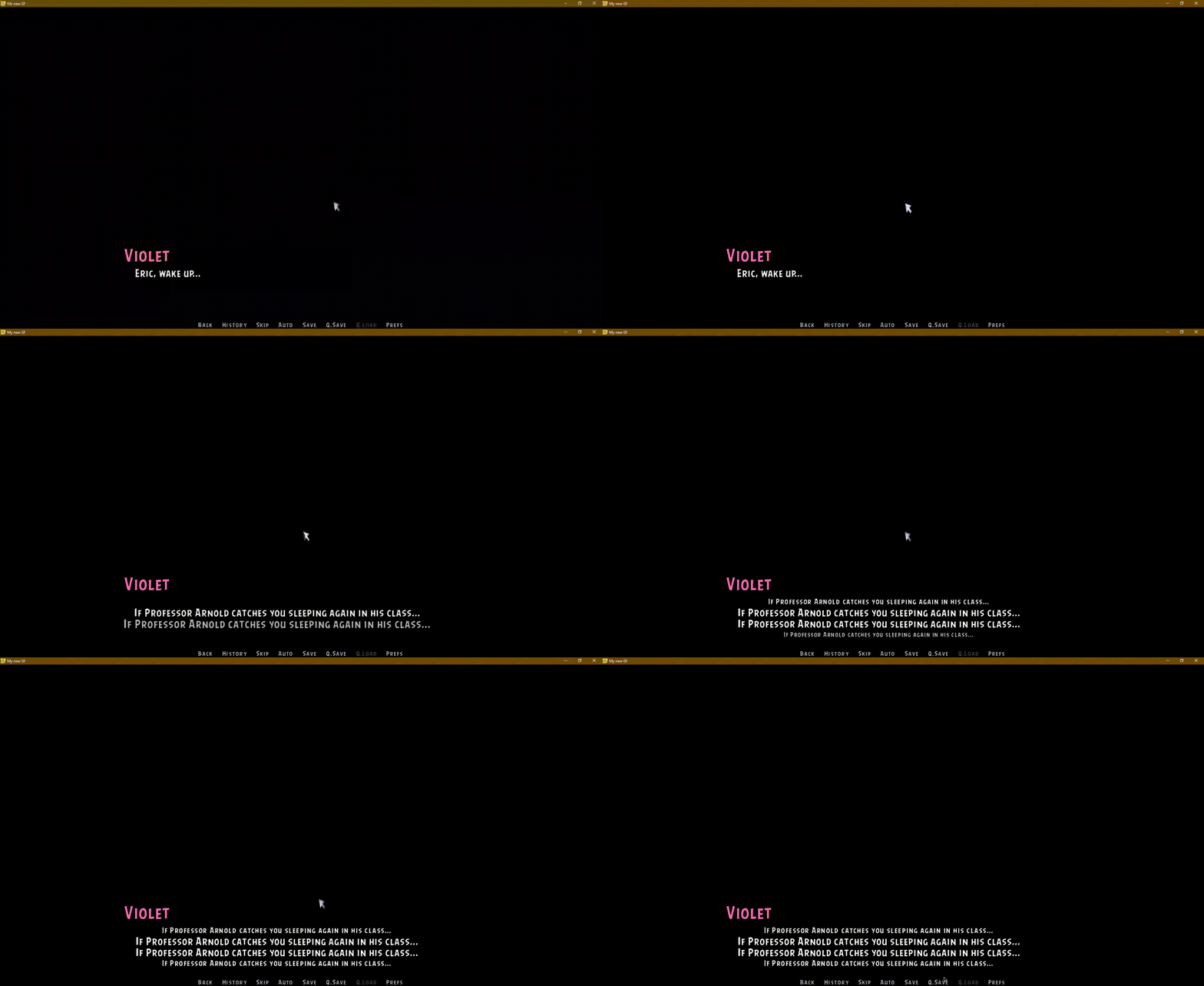
# Animated Text Tags for Ren'Py

A collection of **12 optimized animated text effects** for your Ren'Py visual novel projects.

https://sveteek.itch.io/animated-text-tags-for-renpy


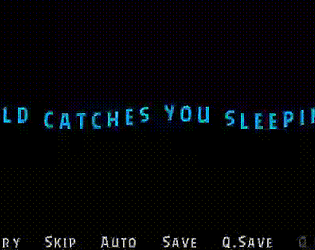
A custom text tag system for Ren'Py that adds animated ruby (furigana) annotations above or below text. Perfect for visual novels with Japanese text, translations, character thoughts, or any text that needs contextual annotations.

Unlike the built-in Ren'Py ruby implementation, this system features smooth animations, customizable effects, and proper visual separation with background styling.


https://sveteek.itch.io/rubytext-animated-rubyfurigana-text-tag-for-renpy

Example: [link]. Not an ad, I just don't have anything else to use as a reference (#`-_ゝ-)

Listen, it’d be better to put the flowers in the side image and add an outline.
For real, that dialogue box background is such a space hog^^

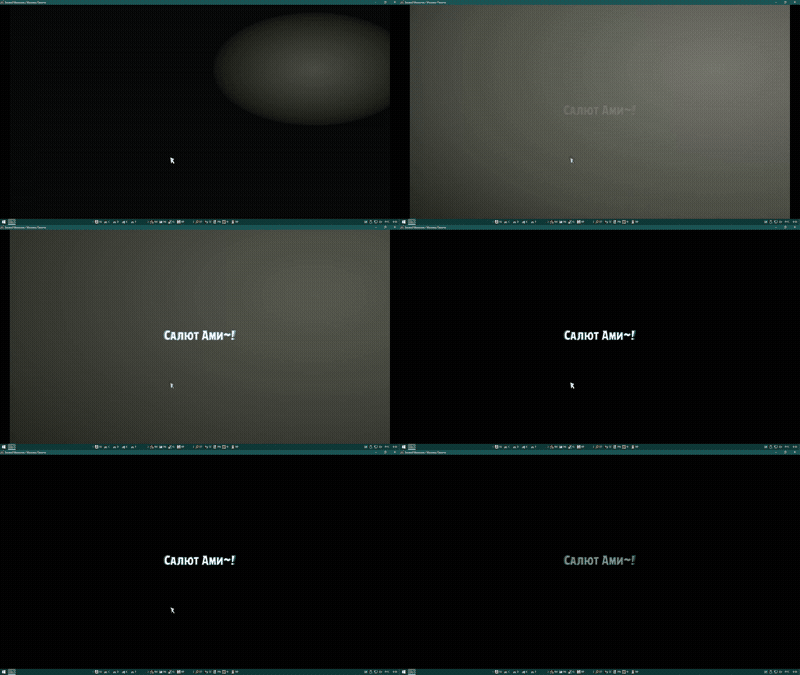
A simple light-switching transition for Ren'Py.

No extra assets needed — just plug in and use.


https://sveteek.itch.io/light-on-shader-transition-for-renpy

Curve — A custom Ren'Py statement that moves images along spline curves (and other paths) directly from your script, no Python coding required. Supports:

• Easing functions
• Motion blur
• Automatic sprite rotation
• Perspective effects

⚠️ No GUI editor yet — All control points must be manually defined with coordinates. Contributions welcome! If you'd like to build a visual editor, I’d love to collaborate!

https://sveteek.itch.io/curve

Advanced Features
• AfterEffects-style workflow: Create complex animations using keyframe blocks (warp blocks) with timing controls and easing
• Sequenced transformations: Chain multiple property animations within a single curve movement

Example Code:

# Move 'eileen' along Bézier curve over 3 seconds

curve eileen (0.2, 0.8) (0.5, 0.2) (0.8, 0.8) time 3.0:

    # First animation segment (0-1.5s)

    warp 0.0 1.5 smooth:

        zoom 0.8 1.3      # Scale up from 80% to 130%

        rotate 0 -10      # Rotate from 0° to -10°


    # Second segment (1.5-3.0s)

    warp 1.5 3.0 ease_out:

        zoom 1.3 1.0      # Scale down to 100%

        rotate -10 0      # Rotate back to 0°