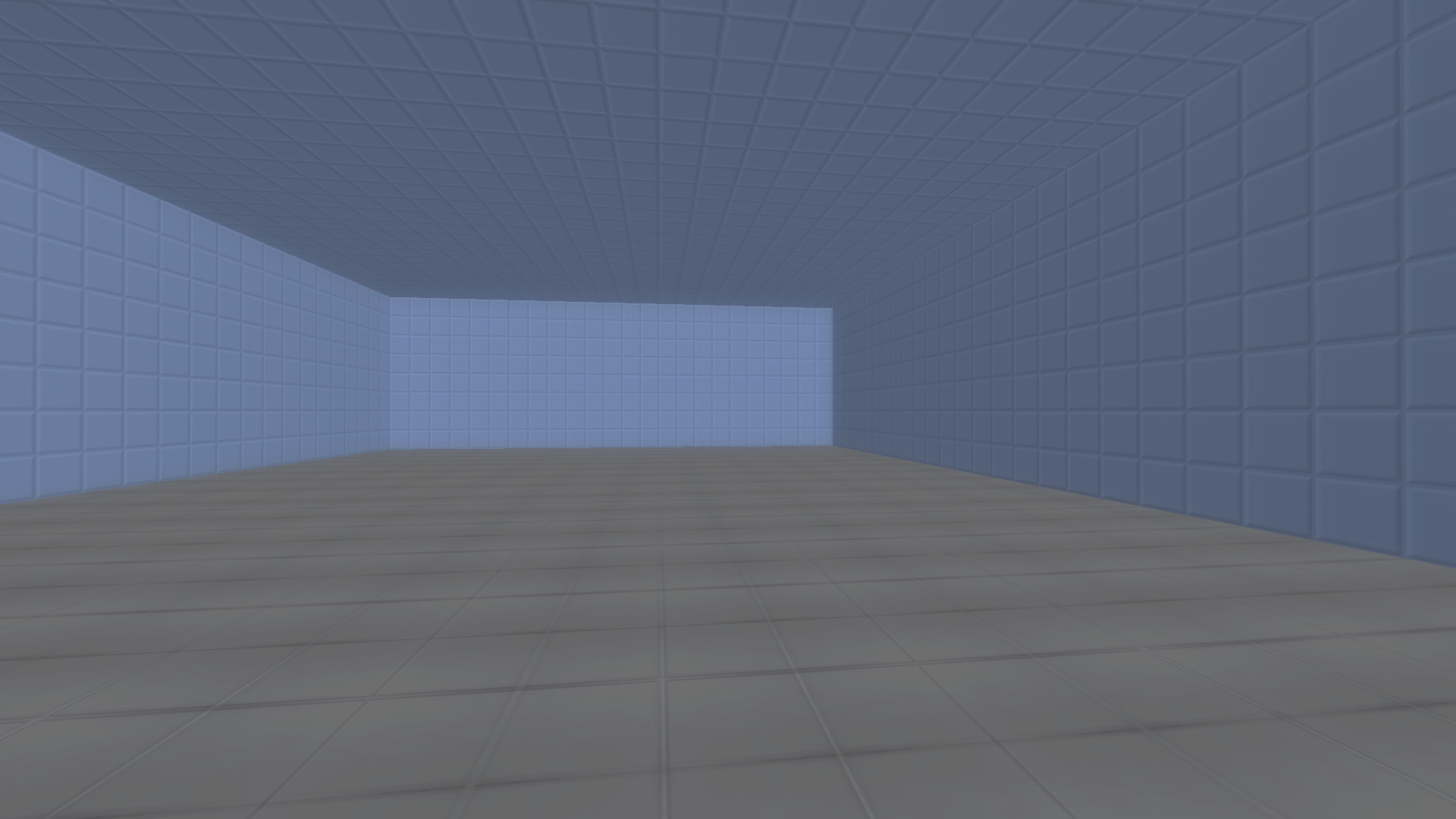
Yes I did.
"entity
entity delete [tileX] [tileY] [tileZ] - deletes entity in a certain tile. tileZ is floor number.
entity delete me - deletes entity that called a script (or decoration that player used).
entity move [tileX] [tileY] [tileZ] [offsetX] [offsetY] [offsetZ] - shifts entity.
entity spawnat [enemyname/decorationname/Key1-3/Hp1-3] [tileX] [tileY] [tileZ] - creates entity at tile coordinates (as shown in map editor).
entity spawnatpos [enemyname/decorationname/Key1-3/Hp1-3] [X] [Y] [Z] - creates entity at a certain number of units."
The entity delete me does not seem to work as intended. There are ways to delete an entity at specified coordinates per map, but I don't see a way to delete an entity relative to where the player clicked. The description of entity delete me makes it seem like it should be able to delete the entity that was "pressed."
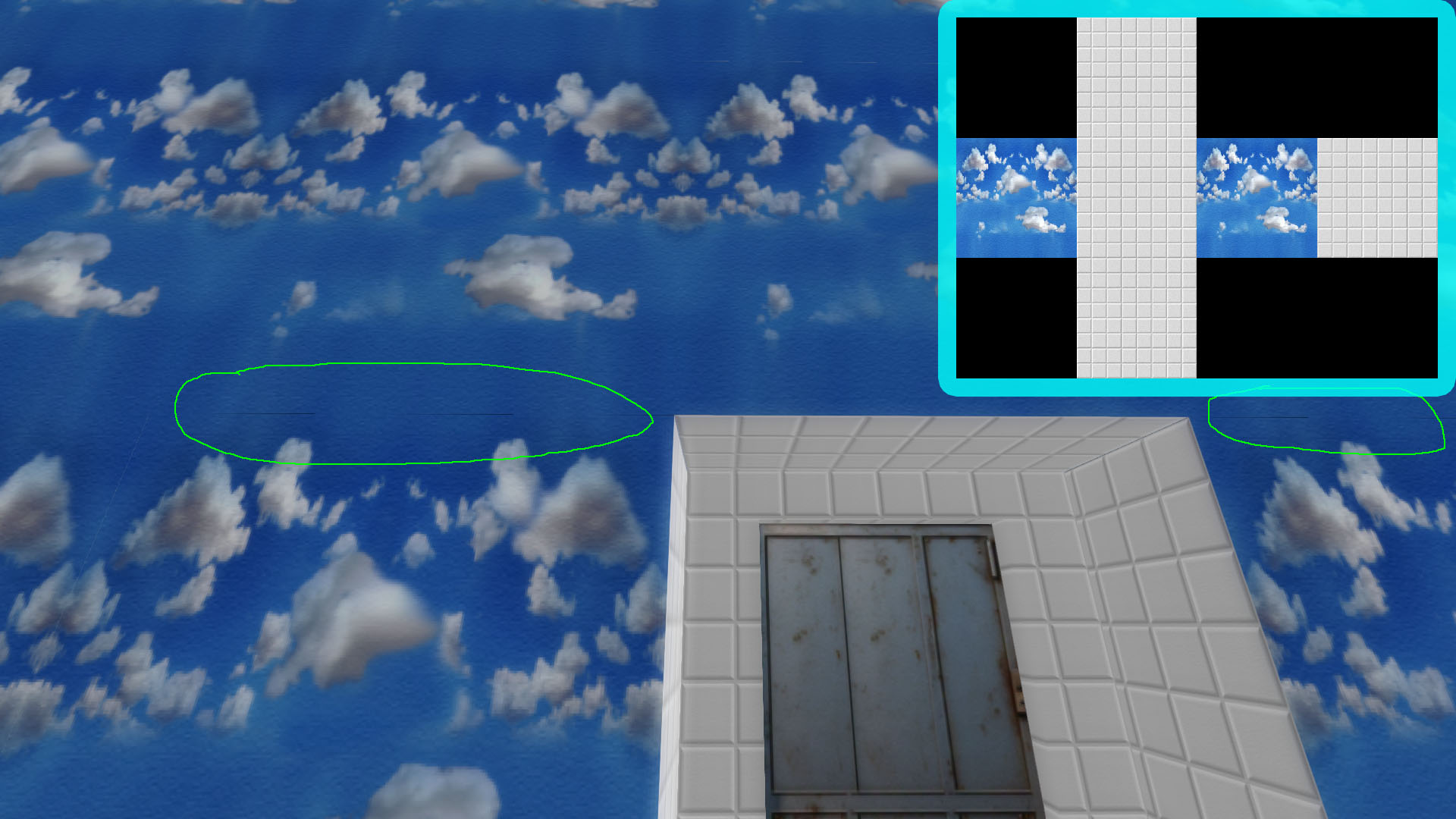 It seems there are gaps or seams on cubemap type textures. This is for both the box type, as well as the tall type. I read the manual, and set up my textures in the proper patterns, arranging 512x512 textures. Attached shows my 2048x1536 box type cubemap, as well as how it looks in-game, with the gaps/seams showing.
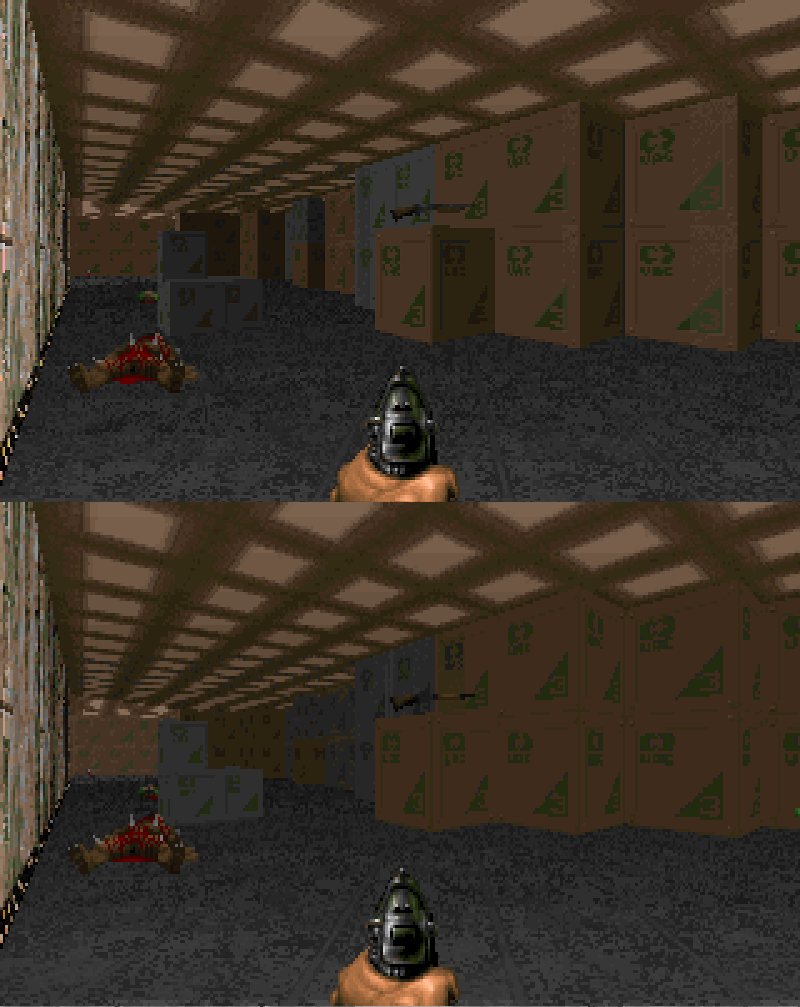 Ahh I see, thanks. Is it sort of like how the original Doom engine had "fake contrast" depending on face orientation? I can live with it like that.