Indie game storeFree gamesFun gamesHorror games
Game developmentAssetsComics
SalesBundles
Jobs
TagsGame Engines

rodian1

6
Posts
3
Topics
3
Followers
4
Following
A member registered 27 days ago · View creator page →

Creator of

Recent community posts

https://rodian1.itch.io/narrative-device-system-for-godot-4

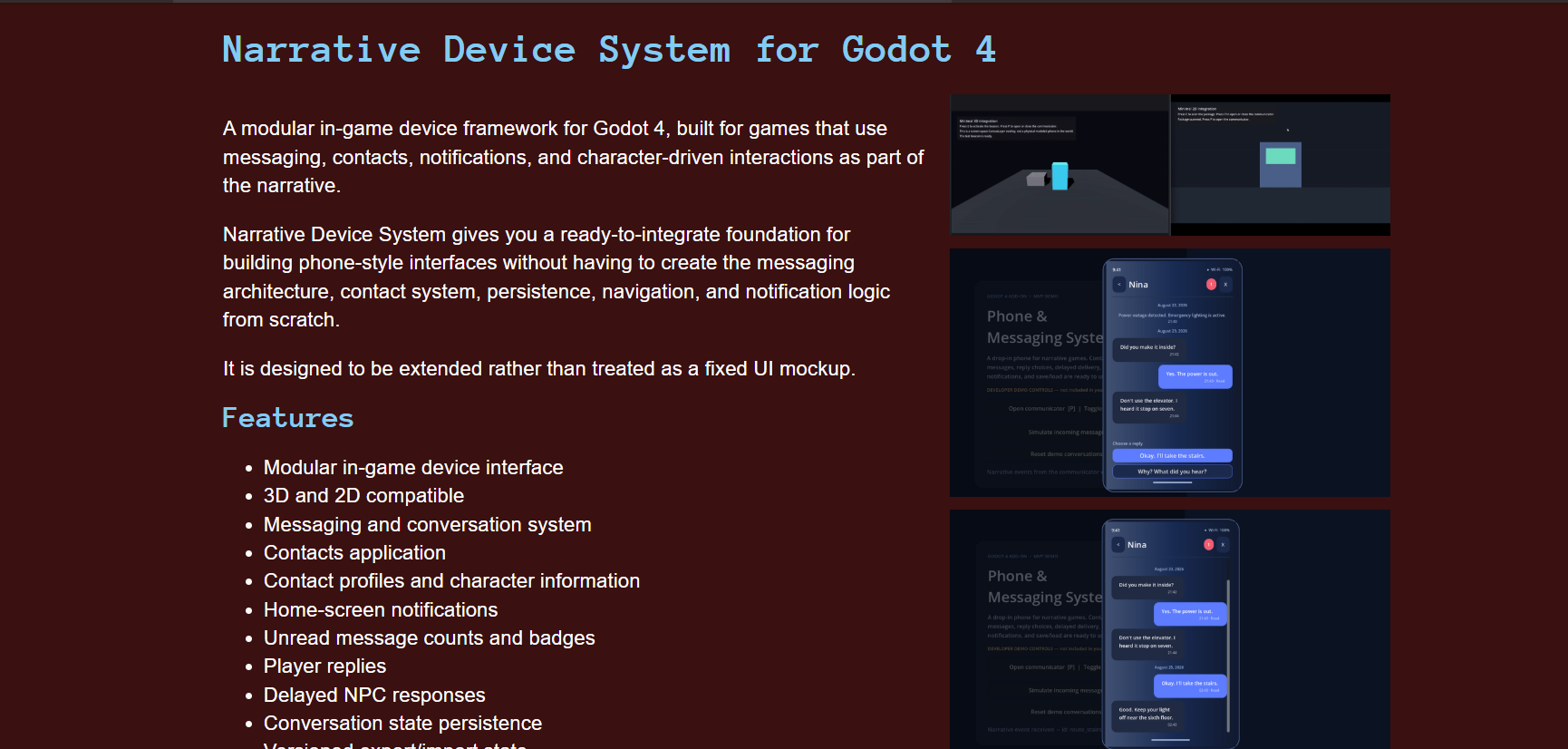
I finally released the first version of Narrative Device System for Godot 4!

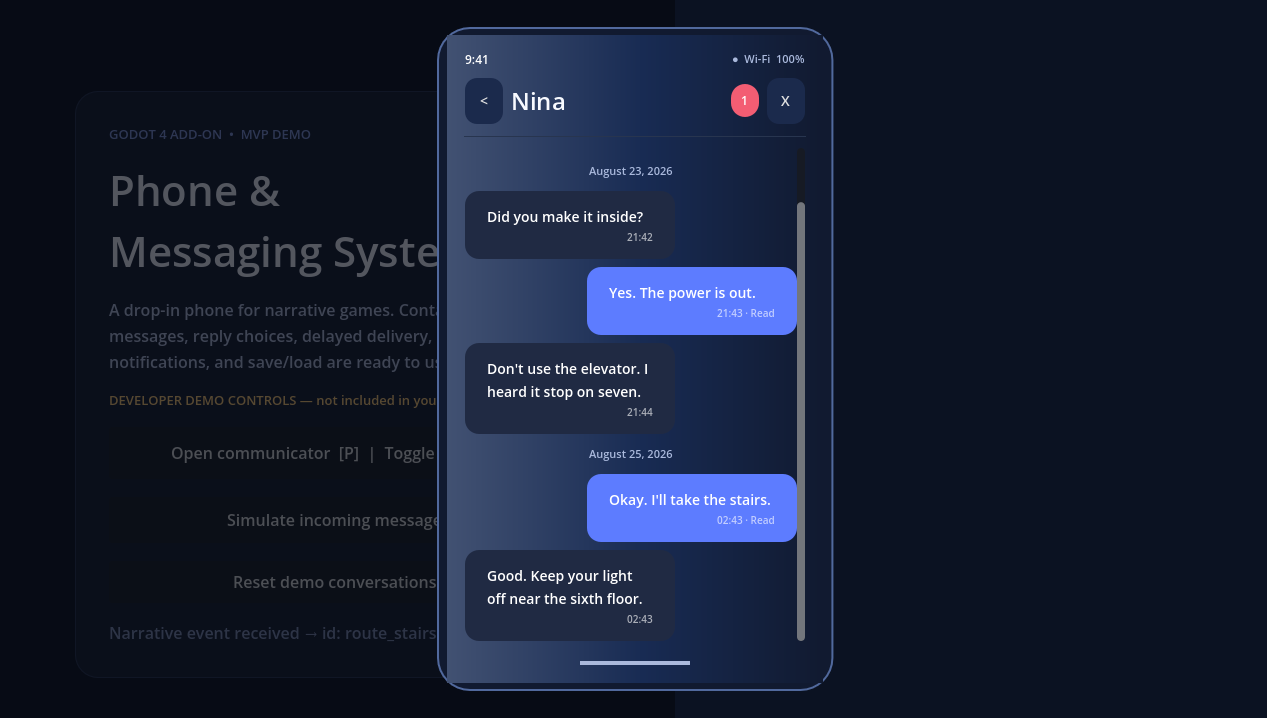
This project started while I was working on my game, Floor 7. I wanted characters to contact the player through an in-game device, so I began with a simple messaging screen.

Then I needed contacts, notifications, replies, delayed responses, saved conversations, different message types, and evidence that could connect conversations to other parts of the story.

Eventually, I realised I was building something much bigger than a feature for one game. So I separated it from Floor 7 and turned it into a reusable Godot addon.

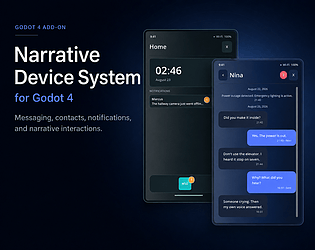
Version 1.0.0 is the first public release. It includes messaging, contacts, notifications, player replies, persistent state, contact profiles, rich message types, evidence and conversation links, multiple device layouts, and an app system that can be expanded with more functionality.

The full Godot source is included, so developers can modify the system for their own projects.

It also doesn't have to look like a normal phone. You can use the same foundation for a communicator, PDA, terminal, or any other narrative interface that fits your game.

I also spent a lot of time on the less exciting but important parts of the release, like documentation, validation, project integration, compatibility, and making sure the customer package works independently from the development repository.

This is only version 1.0.0, so development isn't over. Future updates will be shaped partly by what developers need after using the system in their own projects.

Narrative Device System for Godot 4 is available now on itch.io, with a launch discount for the first release.

Thanks to everyone who  checks it out!
that makes sense, especially the hard FPS floor.

I was thinking of it more like “prefer 12+ FPS”, but you’re right that if the search is allowed to fall through to 8 FPS then the tool can technically succeed while giving the user a worse result than just telling them to trim the clip.

I like the idea of making failure useful instead:

“This won’t fit at acceptable quality. Trim to about X seconds or raise the budget.”

That also solves the duration lesson at the exact point where it matters.

And thanks for the cropdetect tip. I was definitely overthinking auto-crop. I’ll keep manual crop first, but I’ll make the crop data use a simple rectangle so later auto-detect can just prefill the same values.

I’ll run the benchmark once I’ve tested the search changes. If the numbers are noticeably different from yours I’ll post them here.

This is really useful, thanks. Funny enough, I’m already doing per-clip palette generation with stats mode=diff, so that’s reassuring.

I’m currently using sierra_4a though, so the Bayer point is interesting. A simple pixel-art or normal footage mode sounds much better than exposing a bunch of encoder settings to the user.

The binary-search idea is probably the biggest thing I want to test from this. Right now I search through ranked width fps colors combinations, which works, but it can definitely do more encodes than necessary.

I hadn’t considered mpdecimate either. I’ll test it on some gameplay with idle menu sections and make sure it doesn’t mess with timing.

Also you’re the second person to point out that I should be more specific about where gif actually wins over video. I’m going to change the page wording around that.

Thanks for the gifski benchmark idea too. Having an actual quality reference will be much more useful than just looking at my own output and deciding it seems fine.

If you want, I can send you a free key for the current build. I’d be interested to see how it compares with the workflow you already use.

https://rodian1.itch.io/gif/download/y39VApmbxTzglqgGpHcoxvojUPwoeQOF5IYKH7T1;free tester key

This is really useful, thanks. Especially the duration point ... I knew duration obviously affected size, but I hadn’t thought about actually showing the user what they gain by trimming instead of just letting the optimizer keep sacrificing quality.

The 14s to 360px , 6s to 456px ... kind of message is a really good idea because it makes the tradeoff obvious.

I am also going to look at the search order. Right now it searches a mix of width,fps,colors based on a quality score, but I agree that letting fps fall too low can make the game itself look bad. A 12 fps floor for the normal preset probably makes sense.

Crop is something I was already considering, but your point about it being basically free resolution pushes it much higher on the list. I’d probably start with manual crop before trying automatic border detection.

And thanks for giving me an actual benchmark. I am going to run a few comparable clips through mine and see where it lands.

Also good catch on the utm parameter. I will clean that up.

This is exactly the kind of feedback I was hoping to get from releasing it early.

... If you want to try the current build, I can give you a free copy . I would be interested to see how it performs against your own FFmpeg setup

Here’s a download key[:https://rodian1.itch.io/gif/download/y39VApmbxTzglqgGpHcoxvojUPwoeQOF5IYKH7T1]

No pressure, but if you test it I’d really like to know where mine performs worse/better than yours.

(1 edit)

hello there,

I kept running into the same annoying thing when making GIFs for game pages — export it, check the size, lower FPS or resolution, export again, repeat.

So I made a small Windows tool called GIF Clipper.

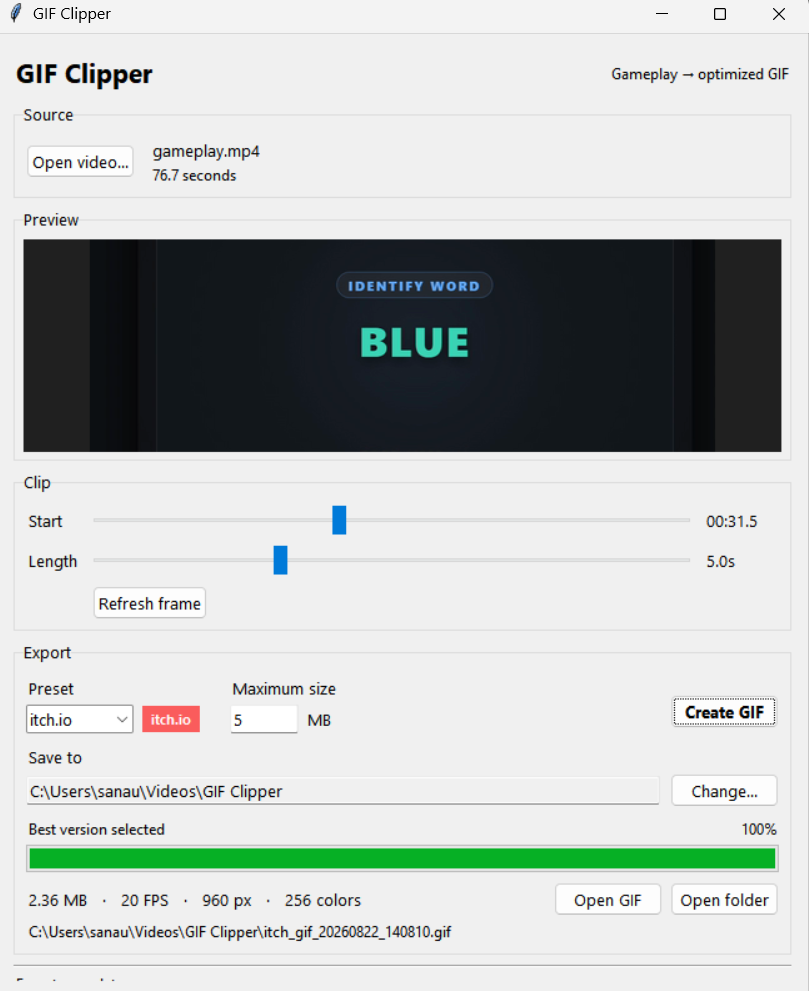
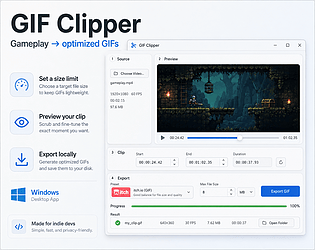
You open gameplay footage, pick the part you want, set a maximum file size, and it tries different combinations of resolution, FPS and colors until it finds a decent-looking GIF under that limit.

It’s still pretty simple right now and the first preset is mostly aimed at itch.io.

This will save you 30 min to 3 hr of work hopefully in uploading your product in itch.io

So,I released v0.1 today, so if anyone here makes a lot of gameplay GIFs, I’d be interested to know if this actually saves you time or if there’s something obvious I should change.

https://rodian1.itch.io/gif

hi there , got annoyed with uploading a self edited GIF for itch.io, so developed a tool for Windows to download. 

you load gameplay footage, choose the part you want, set a maximum file size, and it tries different settings until it finds a decent GIF under that limit.

Right now it’s very simple and mostly focused on itch.io use.

I just released the first version and mainly want to know if this is actually useful to other devs or if I’m missing something obvious.

Page:
https://rodian1.itch.io/gif

Things I’d like feedback on:

  • would you actually use something like this?
  • is the export quality good enough?
  • does it take too long?
  • what would you want added next?