On Sale: GamesAssetsToolsTabletopComics
Indie game storeFree gamesFun gamesHorror games
Game developmentAssetsComics
SalesBundles
Jobs
TagsGame Engines

rbarongr

35
Posts
3
Topics
179
Followers
8
Following
A member registered Mar 03, 2021 · View creator page →

Creator of
Recent community posts

Great! You are welcome 😄

I have uploaded an exported rig for Unity (FBX format), may I ask you to test it? I don’t have Unity currently installed…

Just added a textures.zip 👀

Thanks a lot! 🫶 We are glad you enjoyed the game. 😄

(2 edits)

Right, don’t forget to recharge when you have the chance! 😂

Thank you! We put some thought on the Itch page, it’s a simple design, but it works ✨

Yay! Thank you for completing the game, energy management is very important 😅⚡

Thank you for playing! We loved using Godot, even in this Beta version! 😄

You just need to repair bases and connections all the way to the main base to increase the total power to launch the rocket. 👀

Thanks! 😄

Right! Need to keep an eye on your energy levels! ⚡

Thank you so much for playing and enjoying the game 🥳

Nice! We really appreciate your comments.

Thank you for playing the entire game! 😎

You can go a little bit faster with the speed slider on the right part of the GUI!

Thank you for playing our game! 😄

Thank you for sharing your thoughts and playing the game to the end! 🥳

Right… I will add to the description the speed slider! 😅

We really like the integration of the game and jam page too.

Thanks for playing! 😁

Of course! We did as much as we could in two days, and had to left behind a few things. Thank you for playing! 🤗

wow! thanks for sharing! very helpful! 🫶👀

(1 edit)

I’m guessing you are using the FBX file.

Maybe you have not set the provided diffuse texture on the shader, or maybe is “scaley” because it’s using Nearest texture filtering. You can try Bilinear filtering to get a smoother looking skin texture.

I checked all of the files on Blender and the three animations are present.

I can suggest using the glTF file as it works properly on Blender, Godot and Unreal. I just drag and dropped the glTF file on Unreal 5.5.4 and it works as expected with proper textures and animations.

Without any more context this is what I can say, I hope it helps!

thank you! 😊

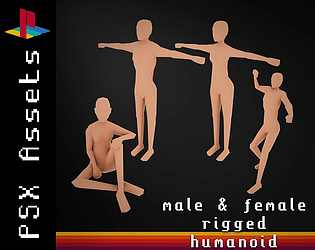
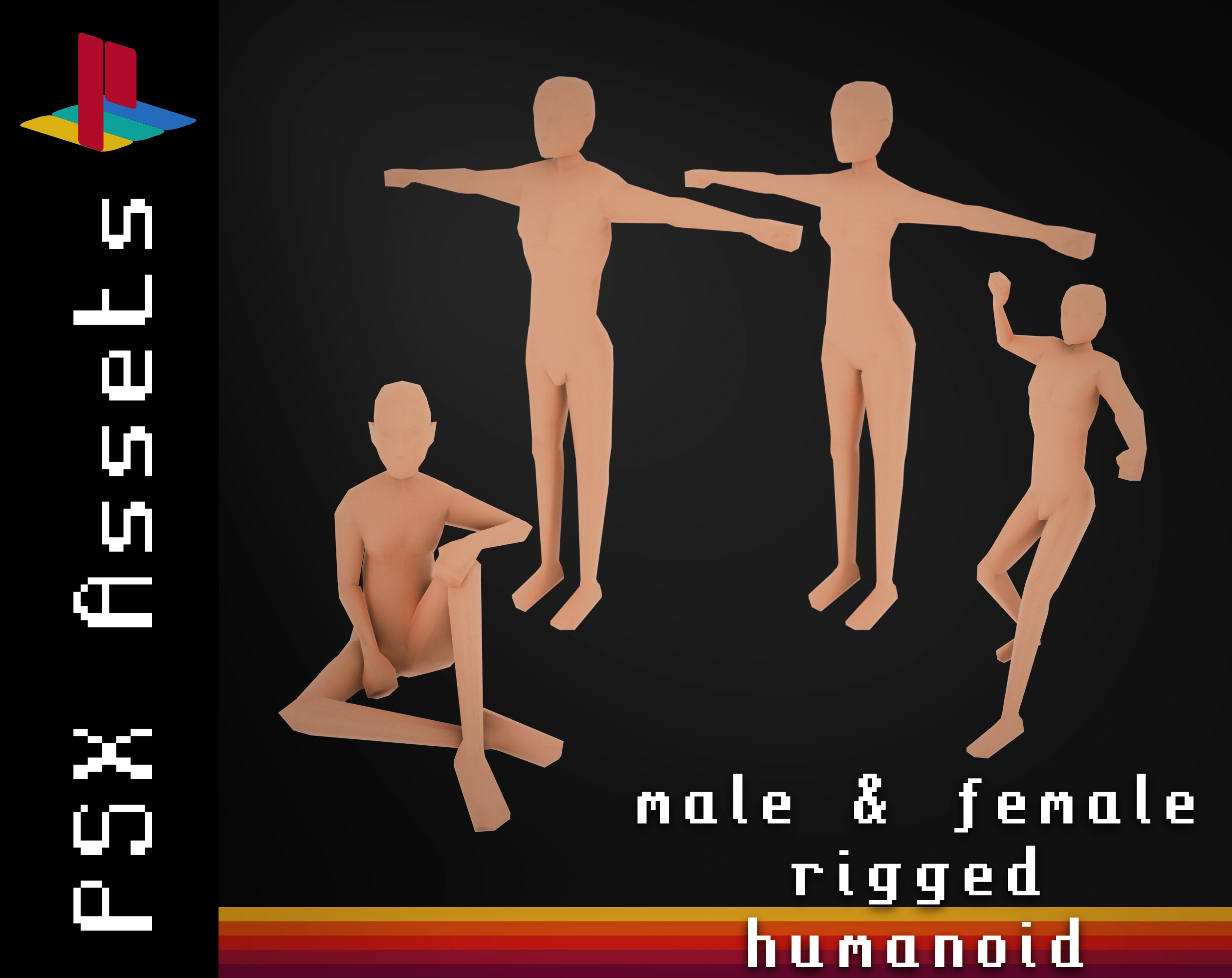
I published a set of humanoid low-poly models on my page!

These models are perfect for PSX Style games, with a rig for animations. I shared an standalone glTF file with all of the necessary and a Blender file for you to customize and personalize everything. The models are game-ready for you to use directly for quick prototyping and, as your project evolves, add customizations as needed.

Check them out here:

I’m running a 25% Off sale for the first days, don’t miss it!
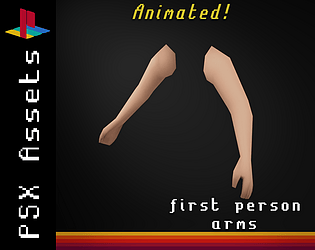
Thumb are Index fingers are moveable. The other three are “fused” and move all together, you can see that in the wireframe photo.

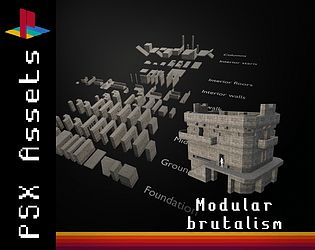
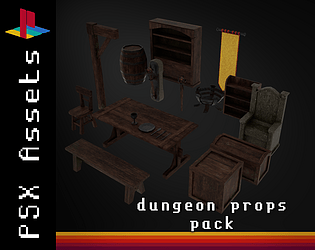
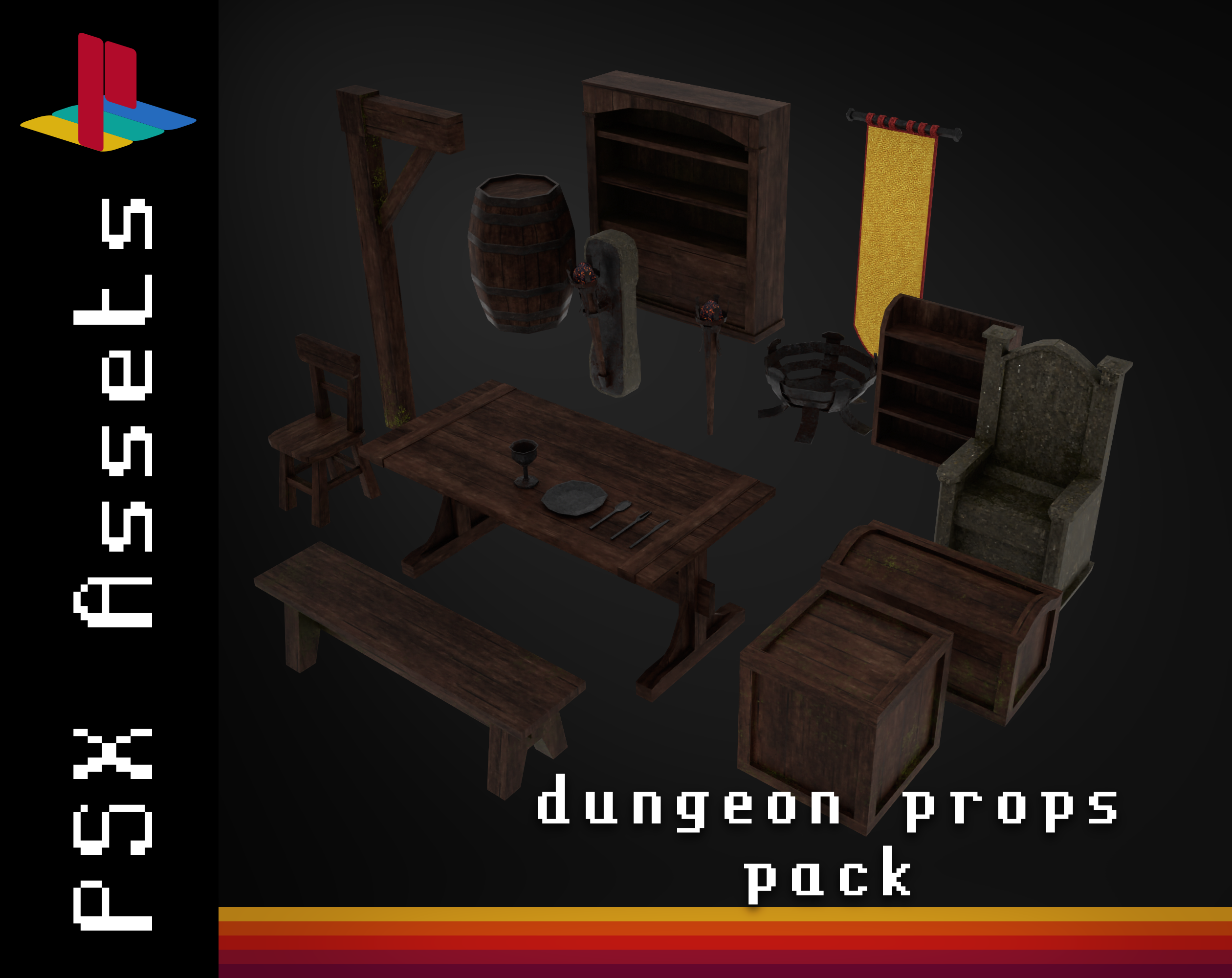
I recently published a new asset pack that contains various props and furniture to decorate Dungeons in a retro PSX Style. Check it out!

PSX Assets - Dungeon Props

I’ve been working on a dungeon-crawler game for a few months and I’m using some of this assets on that game (release date TBA).

All of the assets are game-ready. I reduced the poly-count as much as possible and gave the textures a retro look with a texel density of about 100-150 px/m.

As always, I follow realistic sizes for all of my models.

Made in Blender 4.0. Enjoy!
thanks! <3

I’ve uploaded a the texture for the FBX file.

In the gLTF works fine.

my pleasure! 🫶

When you start working with Godot is a bit different but it will eventually make much sense

(1 edit)

Having fun is the most important thing!

And about those issues…

  1. Maybe try to use the is_on_ceiling() or is_on_ceiling_only() functions from CharacterBody3D? 🤔

  2. What issues exactly? Stopping from moving of something like that?

Thank you for offering a solution 🫶

I just pushed a little update that should prevent any issues with the starting rotation of the player node (on the Y axis). The new version is the v3.1.1. 😊

Just found out, the camera was using local rotation instead of global. In line 60 camera.transform.basis should be camera.global_transform.basis. Fixed in the new version v3.1.1.

I will take a look at the problem in a few days, it may be a bug 🐛

Thank you for your support! 😄

And for your question… don’t rotate the scene around the player, just put the player and rotate that node. Why is the player rotation a problem? I’ve been using it in different scenes and didn’t found the rotation to be a problem 🙂

Indeed, Fallout 1 and 2 were a big inspiration.

We are working on more and better sound effects! We sure think it will benefit the ambient of the game a lot.

Thank you for your comment :)

Thank you for your comment 😁

We are glad you liked the atmosphere, it’s something we wanted to achieve from the beginning.

About the bugs: yeah, those are bugs, we knew about the disco-zombies but we didn’t know about the other two. We will look into them for sure. 👀

(1 edit)

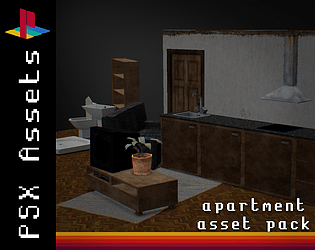
Are you looking for some retro assets for your PSX style game?

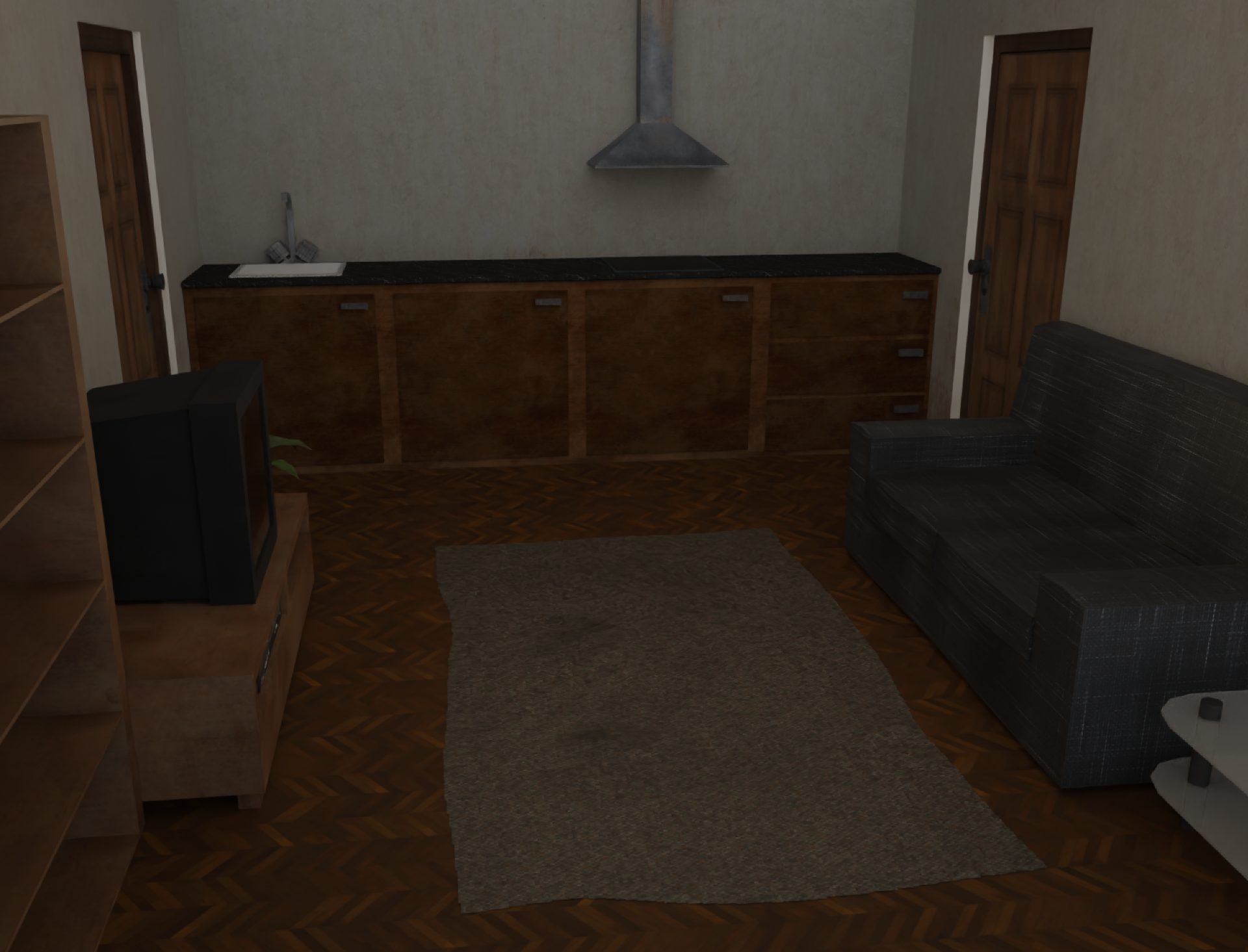
This are some of the most common assets for building house interiors!

You can find them here: https://rbgr.itch.io/psx-house-assets-lowpoly

Assets such a CRT TV, couch, kitchen cabinets, a rug… and some more! about 20 assets for only 1.99$!
nice ragdolls

You cannot just drag the boxes into the boat, you need to “launch” them. There are constrains for the mouse and when you get too close to the right or to the top of the screen, it automatically drops the box, keeping the momentum of the mouse dragging.

The art was made in three ways: photographies, image composition and 3D rendering. All of the images are processed in PixelOver with a indexed palette, and many have a glitch shader over them made in Godot directly.