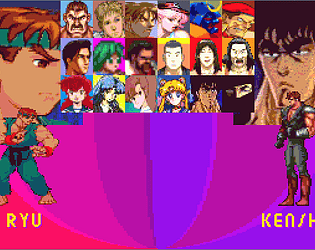
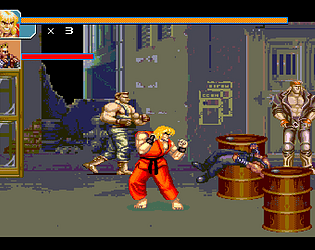
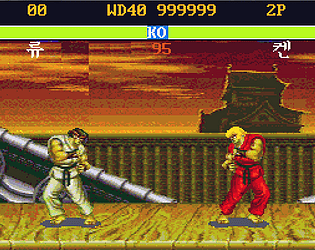
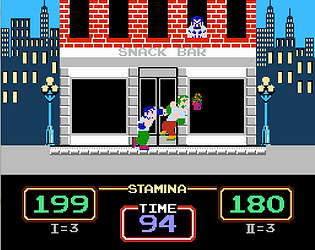
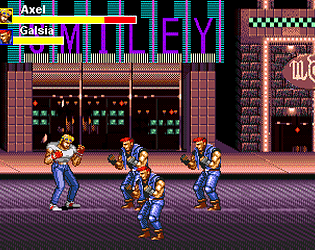
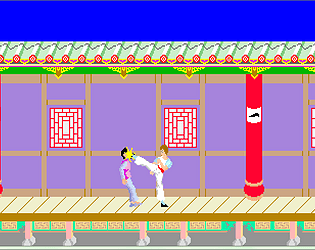
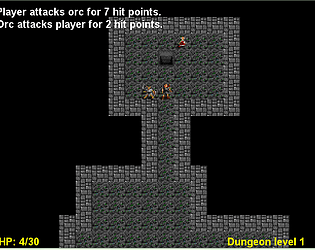
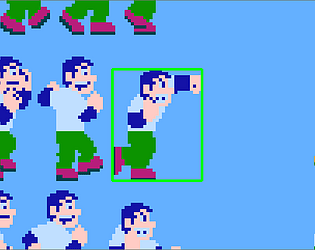
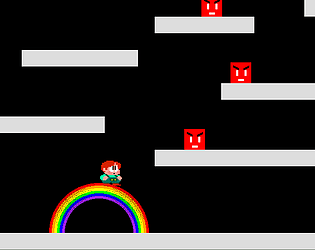
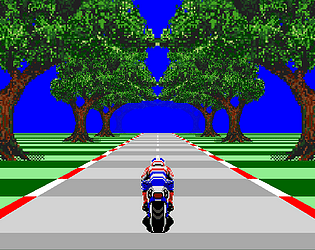
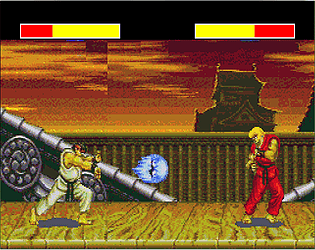
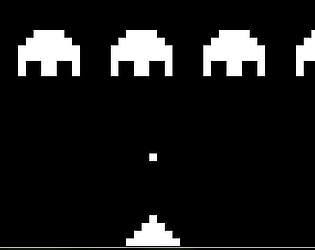
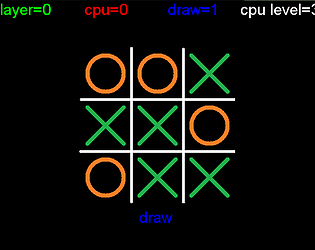
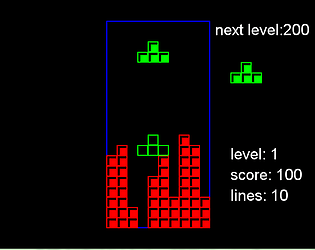
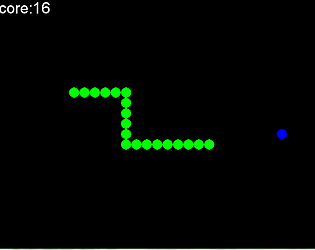
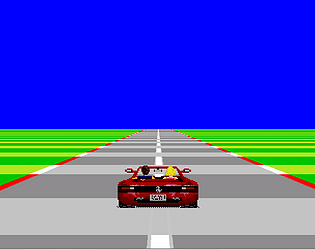
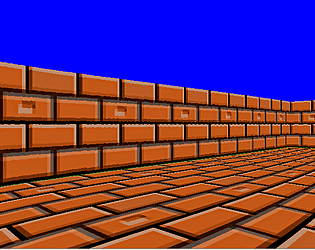
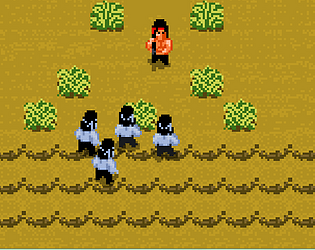
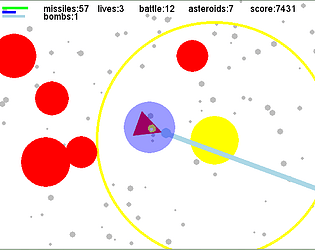
hey fenix, I ported your SFR fighting game engine to Windows. what do you think ?
raytomely
Creator of
Recent community posts
first unzip it, then you have a python file with (.py) extension and the MS-DOS SFIBM game folder.
if you want to run the python file wich is the remake of SFIBM you need to download & install python & pygame.
or if you want to play the original SFIBM game contained in the folder, you have to use Ddosbox emulator.
finaly, if you want to play the remake contained in the python file without downloading & instaling python & pygame there is already an executable compiled version for windows that you can download here, but it only consern SFLiu .
I just remembered to tell you that for the ceiling and the floors to be correct, change the value of the resolution variable to 1, you will have a clear image but unfortunately the performances will drop considerably, that's why I gave you some suggestions on how to improve performance in the first place.
sorry, I really don't have the time nor the will to delve in raycasting project right now. but I can point you to some useful resources that may help you in your project:
here is a good raycasting engine with floor and ceiling that work very well, there's even shadow implemented and it is derived from the permadi tutorial I believe, it is written in java script but you can easily port it to python:
https://github.com/permadi-com/ray-cast/tree/master/
here is other good raycasting tutorials with code and explanation:
https://dev.opera.com/articles/3d-games-with-canvas-and-raycasting-part-1/
https://www.playfuljs.com/a-first-person-engine-in-265-lines/
hope it help.
you're welcome... one thing you can do to deal with performance issue in pygame when it come to pixel manipulation or blitting so many things at once is as follow:
create a small display surface like (320, 240), blit everything on it (sprites must be tiny) then scal it to the screen size like (640, 420) then blit it on screen. that should resolve performance problems in raycasting and pseudo 3D engines, and I think this is how programmers dealed with it in the past when they have limited hardware resources.
yes, of course there is a solution. to move the car left and right, first you have to create a variable called: player_car_pos=[240,320], then change the line that is responsible of blitting the car that is:
screen.blit(player_car,(240,320))
to this:
screen.blit(player_car,player_car_pos)
second, comment out the or delete the code under the if statements (conditions):
if keys[K_LEFT]:
and
elif keys[K_RIGHT]:
and replace it with:
if keys[K_LEFT]:
player_car_pos[0]-=10
elif keys[K_RIGHT]:
player_car_pos[0]+=10
then the car should move left and right, thank you for enjoying my work!.