

On Sale: GamesAssetsToolsTabletopComics
Indie game storeFree gamesFun gamesHorror games
Game developmentAssetsComics
SalesBundles
Jobs
TagsGame Engines

raysleepy

4
Posts
1
Topics
A member registered 10 days ago · View creator page →

Creator of

Recent community posts

(1 edit)

v0.3 is up. In the last round, people who lost a fight couldn't tell what went wrong, and level 1 had to teach the controls and its own trick at the same time. Most of the changes are about those two problems:

- New game now offers two short tutorial levels before level 1. They walk you through placing parts and turning a pulse with a corner wire, with a short explanation at each step. You can skip them.

- The result screen now shows the numbers for both sides: damage dealt, damage blocked by shields, what each of your weapons did, and the enemy's hardest hit.

- While you build, a warning appears if no pulse can reach a part that deals damage.

- Turning a placed part now takes a double click (or double tap), so a misclick can't rotate a part without you noticing.

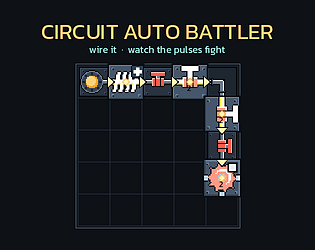
- The parts are redrawn as modules inside a fighting robot, so you can tell what each one does from its picture. Some got new names to match: Blade is now Saw, Amplifier is Booster, Relay is Hammer, Capacitor is Battery and Splitter is Switch.

The rules and numbers of levels 1 to 5 haven't changed: https://raysleepy.itch.io/circuit-auto-battler

I'm still mainly asking whether wiring a circuit and watching the pulses run is fun. If you lost a level, did the result screen tell you what to fix, and did you go back and fix it? And if you played the tutorial, did it leave you ready for level 1?
(1 edit)

Thanks for writing all of this up. Most of v0.3 came straight from your comment, and it's up now:

- Turning a placed part now takes a double click (or double tap), and a single click never turns it. After it turns, the whole part lights up for a moment with a frame around its cell. Wires light up too, so a flipped wire like the one that cost you that run is easy to spot.

- While you build, a warning appears under the board if no pulse can reach a part that deals damage. FIGHT still works if you want to test anyway.

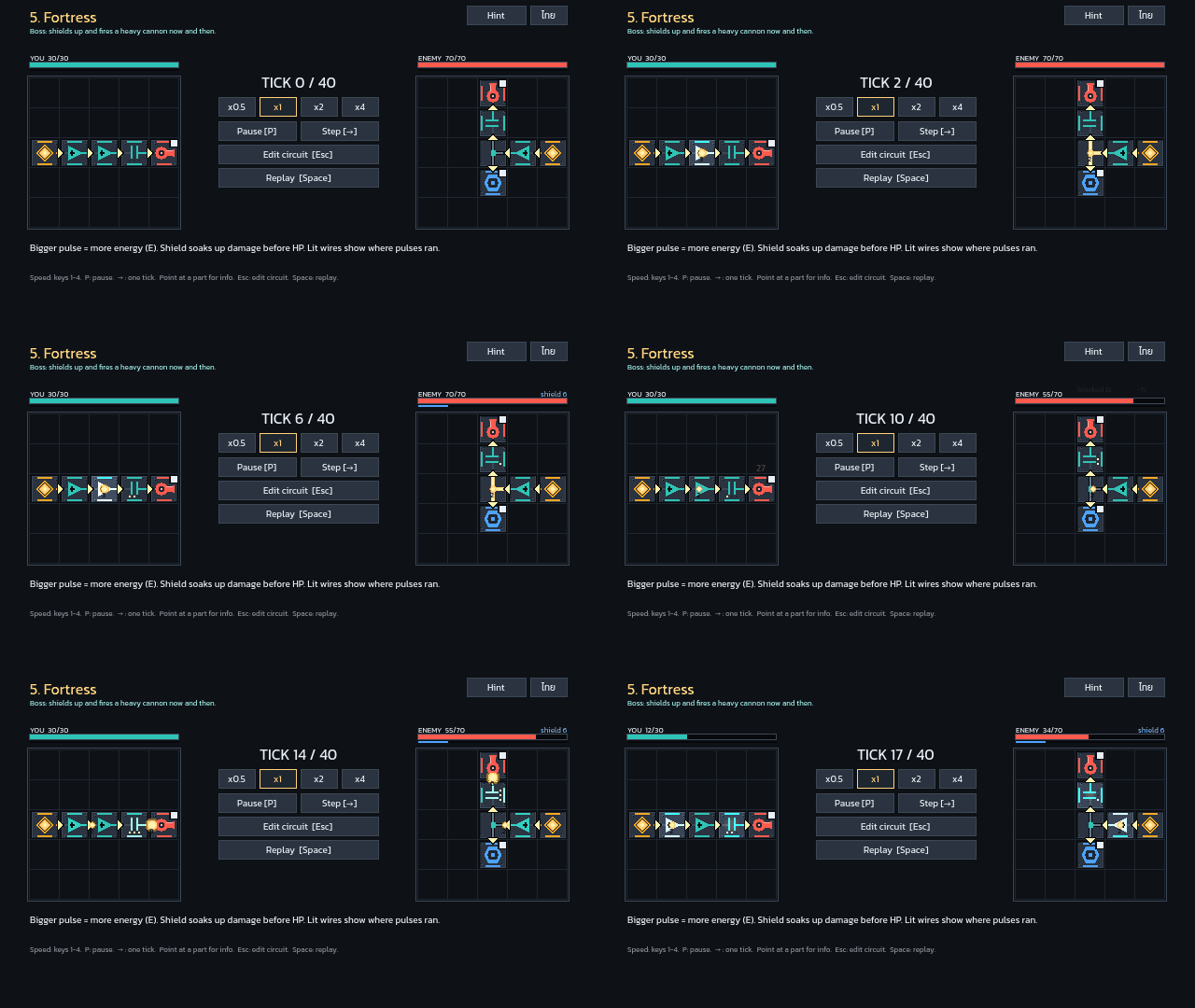
- The result screen lists the numbers: your damage and how much the enemy's shield blocked, the damage you took, what each of your weapons did, and the enemy's hardest hit (which part, how much, on which tick).

- Once every part is on the board, the pile says so and explains how to take one back.

There's also a title screen now, and new players can start with two short tutorial levels before level 1. The parts have new art too, and a few have new names to match: the Blade is now a Saw and the Amplifier is a Booster. Levels 1 to 5 play the same as before. If you try the Fortress again, I'd like to know if the numbers made it clearer what to change.

Thanks, that's really useful!

(2 edits)

Hi! I'm making a small puzzle auto battler where you wire a circuit on a grid and then watch energy pulses run through it to fight the enemy's circuit. It's an early prototype, 5 short levels, plays in the browser (phones work too, in landscape).

https://raysleepy.itch.io/circuit-auto-battler

The one thing this prototype is testing: is wiring a circuit and watching the pulses run actually fun?

Honest answers help most, including "it got boring at level 2". What was the most fun moment, and when (if ever) did it stop being fun?


A few smaller questions, if you have time:

1. Could you tell which way pulses travel and where they stop, just by looking at the board?

2. Which level confused you most, and what did you try there?

3. After losing a fight, did you feel like fixing your circuit right away, or did you want to quit?


There's also a "Send feedback" button on the level select screen (5 quick questions, nothing personal), and the game asks once if you'd like to share anonymous play stats. Saying no is completely fine. Short answers here are great too. Thanks for playing!