

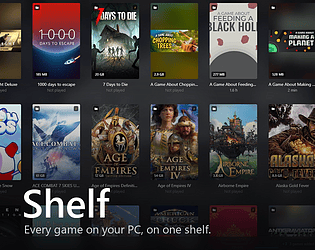
Before anything else: this is a Windows utility, not a game. It is a library manager for the games you already own.
Shelf gathers everything you have installed — Steam, Epic, GOG Galaxy, Ubisoft Connect, the itch.io app, and any folder you point it at — into one window you can browse, sort and launch from. No account, no background service, no launcher running behind it. It opens in about a second on a library of several hundred games.
And yes, including the games you bought here. itch games arrive with their cover, their playtime and the exact file the itch app launches — no guessing which of the four executables in the folder is the game.
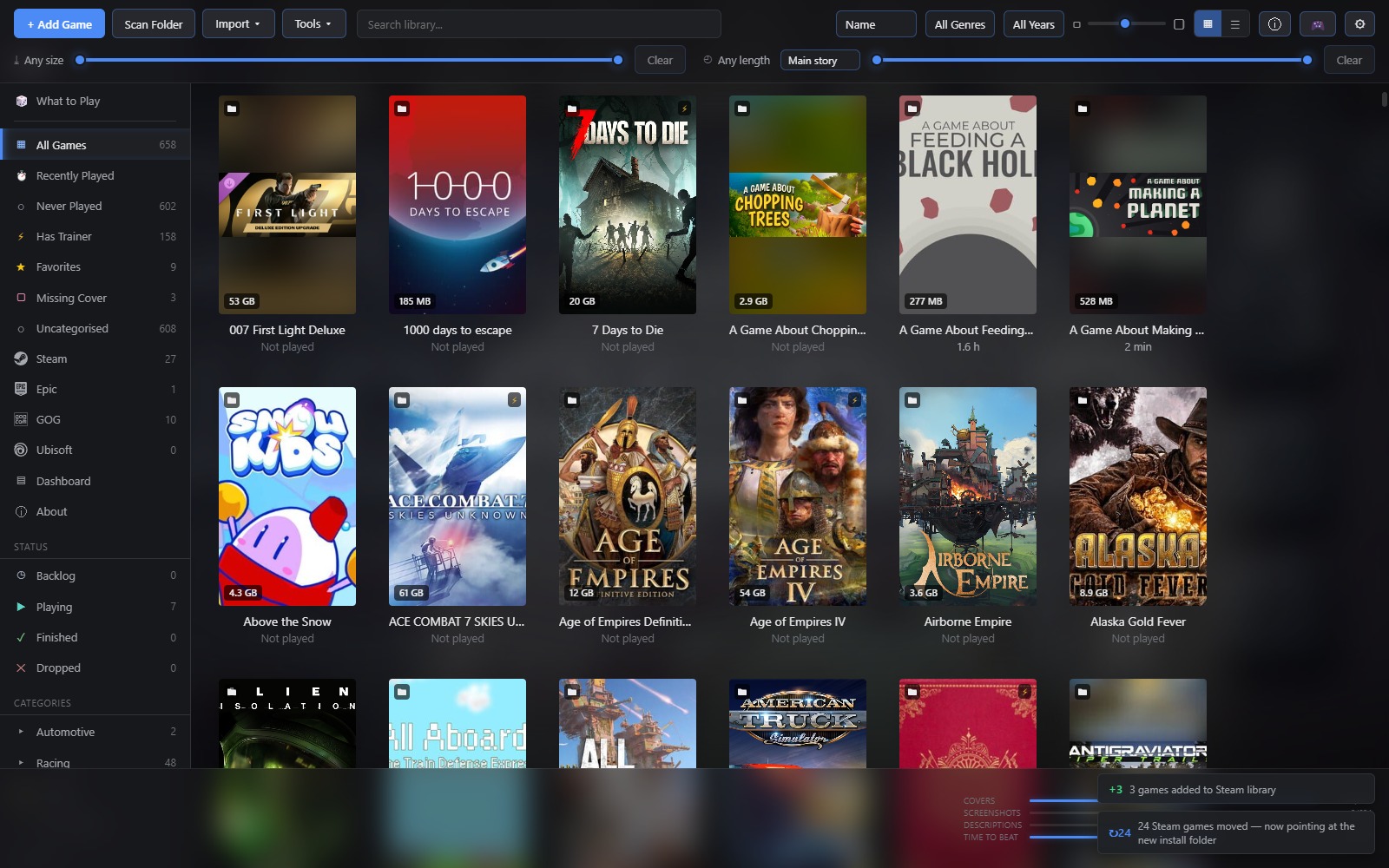
It started as an attempt at something lighter than Playnite. That held until the first *well, why not* — and then the next one, and the one after that. It now does a fair number of things Playnite doesn't, also has some things missing that Playnite does, and the one rule that survived the whole slide is that it still has to open instantly and stay out of the way.
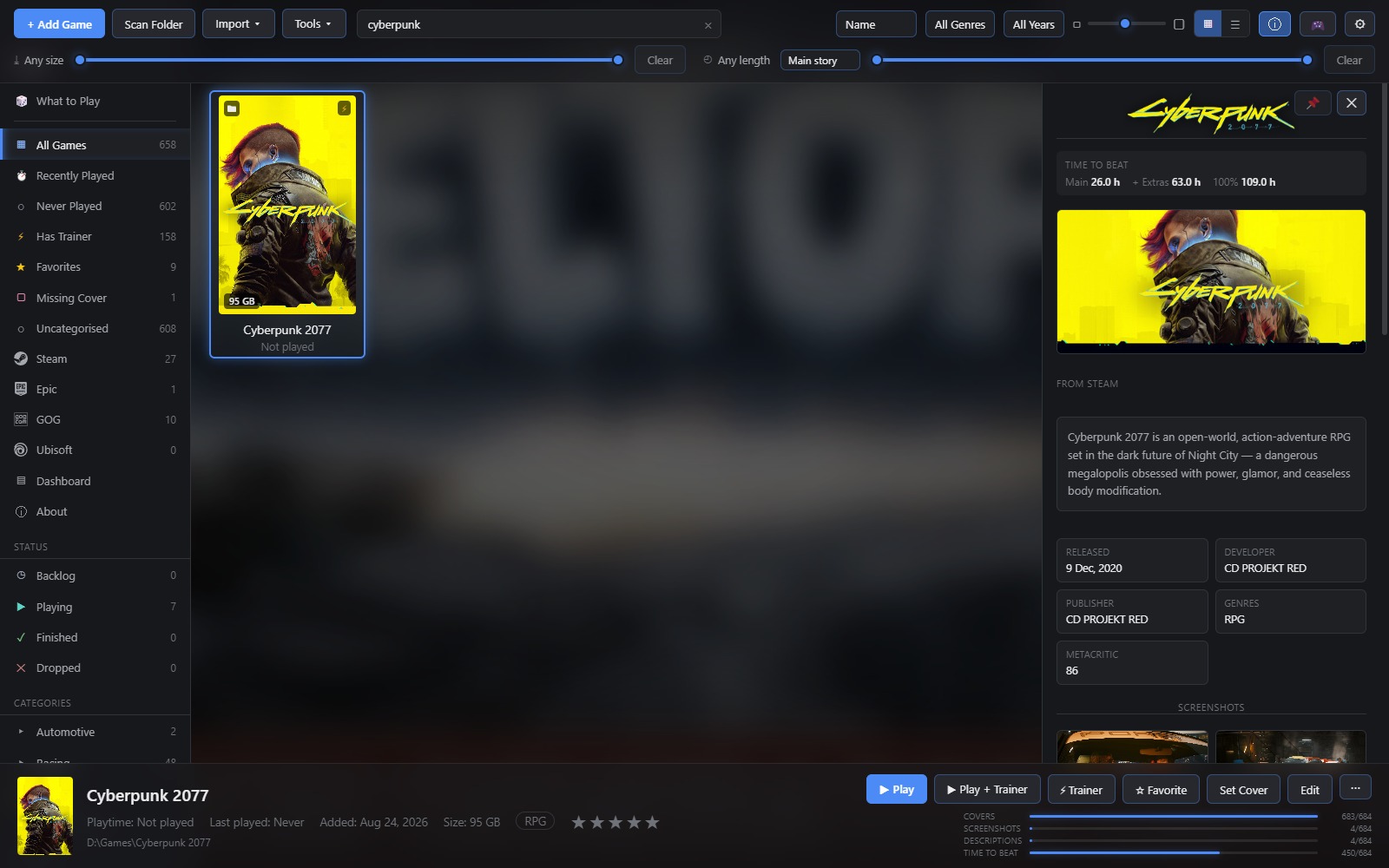
It knows what your games are Covers, genres, descriptions and screenshots arrive in the background and are cached on your machine. That works out of the box through Steam, which needs no credentials; free keys for IGDB, RAWG or SteamGridDB improve the hit rate on the obscure end of a library. Trailers play on the tiles as you browse, and can run as the backdrop behind the whole window.
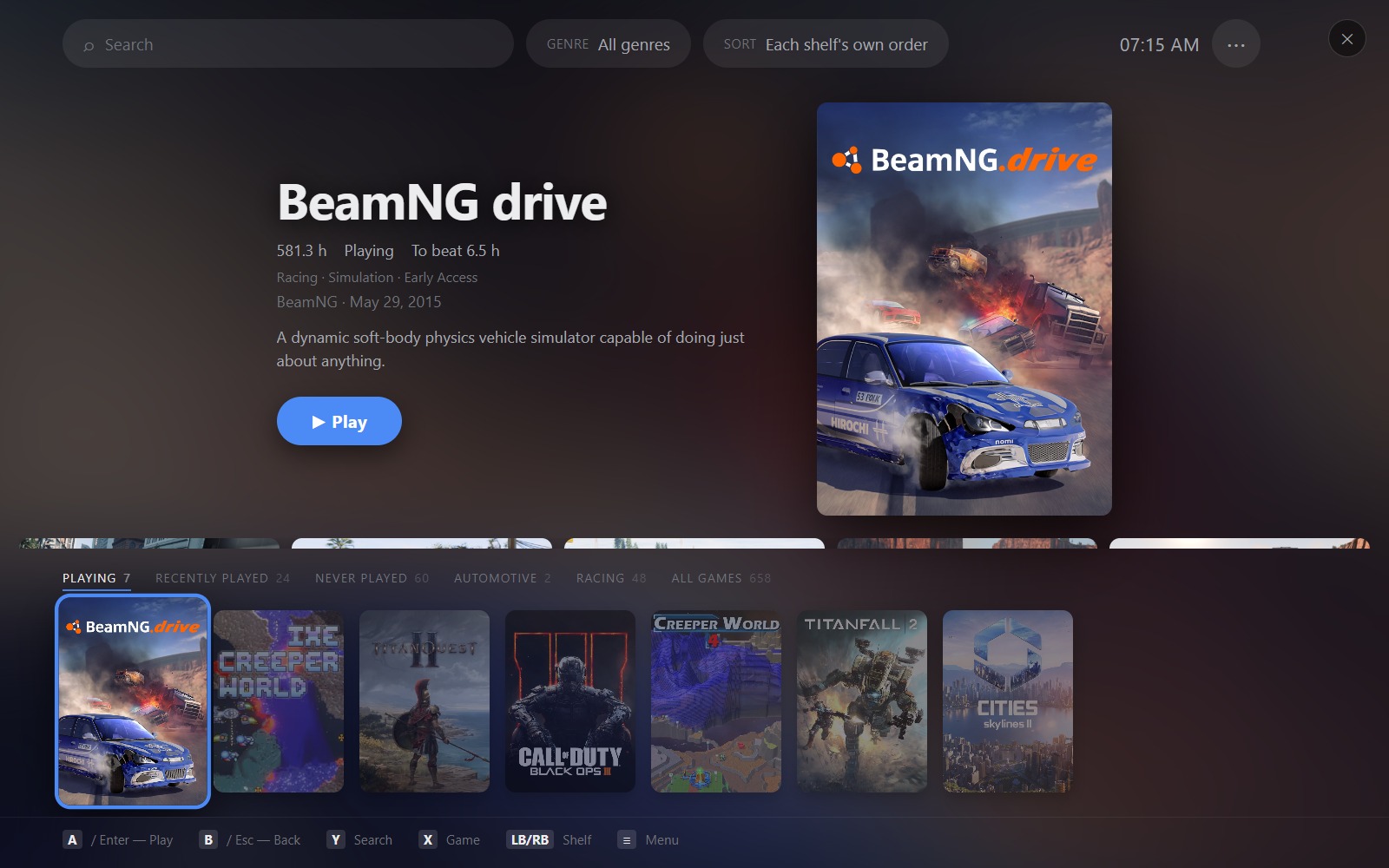
It plays from the sofa too A fullscreen mode that works entirely from a controller, for when the PC is on the television and the keyboard is in another room.
It tells you where the space went Sizes are measured in the background, so you can sort by them, find the biggest thing you have never played, and uninstall or delete from disk without leaving the app. You can also move a game to another drive without breaking it — copied in pieces, with the speed on screen and a Stop that leaves no mess.
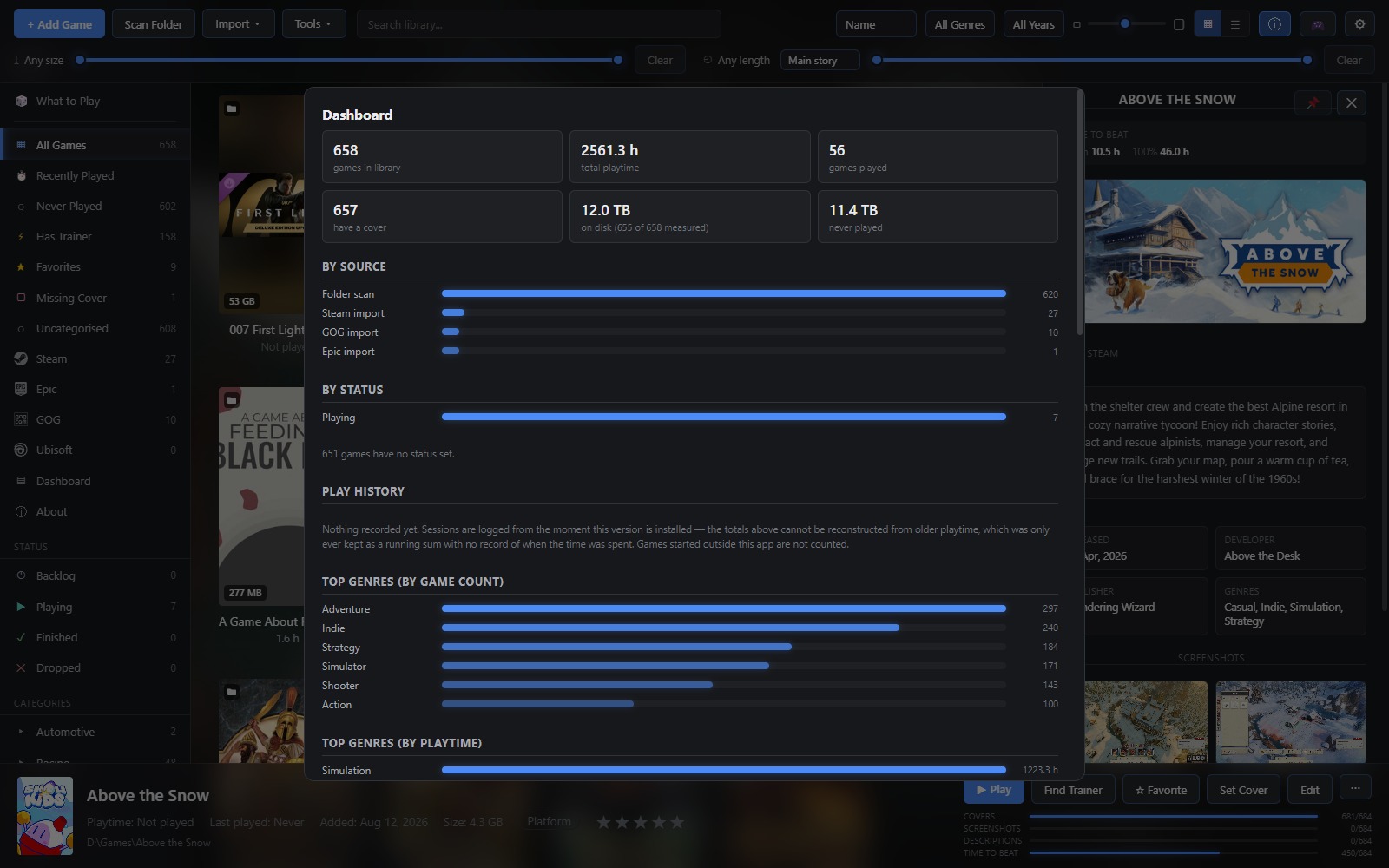
And it keeps your saves Shelf knows where thousands of games keep their save files, archives them when you finish playing, and lets you point at the folder yourself for the ones nobody has catalogued. Restoring puts them back where they came from. Your library, settings and cached artwork go into a scheduled archive of their own.
A few smaller things
- Filter by genre, tag, release year, size on disk, or how long a game takes to finish — useful when you have an evening rather than a fortnight.
- Backlog / playing / finished / dropped, ratings, categories, and a category you can put behind a password.
- "What to Play" picks from the games you have never started, weighted by what you actually play rather than by what you own.
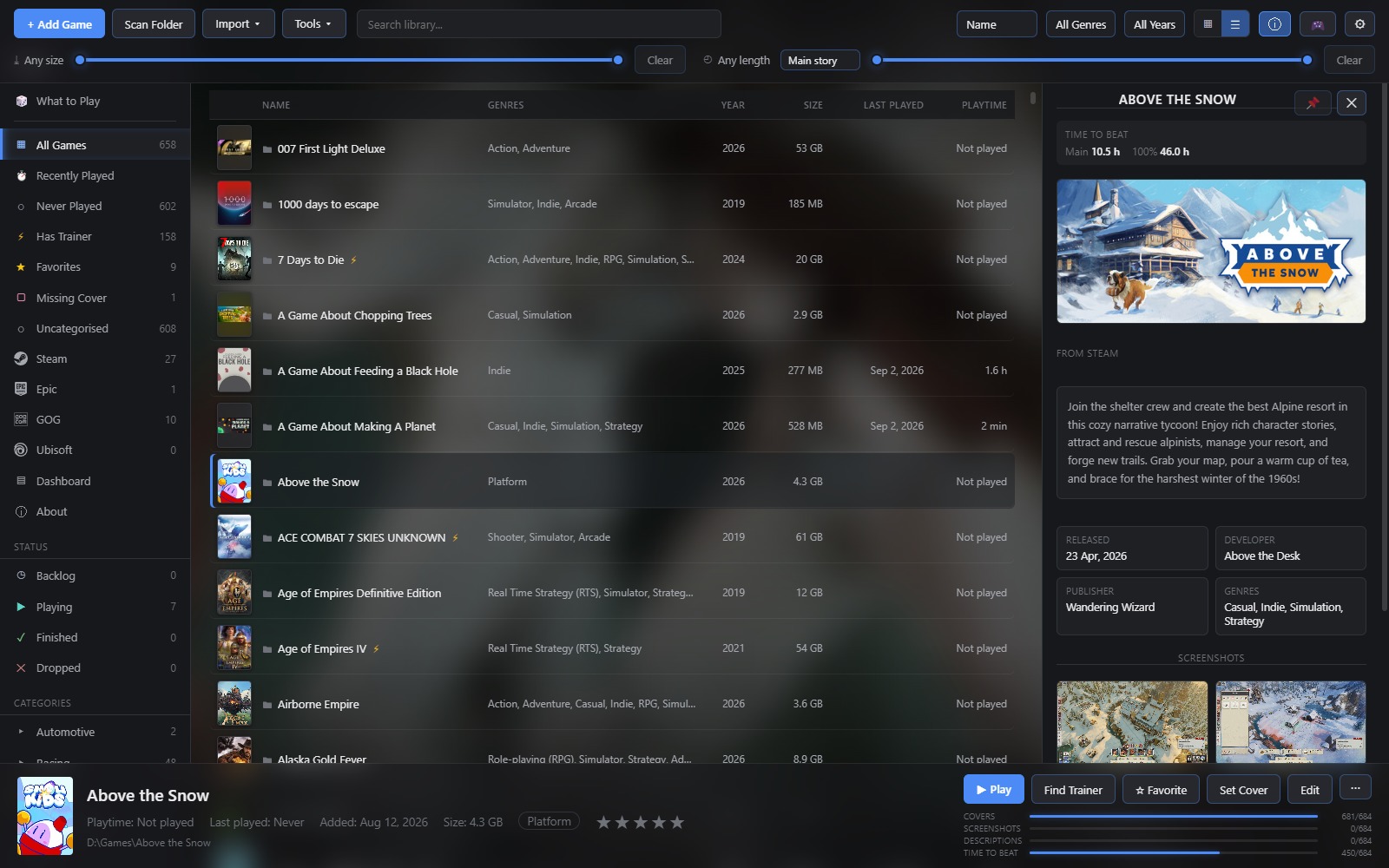
- A list view for when you want the numbers instead of the artwork.
What it doesn't do
It doesn't phone home, want an account, sit in your tray, or touch a game's files unless you ask it to move or delete one. Everything it caches lives in one folder you can open from the About dialog and copy anywhere. No DRM either — it's an installer, and it's yours.
https://protagonistlabs.itch.io/shelf
Windows 10 or 11. It installs for the current user, so it never asks for administrator rights.
Happy to hear what's missing. It got this far mostly by someone saying "it would be good if it also…".
That someone being me.