

Good afternoon. An error occurred when creating the map:
Something went horribly wrong and an unbandled exception has been caught.
but the project still opened and worked. However, when I opened it today, I was unable to load the map or do anything else. What should I do to make the project work again?
Source: System.Drawing
Reason: invalid parameter.
Stack trace: в System.Drawing.Bitmap..ctor(Int32 width, Int32 height, PixelFormat format)
in System.Drawing.Bitmap..ctor(Int32 width, Int32 height)
in EasyFPSEditor15.MapPictureLayer..ctor(Int32 cellSize)
in EasyFPSEditor15.MapWindow.Clear()
in EasyFPSEditor15.Map.Clear()
in EasyFPSEditor15.Map.Load(String path)
in EasyFPSEditor15.Editor.LoadMap(Int32 index)
in EasyFPSEditor15.MainForm.ListBoxMapsSelectedIndexChanged(Object sender, EventArgs e)
in System.Windows.Forms.ListBox.OnSelectedIndexChanged(EventArgs e)
in System.Windows.Forms.ListBox.set_SelectedIndex(Int32 value)
in EasyFPSEditor15.Editor.OpenProject(String name)
in EasyFPSEditor15.ProjectsList.Button1Click(Object sender, EventArgs e)
in System.Windows.Forms.Control.OnClick(EventArgs e)
in System.Windows.Forms.Button.OnClick(EventArgs e)
in System.Windows.Forms.Button.OnMouseUp(MouseEventArgs mevent)
in System.Windows.Forms.Control.WmMouseUp(Message& m, MouseButtons button, Int32 clicks)
in System.Windows.Forms.Control.WndProc(Message& m)
in System.Windows.Forms.ButtonBase.WndProc(Message& m)
in System.Windows.Forms.Button.WndProc(Message& m)
in System.Windows.Forms.Control.ControlNativeWindow.OnMessage(Message& m)
in System.Windows.Forms.Control.ControlNativeWindow.WndProc(Message& m)
in System.Windows.Forms.NativeWindow.Callback(IntPtr hWnd, Int32 msg, IntPtr wparam, IntPtr lparam)
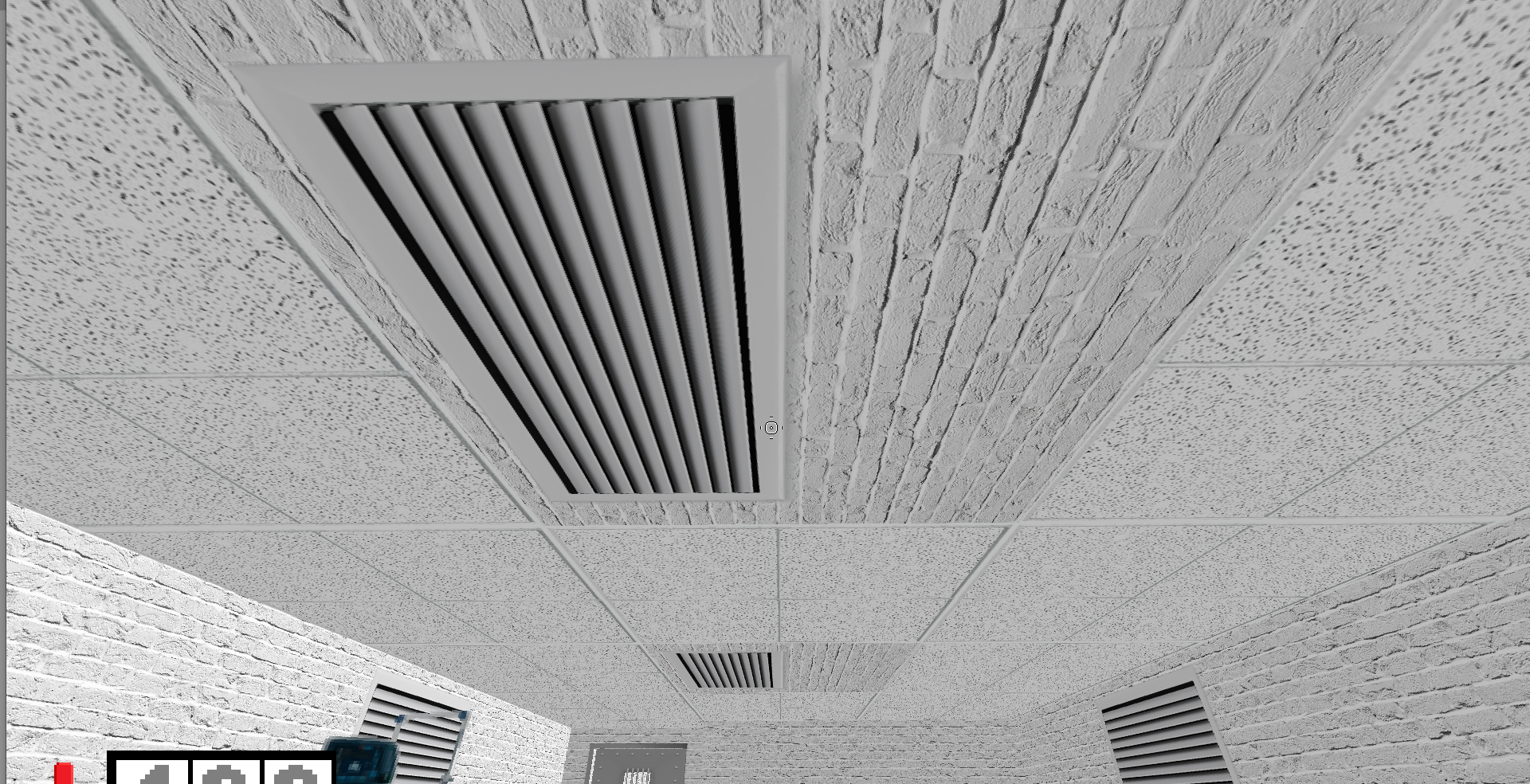
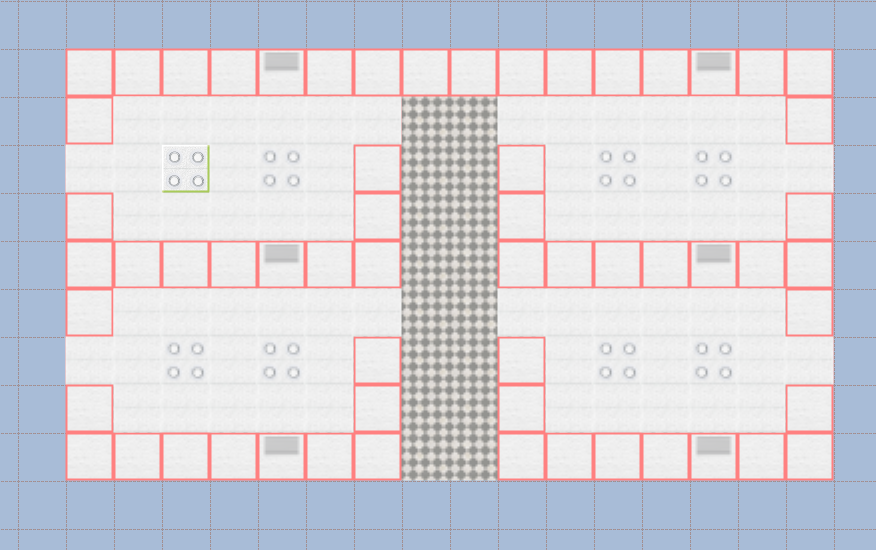 Good afternoon, a strange problem has occurred: when adding a texture in the -Floors- tab, when opening the project, another texture appears in place of the desired texture from the -Walls- tab. I don't know how to fix it, please tell me (