Thanks!!
Polyshade
Creator of
Recent community posts
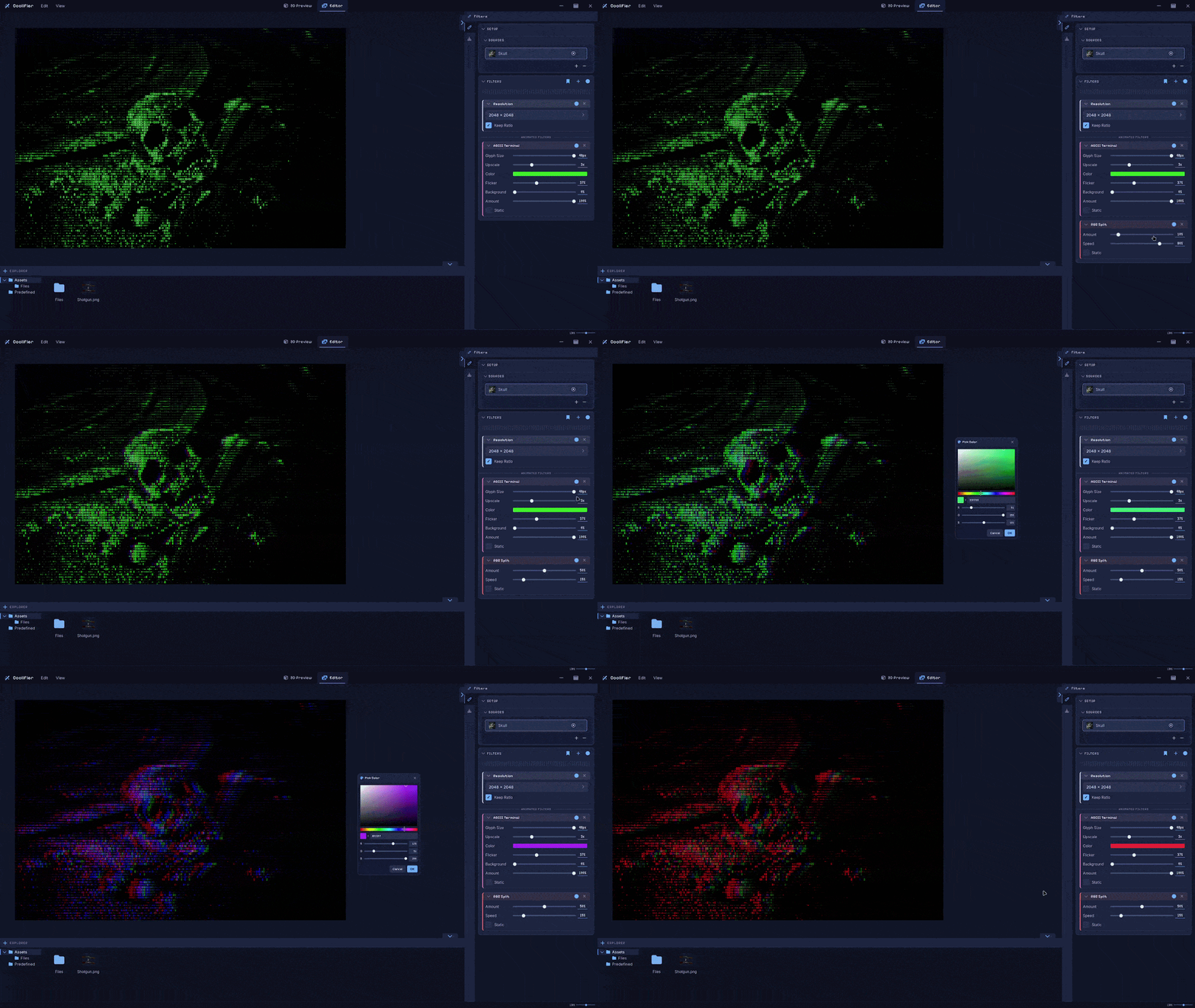
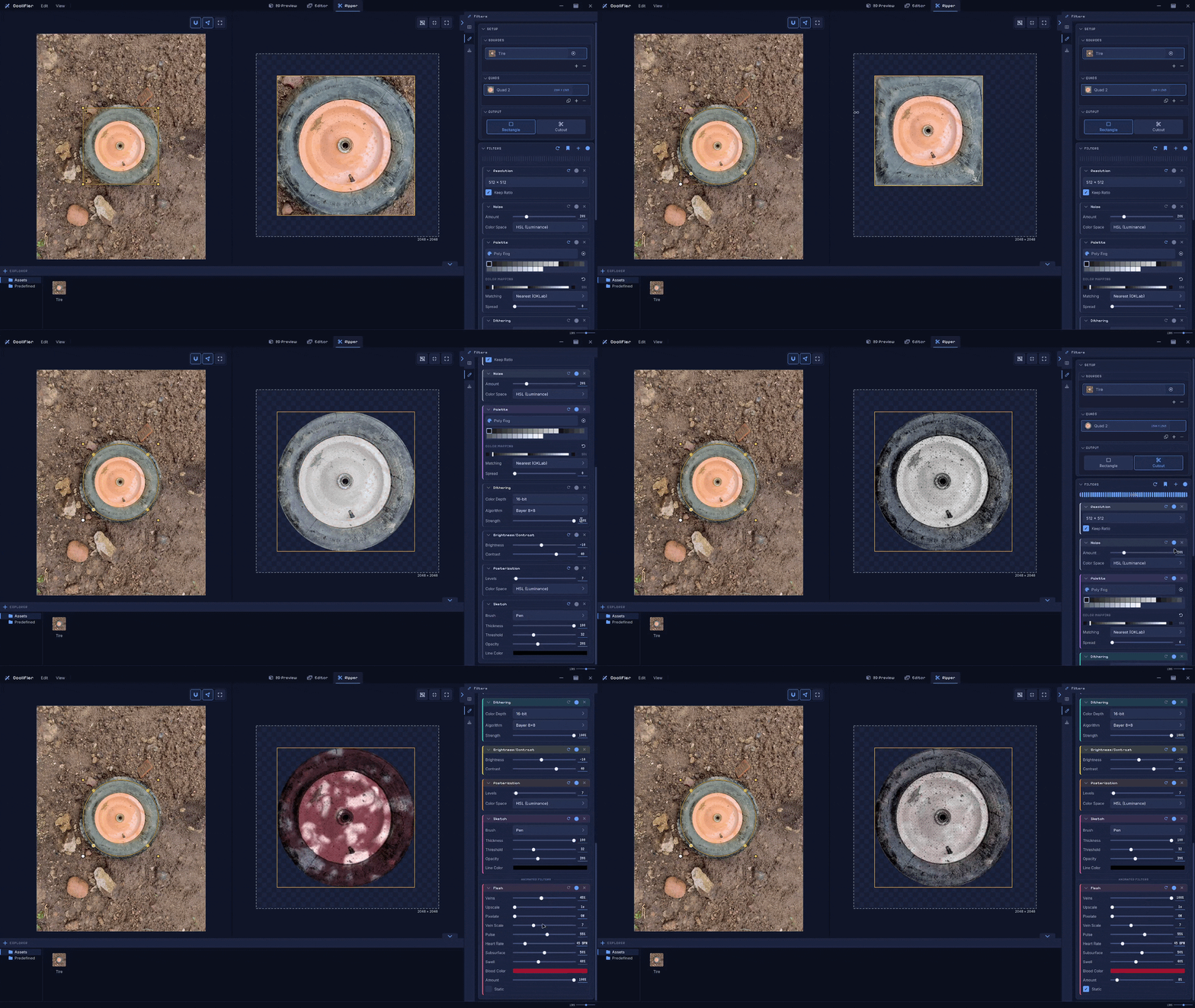
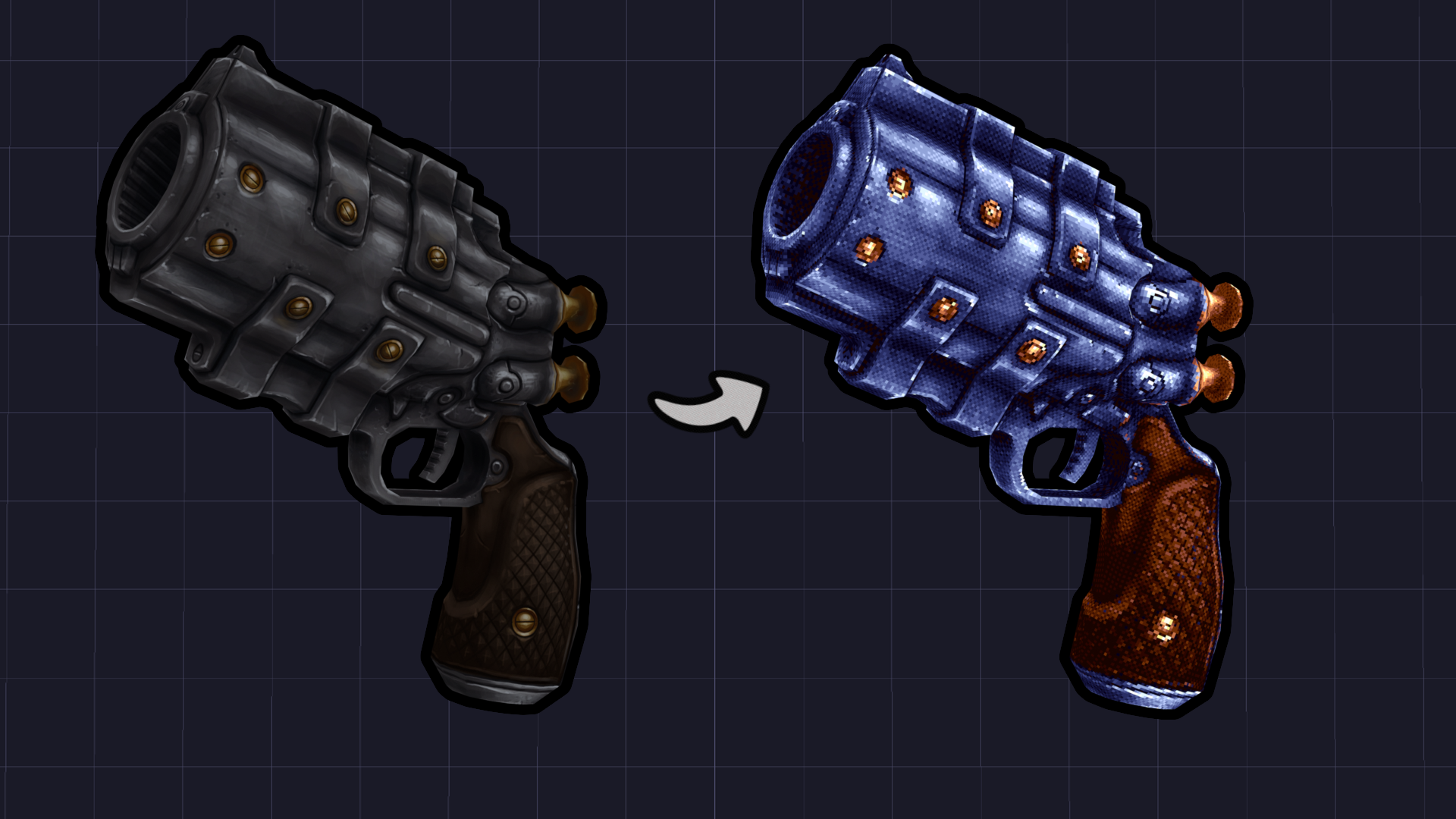
You can use it to stylize your textures and assets, create eye-catching marketing material for your page, and add awesome animated effects. With this latest update, I’ve added texture ripping! You can now rip textures directly from any image and turn them into usable textures.
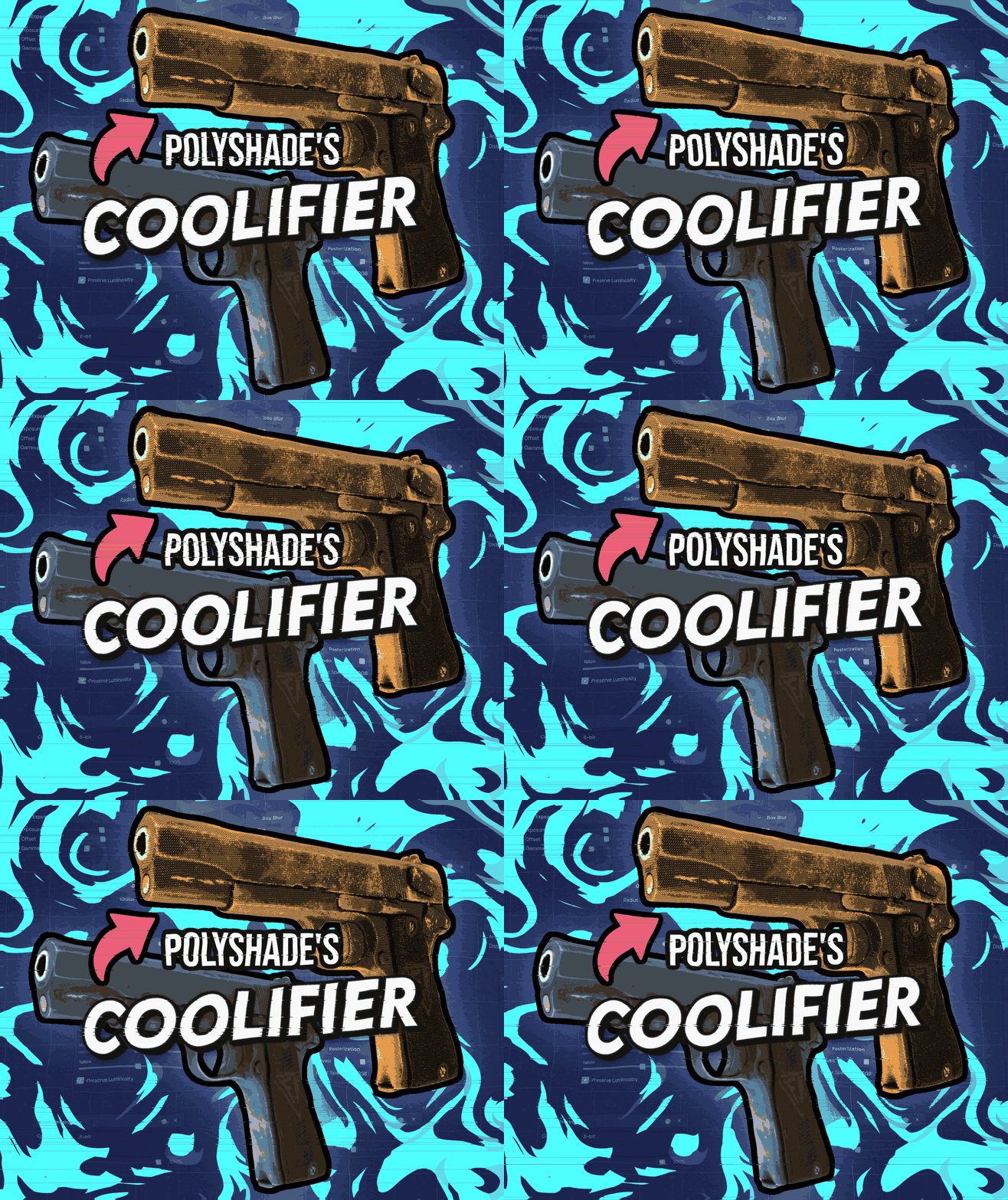
In addition to what you can do with Puck’s tool, my tool can also create advertising materials. The banners, thumbnails, and text you see, such as "Leave a rating!", were all animated using various filters and exported as GIFs. My tool also supports a wider variety of filters. You can also import and edit multiple assets at the same time. I’m also cooking up an update that will introduce another major feature!
Collection of retro-inspired soundtracks designed to loop seamlessly, perfect for games and creative projects. Created by my brother, with a lot more on the way! You can check it out here: https://polyshades.itch.io/chiptunes
Yes, you can import your own audio, including your own recorded voices. The effects are entirely created using code, and no third-party plugins are used for them. The app currently does not support audio-mixing plugins. Since this is the initial release, I wanted to keep the functionality simple. I will look into Kilohearts plugins and may implement support for audio-mixing plugins in the future. No promises tho!
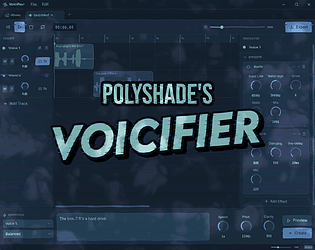
It's a voice generation and audio stylization tool that doesn't use AI. It's heavily inspired by Mike Klubnika's Tartarus Engine and the sound and atmosphere of PSX horror games. It's also great for prototyping! At 00:16 of the trailer, you can hear the type of voices you can generate with it.
You can also import your own audio clips and add effects to them. Pick from 10+ built-in effects. My personal favourite is the Radio effect. You can check out the tool here: https://polyshades.itch.io/voicifier
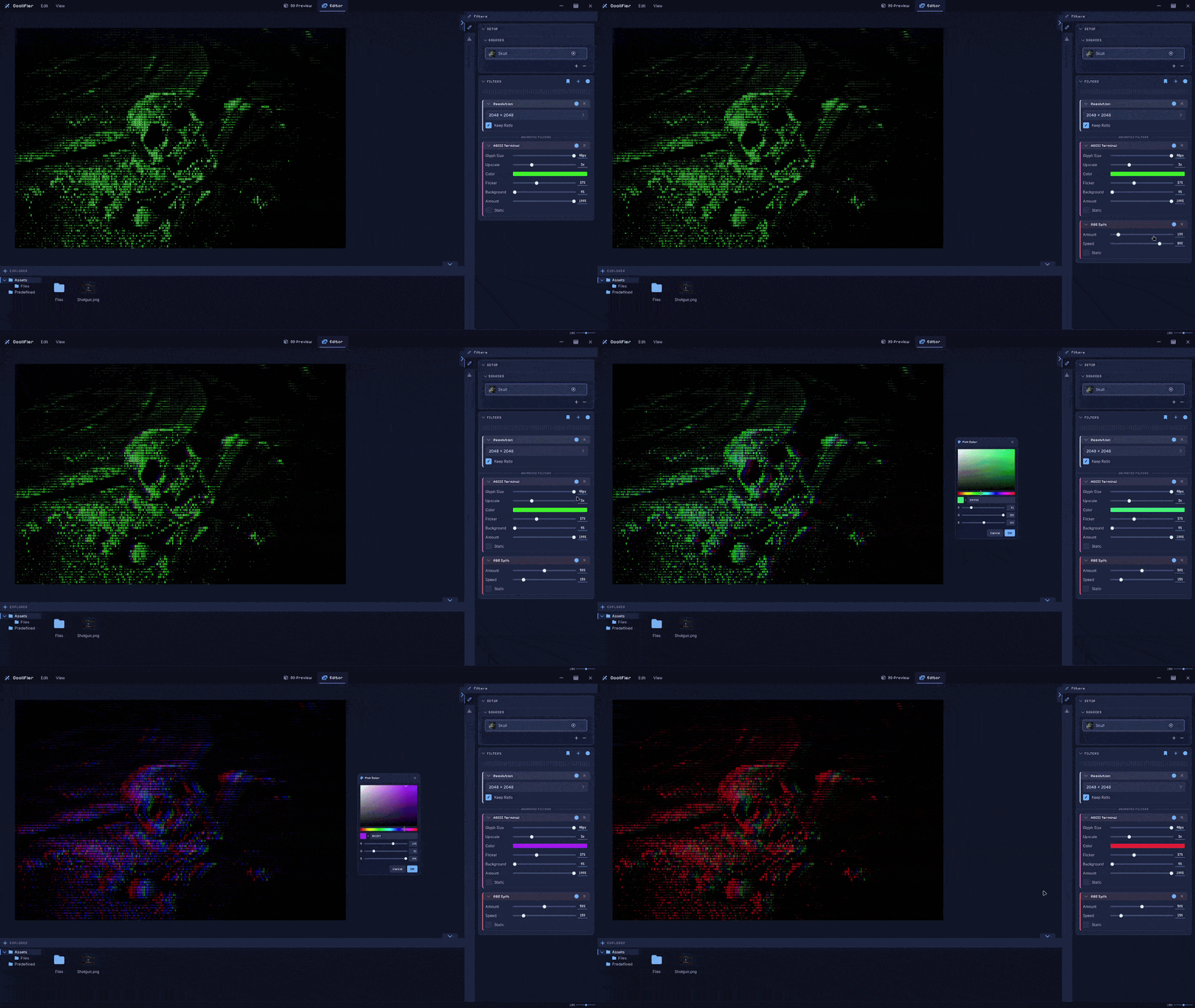
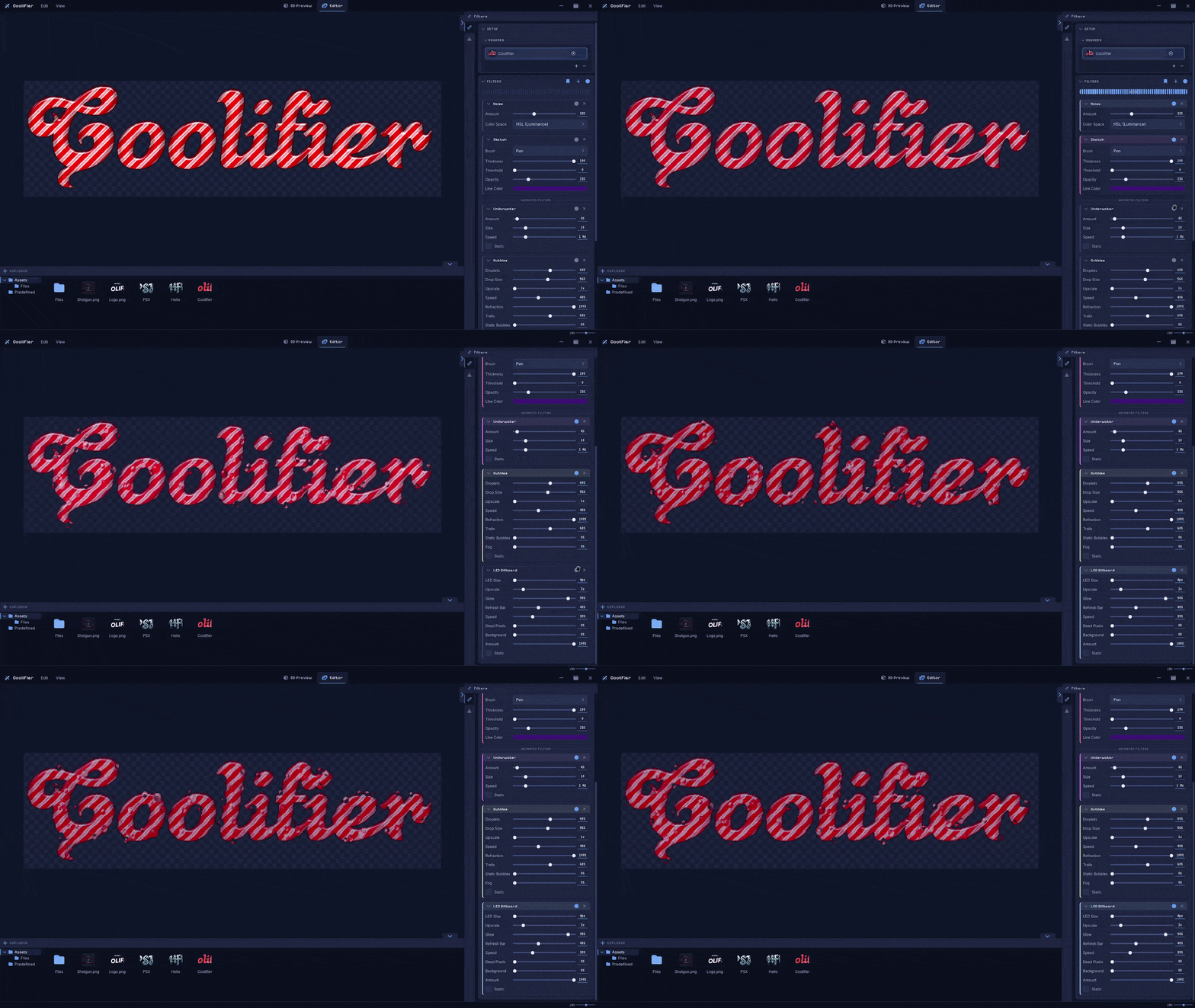
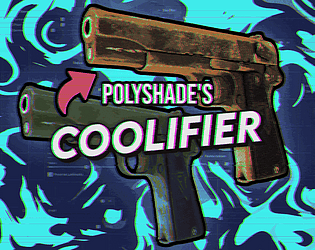
Added a bunch of new animated filters, along with some general improvements to the app. You can check it out here: https://polyshades.itch.io/coolifier
And while you're there, you can also grab a free UI pack called Cool UI!


I'll try to implement that in the next update! Though, could you be more specific and explain what the "Outline Filter" does? Could you maybe send me some examples?
You can contact me at Polyshade.Support@proton.me
Made this tool for stylizing game textures and visuals, mostly aimed at horror and retro aesthetics. Real-time preview, both 3D and image editing modes.
https://polyshades.itch.io/coolifier
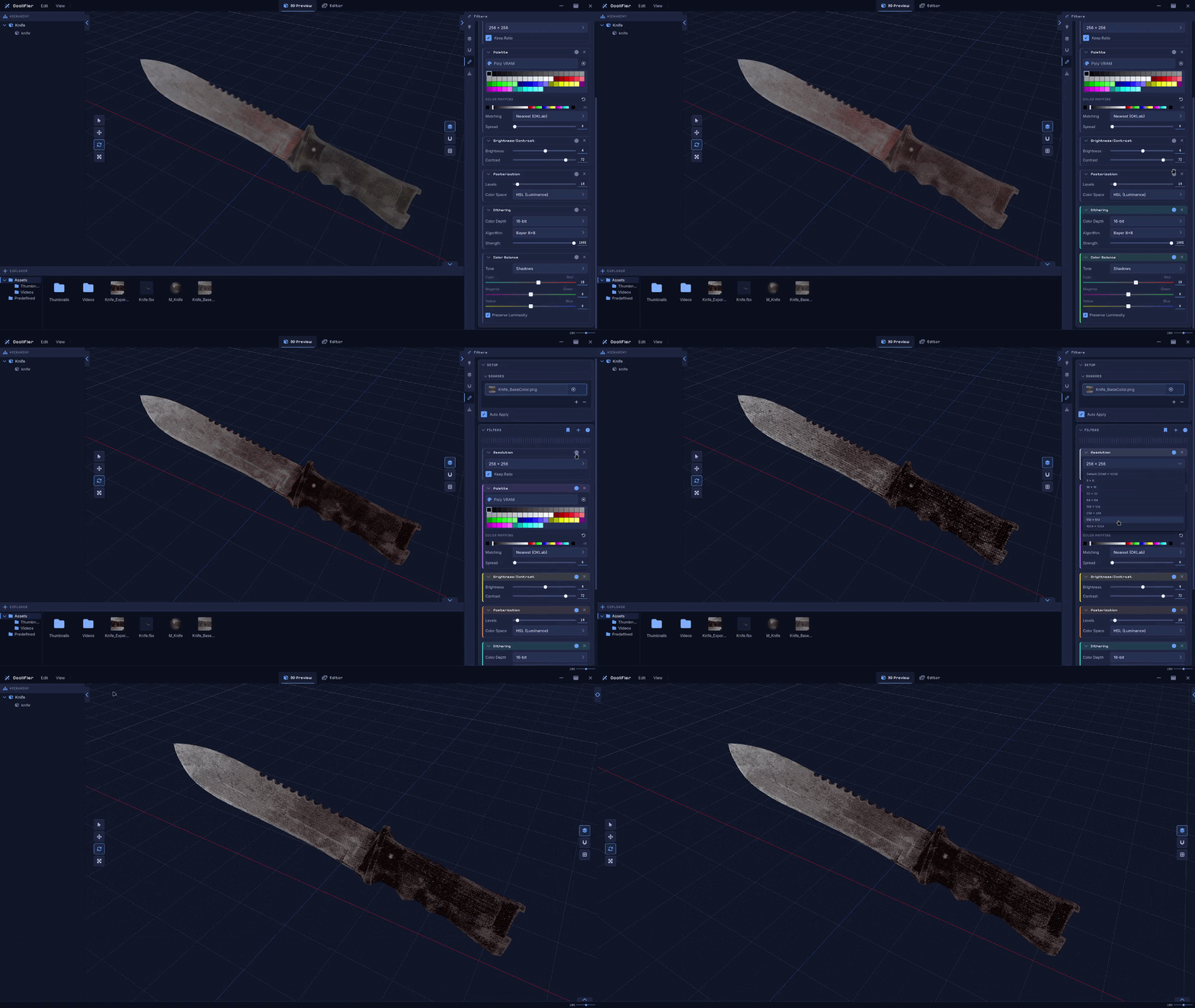
Import your own models in .OBJ, .GLB and .FBX formats.

Apply a chain of filters to any asset. You can change their order to create unique variations.

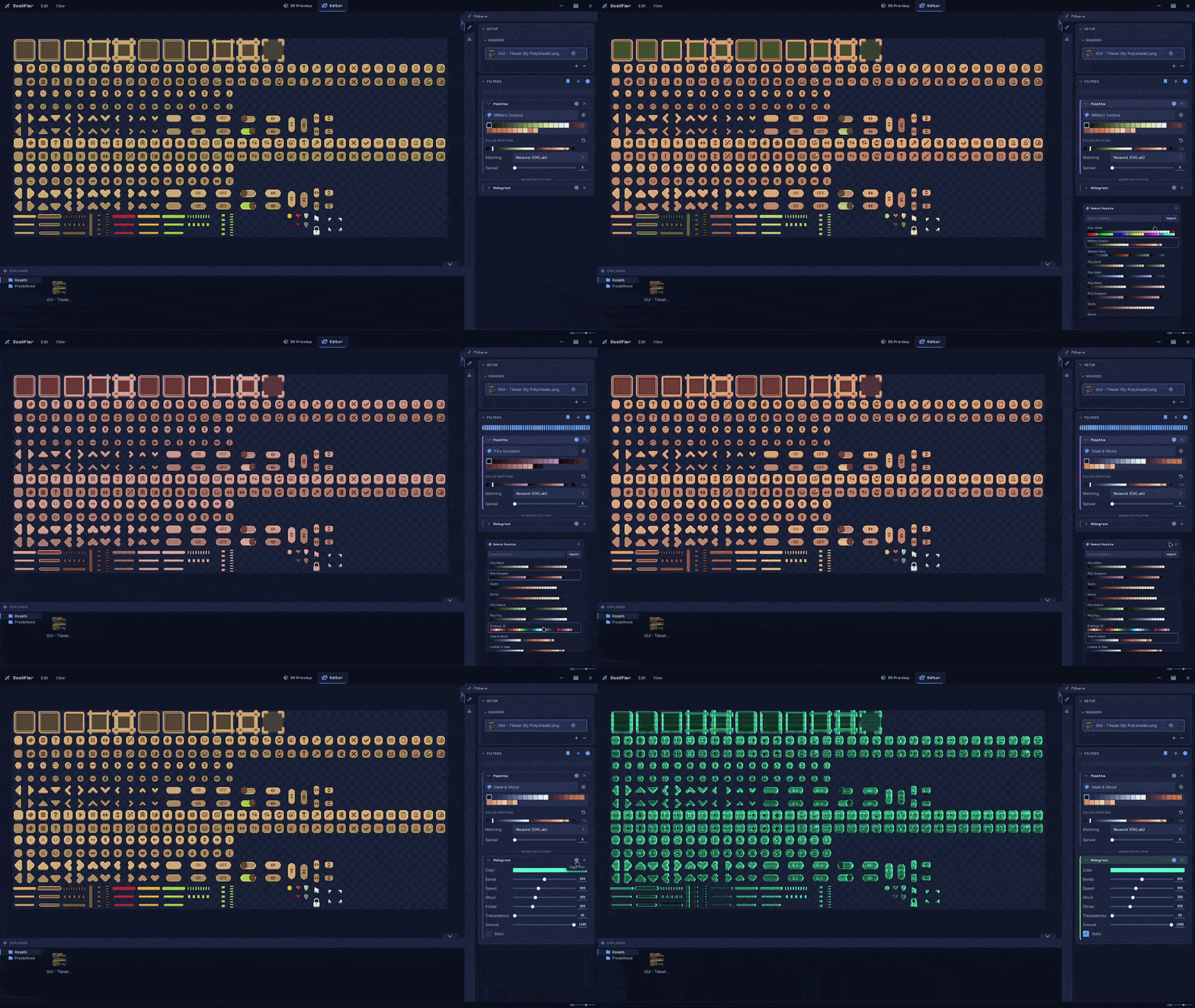
Choose from 70+ built-in palettes, or import your own using .PNG, .TXT and .HEX formats.

The software can also be used for sprites, texts, user interface and much more.