You can if you use a screenreader (which blind players typically would). There's probably one built into your operating system, e.g., VoiceOver on macOS or Orca on Linux. Check your accessibility settings.
Peter Drake
Creator of
Recent community posts
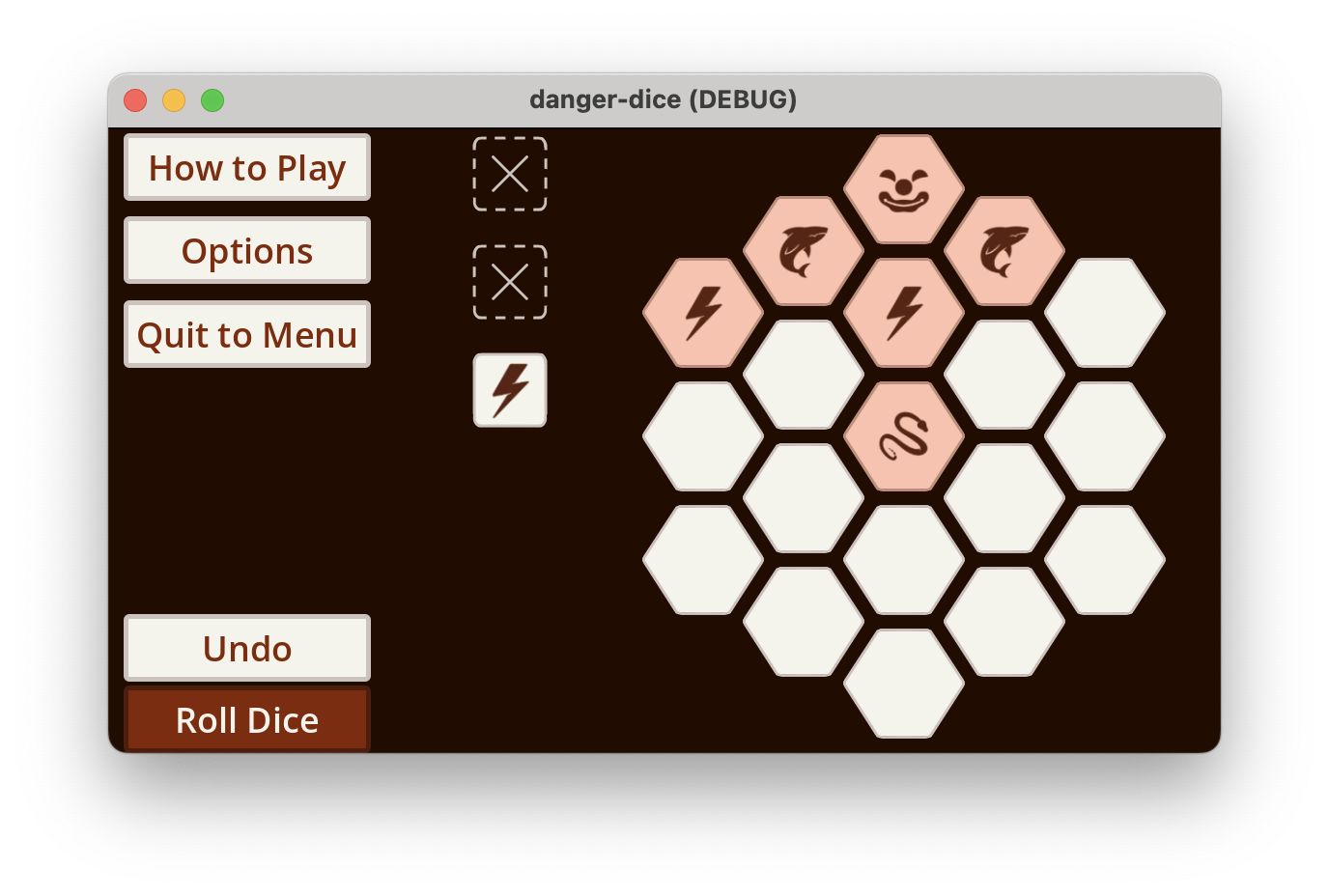
Can you avoid sharks, clowns, and volcanoes? Pick your dangers, roll dice, and try to place them in a grid so two of the same danger aren't next to each other.
This game is blind-accessible and works with screenreaders. Should be accessible to most other players, too.
https://peterdrake.itch.io/danger-dice

I found this frustrating. I heard "press <garbled> to start the game", but couldn't tell what I was supposed to press. I stumbled on Enter. Then it sounded like "press the mouse to take a song"; I only found out what that meant by watching (parts of) the video.
I still don't understand what I'm supposed to do during the game. The video implies that the voice is an "opponent"; I originally assumed it was instructions. Am I supposed to memorize the song and hit the keys at the same time as the voice? Alternately, am I supposed to listen to the voice and then repeat that sequence of keys? If so, how do I know what times I'm aiming for.
As a final frustration, the sound of each key being pressed happens a significant fraction of a second after pressing it, which disrupts any attempt at rhythm.
It's a really neat idea! I don't mean to be too harsh, but I wasn't able to successfully play the game.