Indie game storeFree gamesFun gamesHorror games
Game developmentAssetsComics
SalesBundles
Jobs
TagsGame Engines

77Survival

44
Posts
9
Topics
44
Followers
57
Following
A member registered Jul 14, 2022 · View creator page →

Creator of

Recent community posts

Hi Sang,

I'm using Hendrix_Hotbar_Creator.js version 2.0.6.

I've created my hotbar successfully, but I can't figure out how to show/hide the Hotbar UI during gameplay.

Is there a Plugin Command, Script Call, Switch, or parameter for toggling the Hotbar visibility?

Could you please explain how to do it?

Thank you! แปล

Hi, I have a quick question about the Hotbar Creator plugin.

Is it possible to show/hide the entire hotbar UI during gameplay?

For example, I'd like to hide the hotbar during cutscenes and show it again afterward.

If yes, is there a plugin command or script call for this?

Thank you!

(1 edit)

Hi! Does this plugin work correctly on a MacBook Air M1 (Apple Silicon)?

Have any users reported compatibility issues on macOS?

Thanks!

"Thank you for the quick answer! One more question: Can we set the HUD elements (like images or icons) to be clickable buttons that trigger a Common Event or a switch when clicked?"

Hi! I'm interested in this plugin. I would like to know if the custom gauges/bars can be dynamically linked to Game Variables (or Actor Stats), or if they are just visual images? Thank you!

V0.5.6.2 – Stability Patch

  • 🐛 Fixed a major bug that caused Events not to run and Teleports to fail

  • ⚔️ Fixed an ABS error that appeared every frame, improving overall performance

  • 🔧 Added 2 new error-prevention plugins (Popup + ScrollType)

  • 🛗 Elevator system is now fully functional again

  • ▶️ Autorun Events now run correctly without stopping midway

  • 🗺️ Improved map loading stability, reducing crashes when entering new scenes

-----------------------

V0.5.6.2 – แพตช์เสถียรภาพ (Stability Fix)

  • 🐛 แก้บัคใหญ่ที่ทำให้ Event ไม่ทำงาน / เทเลพอร์ตไม่ติด

  • ⚔️ แก้ Error ระบบ ABS ที่เด้งทุกเฟรม ทำให้เกมลื่นขึ้น

  • 🔧 เพิ่มปลั๊กอินกัน Error เพิ่มอีก 2 ตัว (Popup + ScrollType)

  • 🛗 ระบบลิฟต์กลับมาทำงานปกติ

  • ▶️ Event แบบ Autorun ทำงานจนจบ ไม่หยุดค้างกลางทาง

  • 🗺️ โหลดแผนที่เสถียรขึ้น ลดโอกาสเกมค้างตอนเปลี่ยนฉาก

Update v0.5.6 – Patch Notes (ภาษาไทย)

ปรับปรุง / เพิ่มเติม

  • เพิ่มหน้าสรุปสถิติเมื่อจบเกม

  • เพิ่มของรางวัลเมื่อจบเกม

  • เปลี่ยนปลั๊กอินระบบป๊อปอัพเป็นแบบใหม่ เพื่อแสดงไอเทมได้ดียิ่งขึ้น

  • เพิ่มอาวุธใหม่: มีดใหญ่, อีโต้, ไม้เบสบอล หาได้จากของตกแต่ง “ที่ใส่อาวุธโบราณ”

  • เพิ่มการสุ่มวัตถุดิบตามแต่ละชั้นในถ้ำ:

    • ชั้น 1: ดิน

    • ชั้น 2: ดิน, ไม้, แร่เหล็ก

    • ชั้น 3: ดิน, ไม้, แร่เหล็ก, กระจก

    • ชั้น 4: ดิน, แร่เหล็ก, กระจก, แร่ม่วง

    • ชั้น 5: แร่เหล็ก, กระจก, แร่ม่วง, ทองคำ

    • ชั้น 6: ไม้, แร่ม่วง, ทองคำ

    • ชั้น 7: มีทุกอย่าง

  • ตัดอาคารขนาดใหญ่ออก เนื่องจากไม่จำเป็นเท่าที่คิด

  • เพิ่มค่าความสวยงาม/สภาพแวดล้อมจากของตกแต่ง (มากขึ้น เพราะของคราฟค่อนข้างยาก)

  • ปรับรางวัลจากการหลอมทองให้สมดุลขึ้น

  • แก้ระบบลงลิฟต์ไม่ให้ตัวละครตกหรือเคลื่อนผิดตำแหน่ง

  • เพิ่มการแสดงผลของภารกิจหลักให้ชัดเจนมากขึ้น

แก้ไขบัค

  • แก้บัควางของคราฟแล้วค่าความสภาพแวดล้อมเพิ่มขึ้นเรื่อยๆ

  • แก้อีเวนต์เจอ มีอาร์ และ ลุงโทนี่ ครั้งแรกไม่ทำงาน

  • แก้บัคศัตรู Eater ในชั้น 5 ไม่สามารถเดินไปถึงได้

  • แก้บัคชั้นสุดท้ายของถ้ำชั้น 7 ที่ขึ้นจอดำ (แต่ยังเดินได้)

  • แก้บัคกลับมาจากมินิเกมรถในโซนทะเลทรายแล้วขึ้นลิฟต์ เจออีเวนต์สู้กับนักเวทย์ ทำให้ติดค้าง

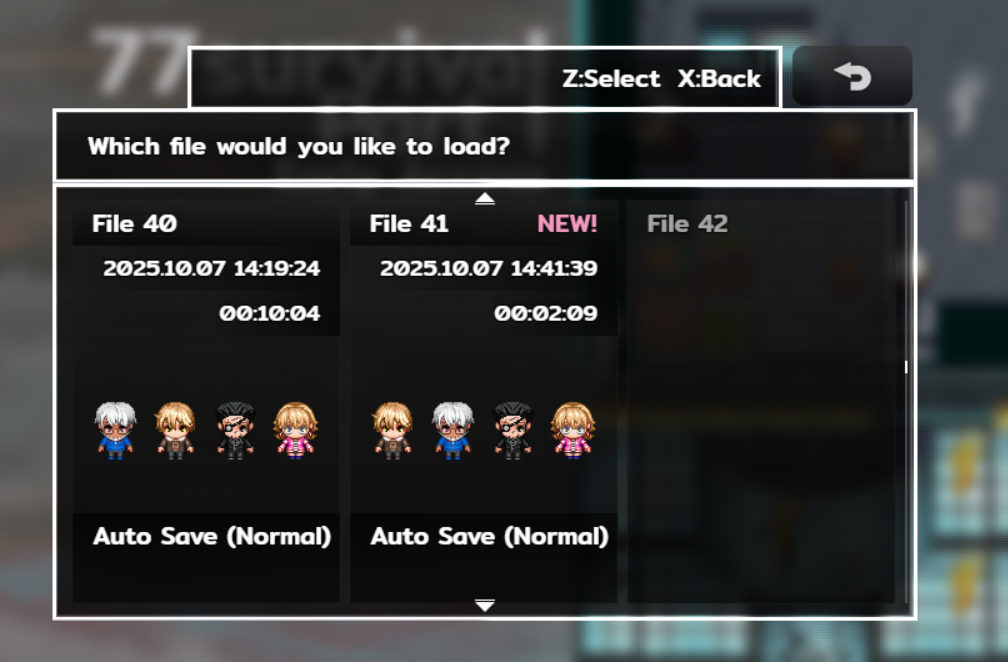
  • แก้บัคเวลาตาย 2 คนแล้วเมนูขึ้นผิด ตอนนี้จะแสดงตัวเลือกโหลดเซฟถูกต้อง

If I lower the resolution using this plugin, will it help improve the frame rate?

🛠 77Survival v0.5.5.1 – Patch Notes

  • แก้บัคค้างอยู่ในลิฟต์ (เพิ่มปลั๊กอินช่วยจัดการอัตโนมัติ)

  • ปรับเวลาให้สมดุลมากขึ้นระหว่างเกมเพลย์

  • แก้ไขบัคย่อยบางส่วน

v0.5.3.1

🧩 ปรับปรุงระบบ

- ปรับปรุง สไปร์ทการหลบ

- ปรับปรุง ระบบเซฟ ให้สามารถ “เลือกช่องเซฟได้เอง”

เพื่อให้ผู้เล่นสามารถบริหารไฟล์เซฟหลายแนวทางได้อย่างอิสระ

- ตัดระบบเซฟอัตโนมัติทิ้ง เพื่อเปิดโอกาสให้ผู้เล่น “ตัดสินใจเลือกทางสำรวจ” และ “กำหนดผลลัพธ์ด้วยตนเอง” อย่างอิสระมากขึ้น

Thank you for sharing your perspective. I have my own as well, so I’m not really interested in arguing further. 

I’ve put a lot of effort into creating the game itself, and I’m very dedicated to it. The only part where I used AI was for the cutscenes, since that’s not my strong skill. Using AI in this way is completely legal, and I see it as a tool that helps me focus on what I can do best.

(1 edit)

The demo is finally live! 🎮 Try it now and share your feedback! 

Download Demo!

>>  https://oat1991997gmailcom.itch.io/77survivalpart1

The game will be released on September 5, 2025 in Early Access. That’s why there’s no download button yet. Once it’s released, you’ll be able to download it right away. 🙏

77Survival_demo_v0.3.4

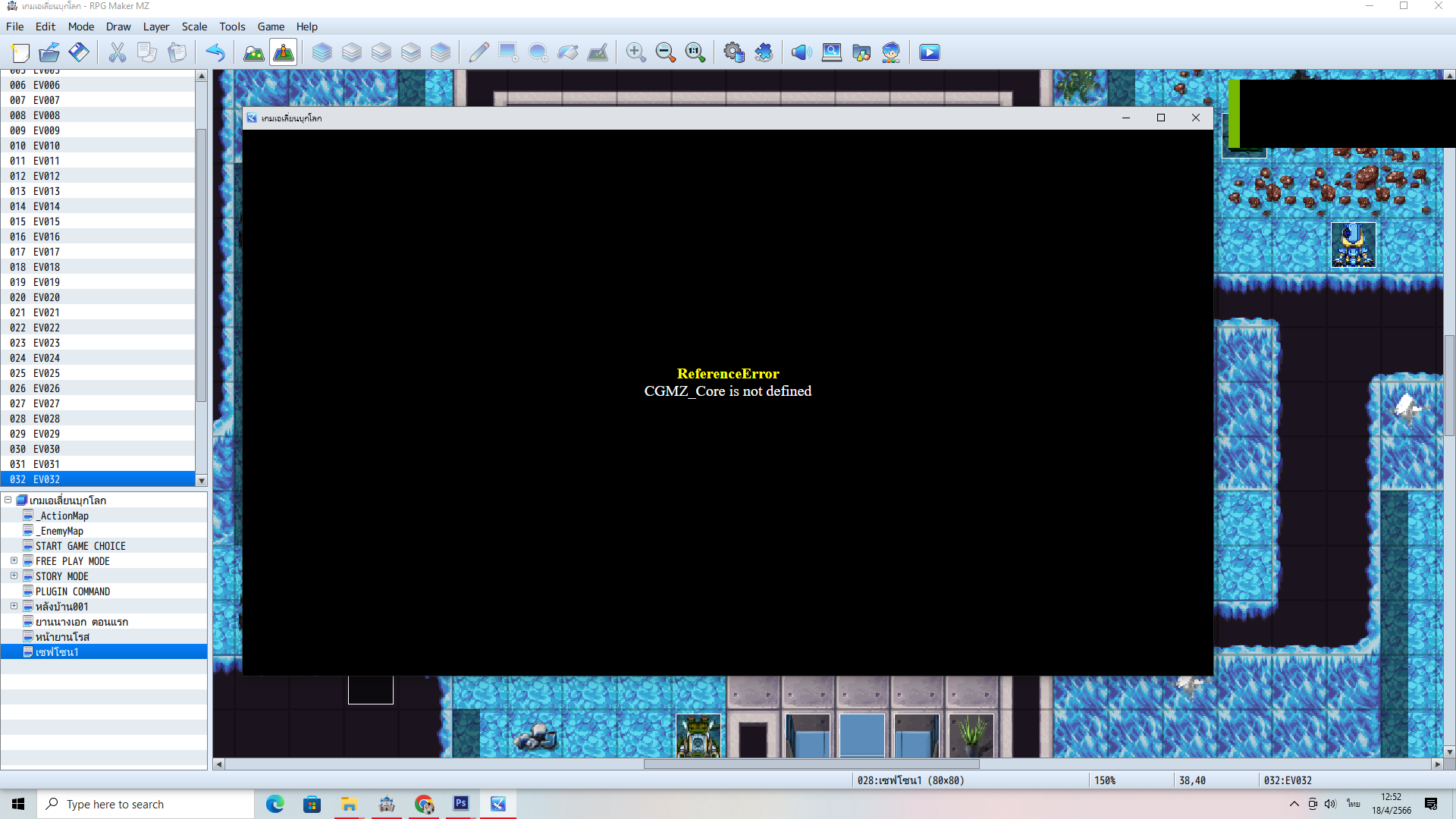
Is there a way to fix this?"

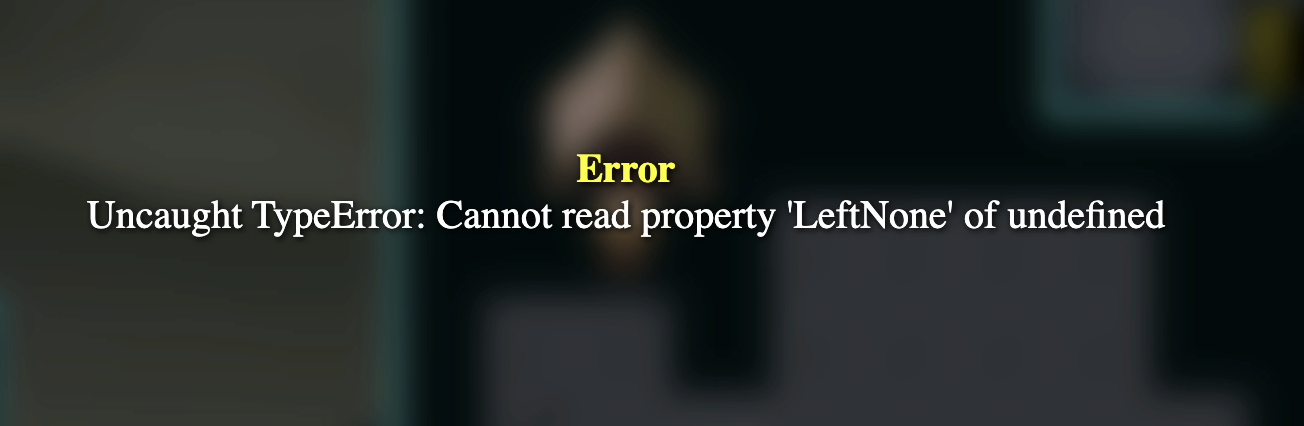
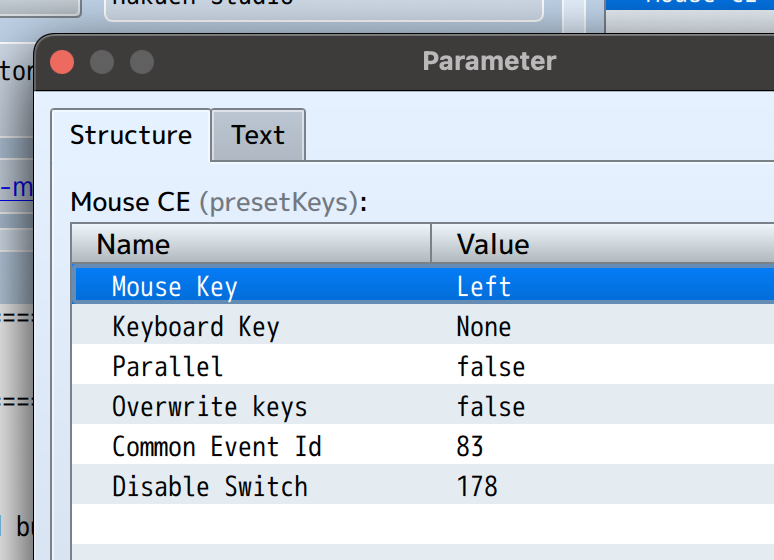
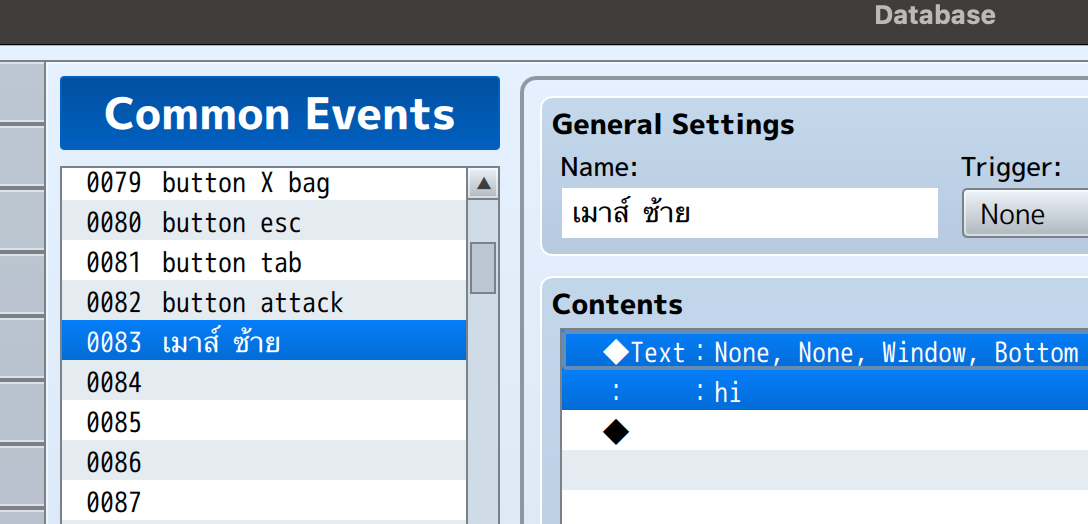
I tried using it, but the game crashed. I'm not sure if I set it up incorrectly. I tested a simple left mouse click to display text, but it still crashed. Is there a way to fix this?


Thank you so much, Trick Bunny ❤️

for live-streaming my game! It was really fun and helped me spot several errors and bugs in the game. This is really beneficial for the developer.

Please follow Trick Bunny in the comments below.

 https://www.facebook.com/TrickBunnyyy?mibextid=ZbWKwL

I've set it so that the left mouse click won't make the player walk, but instead, the player can walk using the arrow keys or WASD. However, when the player walks to an event, is it possible to use the left mouse click to initiate a conversation?

Can I change the left mouse click button to the confirm button(OK)?

แก้ข้อความ

(1 edit)
Is there a way to use your plugin?

I can't activate

I don't understand how it works ? 

Is there a way to enable it?

Is it possible to make the character movement a “wasd” button?

it is happenning in my project . 

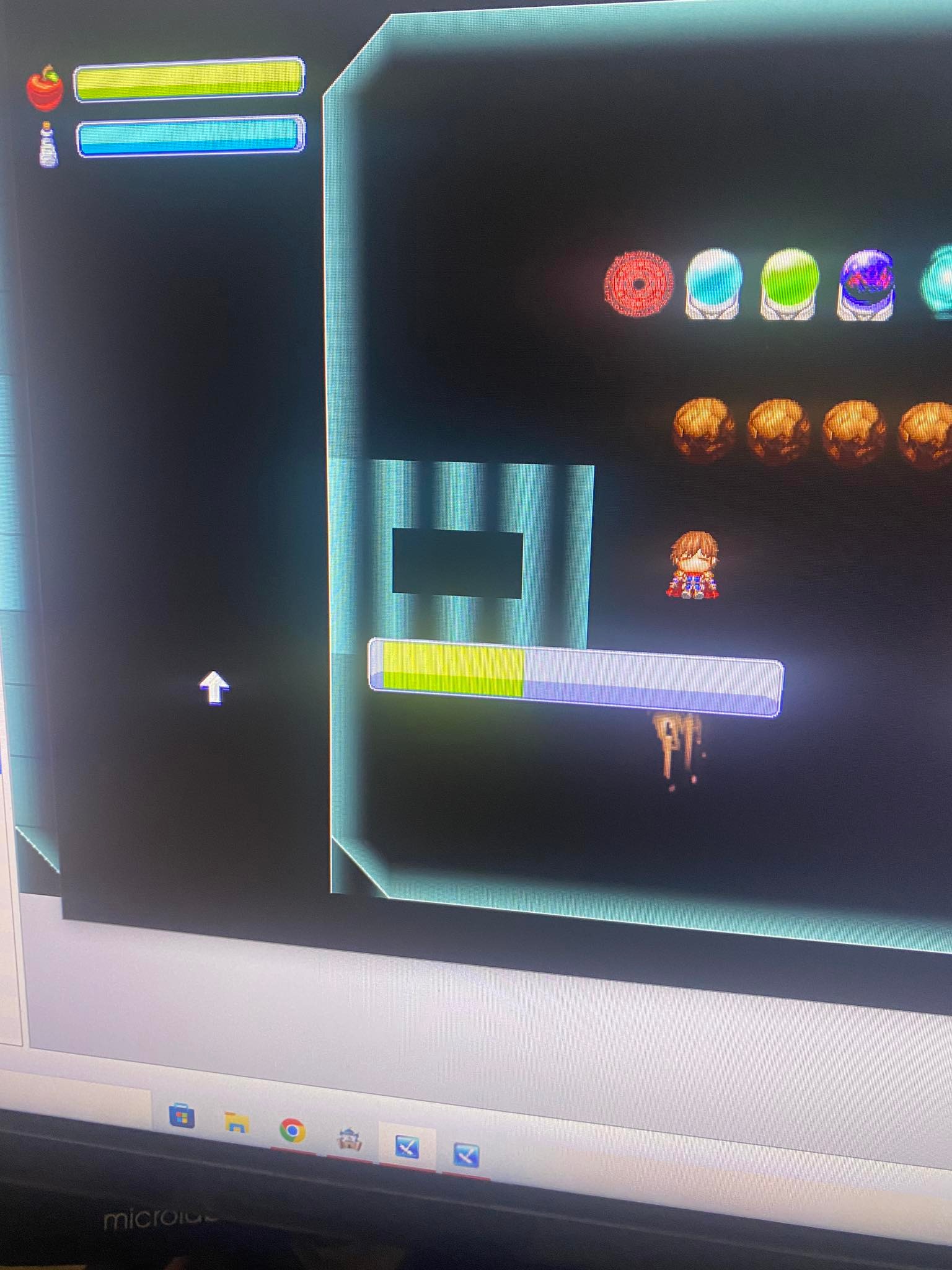
I watered 1 plant but it watered all of them. 

I can't do it. TT

It's a great plugin. But, What happened to my project?

Can I change the button? what do i have to do ? :)

i can do it. 

I switched the wrong plugin location. 

thank you 

i bought  it. But it doesn't work well. Is there a way to use it?


I can do it now. It's a great plugin, easy to understand.

thank you :D

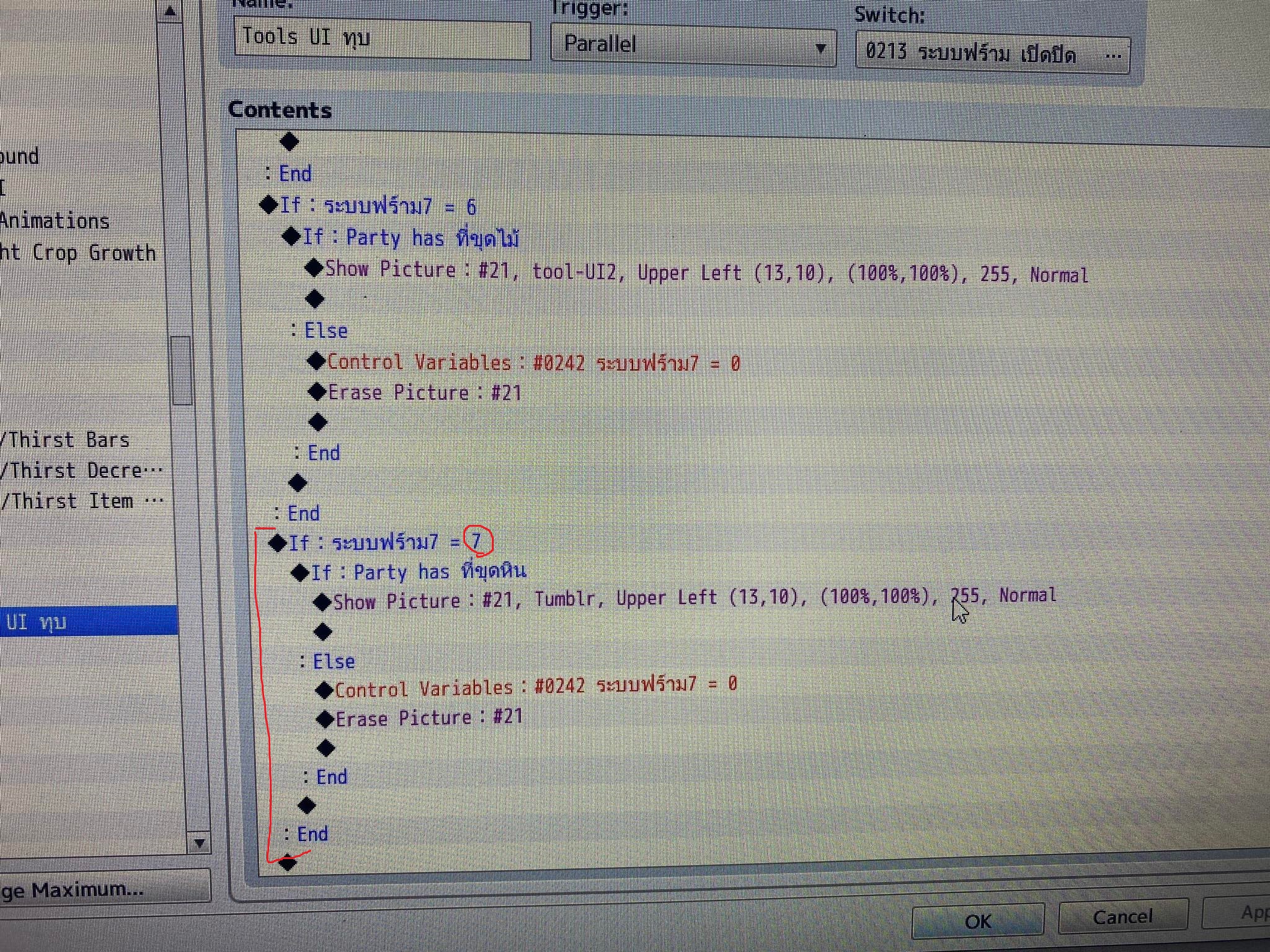
I can only add 7 tools in total. 

Is there any way to add more ?
I'm sorry, I can't type English well. 

I put a plugin into my project.

I don't understand how to use it

help me

thank you

rpg mz

Can I convert it for commercial use? 

thank you .