On Sale: GamesAssetsToolsTabletopComics
Indie game storeFree gamesFun gamesHorror games
Game developmentAssetsComics
SalesBundles
Jobs
TagsGame Engines

newold3

20
Posts
3
Topics
33
Followers
3
Following
A member registered Nov 13, 2019 · View creator page →

Creator of
Recent community posts

For the lag, you could connect the signals as deferred (.connect(_any_method, CONNECT_DEFERRED)) so the synchronization is pushed to the next frame, when the engine has some free time, instead of overloading a single frame with both page creation and synchronization.

Alternatively, you could use several awaits to wait a few frames before synchronizing. If it’s a heavy function, you could split it into multiple functions that do a small part each frame, or even use a secondary thread to run the synchronization.

All of these approaches could help reduce the initial micro-lag.

(1 edit)

The problem is the one I mentioned before: because of how the viewports are updated and the fact that the scene is taken out of one side and inserted into another, animations like the one you show end up becoming desynchronized by a few frames. You have to control that manually in your scripts.

I’ve added two signals to the pageflip script. You can download the new file and play with those signals to “synchronize your scenes.” The signals are started_page_flip_animation and ended_page_flip_animation, and they are emitted when the page-flip animation is about to start and when it finishes.

To connect those signals to your scripts, you can use the BookAPI so your scenes can retrieve the active book when they enter the scene tree (var book: PageFlip = BookAPI.get_current_book()). From there, you can connect to the book’s signals to synchronize your scenes.

You can do this when the scenes enter the tree: get the book, check that you’re not already connected to it, and then connect it to your script. The logic to actually synchronize the pages is something you’ll need to implement yourself.

By the way, in the pageflip inspector, if you enable enable_composite_pages and assign a page texture (the blank sheet of paper) to blank_page_texture, textures/scenes with transparency will be drawn on top of the paper.

Send me the project and an explanation of what is happening to you exactly, because from your explanation I can’t see the problem.

If you mean that your scene plays a seamless animation that looks fine when you place the same scene on the left page and on the right page, that animation can “break” when turning pages because, during the animation, the script has to take the scene out of the current viewport (slot1 = left page, slot2 = right page) and move it into slot3 (the initial face of the animated page), in order to configure the other slots with the correct images.

That movement of nodes can break any seamless animation that was formed by two pages together.

If you mean something else, send me the project and I’ll take a look at it.

I’ve uploaded a new version that now also supports Areas2D in interactive scenes.

(1 edit)

Thanks for the report. I’ve added the missing gradient file and a complete version of the readme. In addition, I’ve improved the shading and re-tuned the presets.
Regarding the mouse issue you mentioned, I’m not sure because it doesn’t happen for me — try the latest version I uploaded to see if it works for you. If it still doesn’t, please send me a small project where it fails and I can take a look to see if there’s any extra calculation I’m overlooking (Also make sure to follow the instructions in the section "Interactive Scenes & Input Handshake" so that the scenes work and are treated as interactive. That section explains how you need to configure the scene so that the book recognizes it as an interactive scene and sends it the mouse events.)

Thank you for the report. I have already fixed it and reuploaded both 'Starship Mayhem - Source Code.rar' and 'DatabaseEditor.rar' with the reported bugs corrected."

Hi, I checked the project in version 4.4.1, and yes, that bug does occur. I believe it only affects that specific dialog. The issue lies in the theme applied to the ItemList when items are selected. For some strange reason, in this version of Godot and in that particular dialog, the bug appears. However, in the ItemLists for items and categories (which use the same theme as that dialog), it works perfectly fine.

I have uploaded a new theme file (main_theme) that you can download.

In this theme, the problematic style has been removed. You should place this file in the folder:
addons/DatabaseEditor/Assets/ThemesAndStyles/

That is a generic error, there is not much information there. Sometimes godot fails to open a plugin due to cache or import issues. This is usually fixed by closing and opening the project again or deleting the folder named ".godot" in your game folder, and when you go back to the editor it should start re-importing all the assets and should no longer error.

(2 edits)

Thanks for the report I will review it and correct the link.


Edit: I checked the download link, put it into a newly created project and have not had any errors. What error did you get?

the direct link downloads a .rar and inside it has a folder "DatabaseEditor". That folder must be moved to the "addons" folder of your game. Maybe you moved it to the root of your game instead of the addons folder.

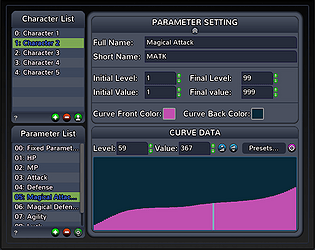
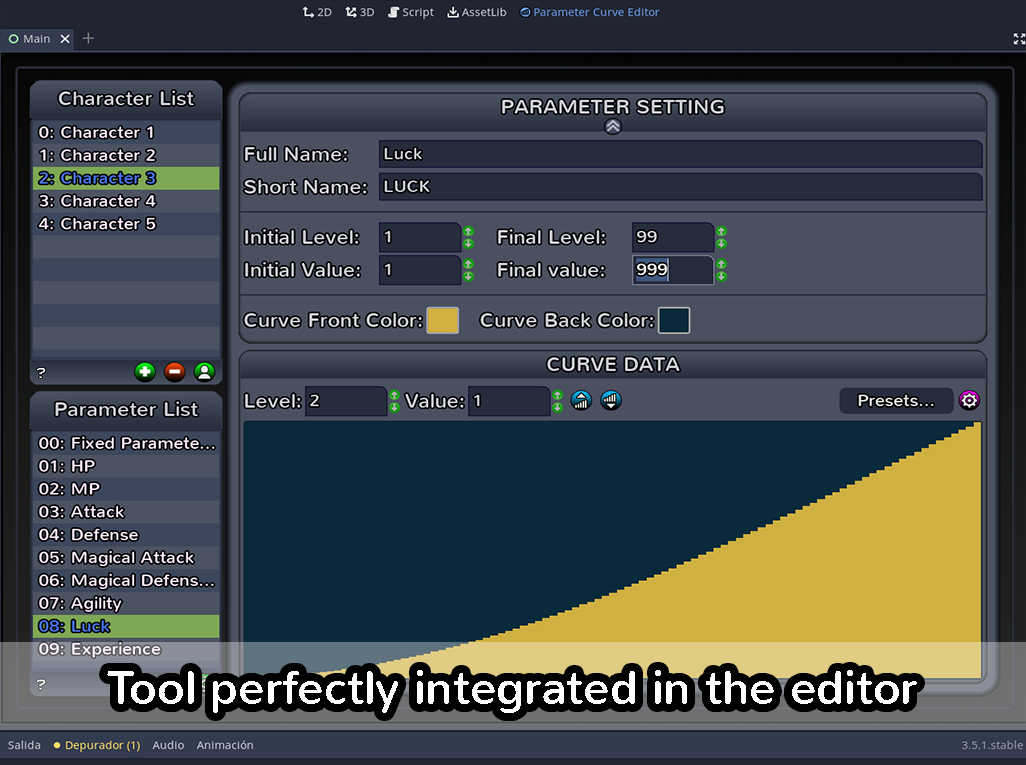
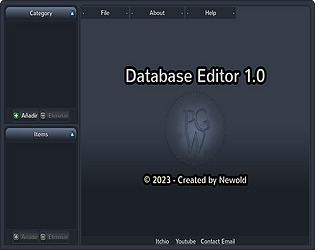
"Parameter Curve Database Editor" is a simple and elegant editor to create databases for your games. Its main use is for RPG type games, although it can be used for any type of game you want. This plugin is compatible with Godot 3.5.1

https://newold3.itch.io/parameter-curve-editor

Juego roto

¿De que resolución es tu monitor? La aplicación está diseñada para verse en 1024 x 768. Si tu monitor es de menos resolución lo que puedes hacer es irte a opciones/propiedades/display/window/stretch y cambiar Mode a 2D y Aspect a expand. Ahora abre el plugin y cambia el tamaño de la ventana arrastrando con el botón desde sus bordes o usa el botón maximizar de la ventana

get it in : https://newold3.itch.io/create-bitmapfonts-pluging-godot-32

Thank you for the notice. I have already uploaded a new version with the bug fixed.

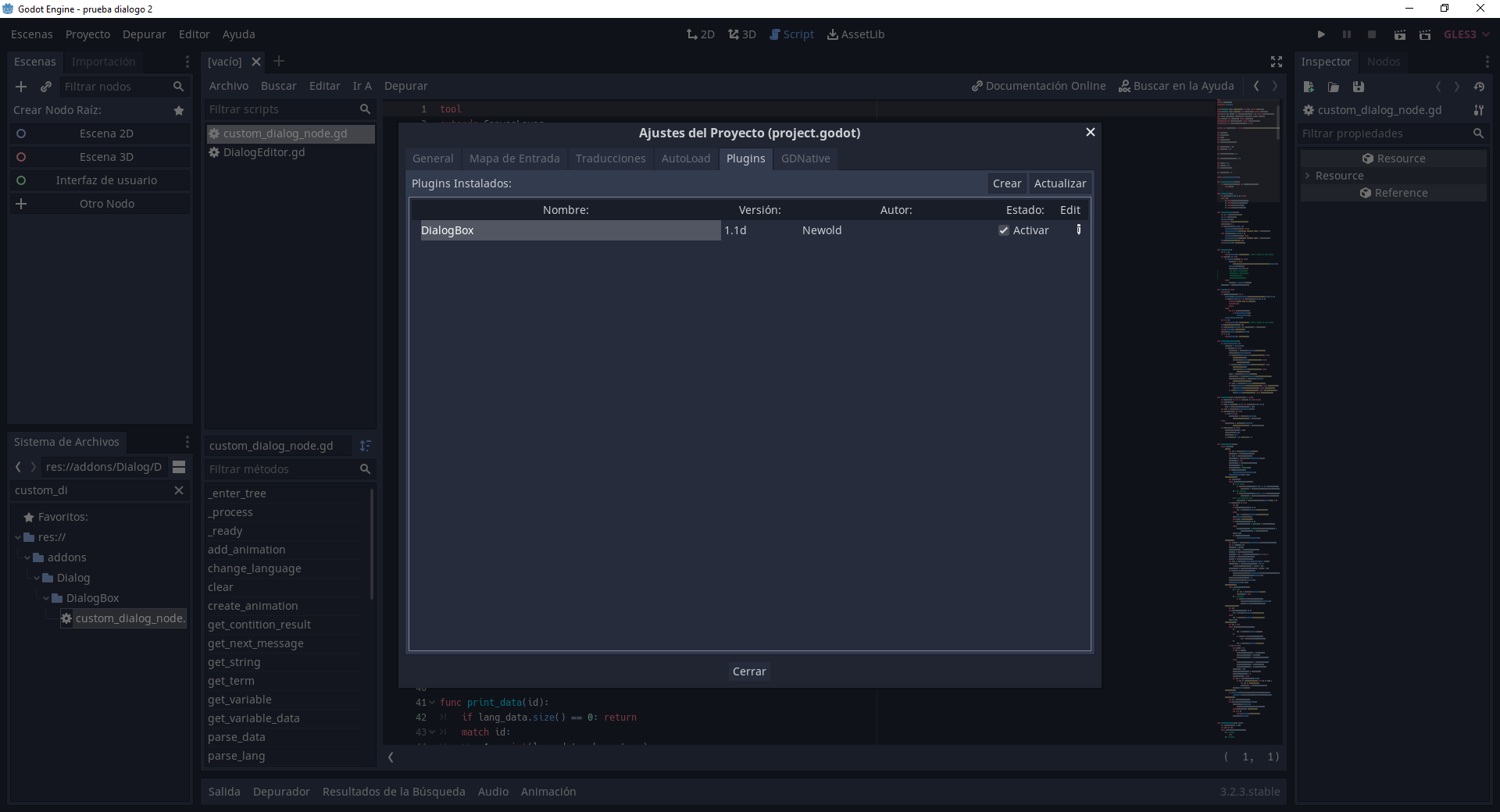
hello, I downloaded the latest version (1.1d), I created a new project (my version of Godot is 3.2.3), I put the folder of "addons" in the folder where this new project is saved, and everything works fine, I do not give any error.  The script in "custom_dialogue_node.gd" is fine, has no error. Maybe you have to open godot with administrator privileges since my plugin needs to write and read files from the hard drive
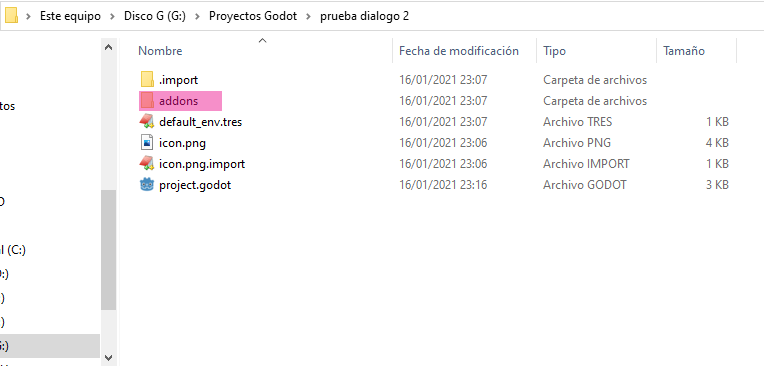
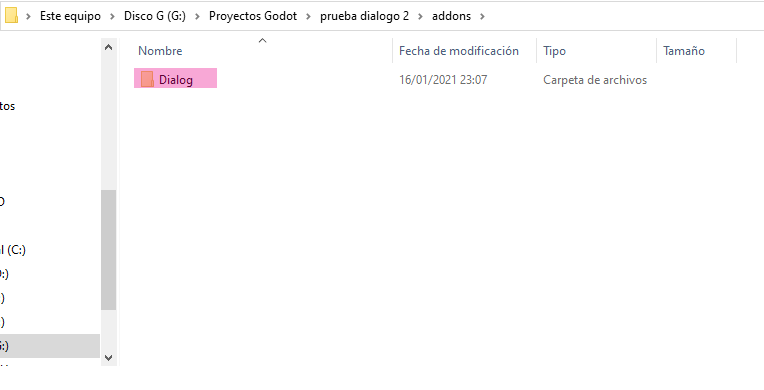
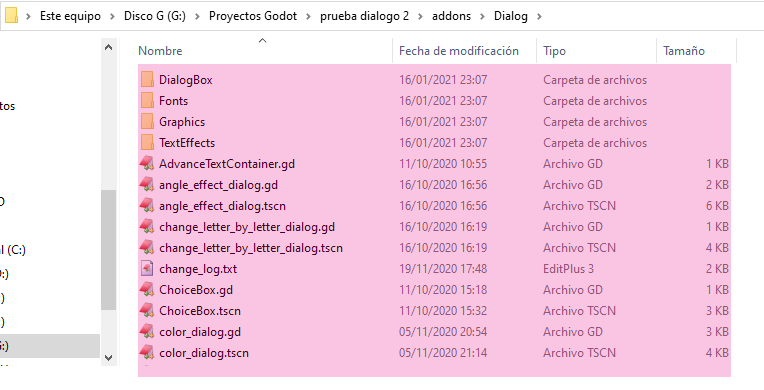
thanks!

I reviewed your project and saw where you were wrong.
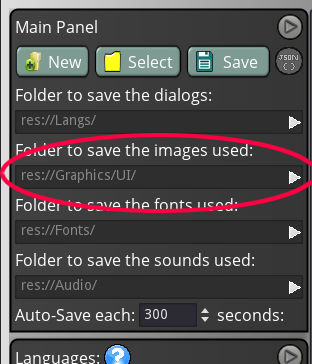
You have put the root folder for the graphics in the path "res://Graphics/UI". The dialog tries to find the image in that path ("res://Graphics/UI/image_path") but in your case, in "res://Graphics/UI/" the image doesn't exist because it is in "res://Graphics/"
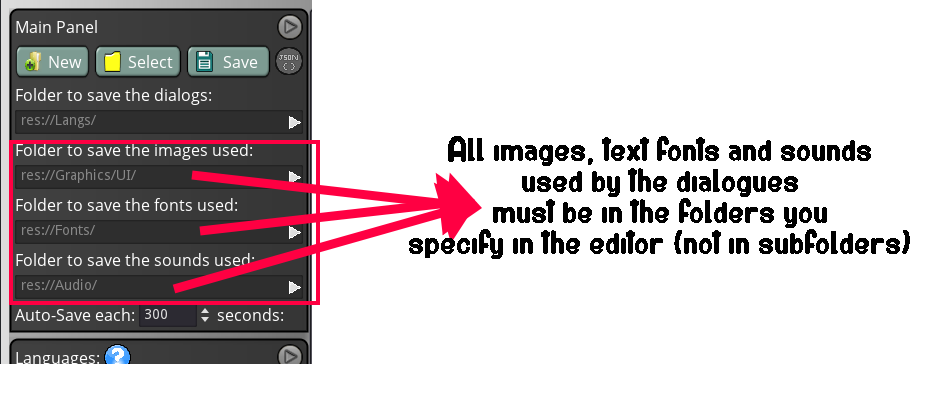
The editor will always try to move the files you use to their correct folders but sometimes it can fail especially when the files are in subfolders within the folders you have defined in the settings


Anyway throughout today or tomorrow I'll try to upload a new version that accepts subfolders and correct a bug I found testing your project that makes a command duplicate when you try to edit it with dobleclick

Thank you for the notice. I have uploaded a new version with fixed bugs and added a new command to the advanced text editor 

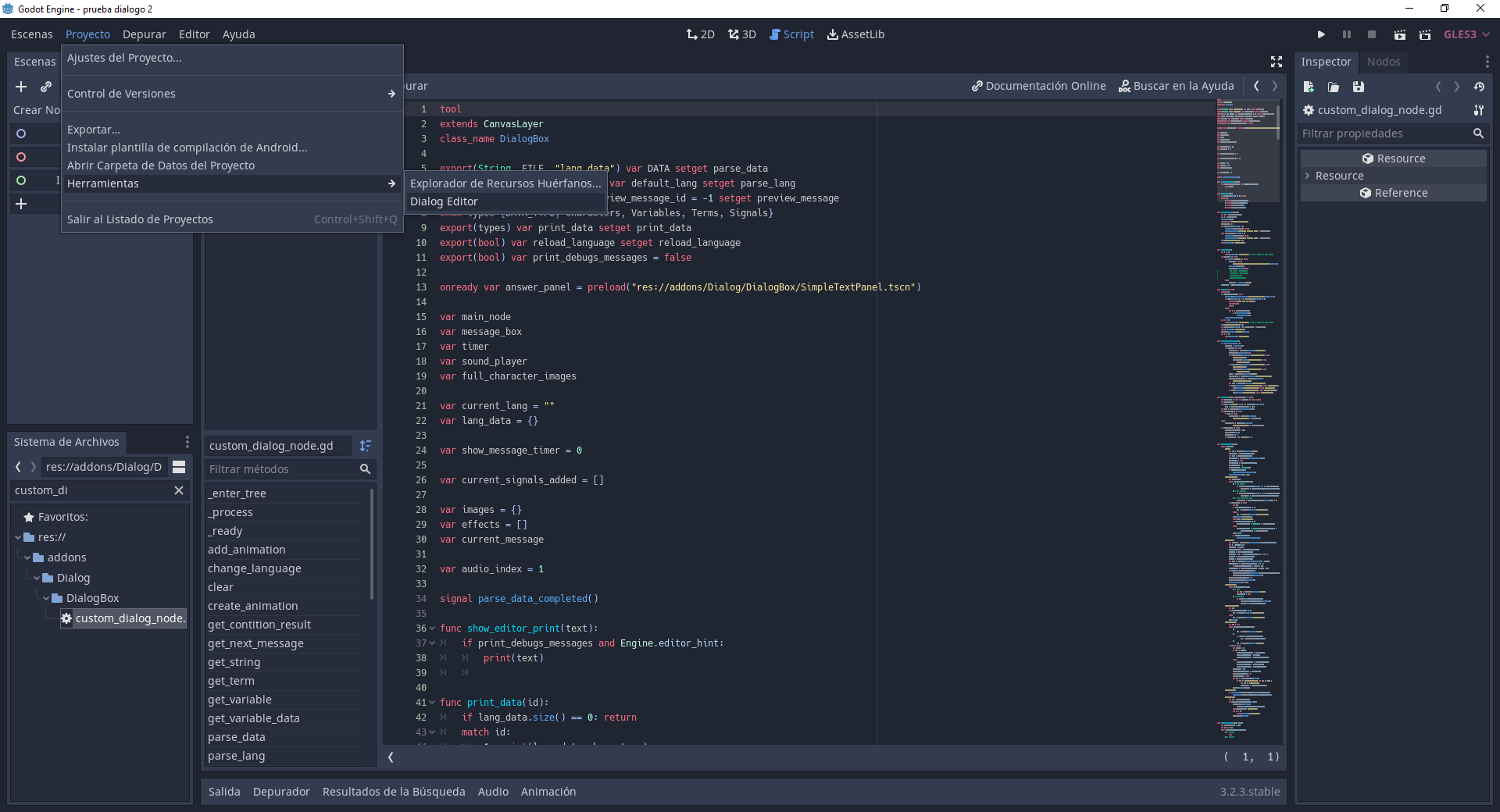
I use that version and it works fine. You can also try to open the scene called DialogEditor.tscn and try to run it. Anyway I recommend you not to open it from tools, because in case there is any error it does not show and/or closes without marking the error. Tell me if it works opening the scene

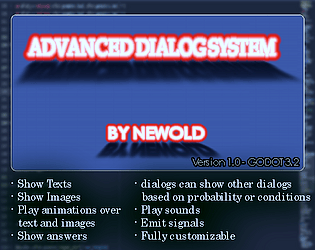
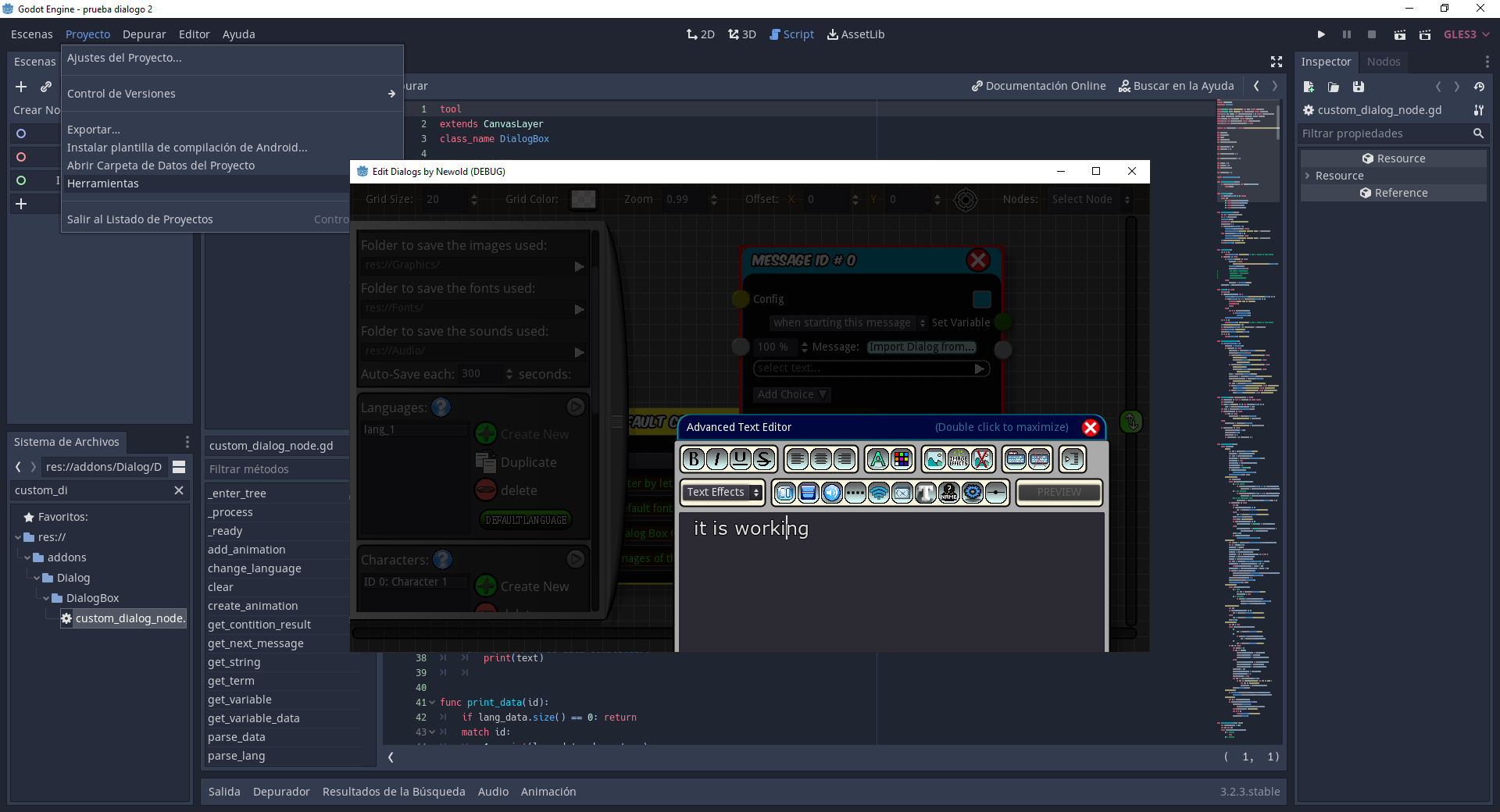
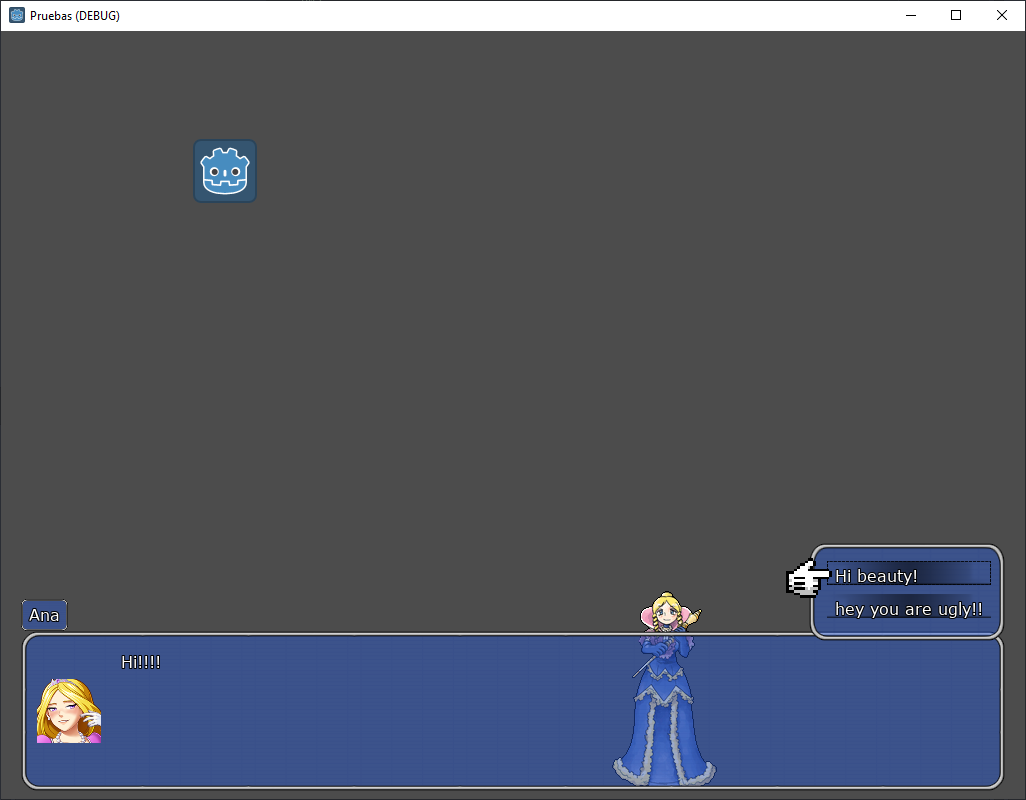
I have published a plugin for godot 3.2 to create dialogues for your games on that platform. Check it out!

Plugin: https://newold3.itch.io/advance-text-editor

Feautes:  Show texts and images with effects in a dialog box as in rpg games. Edit them with a integrated editor. Full tutorial will be published in a few days in my YouTube channel: https://www.youtube.com/channel/UCrLklnUsF1pN0WOBvlqbIbg

License: MIT

Preview:

Dialog (fully customizable):
Editor: