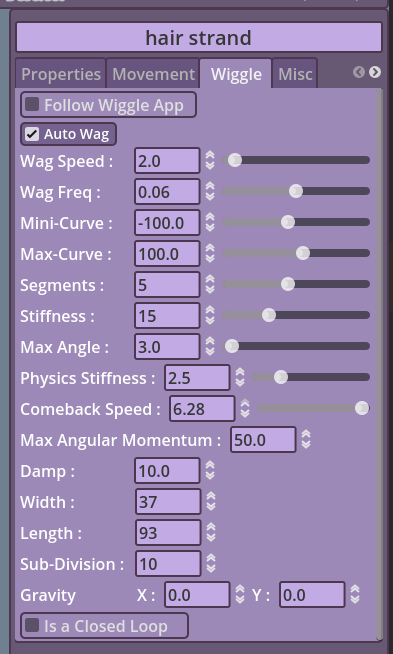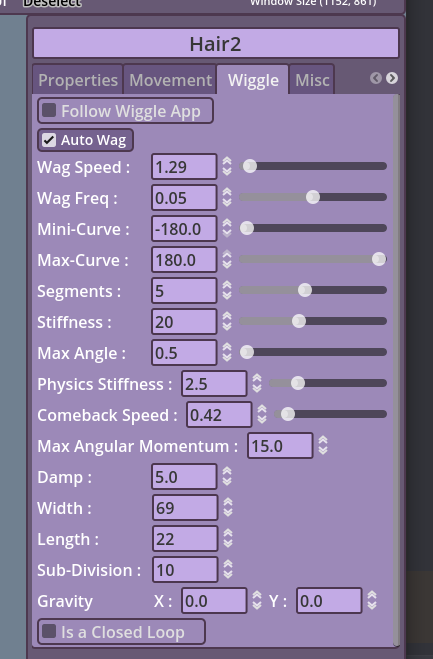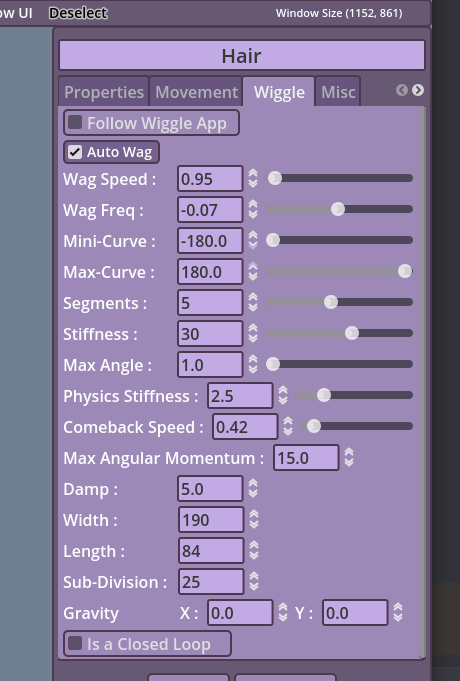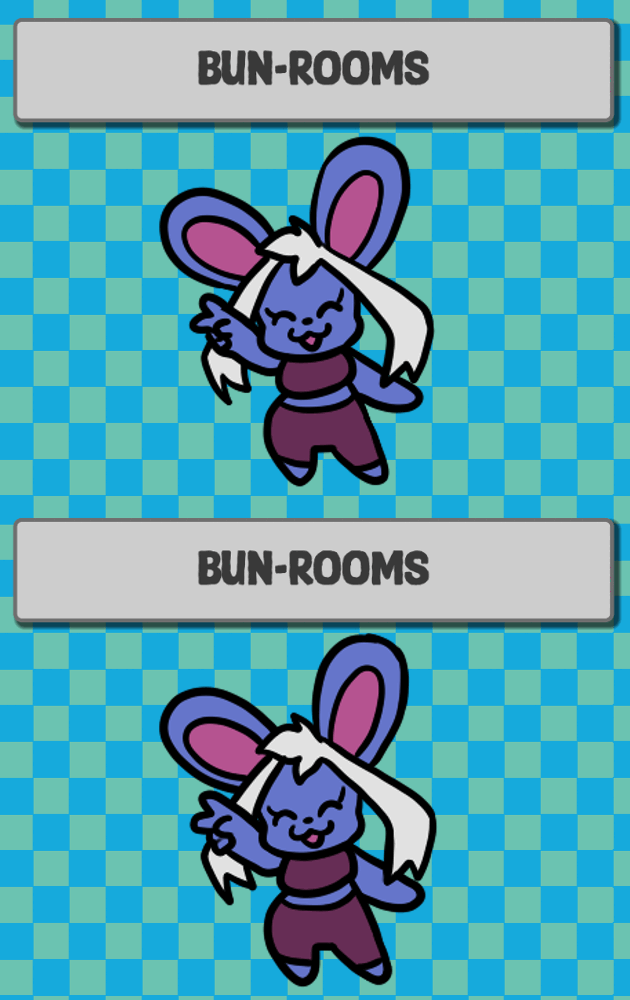
ooohh. i see, the reason it is like that is due to how line2d (and the base addon) works, but no worry,in V1.4 or V1.4.1, there should be an angle parameter in the wiggle tab where you can change the angle of the appendage
TheMime
Creator of
Recent community posts
hi, i have done a lot work on appendages in recent update, mainly updating the source code and such. i don't fully understand the request. do you mean the appendage automatically swaying/ wagging?
for the V1.4 issues, yes.. this version had so many issues due to getting very paranoid and uploading it early, i am currently taking my time more with V1.4.1, since there was issues with the tracking methods ^^
i will see what i can do
this was actually reported to me on discord, even the exact same game if i recall correctly lol. for some reason, sometimes games with anti cheats make pngRemix freak out and lag. i think it is a godot thing, since godot is very very weird when it comes to stuff like this, like for example disabling the mouse tracking when the mouse is locked by another game, etc..
i will still try finding some way to be fair, since it is one of these issues that really bothers me
It is a false positive.. Basically windows does that when the software isn't signed or has an invalid signing certificate, unverified, etc. I downloaded the new godot version (because it is what I am using to make PNGTuber-Remix) and the same thing happened today lol.
I cant get the software signed at the moment. So yeah, unfortunately this pop-up can happen. Just press more info and run. After that, it should be fine!
Hi! the new update is out (V1.4) and good news, it has the websocket support. Someone also made a little thing for streamer bot too!
PNGTube-Remix has a transparent background option, it should work well if you are using windows or linux, macos is more broken from what I saw (it is out of bounds, it is an os thing, not me issue). If you are using obs, add the software as a game application and enable transparent background capture!
The layering system works exactly like in PNGTuber+ and Live2D, more towards the Live2D implementation since it is more accurate to what is actually happening in your model. Keep in mind this is NOT a Drawing Software.
You can unclip by dragging the layer on on another or on the "Model" on the top most part of the layers tree, BUT this was something not everyone caught on easily and a new more obvious unclip button is coming the next update. I have zero clue what you mean in the Z-index part. If all Z-orders are on zero, the order will react by the child's order in the tree, modifying the Z-order in the properties is a modifier, it will ignore the actual position of the child on the layers tree. Please, despite this software being originally a PNGTuber+ fork. A lot has changed along the way and I rather you treat it as its own thing. Not for me, but for your sake. The only things this software still share with PNGTuber+ at this point are the x-y freq and amp. Everything else was changed completely.
I am really sorry you are having issues with the software. One of the reasons why the next update (Aka V1.4 at the time of writing this) is taking so long isn't because of life reasons only, but because I want to try improving it as much as I could. However, you should still understand that something like the layers tree ordering (being bottom to top) wasn't a mistake nor badly implemented. This is what software like this, Live2D, game engines, etc.. use as standard
Otherwise, yes. The software does have its issues and I am still really embarrassed that I even released V1.3.5 in this state.

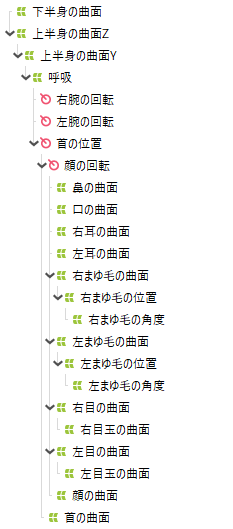
So the help you are looking for are :
- Drag the sprite you want to unclip on the top most "Model" tree layers root.
- Z-ordering is a modifier, if you want more "natrual" Z-ordering, don't use it; keep it at 0 and just mess with the layers order in the tree.
Also, side-note, the PNGTuber+ import will get a complete update. Not too sure if I will be able to finish it when V1.4 releases, there is a massive chance it will be disabled there until V1.4.1. Take a little breather and I am here to help at any time. No need to stress much :D
I don't want to sound rude, but did you attempt to search "Macos app is damaged issue fix"..
This is a very common issue with Macos in general and unsigned software. I don't own a Mac nor an apple developer account to sign Remix.
Please, next time do your research first before reaching out. I am a very busy person and questions like that.. that could be simply fixed by very common sense of doing a quick google search really don't contribute anything meaningful to anything. I know this sounds super rude/ mean to say, but this isn't the first time a Macos user reaches out to me (someone who doesn't even own a Mac) to fix something like that..
App is Damaged fix
No matter how much i try searching about this issue. It seems there is really no way to get key input on wayland, no matter what you enable. This isn't a remix issue, wayland is very strict sadly
I am not too sure this this will help, but next update will have a bit of websocket implementation, maybe something could be done with it to evade this issue till wayland relaxes its restrictions more?
Hello, there are few things you can try
https://github.com/MudkipWorld/PNGTuber-Remix/issues/21
https://github.com/godotengine/godot/issues/64583
one thing to keep in mind. if your microphone supports more than 2 channels. Godot (the engine used for making Remix) currently doesn't have support for that at the moment :')
Next update, more improved APNG, Spritesheet and GIF support will be added. This includes being able to make an animation restart/ play from frame one during blinking. This is where you could use a spritesheet to offset the blinking frames. You can technically do it in V1.3.5, but there was a small bug that may get in the way. Adding different blinking times would be messy for specific syncing, but I could try going back to the idea when I get certain things fixed/ improved!
Yes, it is how I programmed it. the reason why Plus can be imported in Remix is simply for porting reasons, it wasn't meant to be for you to jump between using both software. However if you think this isn't fair. Feel free to tell me and I will try modifying the code to allow you to have auto loading for it. there is an autoload feature for Remix files btw!
The lipsync is still heavy WIP, the one in V1.3.4 is more of a proof of concept that really a functional one. There is a more improved version in the still in work V1.3.5
I would like to make a tutorial, but English isn't my first language which could make things a bit hard. there is a document made by a community member Mushie that is usually updated to cover the most recent updates for the software : Mushie's Documentation
When importing the tail, make sure it is a not bent or anything, just in the form of a straight line. start facing left and tip facing right. you import it as an appendage from the file tab, then when you select the item in the Layer view, you go to the wiggle tab and adjust the parameters from there ^^