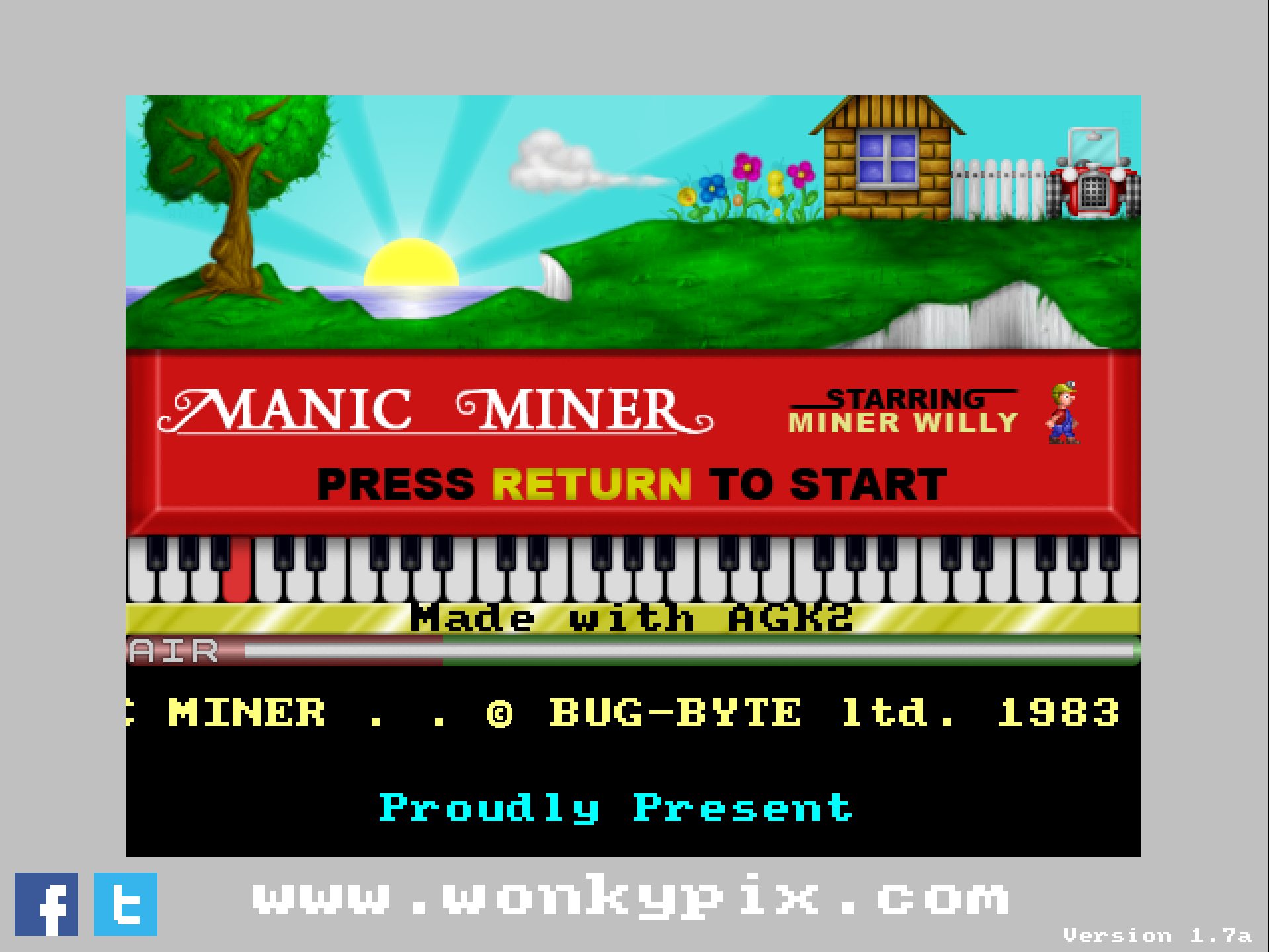
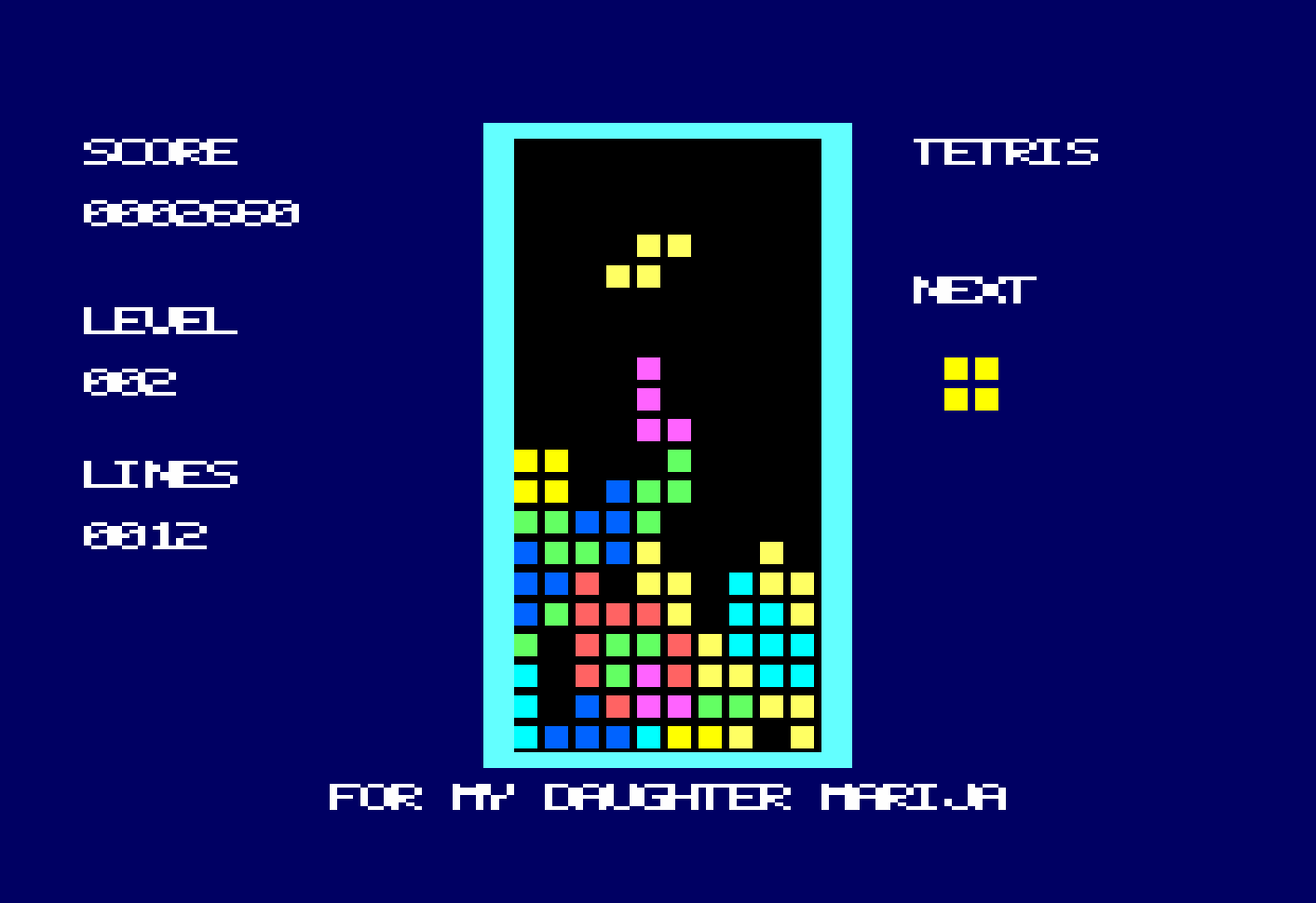
Love the new look and feel of the update. Like the new scoring mechanism, though when looking on screen, the 2 blends into the zeros making it difficult to see. This is really taking shape now, absolutely loving it, and frankly, plays better than the mirrorsoft original! Can't wait to see where you take this. Thank you :)
muckypaws
Creator of
Recent community posts
Very nice work, Ross… really elegant solution.
I’ve not seen the SYMBOL via control code #19 trick used like that for a long time… nice bit of CPC nostalgia there.
Originally, the program used text and DRAW commands, which kept it compatible across all CPC models. I later switched to DRAWR-based graphics for the final version.
The knight itself came from an SVG of a chess piece… I wrote a small Python tool to convert the SVG into DRAWR statements, using a Douglas–Peucker simplification to reduce the number of points. In hindsight, graph paper might have been quicker… but the plan is to release the Python tool at some point in case it’s useful to others in the retro community.
One downside of the drawn version is that it does slow things down slightly… particularly if someone were following along move-by-move on a real board (admittedly unlikely!).
I did consider using embedded control characters for PAPER/INK/LOCATE, but deliberately avoided them for readability… especially when sharing plain text listings. Tools like JavaCPC don’t always handle control codes cleanly (LIST #8 works, but not perfectly), and I wanted the source to remain accessible even outside a CPC environment.
Your approach strikes a really nice balance… compact, compatible with both BASIC 1.0 and 1.1, and as a bonus it’s noticeably quicker to run.
Really nice work 👍
Absolutely love this, so much so, I took your original program and converted it to the Amstrad CPC (well within the constraints of the screen).
Here's the code for Amstrad CPC users if they wish to recreate it, sticking to 80 characters per line.
1 MODE 1:S=SIN(0.03):C=COS(0.03):X=260:Y=0:U=0:V=1::INK 0,0:INK 1,6:INK 2,24
2 INK 3,26:FOR A=80 TO 1200:X=X+U:Y=Y+V:K=SGN(COS(A/45)*COS(A*0.0138))
3 T=U:U=U*C-K*V*S:V=V*C+K*T*S:Z=24-A MOD 10:FOR B=-Z TO Z:R=1-80/A
4 P=1+(INT(3*ABS(COS(B*0.3+((A\4) MOD 2)*PI/2+0.4)))=A MOD 4)-(ABS(B)>16)
5 PLOT 2*INT(X+R*B*V),2*INT(Y-R*B*U),P AND 3:NEXT B:NEXT A:ORIGIN 320,253:K=190
6 FOR J=0 TO K:R=(200-80*COS(J*3*PI/K))*(0.8+0.5*COS(J*13*PI/K)*COS(J*13*PI/K))
7 FOR I=0 TO R STEP 5.8
8 P=INT(1.3+(I/R)-((J\20)=4)*(2*((I\15)=3)+1)-((J\12)=14)*((I\30)=3))
9 S=SIN(J*PI/K):C=COS(J*PI/K):V=8*SIN(I/16):PLOT(I*S+V*C)/2,(I*C+V*S)/2,P AND 3
10 PLOT (-I*S-V*C)/2,(I*C+V*S)/2,P AND 3:NEXT I:NEXT J
Thank you :)
Ah, the infamous Boss Key… I went with the old-school late-80s PC trick of making it look like you were working instead of playing. I’ll be adding an option in the config to change or disable it in the next update.
Once I’ve compiled the new version across the different systems, ESC will be back to its usual role for quitting or restarting the level.
And thanks for the heads-up on Andy’s website, I’ll fix that link in the next release too!