On Sale: GamesAssetsToolsTabletopComics
Indie game storeFree gamesFun gamesHorror games
Game developmentAssetsComics
SalesBundles
Jobs
TagsGame Engines

moreaki

14
Posts
2
Following
A member registered Mar 04, 2018

Recent community posts

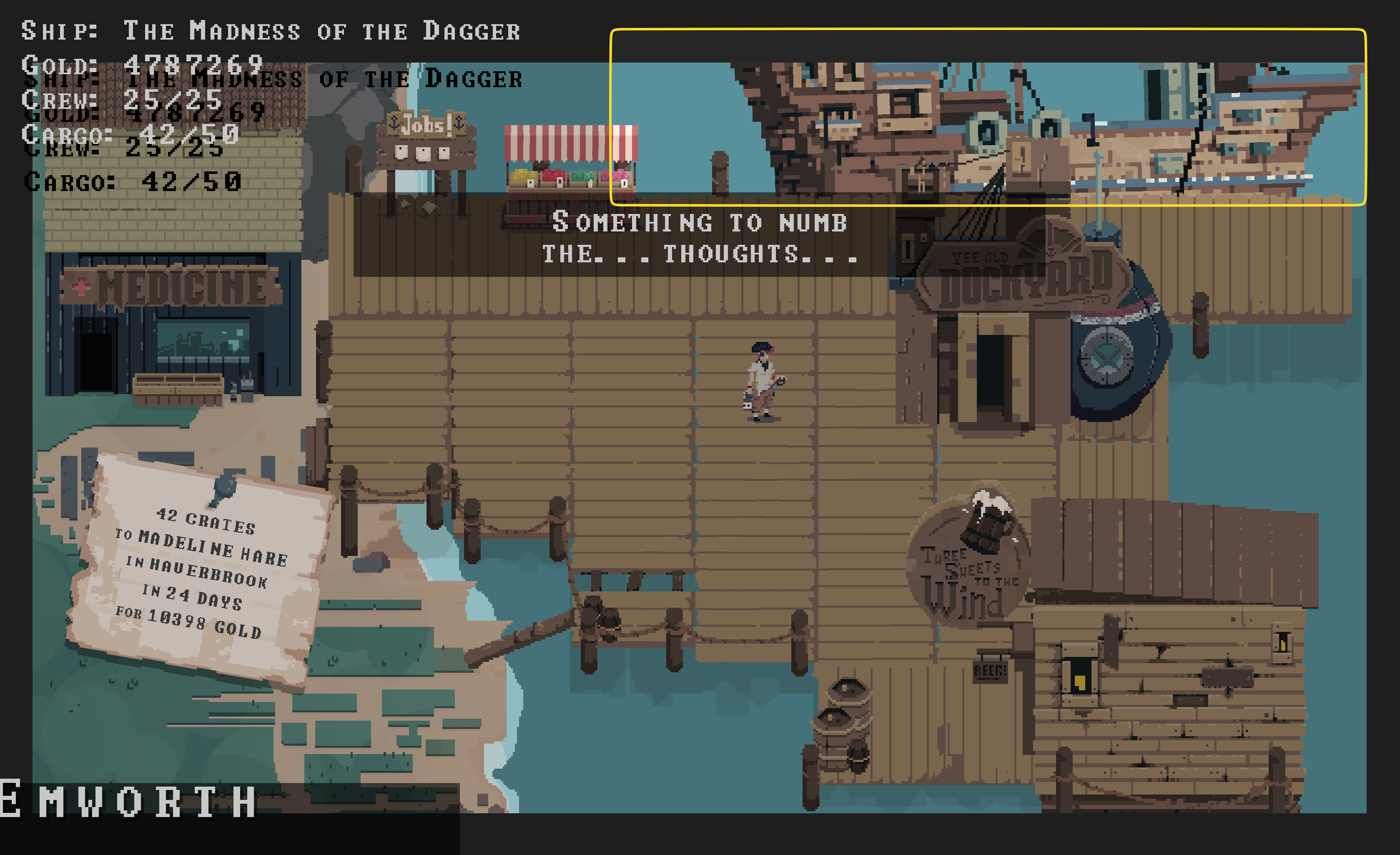
There seems to be a "bug" when you buy all ships in a row with enough money. The UI glitches and runs into an endless loop:


The ship in the rectangle is will not stay at the dock and always leaves the screen, then looping back and leaving again, endlessly.

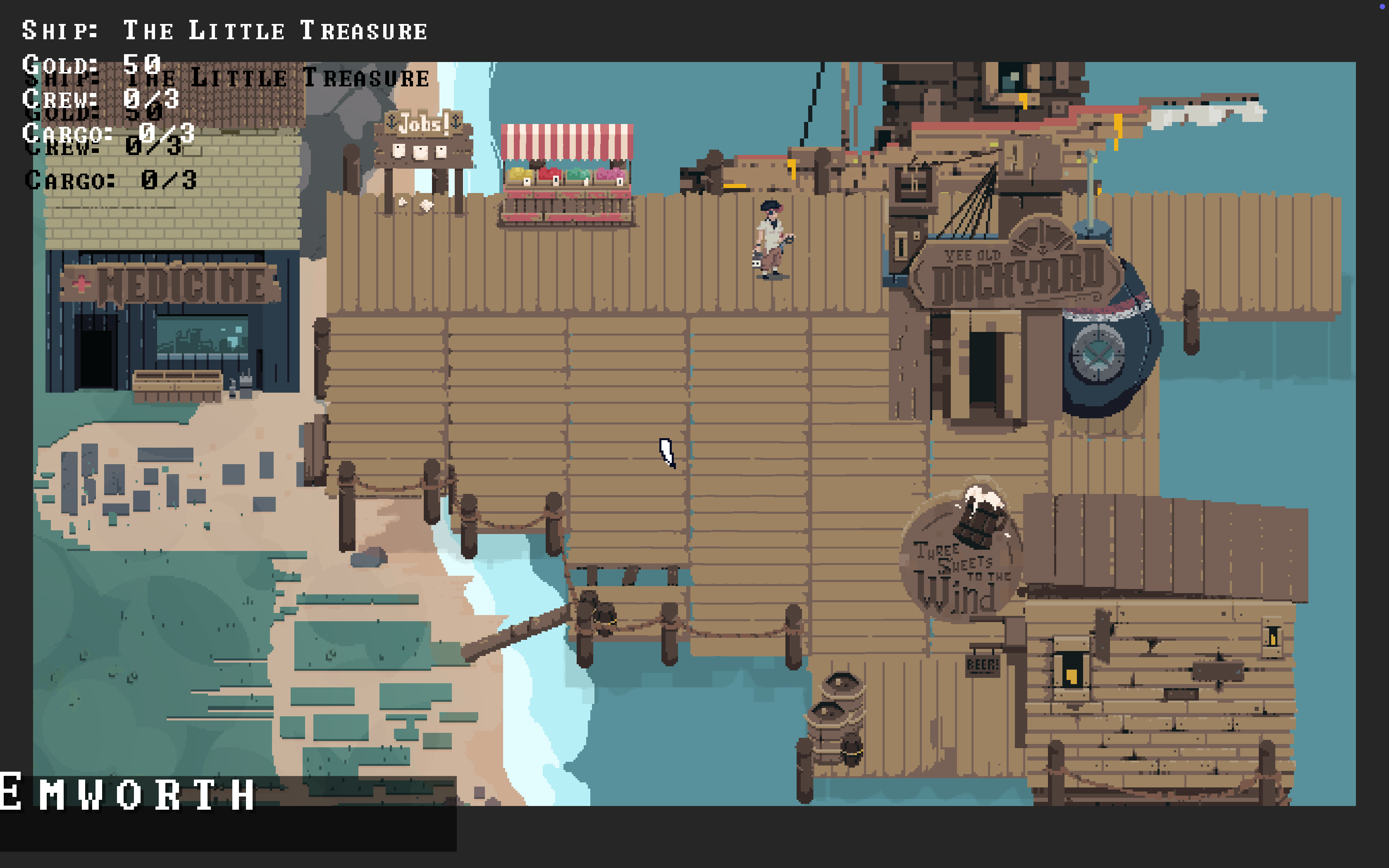
Happiness on an M1 MBP:

Reach out to me if you feel like it, so we can make one final version that works for all without fiddling on the command line.

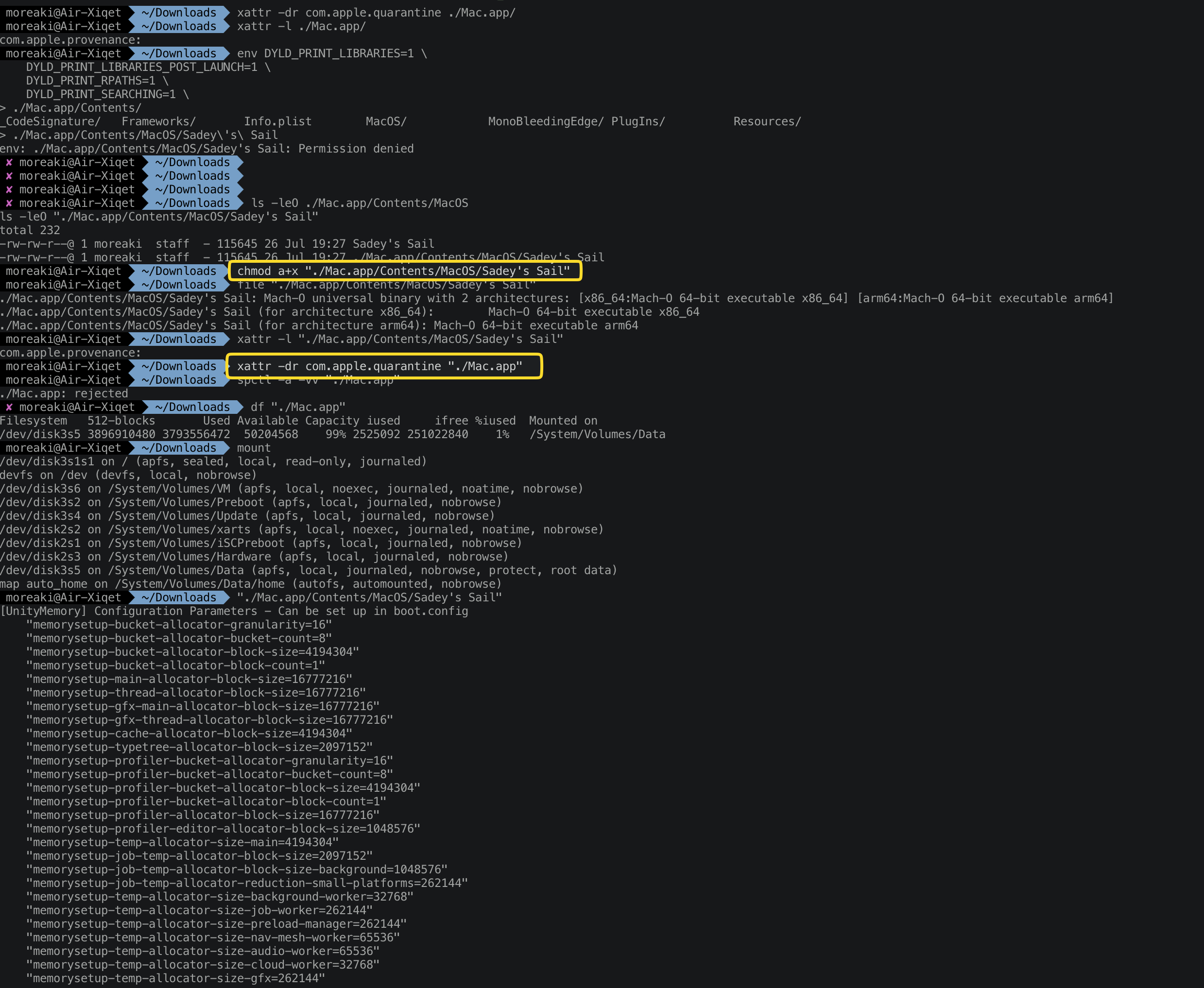
Ahhh, finally got it running (highlighted the two commands which led to macOs finally invoking your game, at least from CLI):


You seem to have two issues:

  1. The packaged binary in the MacOS directory inside the Mac.app (should be named like the game's name) is not executable.
  2. Due to your way of ad-hoc self-signing the binary, the application directly gets quarantined by GateKeeper.

Not sure how you manage those topics from within your Unity Development environment, but it might be worthwhile looking into going forward. The first issue probably is only a setting, but the second one might be trickier.

Now, let's see if I can finally play your tiny gem ;).

It appears that the UnityEngine files in /Mac.app/Contents/Resources/Data/Managed are all dlls with the following architecture:

PE32 executable (DLL) (console) Intel 80386 Mono/.Net assembly, for MS Windows

I am not sure whether they are needed during runtime, but if they are, this certainly won't work.

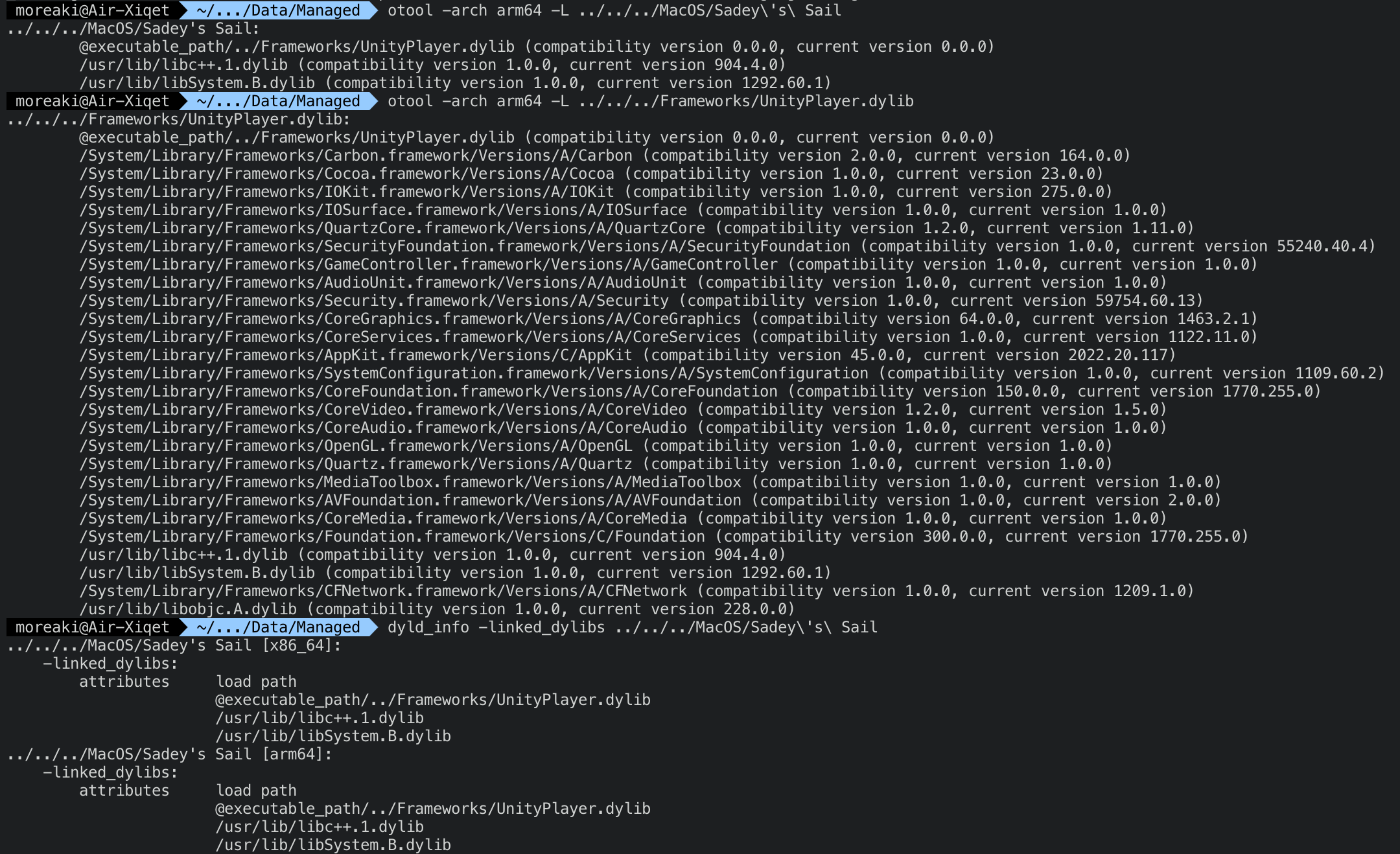
Your direct library dependencies are for all architectures in the linked binary (Intel and ARM), however, your loaded resources after invocation of the binary are probably not.


It does look like it's compiled and linked with  arm64 support as well:

$ file "Sadey\'s\ Sail"
Sadey's Sail: Mach-O universal binary with 2 architectures: [x86_64:Mach-O 64-bit executable x86_64] [arm64:Mach-O 64-bit executable arm64] 
Sadey's Sail (for architecture x86_64): Mach-O 64-bit executable x86_64 
Sadey's Sail (for architecture arm64): Mach-O 64-bit executable arm64

However, when I chmod 0755 the Content/MacOS/"Sadey's Sail" binary, macOS refuses to start it:

$ ./Sadey\'s\ Sail 
Killed: 9

Also, when right-clicking on the application and explicitly opening it, I get the visual confirmation that:

Apple could not verify “Sadey's Sail” is free of malware that may harm your Mac or compromise your privacy.

There is nothing I can do to remedy this.

Hi there. First off, it's really nice of you to do that. I suppose you just have to recompile the project using newer Mono SDK along with your development framework.


Unfortunately, your version 1.2 also does not work. It does not even start:


Oh wow, cool!!

Bought this game for 5$, but it won't start on my M1 Mac. Please advise.

Hi Bela. Congratulations and all the best with the baby. I totally understand. Just let me know when you find time and muse again to work on it in the future. Take care.

So, how do you want to proceed? I would really love to play this game. However, I can't get it to run on OSX, due to the aforementioned issue. The Windows version inside my Parallels on Win11 is too slow due to the Unity's (2017 version you used) inability to properly select a non-certified OpenGL driver of an emulated 3D GFX card. Under Linux (Ubuntu 20.04 LTS) I also can't run the game because it also does not support 32 bit applications anymore (updated on https://pastebin.com/KFY1bf61).

We could have a Skype, WebEx, Teams, <you name it> session, where we both look at the build settings on your system. The question is: are you willing to build and release a re-linked 64bit version of your game?

I guarantee you it's not 64 bit. I've also downloaded the Windows and the Linux version, unpacked them, and ran the file command on the invoker binaries. Here is the result: https://pastebin.com/KFY1bf61.

It's clearly built using the 32 bit setting (i386). And you can see that Unity itself was also linked as 32 bit version. Could it be that you developed the game on a 32 bit Windows system?

Hmmm, when you go to build settings, and select the platform (depending on your unity version), you should be able to select the target architecture as well. The latest in the inspector part of unity's build system (screenshort inside this report: https://github.com/rlabrecque/Steamworks.NET/issues/393). To notarize it, this might help: https://gist.github.com/dpid/270bdb6c1011fe07211edf431b2d0fe4. Good luck and let me know when you have it. I'd love to play this game at one point, since it looks great ;).

(1 edit)

Thanks for the swift reply.

I think the issue lies in that your binary to invoke the game is linked for 32 bit environments (Mach-O executable i386). Therefore, if you used XCode, the quickest way to remedy this is to select the proper target architecture in the build system. I haven't checked your Mono, Steam integration, and Unity Engine libraries, however I would strongly suggest that they are 32 bit linked as well.

Question is: do you have a recently enough OSX target build system to actually re-import and re-compile your game project for a 64 bit target architecture? I might be able to help out if you want. I don't think certification is necessary.

From where it stands, starting with MacOS Big Sur (11.x) no 32 bit applications can be invoked anymore.

(1 edit)

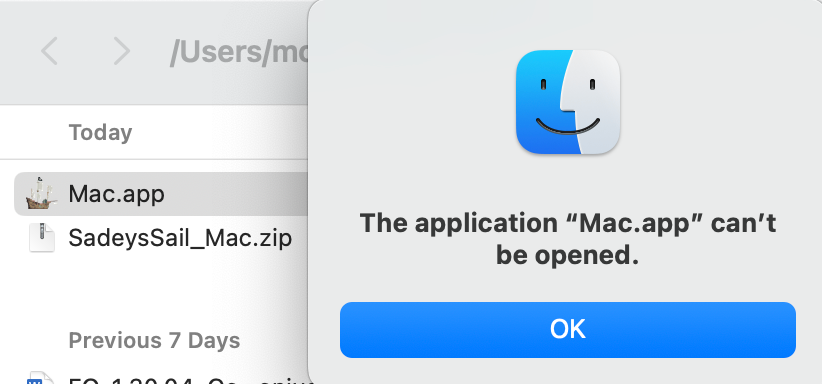
I've just bought the game for OSX, however it does not launch, stating that: "The developer of this app needs to update it to work with this version of macOS. Contact the developer for more information."

I run OSX 11.4 Big Sur. Can you help?