Thank you so much for taking the time to take a look at it, it was so nice watching someone playing the game. The main idea is that you try to recognise the demons figure, for example it has horns, small wings and thin legs and then you search in the book for that figure and spell the name in the Ouija. I see also that the controls are maybe not the most intuitive ones. You have to hold the mouse all the time that you move it through the Ouija board, releasing it will clear the name you were spelling. The letter is selected by falling into the circle of the pointer. As I mentioned, I loved that you made the video. Thanks!
A member registered Jul 06, 2024 · View creator page →
Creator of



A game where you control a media logo in a TV to bounce exactly in the corner.
Play in browser

Recent community posts
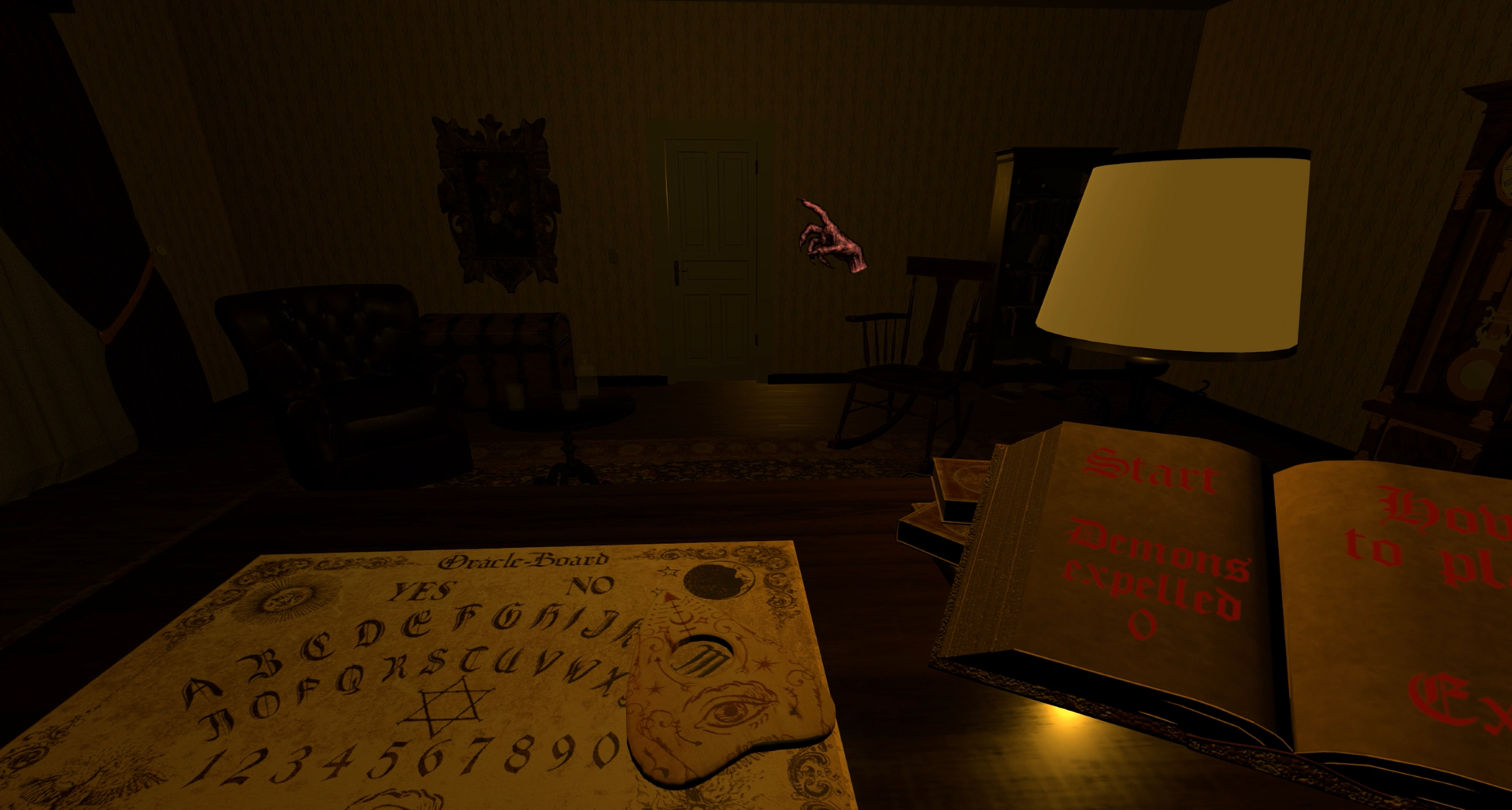
Hi, thank you very much for the comment. I am really happy to see some interaction :D I take note of it, I will try to figure out something as a tutorial. I don't remember if it is there in the demo, but in the final game I am preparing something like a how to play:
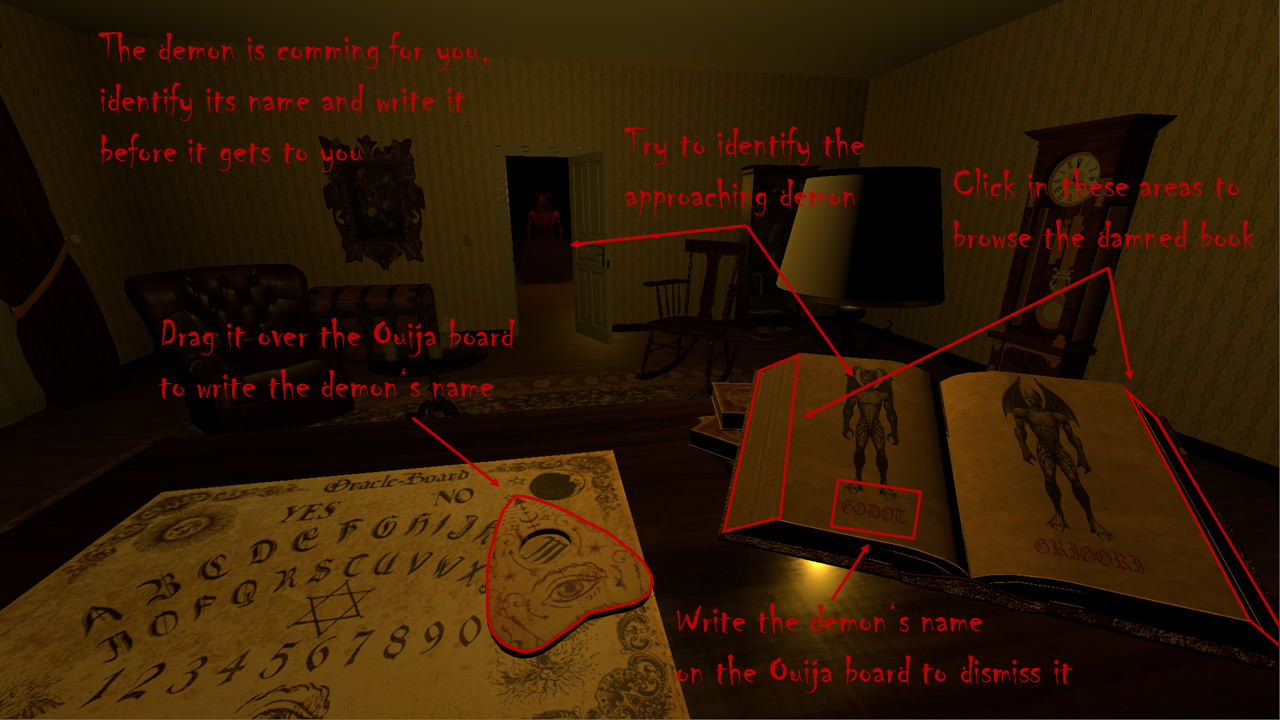
But now that you mention "tutorial" I may prepare like a video explaining which will be better I guess than a simple picture.
itch.io Community » General » Release Announcements · Replied to No Time To Play in I published my first Android app!
itch.io Community » General » Release Announcements · Created a new topic I published my first Android app!
I finally published my first android application. This idea started as a python project to learn how to code in python. Once it was working, I was actually using because my son was a lot into hama perler beads. As he was asking me a lot to create patterns for him, I decided to try to develop it as an android app and installed it on an old tablet that we had around.
At the end the app was working that well that I decided to give it a try and publish for other to also use it.
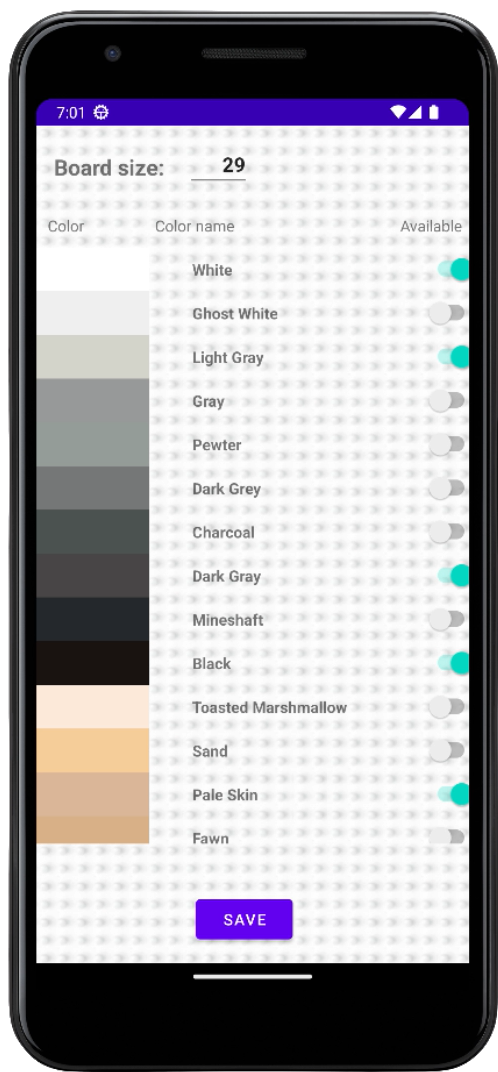
It is an app that takes a picture and convert it to a pattern that you can copy in perler beads. It splits the image in the perler/pixels and calculate per each the closest color to the color list that you defined you have available.
Promo video:
Some screenshots: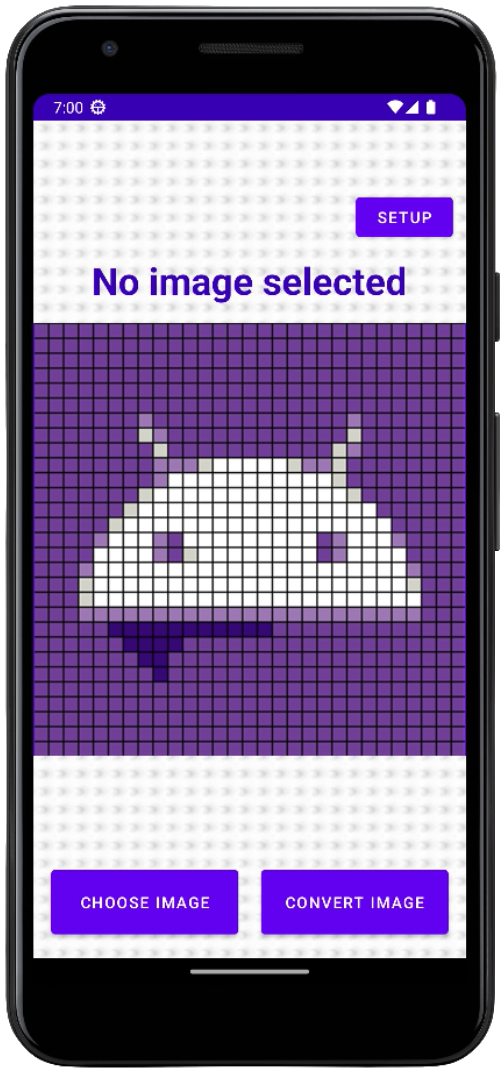
Some sameple results:
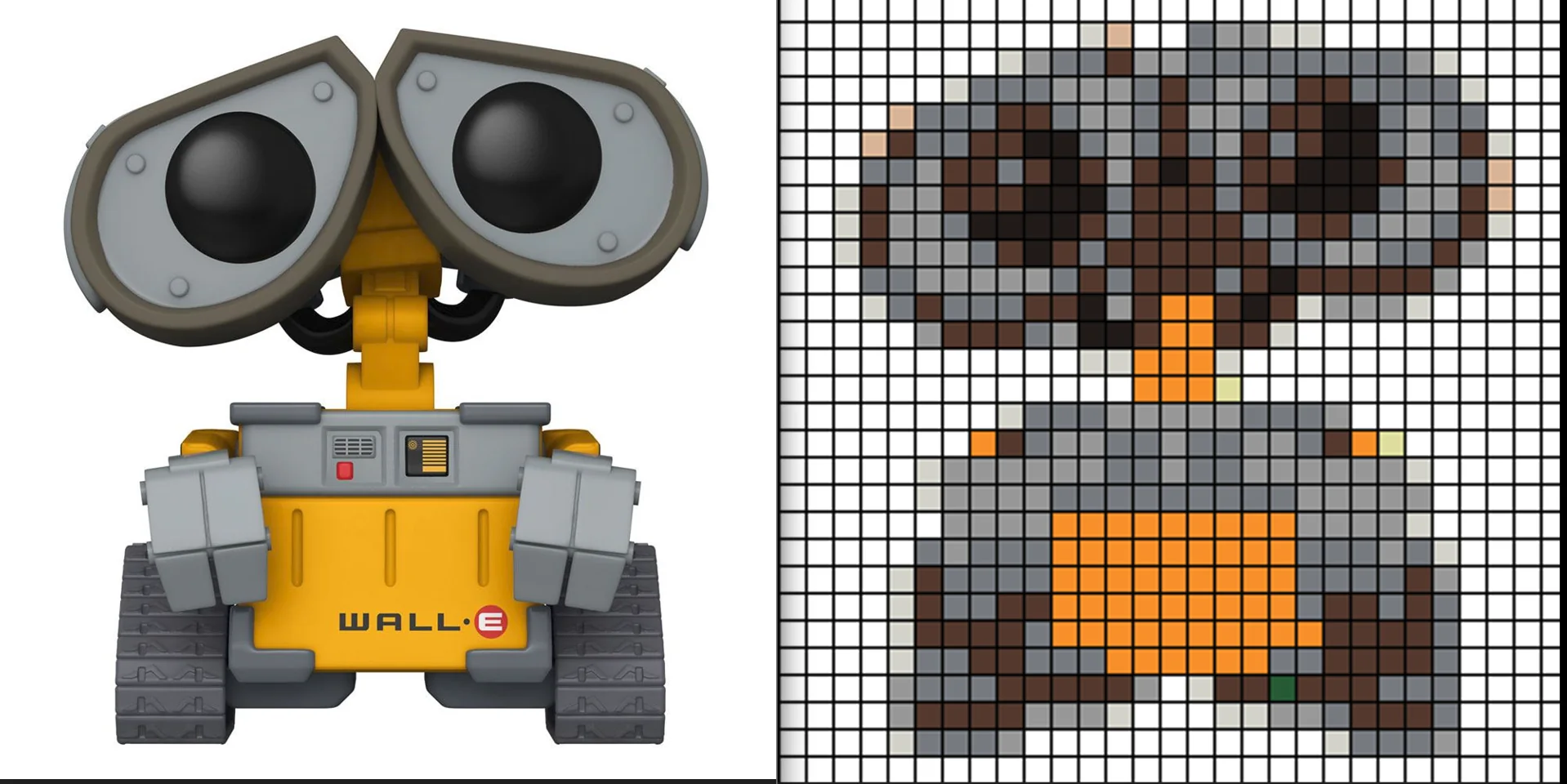
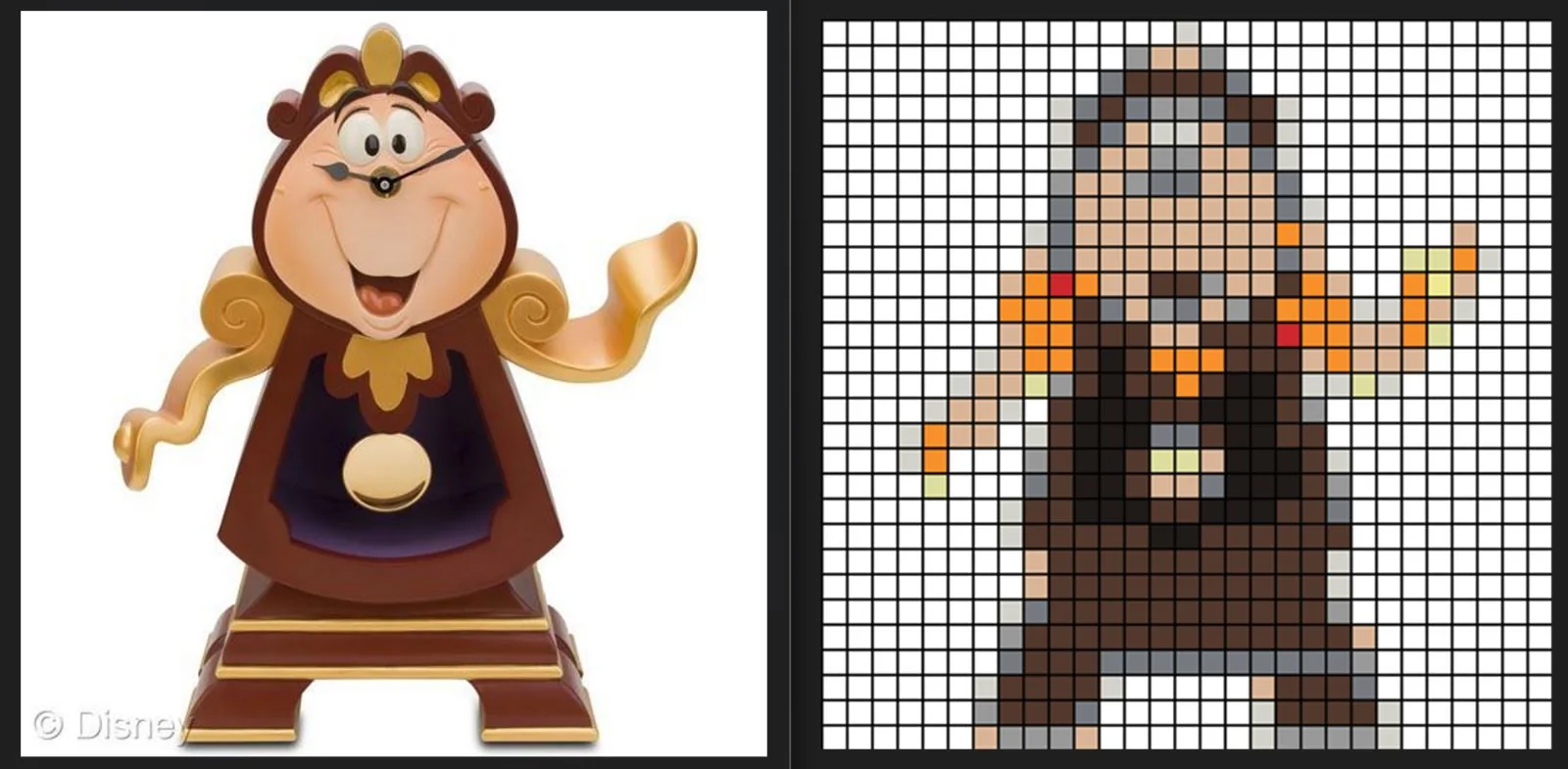
Here it is: https://miguel-bc.itch.io/melty-beads-converter
itch.io Community » General » Release Announcements · Created a new topic "Promo" video of the game that I am developing Pen Racer
itch.io Community » General » Release Announcements · Created a new topic First solo game developer project - Pen Racer
https://miguel-bc.itch.io/pen-racer
Hi, solo developer first project here! Still in development, but I would love to receive feedback.
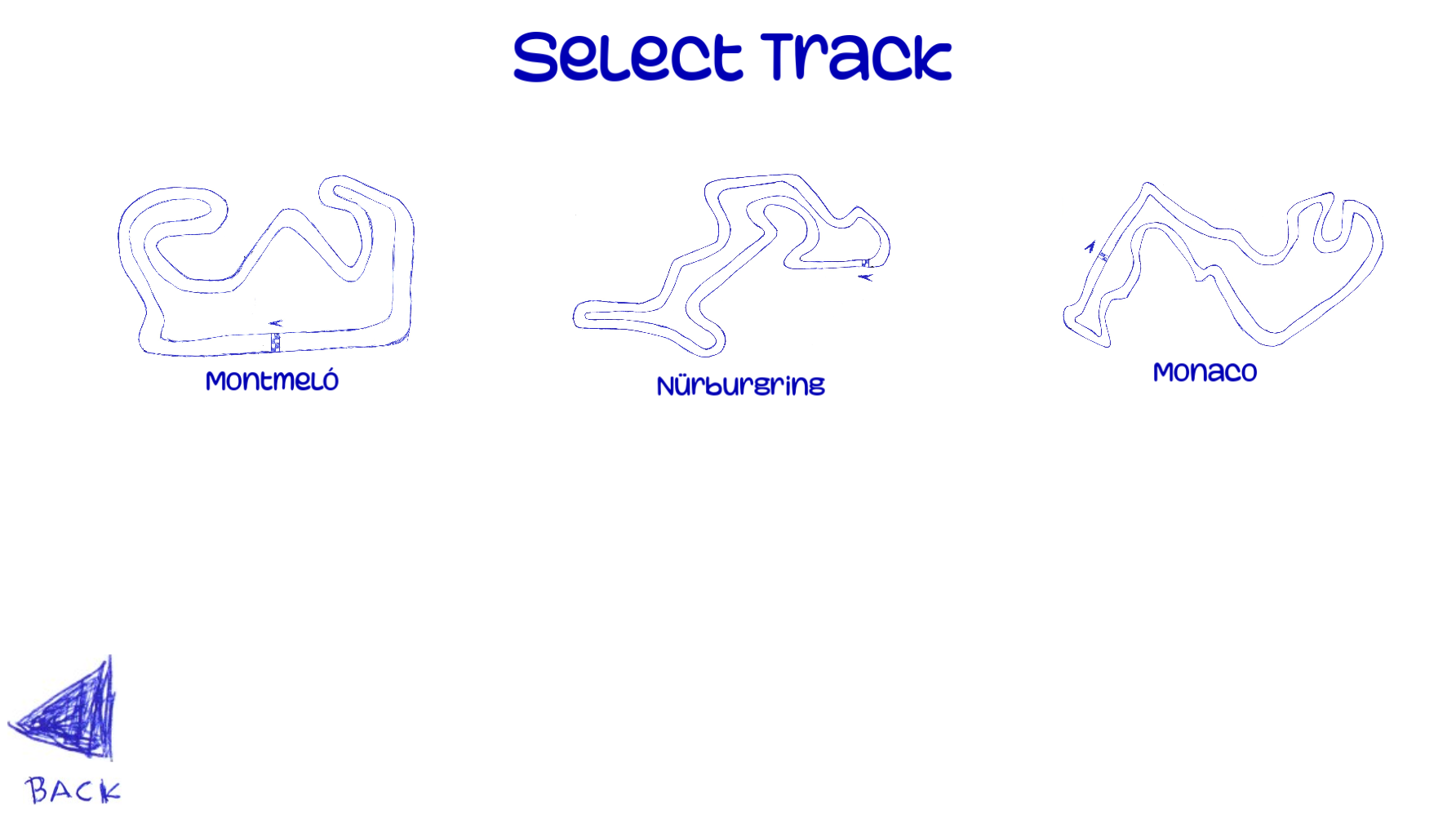
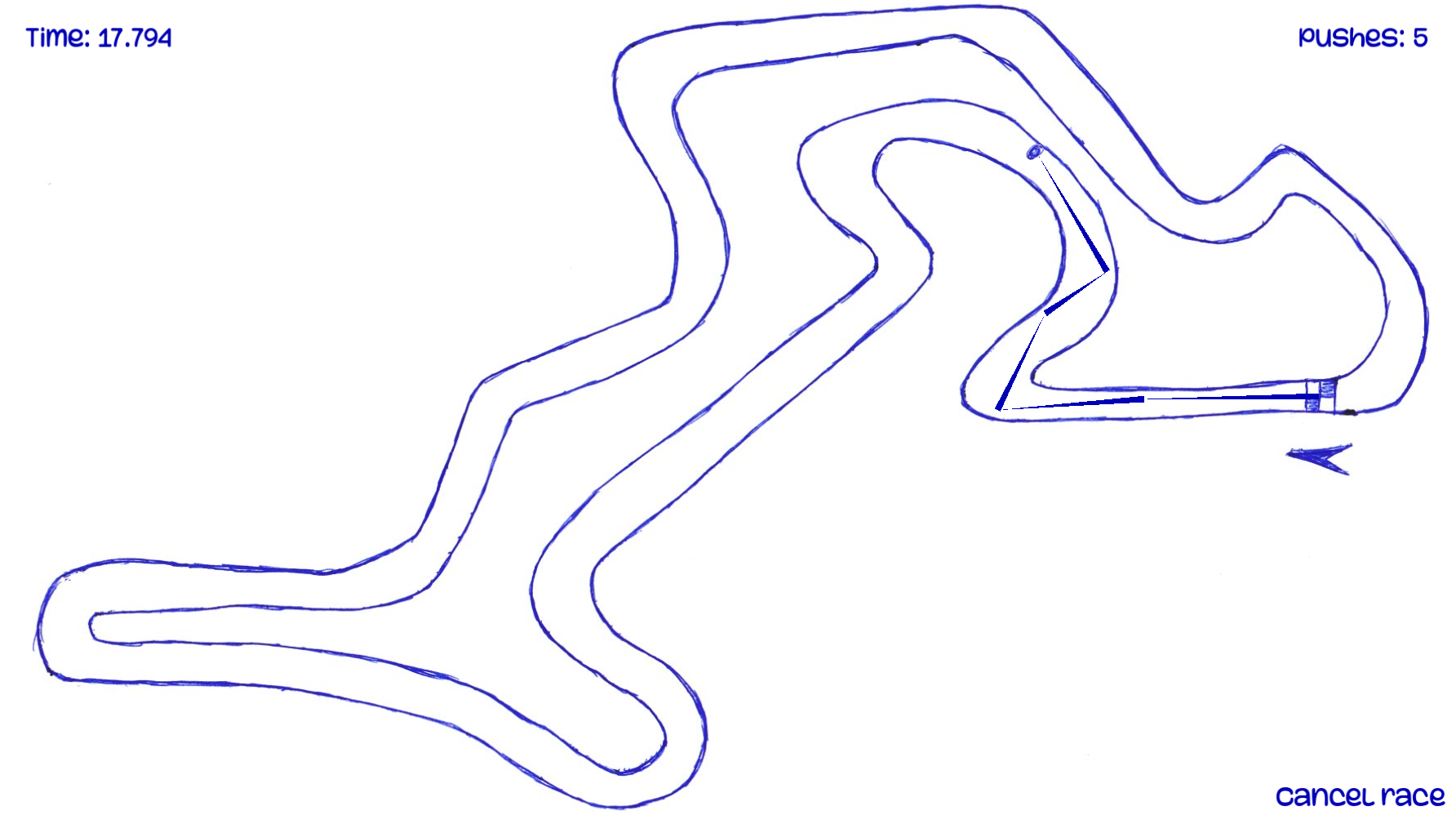
Do you remember that game you use to play as a kid where you just draw a racing track on a piece of paper and then slide a pen "racing" through it? Now you have it as a video game!