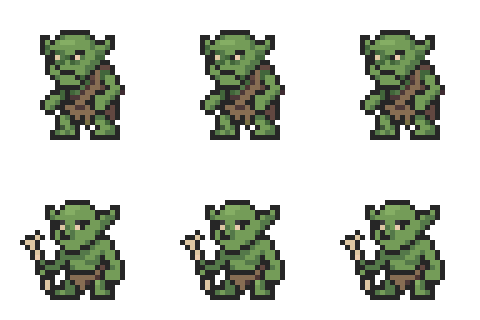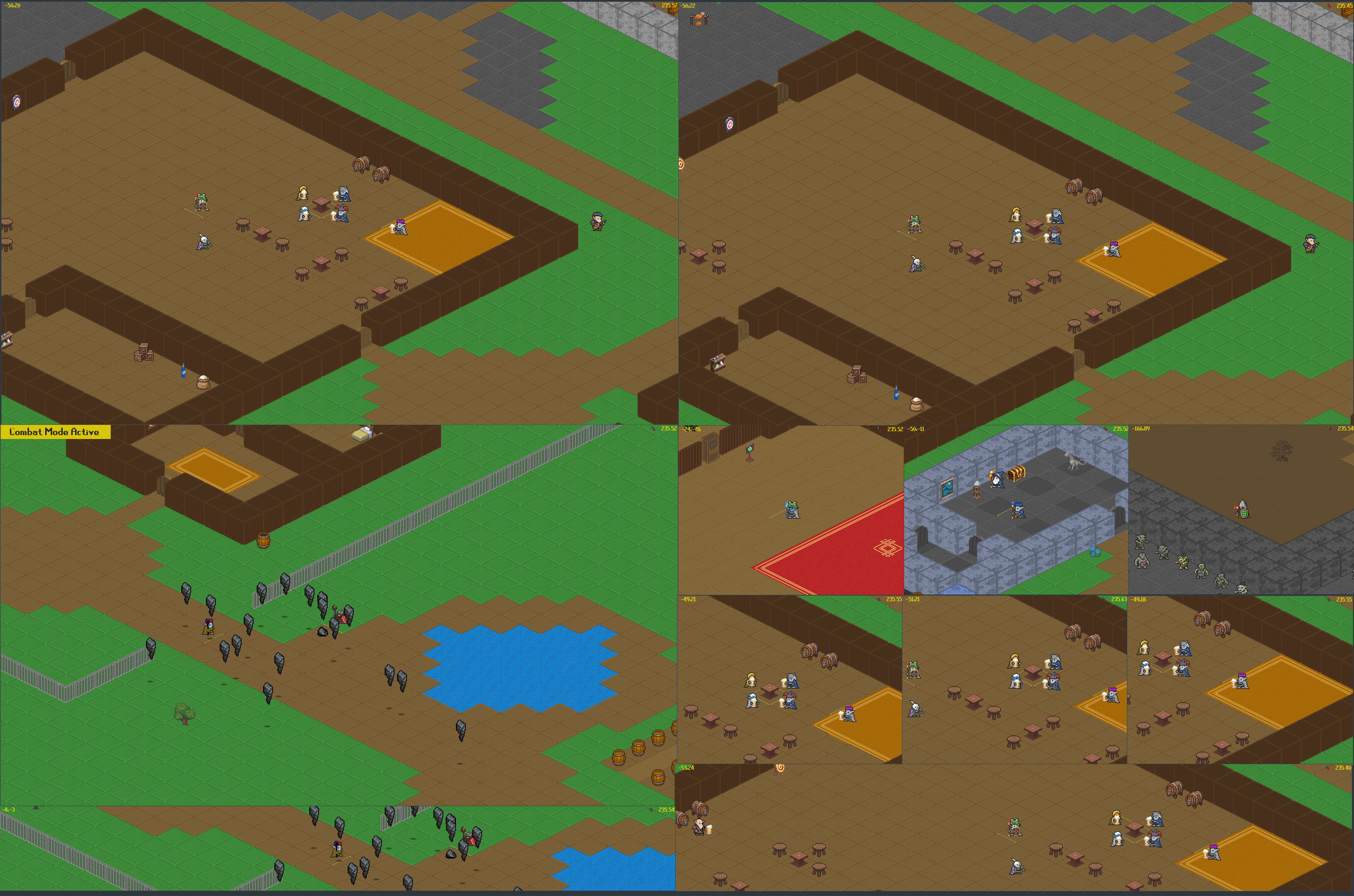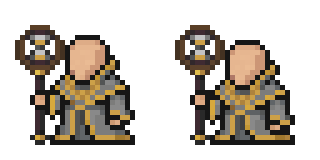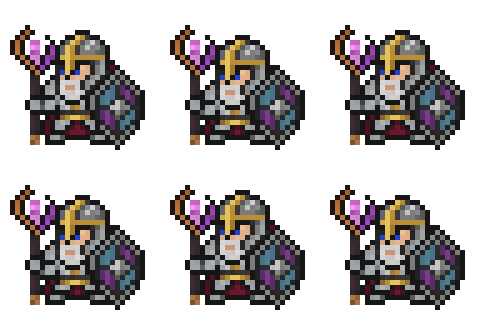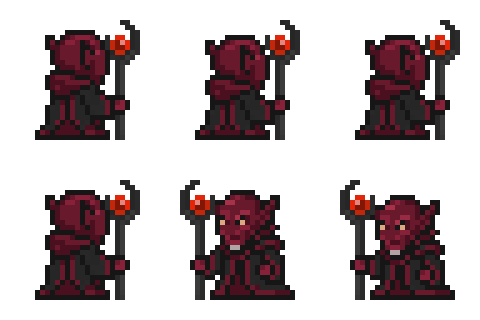
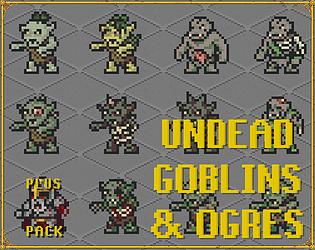


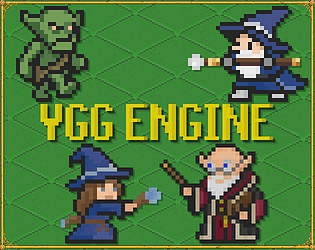
Beware of goblins. They look like this.
Howdy Bitwise Games,
>Looks like it was inspired by OSRS?
Correct, a blend of OSRS, Minecraft, and some other games that inspired me as a gamer
>It won't allow me to type via my numpad
Thanks for pointing that out. The default keymap is incomplete for some mappings between keyboard layouts and keyboard button IDs. I'll add that as a to do item.
>The window is kinda small
The game initializes at 1366,768 until you save a different resolution from the Login Screen -> Config Settings -> Video -> Resolution
I will adjust this in the future to check your screen resolution, with should be more fitting. Once you set it right now it does save/load that resolution at the least.
>Some of the text is hard to read
Noted, not enabled currently but I do have a feature for adjusting the UI scaling
>It's also VERY difficult to see anything once the screen darkens at night
Thanks for the feedback. The night shade is new this demo. Admittedly I need to get light sources working right away!
>Is this all made in Pygame?
Pyglet albeit all that is handling for me are the window event bindings and OpenGL batching. Caching, sorting, shaders, collisions, networking, game cameras, various animation systems are all custom.
I'm on a Linux/X11 host for this report with mouse and keyboard
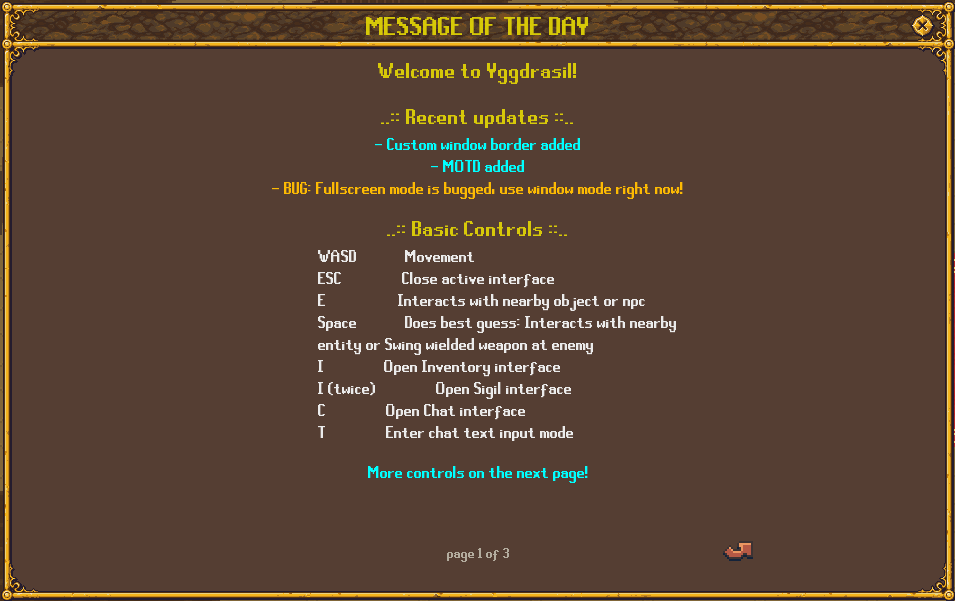
WASD Movement
WASD+Shift Strafed movement
WASD+Ctrl Face cardinal direction without moving
Space Swing wielded weapon
Escape Close active interface (press multiple times to close all interfaces)
Escape+Ctrl Closes the game
I Open Inventory interface
I->I Open Spellbook interface
C Open Chat interface
C->T Enter/Leave chat input mode (lets you type in the chat!)
L Enter/Leave combat mode
O Cast LMB bound spell from spellbook (if one bound)
P Cast RMB bound spell from spellbook (if one bound)
TAB Cycle entity the pointer is pointing at / Sets target mode on an enemy
Q Clears the entity pointer
Z Enter/Leave mouse follow mode (faces the cardinal direction by the quadron your mouse on your screen)
N Enter/Leave building mode (SPACE in building mode will build)
M Cycles build entity (You can also mouse scroll when in building mode)
B Cycles building mode between objects and tiles
Also be sure to check out the zombie house at coordinates (-168, 72)