



I feel so ignorant. I didn't see this notice! I apologize!
Create a SubViewport node.
Set the SubViewport's size to match your video resolution (e.g., 1080x1920 for a vertical phone).
Add a VideoStreamPlayer as a child of the SubViewport.
Enable Autoplay and Expand on the VideoStreamPlayer so it fills the viewport.
Now you need to tell the 3D model "Screen" material to look at that SubViewport for its texture.
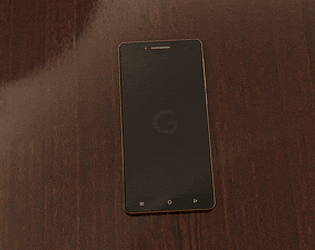
Select your Phone model in the 3D editor.
Find the Material assigned to the screen mesh.
Under the Albedo section, click the empty slot next to Texture.
Choose New ViewportTexture.
A popup will appear; select the SubViewport you created in Step 1.
If the video looks upside down or flipped, you can fix this in the Material settings under UV by adjusting the scale/offset, or simply check the V Flip property on the SubViewport node.
If you want the loading animation to play first and then transition to a video, you have two main options
If your loading animation is a sequence of images, you can use an AnimatedTexture as the Albedo map. Once the animation finishes, you can use a script to swap the texture to the ViewportTexture.
You can actually make the "Loading Screen" part of the video file itself.
- Frame 1-60: Loading animation.
- Frame 61+: Main content.
OR! Use a script to control the VideoStreamPlayer:
GDScript
func _on_loading_finished(): $SubViewport/VideoStreamPlayer.stream = load("res://my_video.ogv") $SubViewport/VideoStreamPlayer.play()