Indie game storeFree gamesFun gamesHorror games
Game developmentAssetsComics
SalesBundles
Jobs
TagsGame Engines

Kplus8

2
Posts
A member registered Mar 18, 2022

Recent community posts

my first thought is this matches the behavior resulting from backend editing of files that circumvents some ren'py games not reading edited saves.

One of the big consequences of that is breaking persistent values, such as what's used to track both "seen dialogue" as well as how we unlock the CGs.

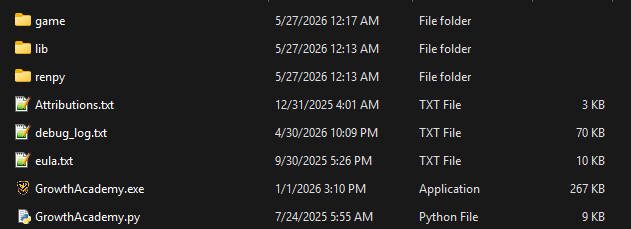
If you don't remember the specifics, go to the AppData\Roaming folder ( so C:\Users\Username\AppData\Roaming\RenPy) and delete the whole folder, going "scorched earth". Your saves are stored in the local game folder, so you shouldn't lose anything, but this should be the last resort if you don't remember what you did otherwise.

It won't unlock the ones you "should" have, (you still would have to replay to get those) but it should allow you to unlock them going forward.

You are supposed to use both left and right click to sort into the left and right sections. So when both red and green are on screen (for example), you left click red, and right click green to keep them separate while also stopping them from hitting the top of the screen.