Hi!
I recently put up a small tool I built mostly for fun, but also because I wanted a discreet way to watermark my own audio when I edit video. It’s on itch.io now; if that sounds useful to anyone here, I’d love you to take a look.
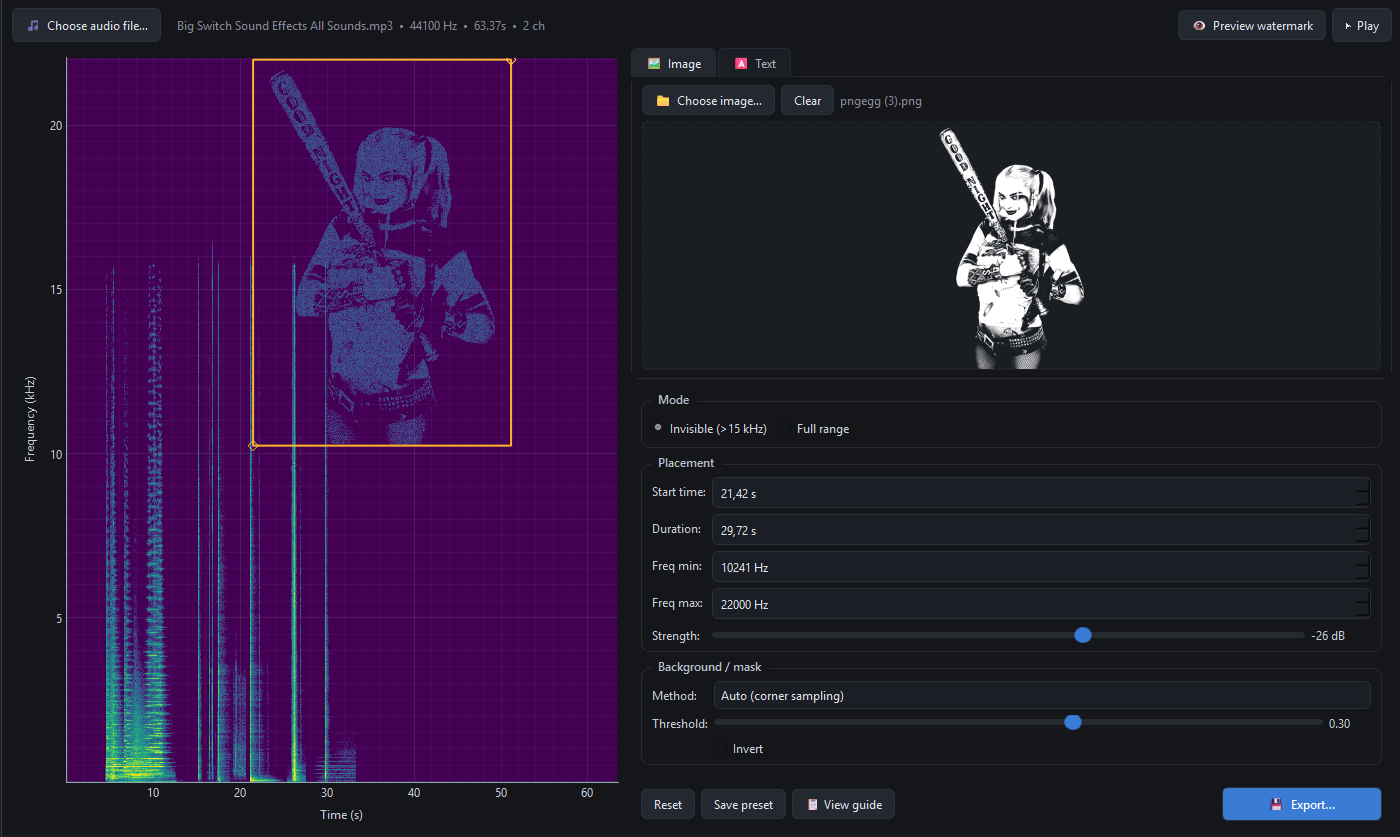
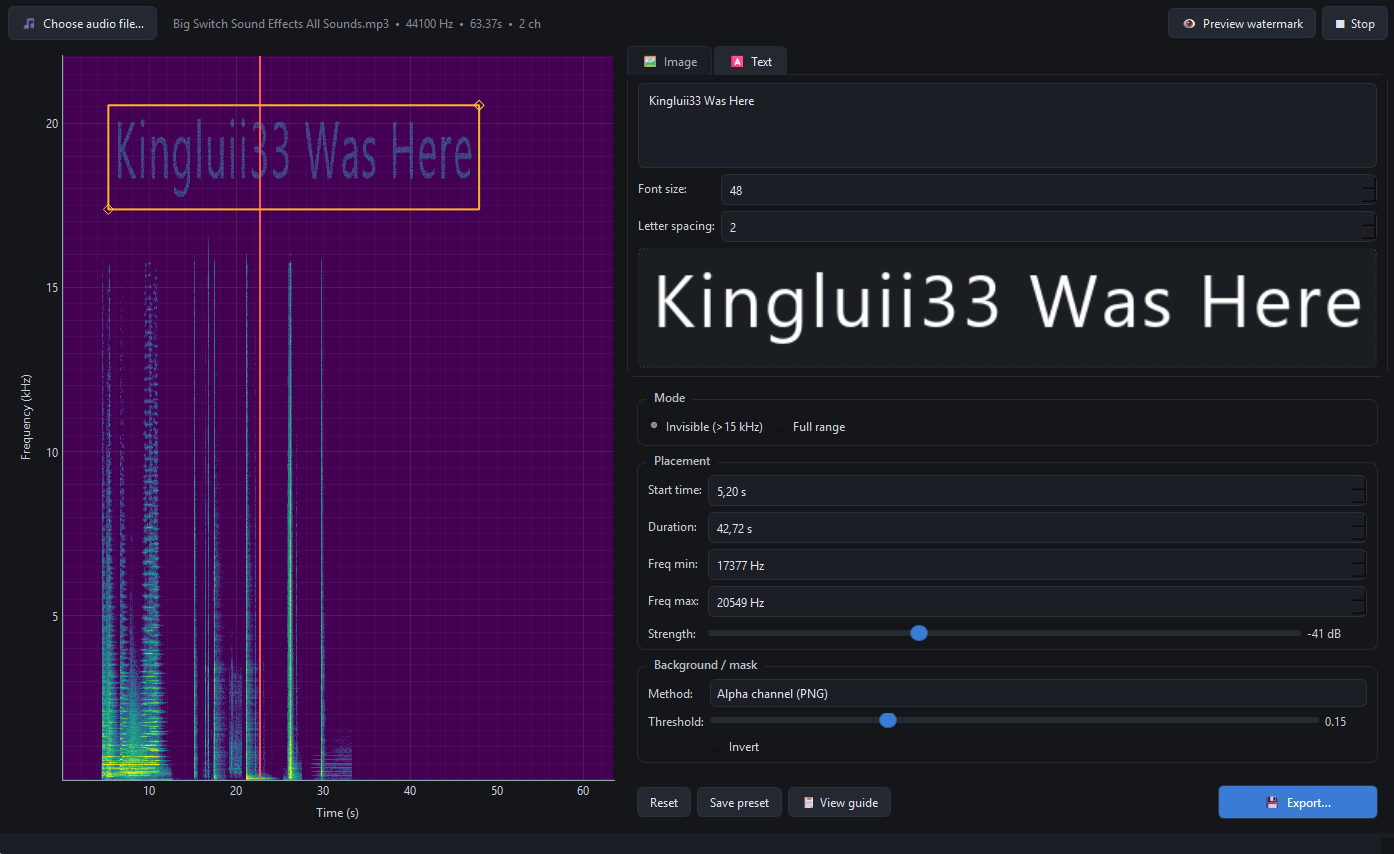
SpectraGlyph (Windows) lets you paint an image or text into the upper part of the spectrum of a track, the stuff that shows up clearly in a spectrogram (e.g. Audacity, Spek, or Sonic Visualiser) but is barely noticeable to the ear if you stick to the classic “invisible” band (roughly 15–20 kHz). Same vibe as hidden art in game soundtracks, except here you control where, how strong, and for how long it appears.
What the app does, in short:
- Two modes: “invisible” up in the air band, or full range for bolder visuals (can colour the sound more if you push strength).
- Image or text - drop in PNG / JPG / WebP, or type straight in the app.
- Masking tools (alpha, strip white/black backgrounds, chroma key, etc.) so you don’t have to prep everything in Photoshop first.
- Live spectrogram with pan and zoom so you can preview what a viewer will see.
- Playback of watermarked vs. original inside the app to sanity-check how it sounds on speakers.
- Export to WAV, FLAC, or MP3 (with an honest note when codecs might affect fine watermark detail).
I mixed this together with AI help and a fair bit of my own coding, it’s a small indie project, not a studio product. If you want to try it or just browse the page, it’s all here:
There you can grab the build and, if you like, pay what you want (“name your price”). That genuinely helps when something starts as a fun side project but still takes time to maintain and polish.
Thanks for reading, and if anything’s unclear or you have ideas, I’m all ears. Happy spectrogram hunting!
Screenshots: