Hello, you’re welcome to do it!
Please contact me here or by email ( inbox@silverwing.one ) if you have any questions regarding code/implementation.
Thank you as well!
Hello, you’re welcome to do it!
Please contact me here or by email ( inbox@silverwing.one ) if you have any questions regarding code/implementation.
Thank you as well!
I would definitely add it if someone makes a quality translation into Chinese.
You should be able to make a translation yourself by adding a language file into translation folder, adding the language to lang_list variable in lib/locale.lua and most likely you’ll need to replace the font with the one that supports Chinese. AI tooling should be able to help you with this (but please don’t submit unedited automatic translation to be added into the game, since it is usually subpar at the very least).
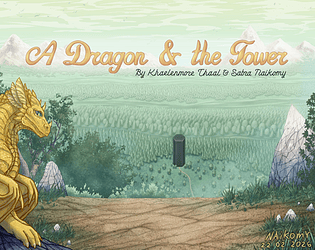
A Dragon and the Tower is a fantasy text point and click adventure game.
You will explore the game world, gather and use items, talk to characters, solve puzzles and so on.
The game is available on Windows (XP or later) and GNU/Linux.
Story
You are a dragon. A real one – huge, winged, flying and even capable of magic.
For centuries you have been living on Earth. No, not among humans. Dirty and crowded cities of those creatures do not entice you. Moreover, you would have to hide your true nature from them.
Only here, in a system of caves created by your magic, you can be yourself. This place is reliably hidden from eyes of humans and their artificial aides – radars and satellites.
But the time has come for you to leave your home. The old map, that you’ve been keeping since times immemorial, is now ready to unravel it’s secrets to you!
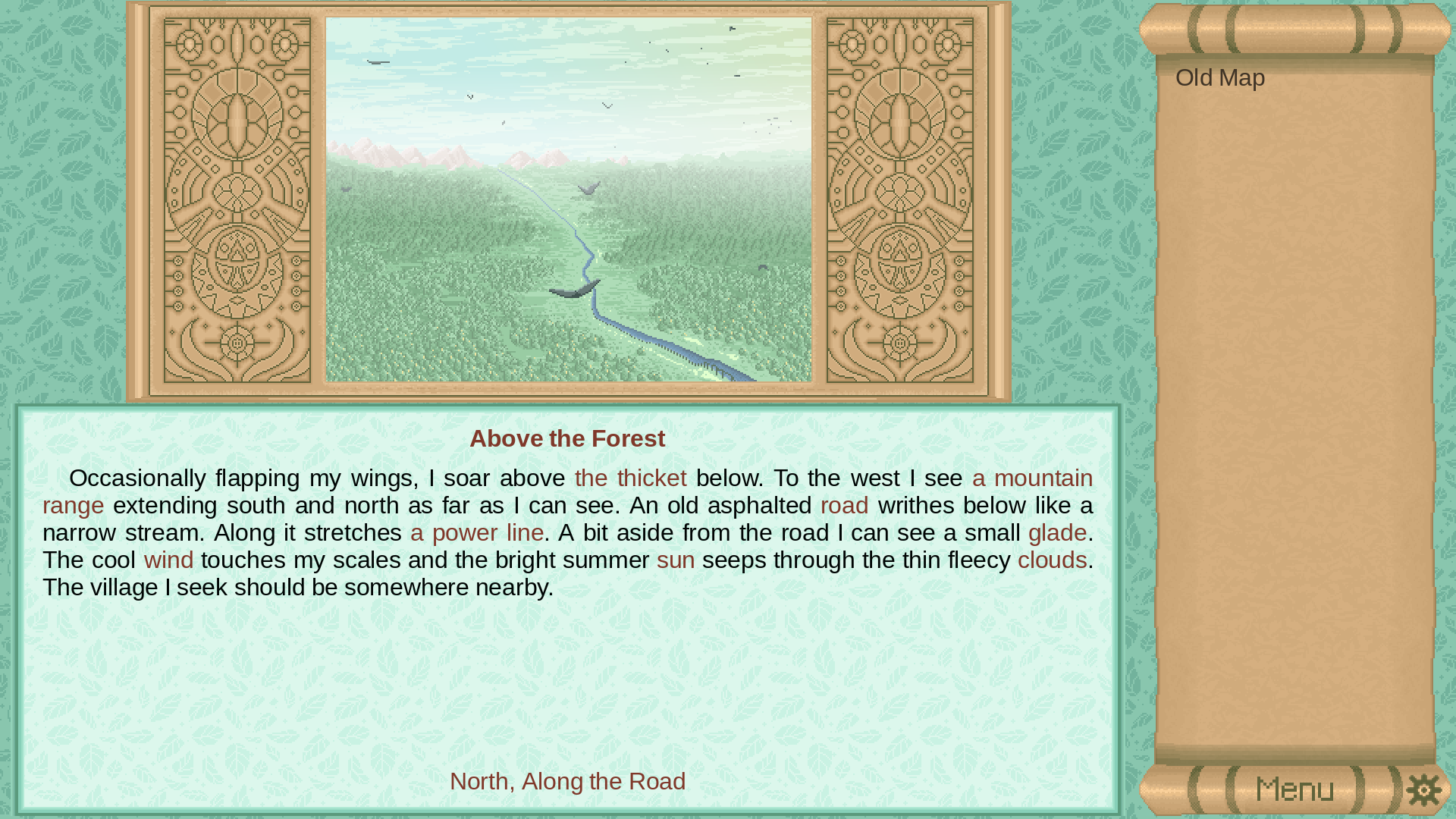
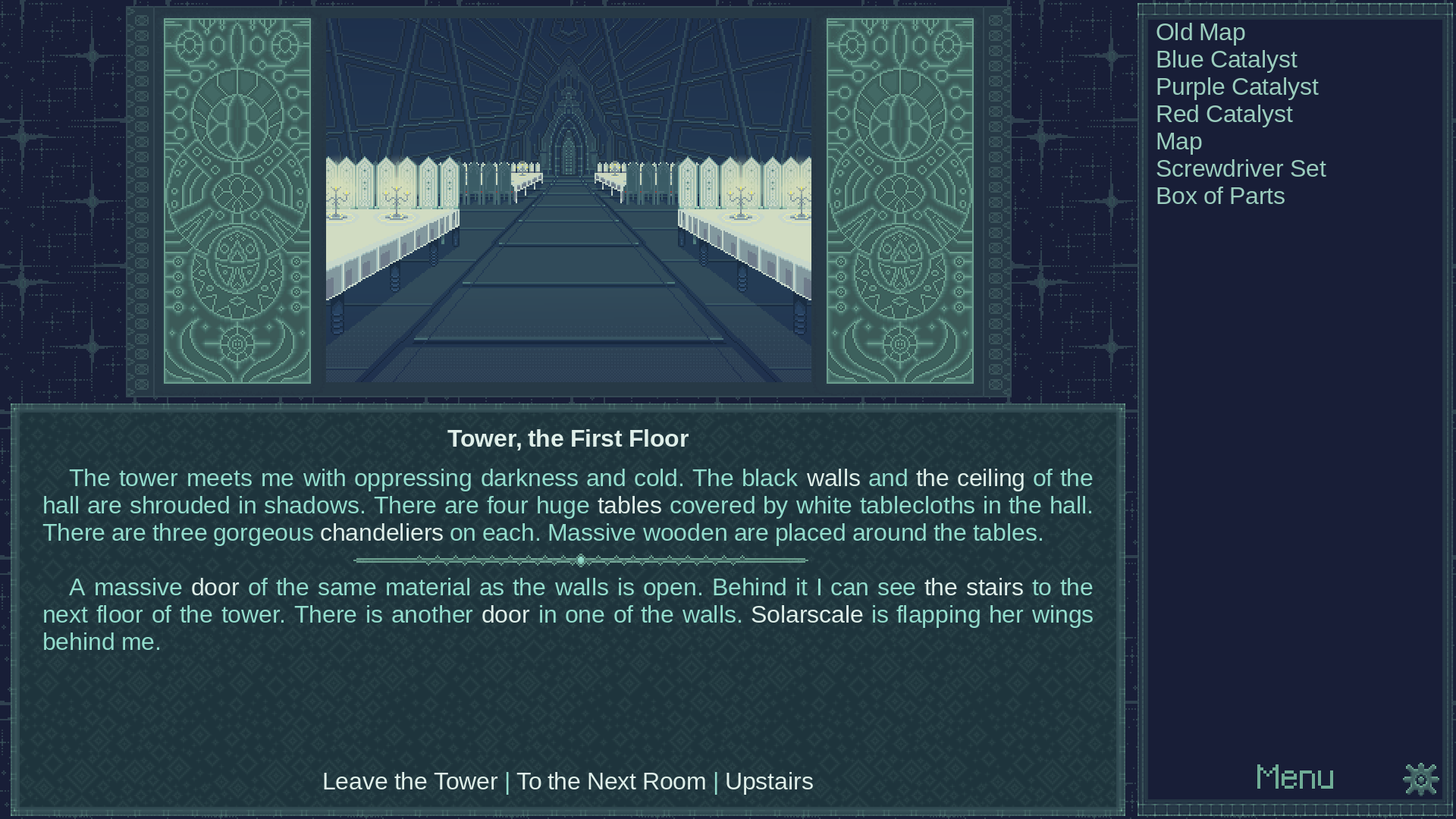
Some screenshots
Trailer
Hi!
Sadly macOS is quite problematic system to make builds for, especially if you don’t own a mac.
However, you may be able to run the game on macOS:
There is an older build of INSTEAD available: https://github.com/instead-hub/instead/releases/download/3.5.1/Instead-3.5.1.dmg
It’s only x86_64, but should work on ARM macs. The app is not signed, so you will need to follow these steps: https://support.apple.com/guide/mac-help/open-a-mac-app-from-an-unknown-developer-mh40616/mac
Now to running the game:
Download the game package for other platforms. Do not unpack the zip.
Run INSTEAD, press esc to open menu and choose “Select Game”, “[…]”. Choose the game’s zip file.
If the game does not fit the screen, press esc to open menu and choose “Settings”, “Graphics” and adjust “Resolution” or set “Full screen” to “On”.
I’ll add these instructions to my website and link them here, but please note that we may not be able to help you with any macOS-specific issues with the game or the engine.