

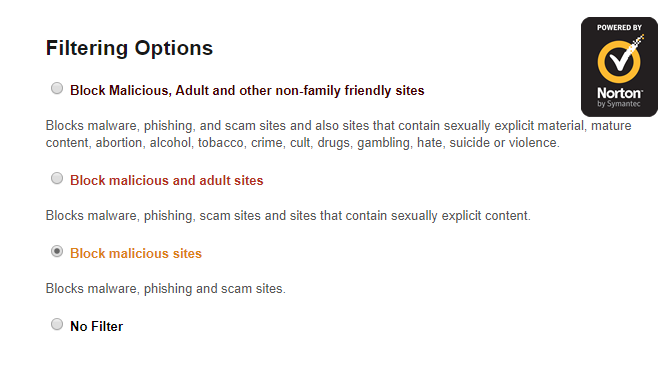
Nevermind! I figured it out! My router is belkin and has Norton Connectsafe which was messing with my ability to download. I had to turn off my router firewall for a hot minute to get it to let me redownload the app.
A member registered Oct 03, 2018
Recent community posts
Hi. I have Windows 10 and just got the app because none of the games would open in browser. Every one of them would show up with a grey screen and the square sad face that usually comes with a bad java script. I couldn't even download itch desktop app from the usual route, instead having to go through the link for itchSetup.exe. No free games will download. They report an error within a second and they end up looking like this: 
I've tried multiple games and they all get the same message. If I refresh it, it starts to show a download bar, but then goes back to this error message before even getting 1% I have also tried to download butler but after clicking the 64 bit stable link, and getting a "thanks for downloading" pop up, it doesn't actually download at all. Please help me. I just wanted to play games.
I have VPIRE and Windows Defender, but turning both of them off and trying to download games didn't help at all.