

What a surprise, I thought not 😸, and in fact I speak Spanish
A member registered May 17, 2024
Recent community posts
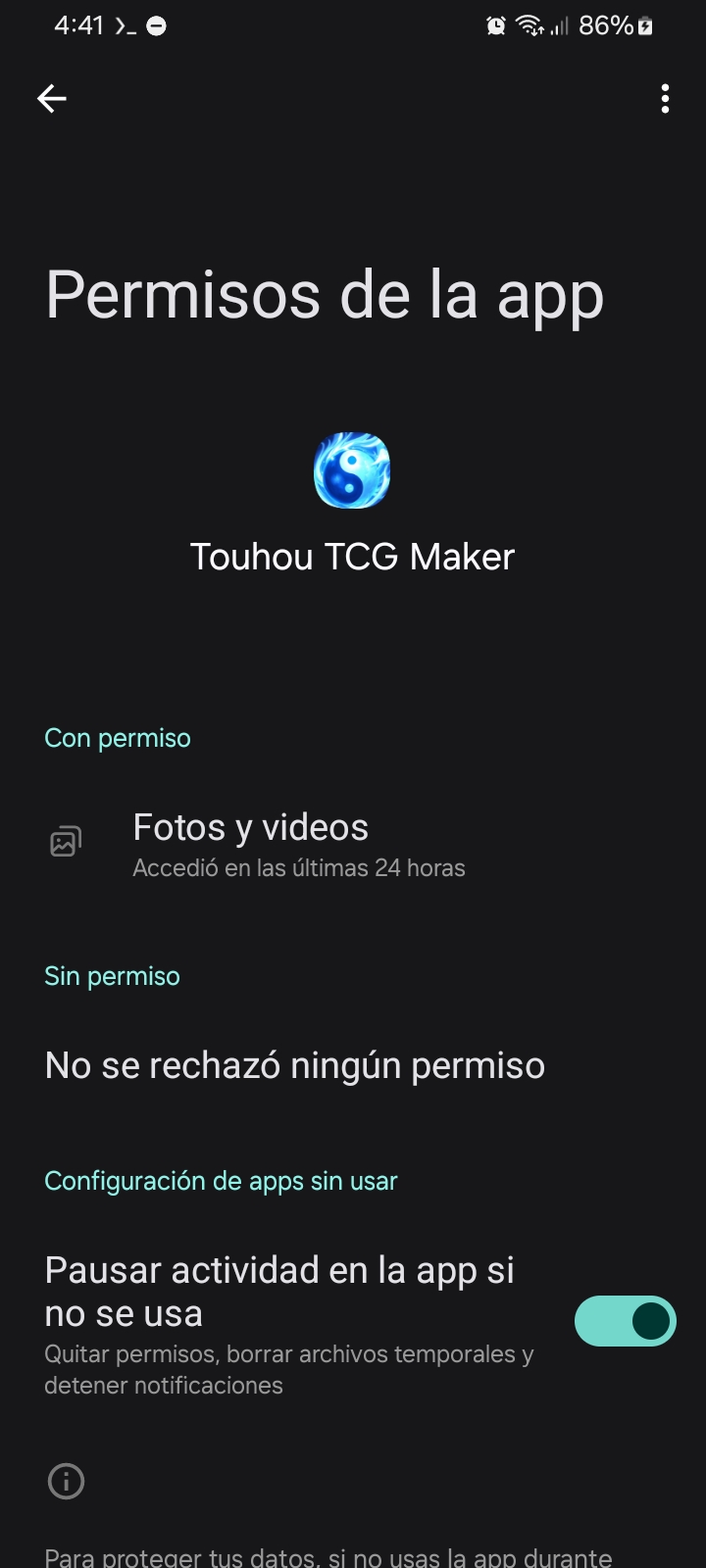
Hey, hello again. Whatever you did worked partially, because now I have the permissions to access my images, but...
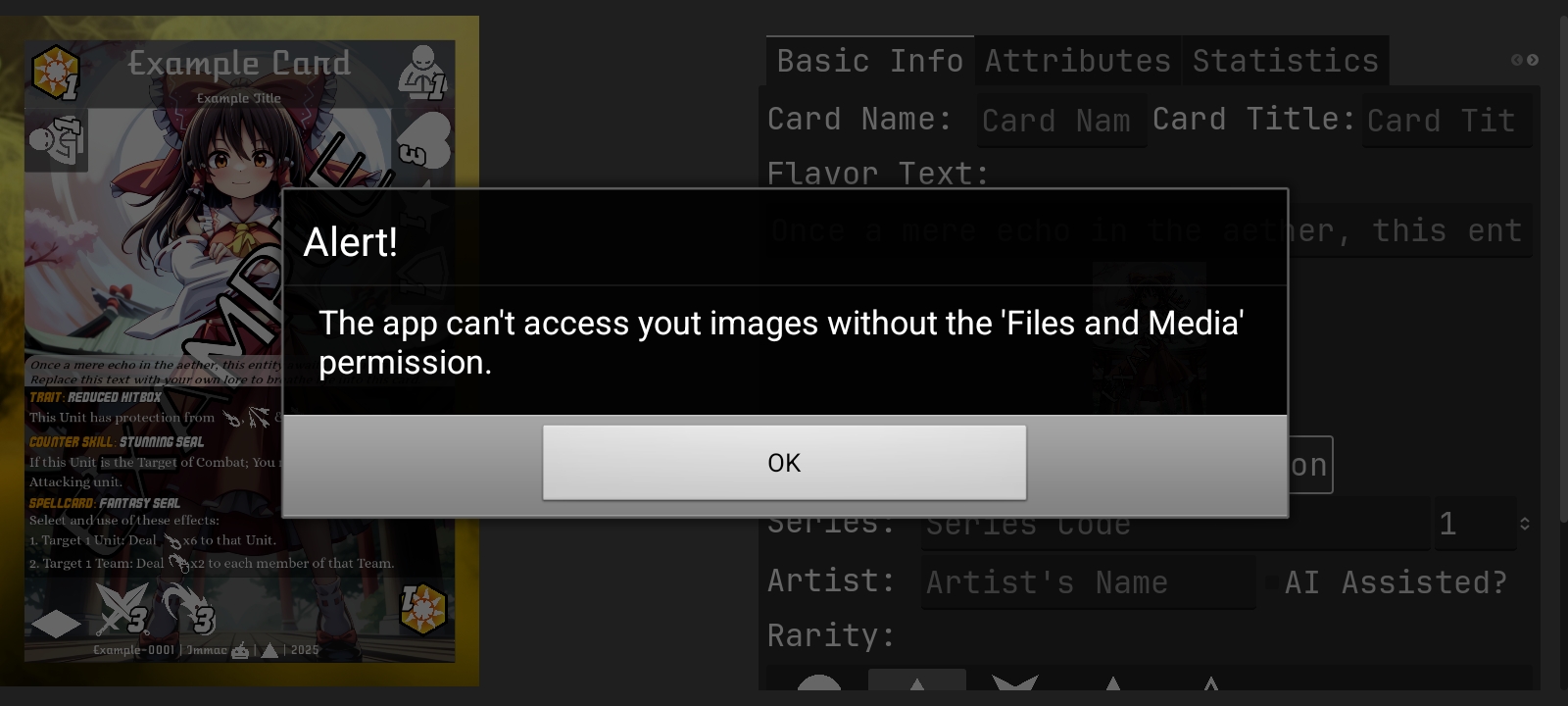
When I try to upload an image, this alert appears, and yes, I made sure to give it the necessary permissions, I even checked the settings to verify that it had them, and although it actually has all the permissions, it keeps appearing
Hey, thank you so much for responding. I really want to use your tool.
I'm using version 3, from October 22, 2024. It looks like it's the latest version. I downloaded it again to verify it wasn't my mistake, but the result was the same.
Now, if you're asking about the Android version, it's 14. I reread your comment and I think this is what you were really asking.
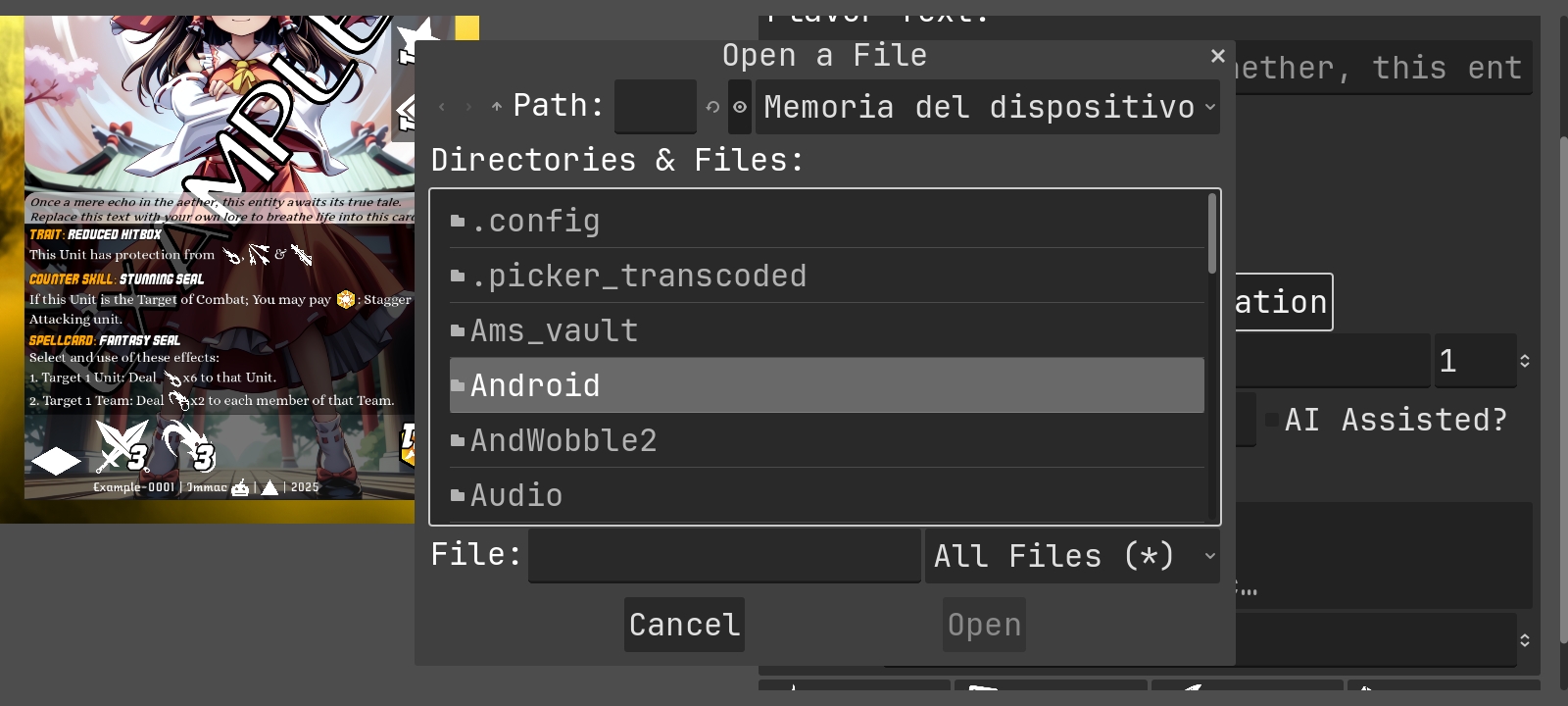
This window appears when I press the option to upload an image, but when I search my files, none of my images load. The option to search external storage doesn't seem to work. In the web version, directly open my files application and it lets me choose any image from both internal and external storage.