Double-checked the license, and yes! You can make and sell your games on CapsuleVN, so long as you do not sell the engine.
The detail is here: https://capsulevn.com/license.html
Double-checked the license, and yes! You can make and sell your games on CapsuleVN, so long as you do not sell the engine.
The detail is here: https://capsulevn.com/license.html
Hello! Not sure if you still need an answer, but I've been messing around with the engine since it came out (not a Dev, just a User). As far as I remember there is no ban from using CapsuleVN to make commercial indie games (big companies, give them some moolah!)
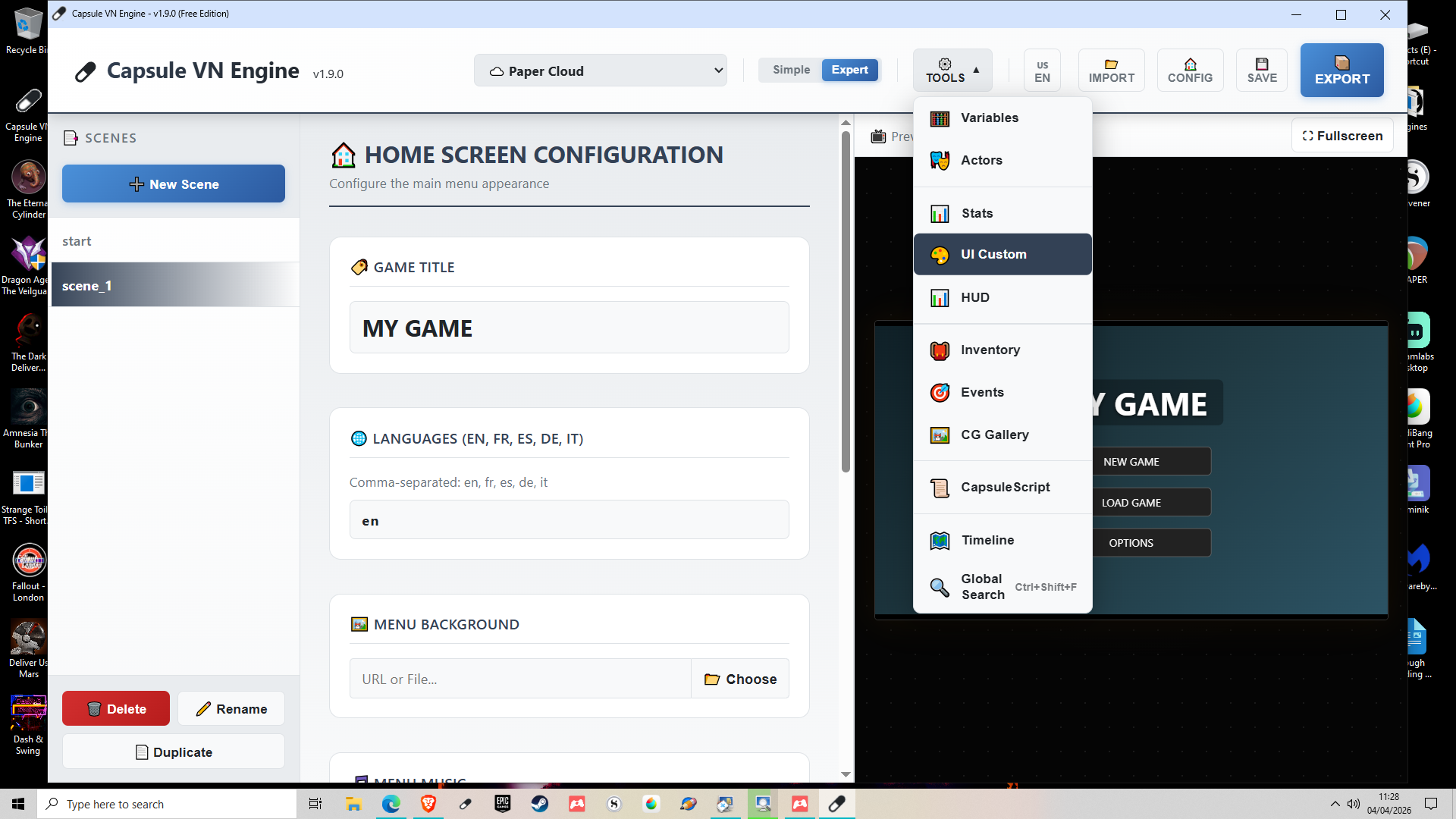
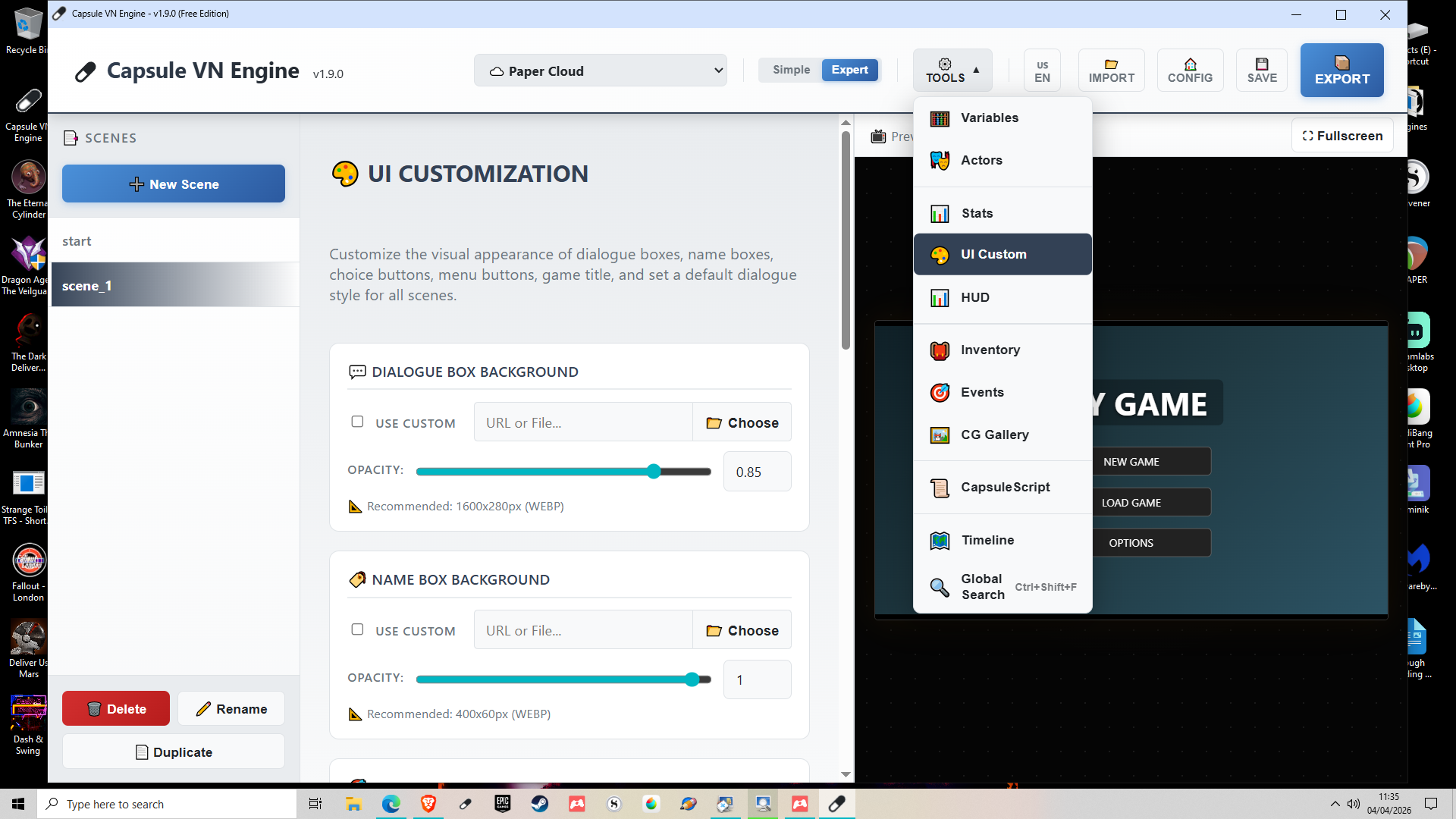
You can absolutely change the text boxes and buttons. First, here's how to change your textbox: you can switch to Expert mode (toggle at the top) then select UI Custom as on the screenshot. It'll give you the chance to change text and boxes etc with what is already in the box, which is a fair bit, but a little lower there's a custom option, where you can make and import your own textboxes.
Secondly, buttons. You can absolutely change these. In the same drop-down menu just select UI Customisation. This lets you change out buttons, dialogue box backgrounds, and menu images. 
If you need an interactive button that needs to act as an invisible area (like a touch map, for example) just put in a standard map image then add buttons targeting what you need, or use Point-and-Click Hot Zones in the scene options itself.
Hope that helps!
You can already do the sprite anims! If you go to the character menu, where you add the actors for your game, once you add their name and text colour, the image can be added below - you can add individual expression images, and sprites-sets.
The sprites-set is just as individual pictures, but you can pick the number of columns and rows and do it like a rotascope sheet too, bit like in RPGMaker and RPGPaperMaker.
From what I remember, the 2.0 release will have a 3D add included, but more info is in the DevLog above. Live 2D I'm not sure of.
Engine's running lovely - quick question though (again, sorry!): is there a way to remove the file size cap for the scene background? The bg I made is animated, and I'm intending to use interactive spaces as "buttons". The video I made is 181mb but the accessible size is 20mb. 20mb is fine for static, but if it's more complicated and moving that's barely anything, including for moving credits or start-up game vids.
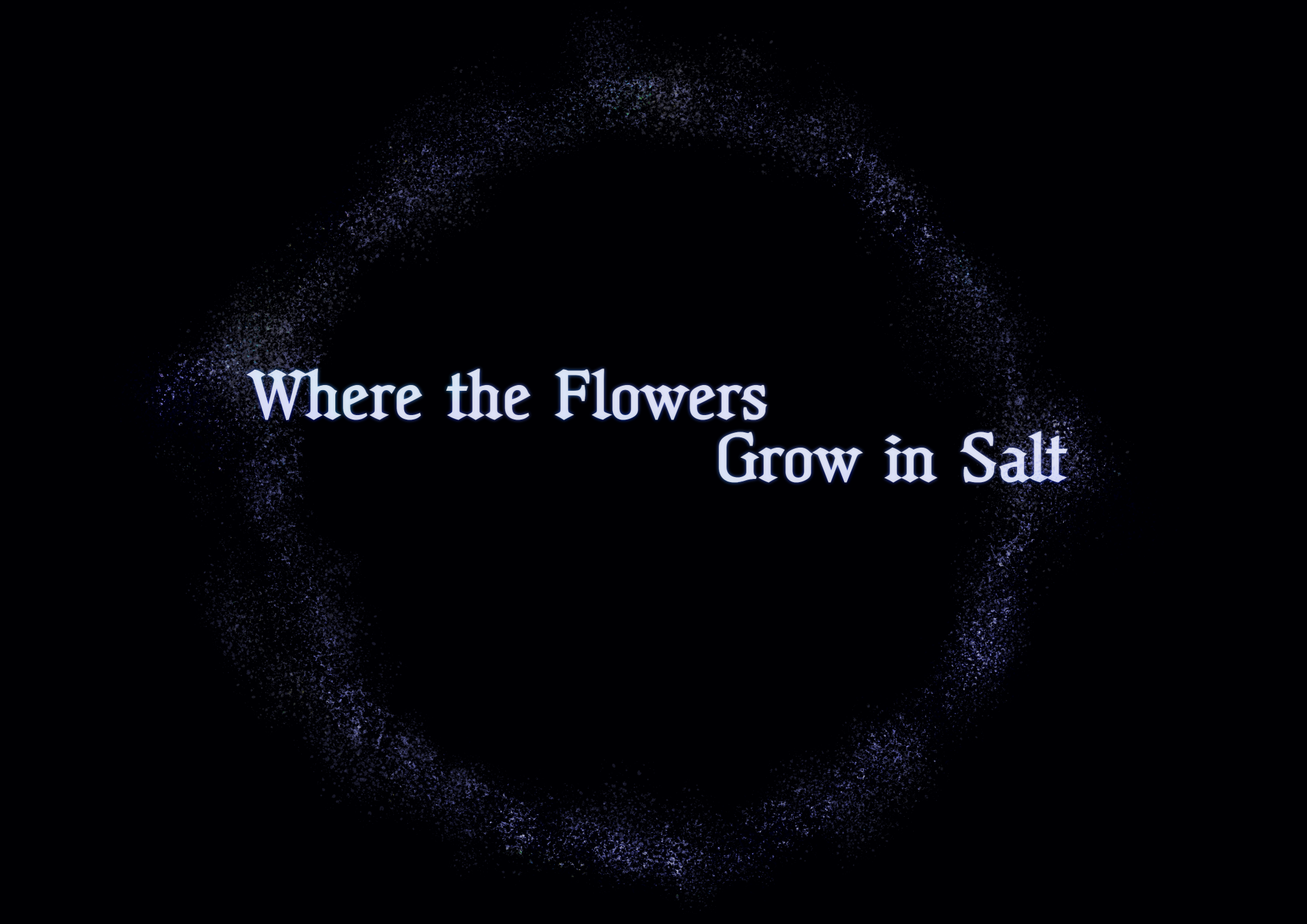
Gave this a download on the off-chance it would work for my horror puzzle vn, and I'm really impressed so far! There's stuff it obviously needs, I couldn't find interactive areas for example (that could just be me though), but I'm surprised at how much is already here. I like the options for character movement - I'm thinking I'll make the front menu as a scene and that will let me animate the salt ring if I set it as a character.
Honestly, this was a really pleasant surprise!