Indie game storeFree gamesFun gamesHorror games
Game developmentAssetsComics
SalesBundles
Jobs
TagsGame Engines

jorgedevreact

2
Posts
1
Topics
A member registered 25 days ago · View creator page →

Creator of

Recent community posts

nice

Hey everyone!

Emoteshowcase Link

I had no idea this section existed until recently, so I'm coming in a little late — but I'm happy to finally be here.

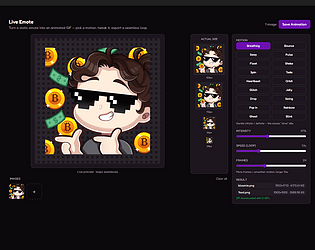
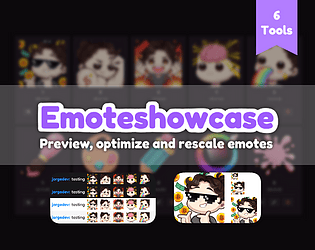
EmoteShowcase is a Windows desktop application built for emote artists. The idea behind it is straightforward: everything you need to manage, resize, and preview your emotes and badges, all in one place, with no internet connection required and no files ever leaving your computer.

It comes with seven tools included.

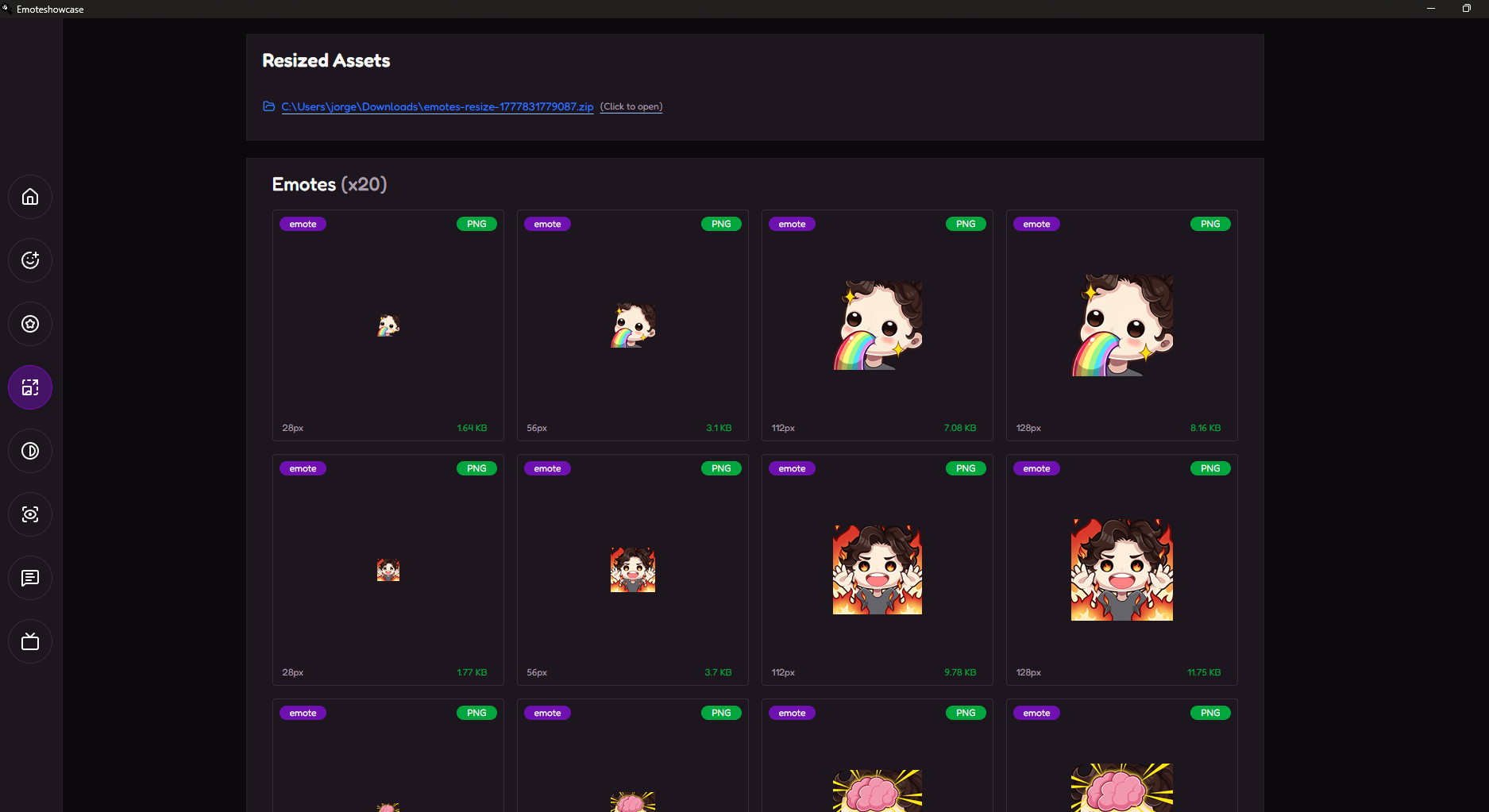
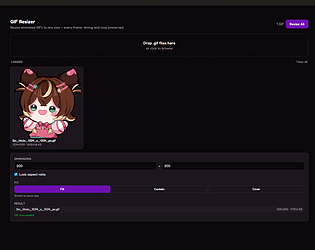
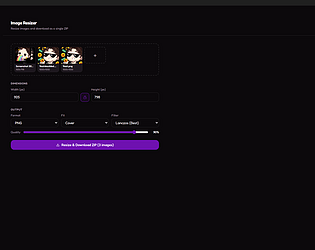
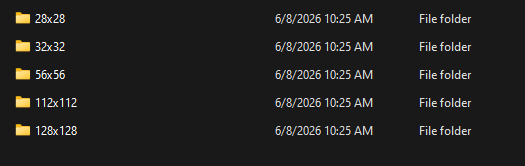
Universal Rescaler takes your artwork and exports a ZIP with every industry-standard size already organized into folders — 28x, 56x, 112x, and 128px for emotes, and 18x, 32x, 36x, and 72px for badges. One click, done.


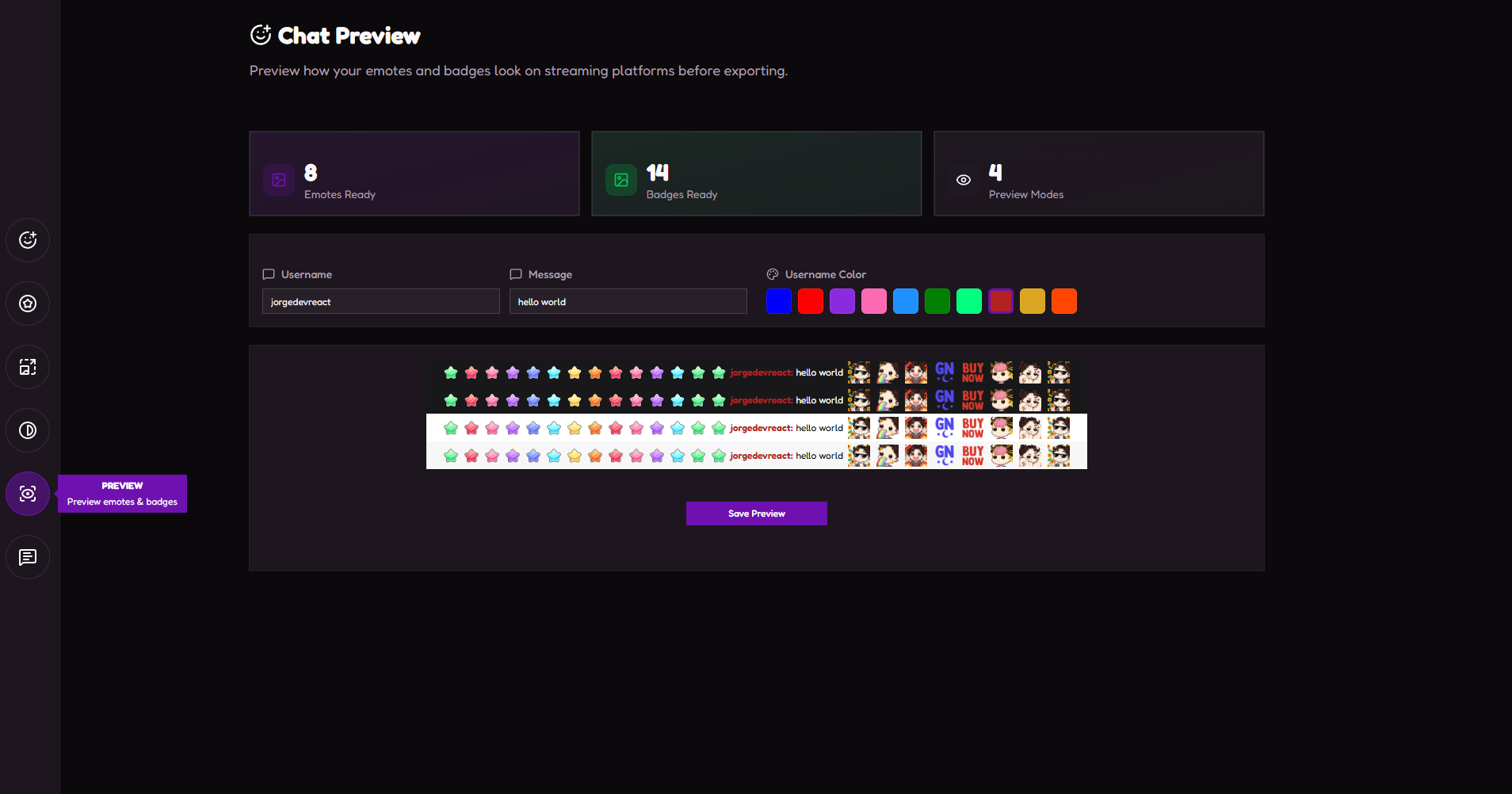
Preview Simulator lets you drop your emotes into a realistic chat environment before delivery. You can switch background colors, add a custom username and message, and export the preview as an image — great for client approvals.


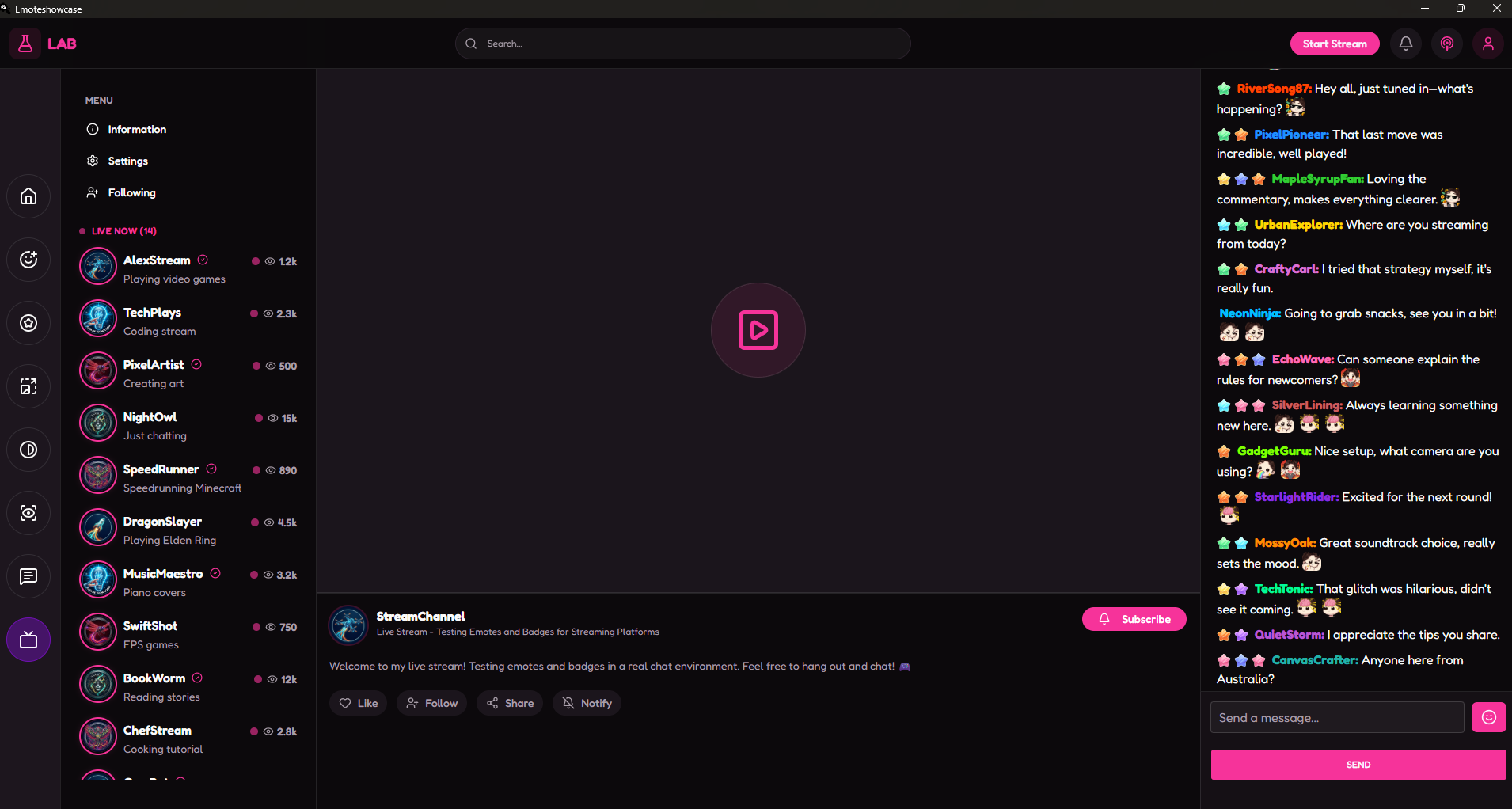
Stream is a full streaming environment simulation. It includes a video area with a fake channel interface, a sidebar of 20 simulated streamers with live and offline states, and an animated chat that generates messages every few seconds using your actual loaded emotes and badges. It answers the question your clients will always ask: how will this look on stream?


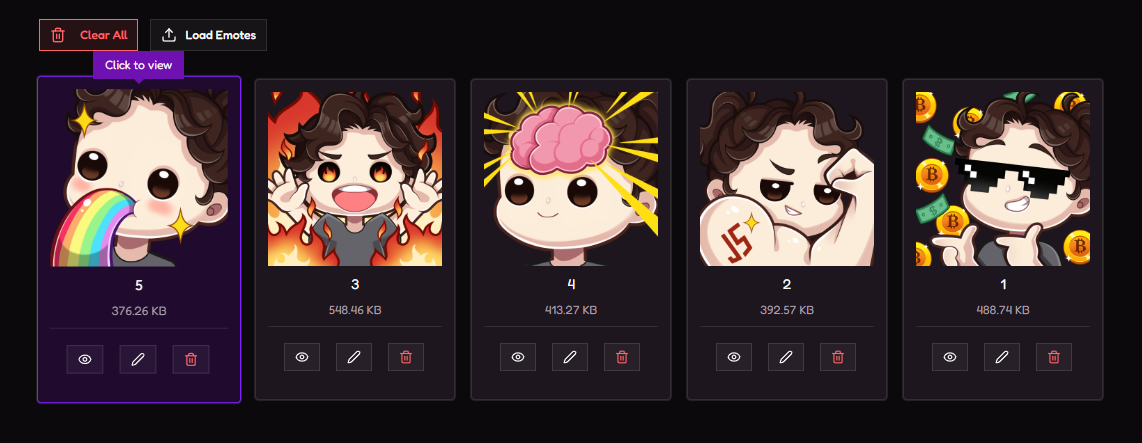
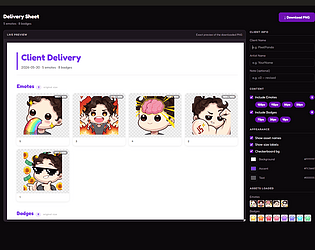
Emote Manager handles file organization — upload, rename, preview at all four sizes, and validate before delivery. Supports PNG and GIF files.


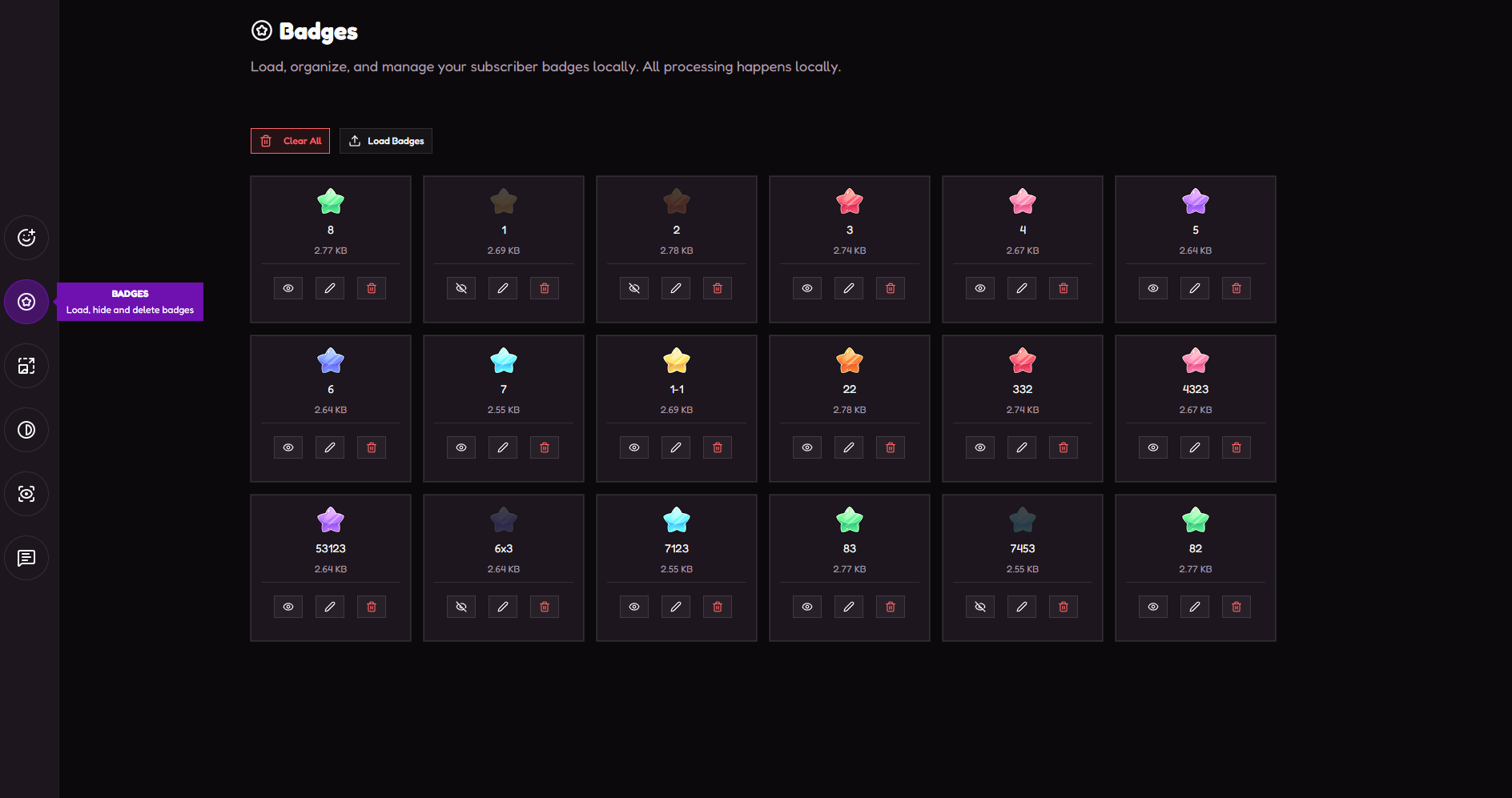
Badge Manager does the same for subscriber badges, with four-size previews in both dark and light mode and instant thumbnail generation.


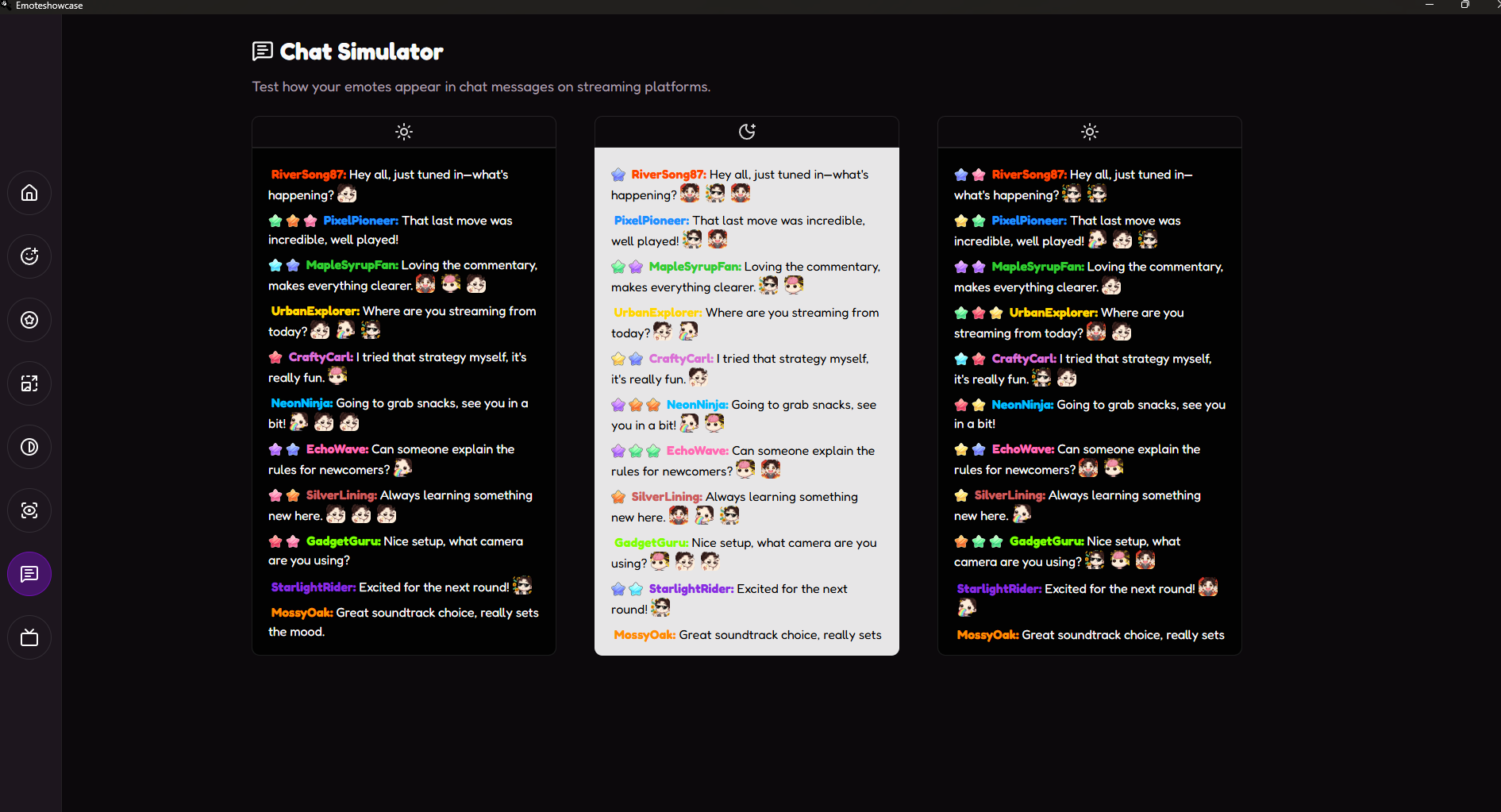
Chat Simulator gives you a clean, simple chat layout to see how your emotes and badges feel together in a real conversation flow.


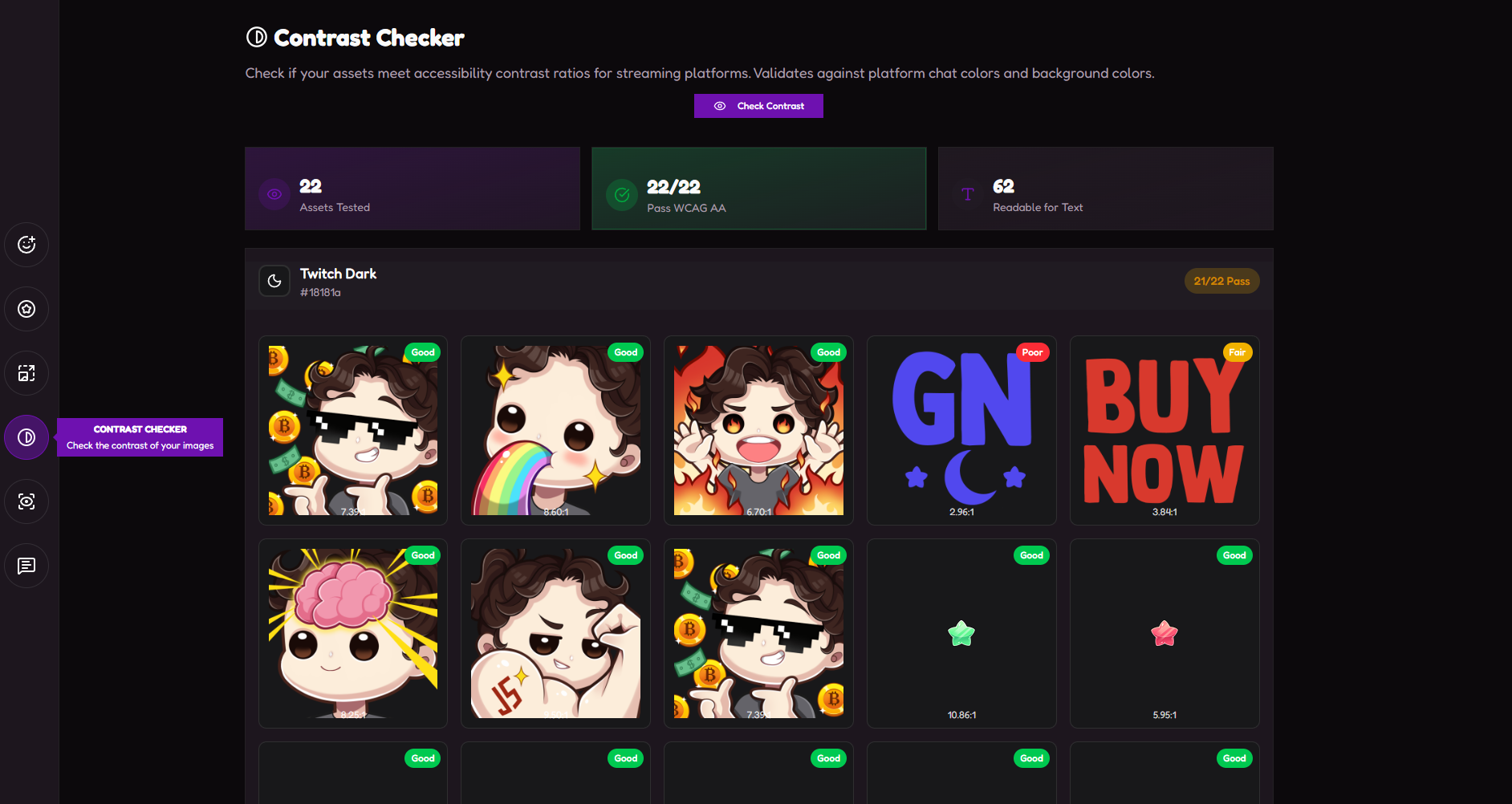
Contrast Checker tests your designs against WCAG accessibility guidelines so nothing goes invisible against a dark or light background.


I built this because I couldn't find a tool that did all of this together. I hope it saves you some time. If you have questions, feedback, or something you'd like to see added, I'm all ears.