On Sale: GamesAssetsToolsTabletopComics
Indie game storeFree gamesFun gamesHorror games
Game developmentAssetsComics
SalesBundles
Jobs
TagsGame Engines

Janny1995

34
Posts
5
Topics
A member registered Jun 12, 2023

Recent community posts

Hello. Can you tell me how to make full-fledged flying units in the game? If you set the "above" option, they still hit the obstacle marked with the region number. Even if you don't set the "3" number on the location, the units still don't "fly" over tilesets like mountains or rivers.

thank you very much! Your plugin is the best! Thank you for the work done!

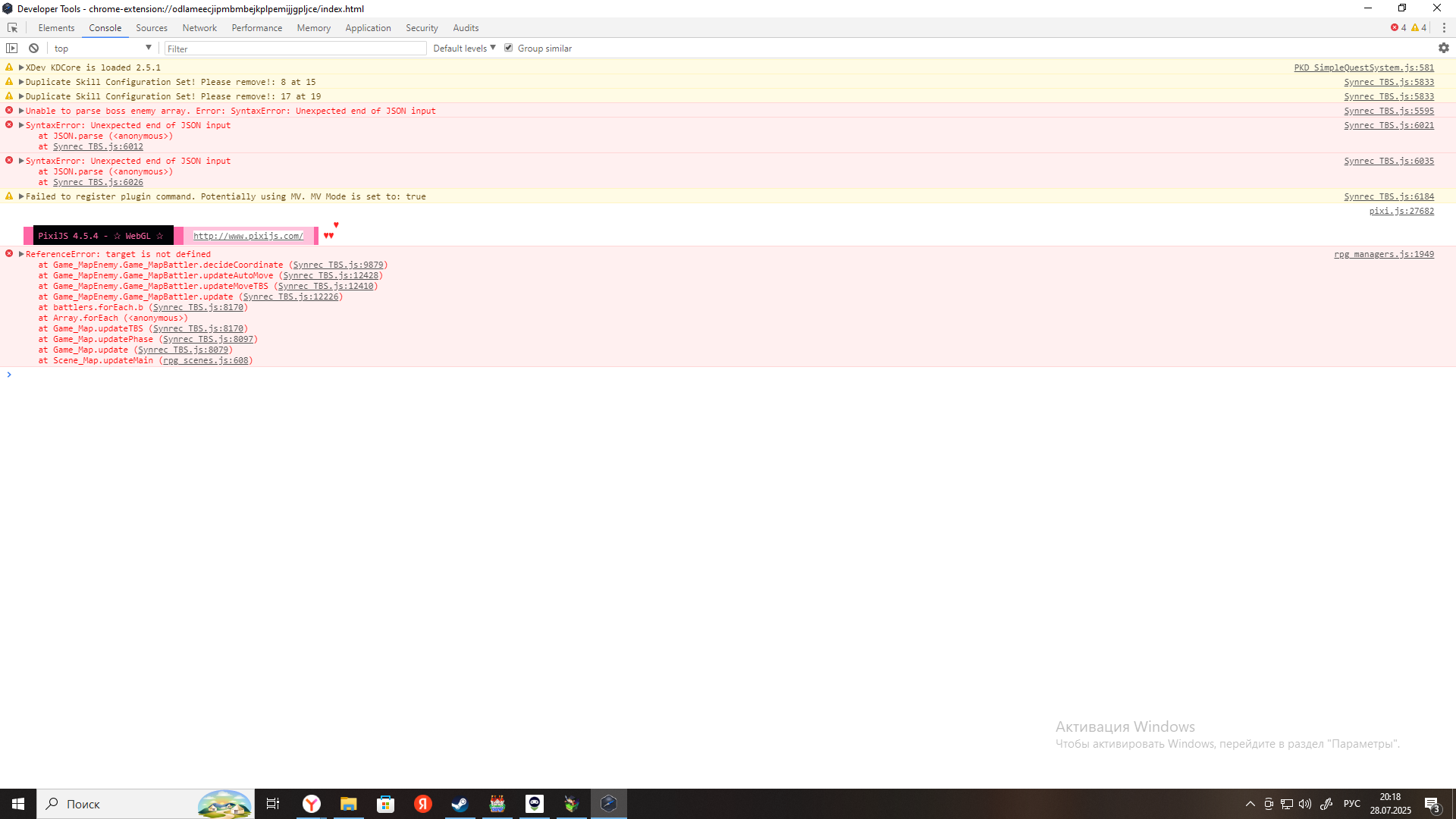
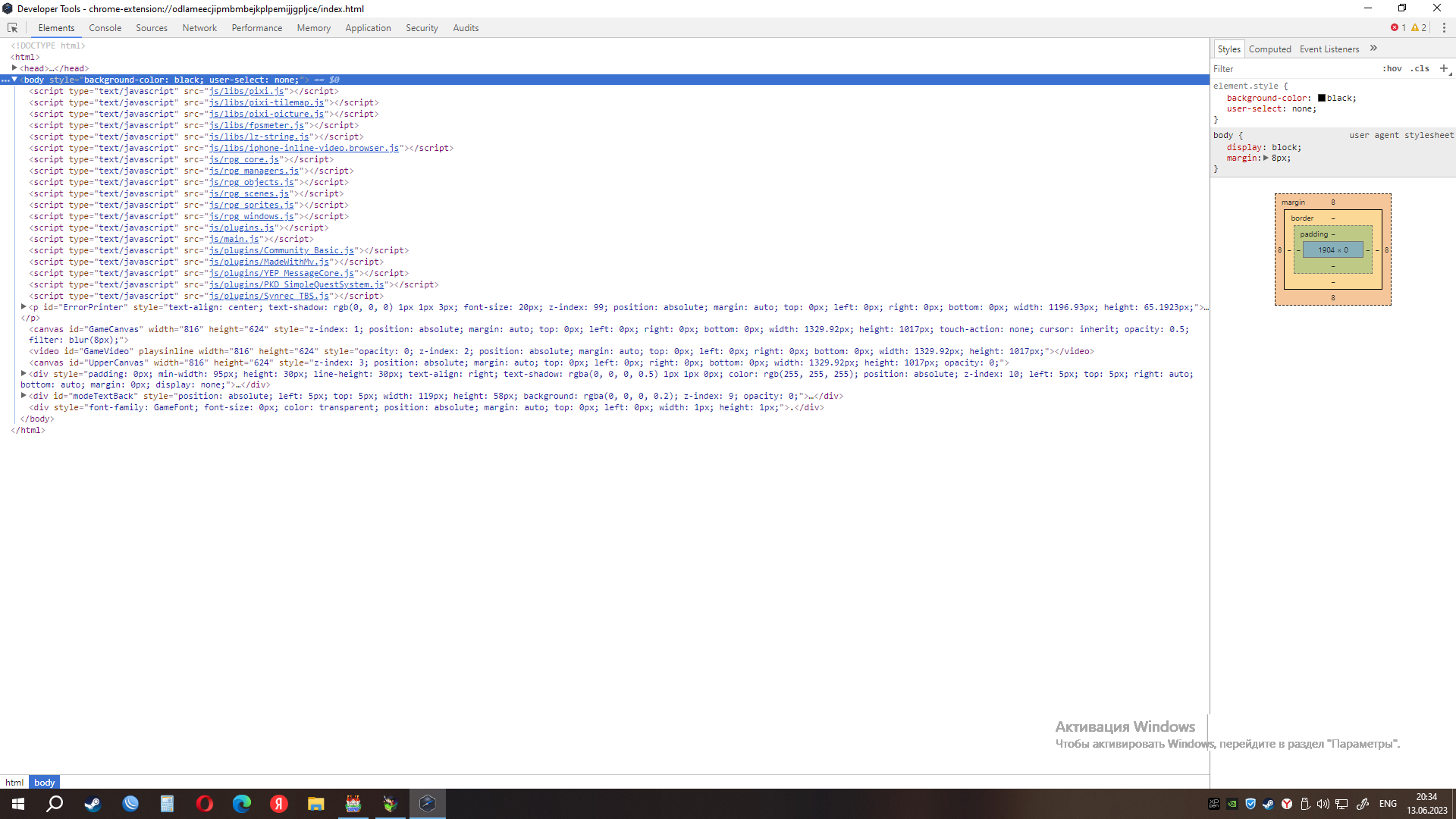
Wow. I didn't even know that this is how you can view errors in a program.

I'm sorry, can you please explain in more detail what this screenshot is? It's hard for me to navigate because I don't speak English well. I'm sorry for the inconvenience.

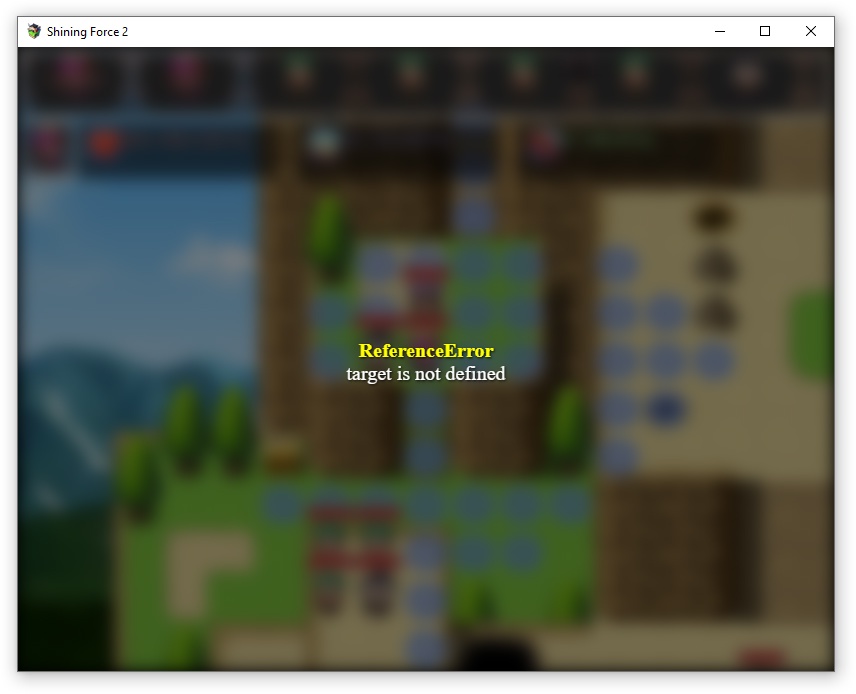
Hello.  Please tell me what causes this problem and how to fix it. The error appears when the round switches to an enemy. This happens to some opponents, although their settings are the same as the rest. "ReferenceError. Target is not defined" 

Thank you for paying attention to my heavy Google translator into English)

even before I wrote in support, I deleted it in order, first the actors, then the enemies, then the map.  did not help.  Today I completely removed the plugin and installed the updated one.  I wrote some of the information needed for the first battle again.  it worked.

Corrected. I had to completely remove the information from the plugin. Unfortunately.

I downloaded the update. But nothing was fixed from the first launch attempt. Apparently, the problem is something else. I'll try to figure it out. thank you for your help

I've had the old version of the plugin since about June. everything worked great. a couple of days ago I found out that the plugin was being updated and downloaded the new version because it included the influence of the landscape. I replaced it with the old one and this happened.

I haven't changed any settings yet. I just launched the game with the new version of the plugin. but changing the settings did not help

(1 edit)

I use rpg maker mv version

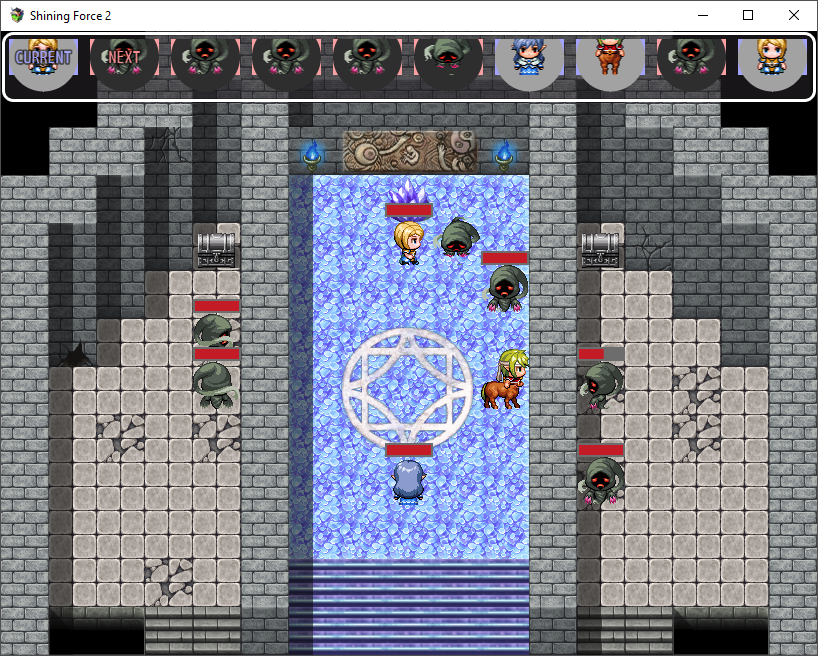
here's what's going on

I set the settings, as in your example game. And it didn't help. 

Maybe the plugin has an incompatibility with the Russian language... I can't find the reason.

As long as the characters move and fight everything is fine.  but if you kill an enemy, it freezes.

Active. 

I tried to set others and nothing changes.

There was no such problem before the update.

I can't find out if it works or not. there was another problem

I installed a new version and now after killing the first monster, all the characters stop moving. The move does not go to the next one.The game stops and no actions are performed.

I updated the plugin, thanks.  Now everything is much more convenient.  But, unfortunately, there is still no effect from the landscape.

Do I need to buy a new version again?

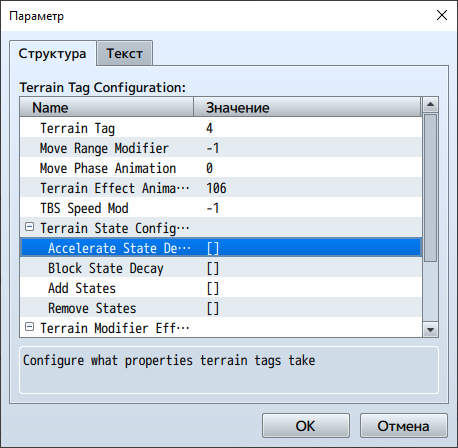
I want the indicator movement range to decrease when the character is in the forest, for example.

or increased when the character is standing on the road.

but nothing happens. when a character enters the forest, the movement range does not change

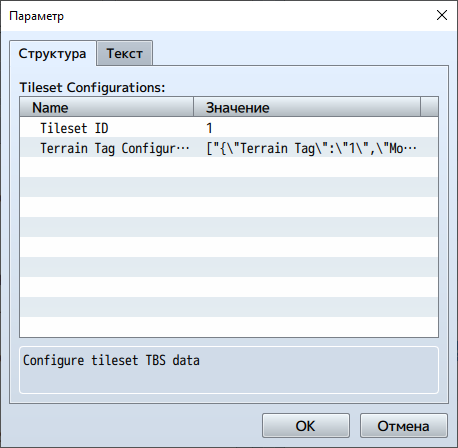
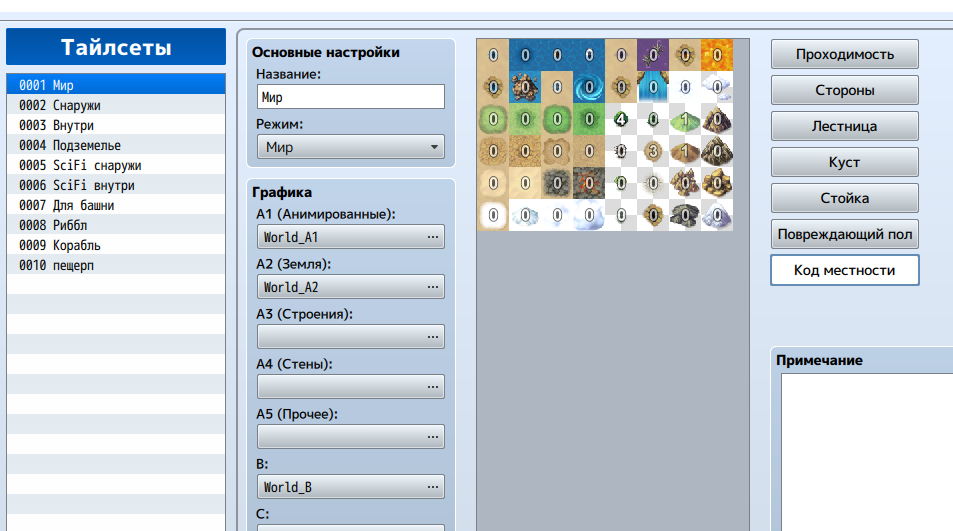
The terrain does not affect the characters in any way.
Did I set everything up correctly?

I want characters like ghosts or birds to ignore walls, statues and other impassable terrain elements

Thank you very much, but I suddenly solved the problem myself by simply deleting all my characters and creating them anew

(1 edit)

at the beginning when placing heroes. when the queue reaches the third participant in the list, an error occurs.

communicating through a translator is hard

If you do not mark the zones "no move region 3", then the enemy with the mark TBS Layer  'above'  does not pass through the wall

I'm sorry for being so stupid (

(1 edit)

Correction: it's a error if you start exposing more than two actors. Although the value is set to 4 in the map settings

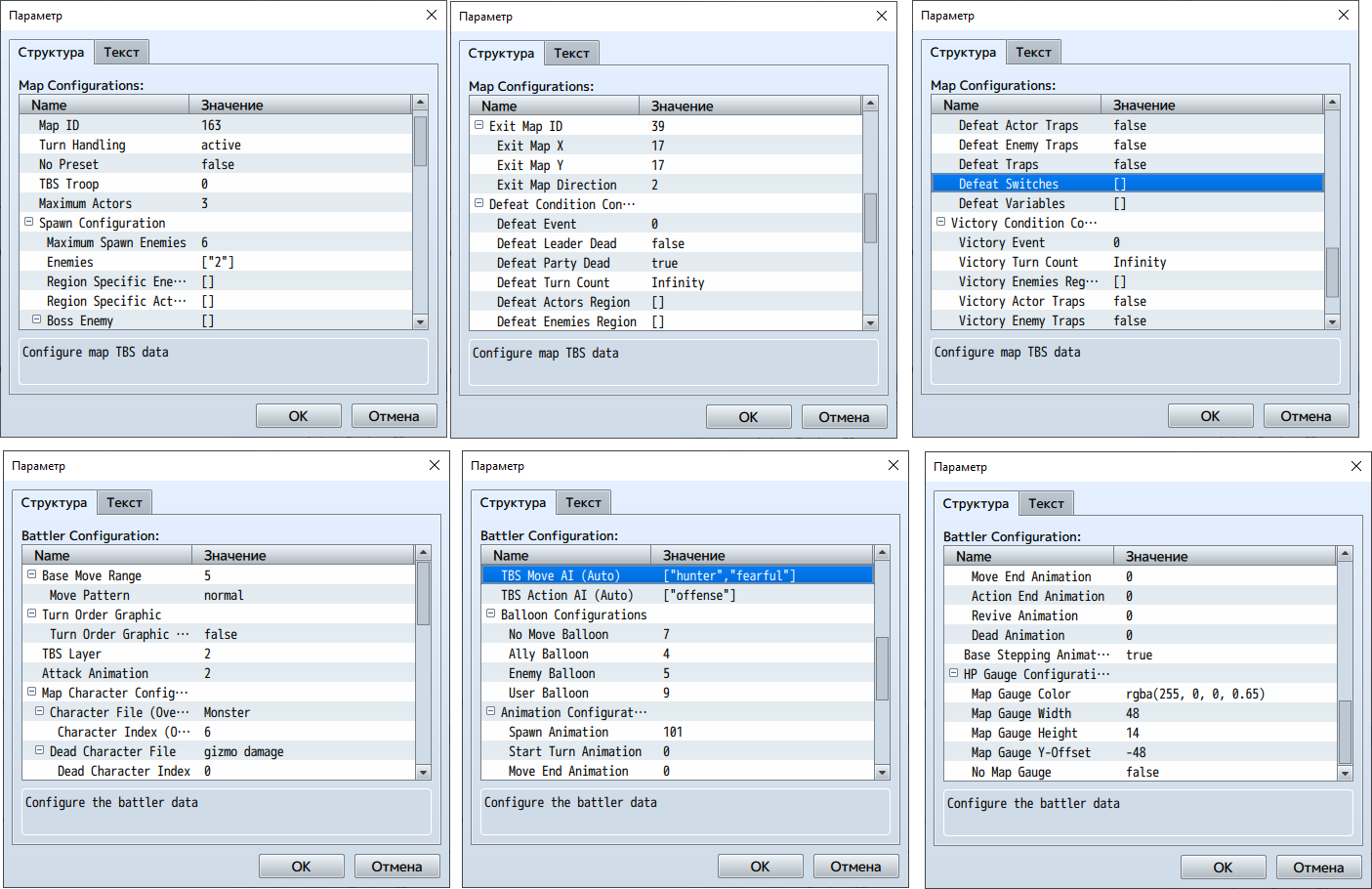
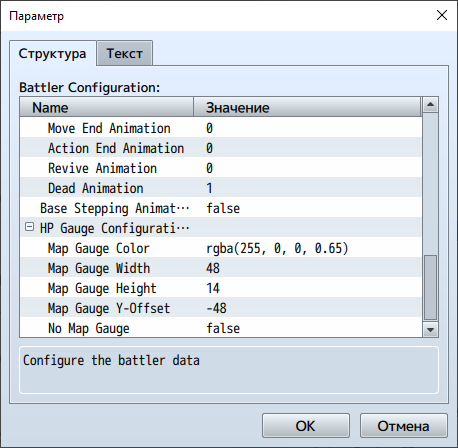
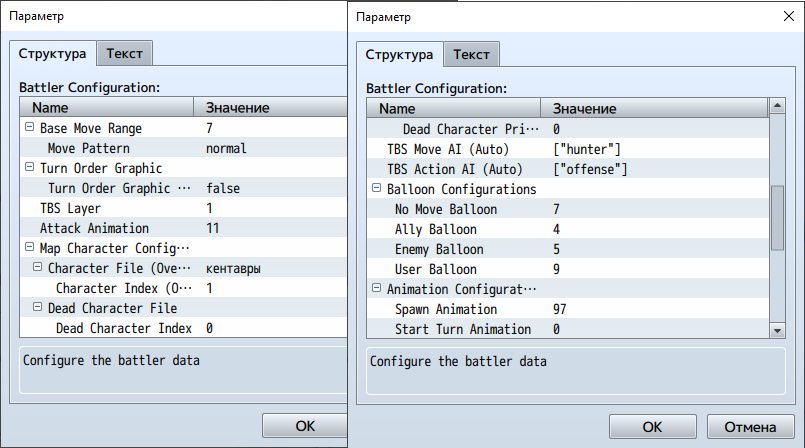
Hi. If  in the battler configuration where it says TBS Layer,  set that to above or with a value of 2, then the enemy is still standing still and does not want to pass through the obstacle.

configuration

Look like this


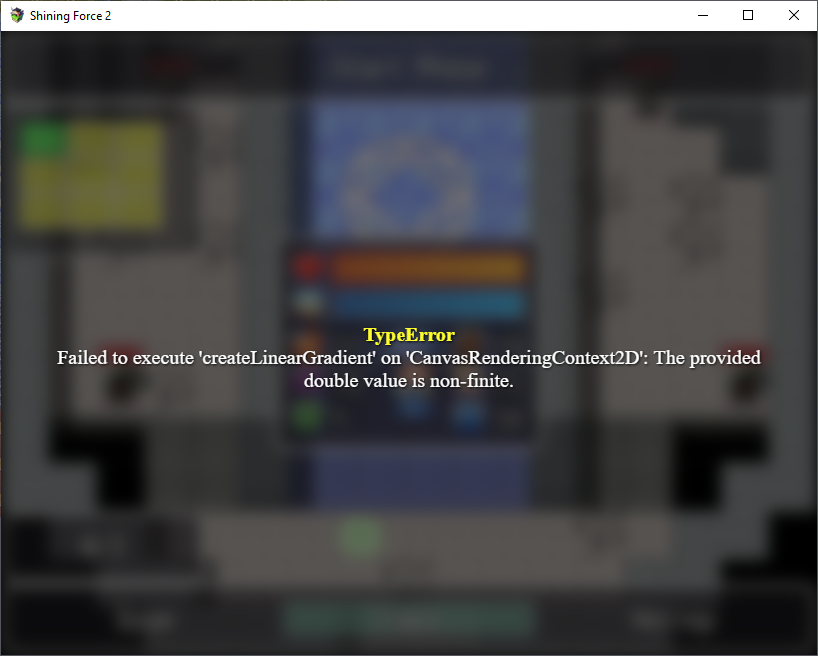
Good afternoon.  One of my characters is two cells in size.  I arranged the actors as in the video tutorial and when the turn comes to a larger character, an error occurs

Failed to execute 'create LinearGradient' on 'CanvansRenderingContext'. the provided double value is non-finite

This problem occurs if the actor is larger than the standard size. Surely, there is an opportunity to solve this problem in the plugin. But it is very difficult for me to understand it. Please help.