On Sale: GamesAssetsToolsTabletopComics
Indie game storeFree gamesFun gamesHorror games
Game developmentAssetsComics
SalesBundles
Jobs
TagsGame Engines

huangwei4478

17
Posts
2
Topics
19
Followers
340
Following
A member registered Jul 16, 2017 · View creator page →

Creator of

Recent community posts

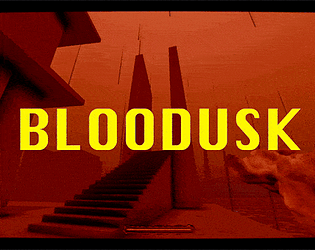
The game link on itch.io:  https://huangwei4478.itch.io/bloodusk

2025 BOOOM Game Jam Entry

by To Hardware team

a fast-paced retro FPS game where you shoot your BLOOD as BULLETS.
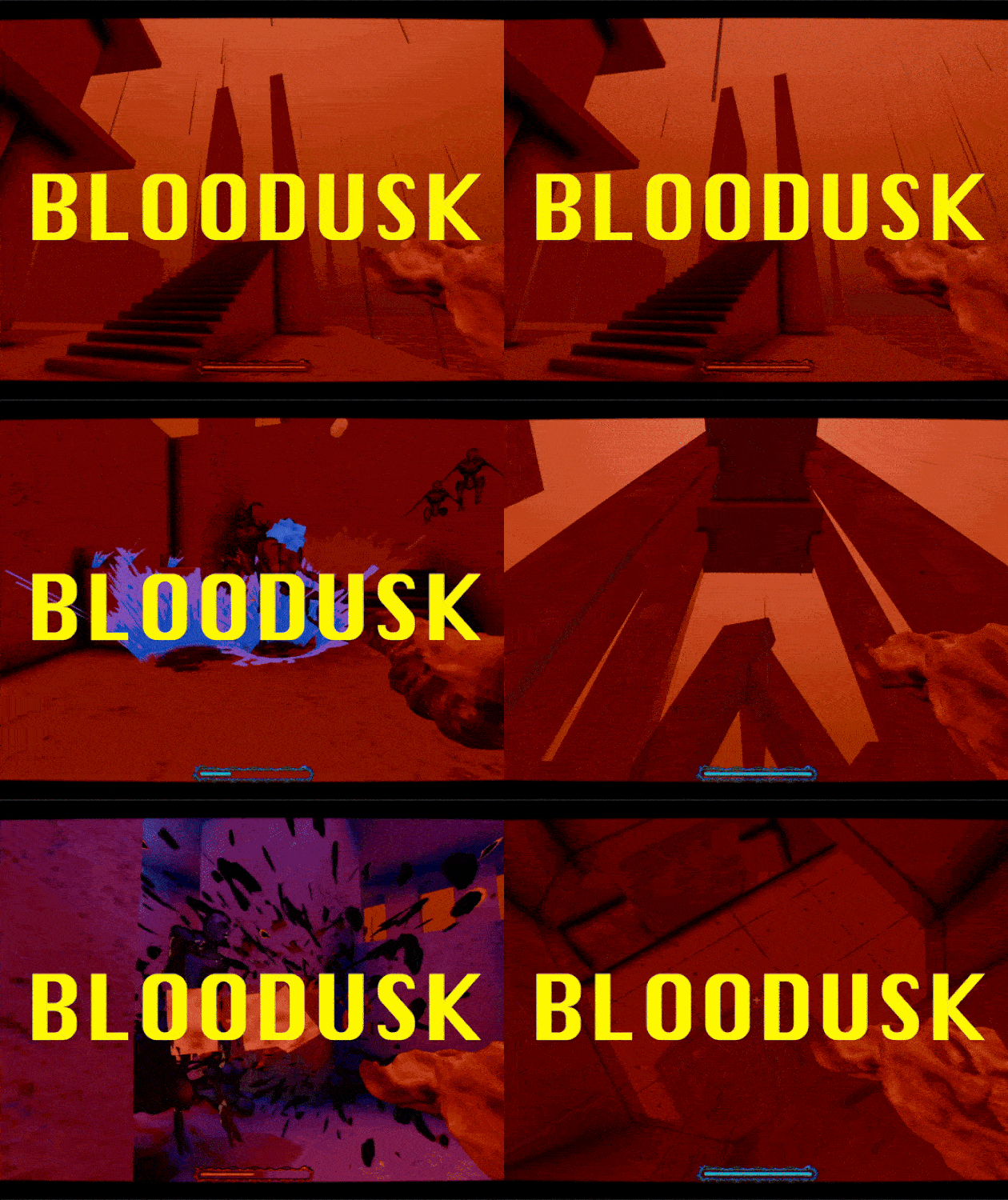
[Features]

  • massive levels with different style of mapping: architecture, labyrinth
  • Retro aesthetics, just like 30 years ago, in Quake
  • 3 types of enemies
  • 2 weapons
  • Clever enemy AI that brings you tension and joy
  • 1.5 - 2 hours of playing time 
  • Well-tested, no crash, no bugs!

[Game Controls]

Movement - WASD

Jump - Space

Left Mouse Button - Fire blood projectiles (consumes HP) / Melee attack when below 15% HP

Right Mouse Button - Detonate blood for massive AoE damage

Mouse Wheel - Switch weapons

Kindly take a look and give a try, 

we are more than appretiative to have you play our games!

And leave comments and feedback if there are any.

The game link: https://huangwei4478.itch.io/bloodusk

Can I use this asset in godot4?

(2 edits)

Anyone who meets this error while trying to start this game:

acknex.exe cannot start at 0xc0000022 On Windows 10

please follow this instruction to turn on DirectPlay feature, it solved my issued!


now I can play this game on Windows 10!

I just loved it!

I  love this 1-bit style!

Just fell in love with this at the first sight!

So Cool!

Thums-up to you bro!

same issue

awesome!

Wow, cool! I changed global.zoom to 1 and it works like charm now!

Thanks for the help :)

Hi, MZY: 


After pressing "1" and "3" to toggle different screen sizes, I finally managed to see the normal game screen!


Now I can have fun playing & studing your game. Awesome!


So much appreciated for your patient replies.


(P.S. Pressing "2" doesn't work for me)

I have tried again, import project into GMS2.3.4, press F5, and it still doesn't work for me.

Even the native builds I download act the same, so I cannot even play this game on my Windows 10 machine.

Maybe it's some kind of configuration error? 

Can you reproduce this same error as I have?

I have tried both the old one and new one, the source code version and the windows native bulid versions. All these four downloads act the same: Black Screen and White rectangle in the middle. I'm on Windows 10, any solutions?

Hi, MZY:


Ihave just bought this game and source codes.  I use GameMaker Studio 2.3.4 to open this YYZ game project, hit "F5" and run, only to find that there is a black screen with a center white rectangle on the screen. I can hear all the sound effects and the sound of rain drops, but I cannot see anything except this blank white screen.


Any Ideas? Help may be appreciated.


Thanks.

Cool!

woo, so sweeeet! i gotta take a look!

wow, thank you! Looking forward to the new tutorial!

I bought this but I don't know how to use it.