

Game Devs of Color Support Bundle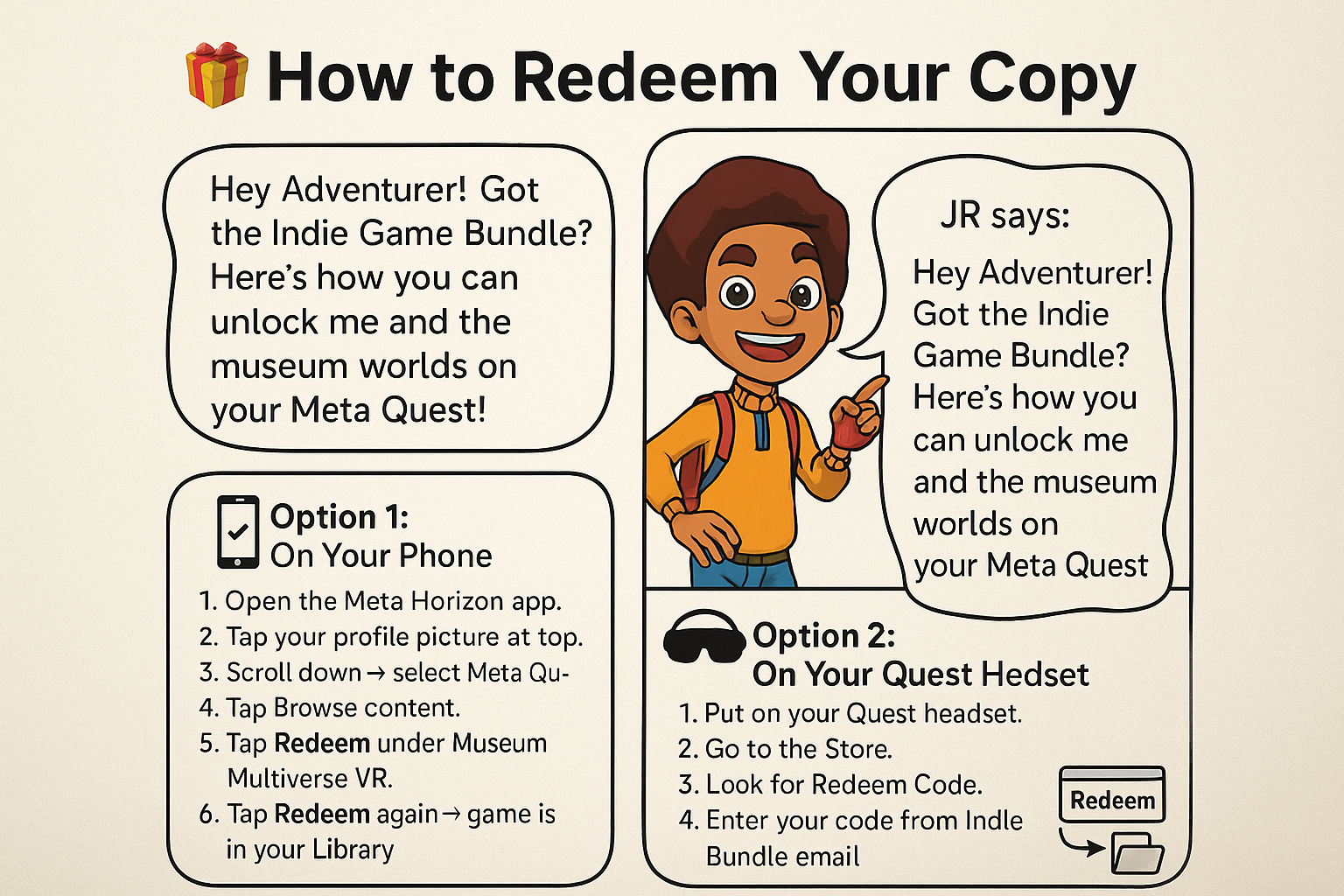
Hey Adventurer!
Got the Indie Game Bundle?
Here’s how you can unlock me and the museum worlds on your Meta Quest!
Once you have your code from the bundle's organizers, follow these steps. If you have not yet received a code, please contact:
communications@gamedevsofcolor[dot]org for a key.
Option 1: On Your Phone (Meta Horizon App)
-
Open the Meta Horizon app.
-
Tap your profile picture at the top.
-
Scroll down → select Meta Quest+.
-
Tap Browse content.
-
Tap Redeem under Museum Multiverse VR.
-
Tap Redeem again → game is in your Library.
Option 2: On Your Quest Headset
-
Put on your Quest headset.
-
Go to the Store.
-
Look for the Redeem Code.
-
Enter your code from the Indie Bundle email.
-
Museum Multiverse VR will appear in your Library.
Once redeemed, you can install it anytime from your Library and step into the paintings!