


I’ve got a LAN coming up this weekend. And some things haven’t changed over the years: someone’s monitor is running at the wrong refresh rate, mouse acceleration is still enabled, or a Windows setting has been overlooked.
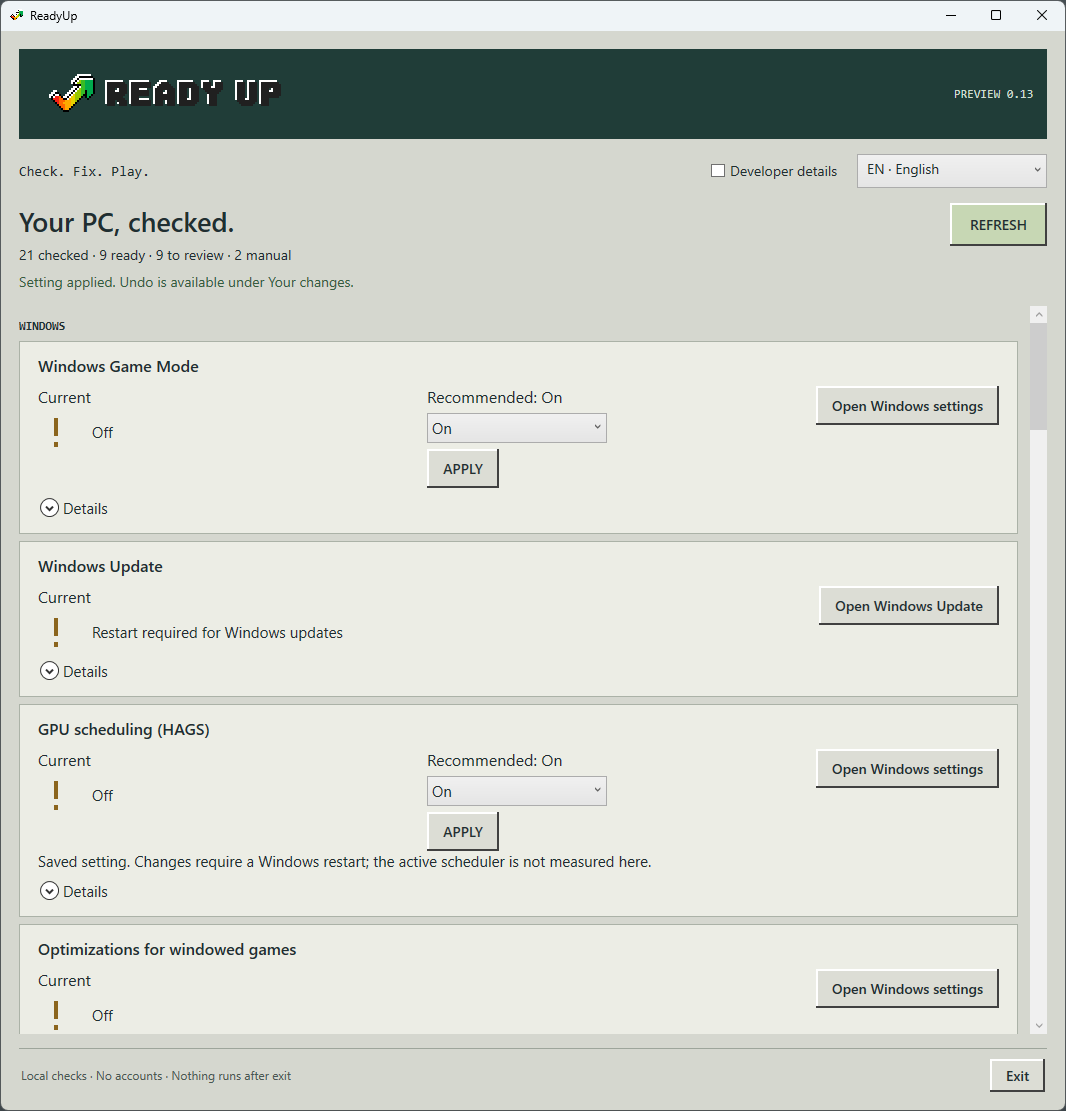
So I built ReadyUp: a small Windows tool that brings 21 local checks into one simple interface.
Check your display settings, Windows Game Mode, mouse settings, power plans, hardware, drives, startup apps and more. Change supported settings directly and undo supported changes. For refresh rate and resolution, ReadyUp opens the right Windows page so you can adjust them yourself.
No magic FPS promises. No RAM cleaning. No process freezing or debloating.
No accounts, telemetry, ads, background services or automatic startup. Nothing from ReadyUp keeps running after you close it. Online driver searches and ping only run when you choose them. Elevated permissions are requested only for individual actions that need them.
Requirements: Windows 11, 64-bit, .NET Framework 4.8.
Tested on: Windows 11 Pro, build 26200. Other 64-bit Windows versions may also work, but haven’t been tested. Features depend on your hardware and Windows version; detailed limitations are listed on the store page.
$1 once. Pay more if you want. No subscription.
Get ReadyUp: https://hendicep.itch.io/readyup
Which PC settings do you or your friends keep forgetting to check? Refresh rate, mouse acceleration—or something completely different?
Try it and let me know what works, what doesn’t, and what you’d like to see next.
Screenshot from preview version 0.13; current download is version 0.14.