Indie game storeFree gamesFun gamesHorror games
Game developmentAssetsComics
SalesBundles
Jobs
TagsGame Engines

Hempuli

693
Posts
7
Topics
13.2k
Followers
7
Following
A member registered Feb 08, 2015 · View creator page →

Creator of

Recent community posts

Thanks!

Thanks a lot for the thorough review!

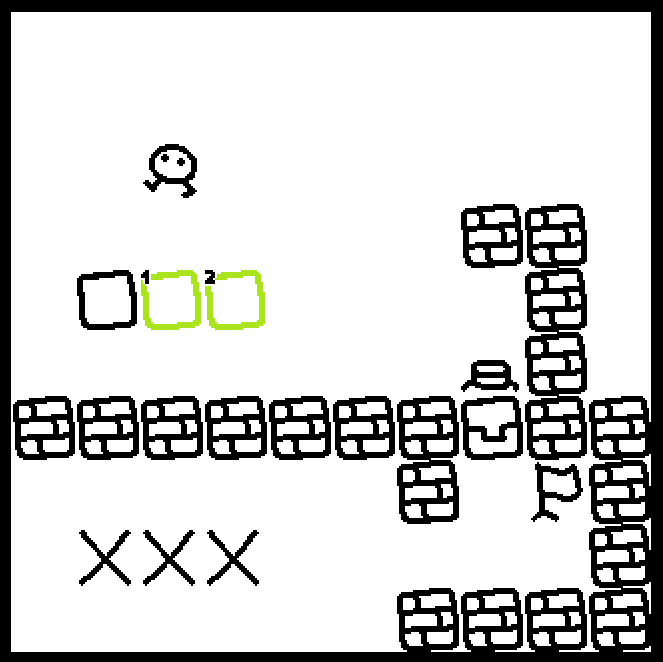
Use arrow keys to move, R to restart & Z to undo - your job is to push the boxes onto the X-marks, and then walk to the flag.

That's indeed the last one! Congrats!

Thanks a lot!

Yeah, apologies about that. In the earlier games the engine I'm reusing didn't have both types of blocks implemented and I redid the multipush blocks when needed, choosing the style of implementation on the spot, leading to variance in which way it behaves. I think the latest ones have been consistent about it, ever since I decided that for me the most intuitive way to think about the system is "non-multipush blocks are heavy, and thus they can only be pushed if they're the first thing you push".

Put boxes on the Xs, then walk to the flag. The games in this series all use the same visual language, so checking out the first one (Covemount) may be a good way to get accustomed to the things common between them.

Yeah, overlapping ended up being pretty much the most interesting element of the mechanic. Level 13 was meant to force you to overlap all 3 boxes.

It was this one; the current layout still doesn't enforce the intended solution properly but maybe that's ok.

You bet

You probably pressed F3 by accident, that turns on the level editor (not fully functional in HTML5)

I genuinely had to check my finished projects folder to remind myself if 'Telemount' was already used

The code always has a "target" that starts out as Covemonty; when you do the "is X ahead" check, "New thing" refers to code that's run for the X ahead (if one was detected), and "Old thing" referse to code that'll be run to whoever checked for X (so Covemonty by default).

Thanks a lot! Glad you enjoyed it :)

(1 edit)

The settings file in the toy's folder should allow you to adjust the speed. It's pretty jank, unfortunately.

Nope; implementing that would've been prohibitively complicated for the engine I built this & Babataire EX on.

Oh shoot, haha. Thanks! Fixing it now.

I was alerted of another, babaisyou.shop or somesuch; it's a scam as well. The only official website for Baba Is You merchandise is https://www.fangamer.com/collections/baba-is-you

No, that's an AI-generated scam site that tries to steal your personal information. There isn't currently much I can do to take it down, because of how difficult it is to contest a malicious website like that.

I tested the level just now and can confirm that it's beateable even in the current layout.

Oh shoot, that was a silly oversight. Thanks! Redownloading HTM.zip should fix this.

That's amazing!

I stream roughly twice a week on https://www.twitch.tv/hempuli. There's a lot of wobble to my stream schedule but Tuesday & Thursday is where I try to generally land the streams.

Unfortunately the program I use (Multimedia Fusion 2) has a tendency of getting false positives due to the way it handles its files; it's safe to run the program but I understand if you'd prefer not to.

Thanks!

Thanks! :)

I tried to be funny with the tags

Congrats!

Congrats & thanks!

control + Q skips levels

Oh, now I see it, haha. Thanks for the report!

Hmm, how did you manage to get the portals off the walls without losing boxes permanently?

Whoa, yeah that's not intended

The file is users/<your username>/AppData/roaming/f4.sav

That's a great idea!

This was really good! Thanks for making it :)

No, that's really cool of you! I'm glad to hear you enjoyed the game. :) Do you mind if I make a devlog post about your setup to shout it out?

It's working for me, at least

Amazing!

Why hello there!