Indie game storeFree gamesFun gamesHorror games
Game developmentAssetsComics
SalesBundles
Jobs
TagsGame Engines

gzhhong

9
Posts
1
Topics
A member registered 15 days ago

Creator of

Recent community posts

it looks like a toast, not a button, but even I click on it, nothing happen.

Hello, here is my screen. I click the black arrow button but nothing happened. My expectation is: I click one of the cells and it is highlighted, then I click the left bottom cannon to place in the cell. The black arrow button confused me.

I tried playing this game, my first impression was confusion. Is this a tower defense game? I couldn't find anywhere to place machine guns or other defensive structures. I saw brownish, flowing (or perhaps air currents) reaching my tree, but I didn't know what it was—was it an enemy? What was its purpose, and should I defend against it?

I saw some enemy-like things approaching or entering the tree. I hadn't even had a chance to do anything, but I completed the level.

This doesn't feel like any tower defense game I've played before.

I think a guide is needed, at least to tell users the purpose of each level and what they should do.

It is a good time killer, but a little bit hard at the start. I think it is better to 'smooth' the difficulties. For example at beginning the gap on the wall is bigger, and screen scrolls slower, make it more easy to pass through.

I've never played a game like this, I am a newbee. I have to say it's too difficult for me. I never survive more than 10 seconds in a single game, and if danger arises, I don't know how to react. What is the objective of each level? Is it simply to survive and get out of the tunnel? 

Could you please display the map and toolbox by default, reducing the number of keyboard shortcuts players need to memorize and use?

I will give 3/5 star for this game.

(1 edit)

Hello, I download and install the app on my Android phone, the first time after I launch the game it stopped at 
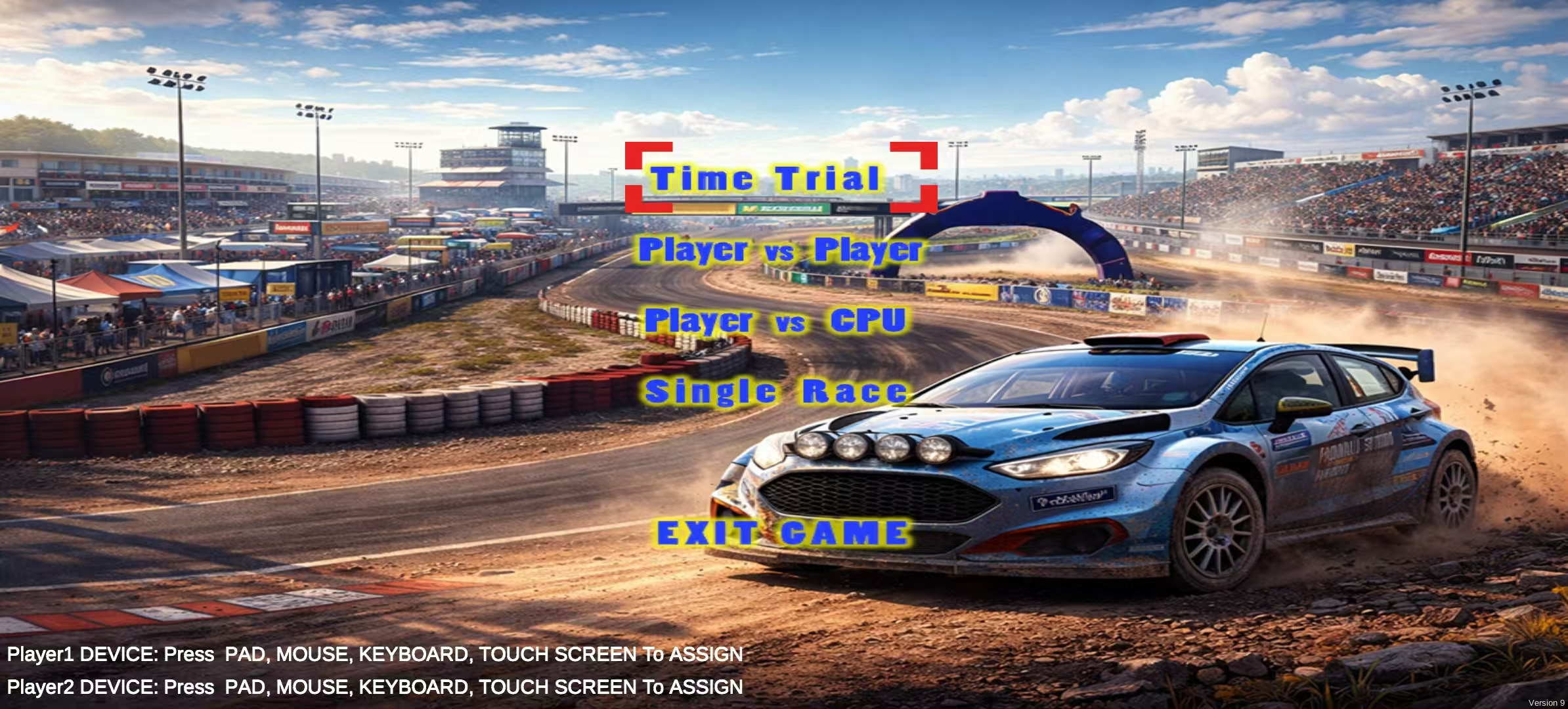
After restart the game it works fine. 

The controls are a bit difficult. Every time I click the 'soft button' to turn left (or right), the car oversteers, and I have to click right (or left) again to correct its direction, which then might oversteer again, requiring further correction. Perhaps it's because the steering angle is too large each time. My ideal control scheme would be for the car to make a fixed turn when the soft button is clicked, and then automatically correct itself to move forward. Of course, this is just my personal preference.

My suggestions: 1) The first level should be made easier; the current controls are too difficult, making it hard for players to enjoy. 2) Once a collision with a wall is detected, the player should be prompted on how to reverse. It took me several tries to figure out how to reverse.

In general I give 3/5 star for this game.

(2 edits)

For the players: please don't download the file as it is presskit, containing the photos and videos only. You can search 'aimbang' in App store or Google Play Store, or you can download the iOS or android version at:

iOS https://apps.apple.com/app/id6745599372

Android https://play.google.com/store/apps/details?id=com.zhihong.aimbang

The homepage of the app: https://gzhhong.itch.io/aimbang

Thanks.

Thanks for the attention. Here are the links

Hello all,

I’m an indie developer and I recently released a small experimental mobile game called AimBang.

The game lets players aim with their finger and say “bang” to fire a cannon using hand tracking and voice input.

The project page: https://gzhhong.itch.io/aimbang

Please give it a try. 

Thanks,

James