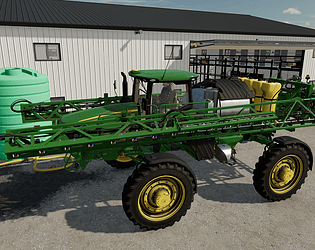
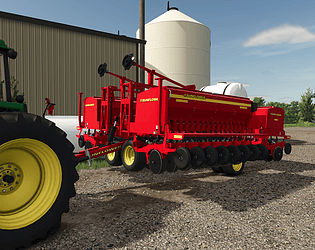
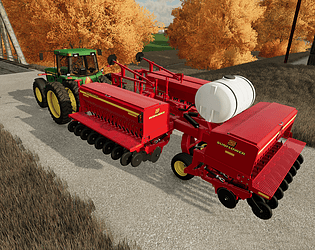
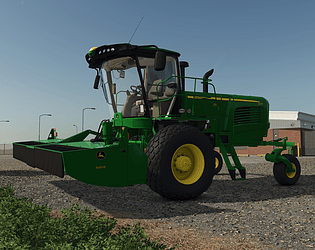
Hello! I definitely don’t think you‘be done anything wrong. I’ll say that when I went through this mod quite some time ago, I was far from an expert on exactly what each .xml entry was for. I’m still learning all the time. You have some width settings that simply define what is shown in the store for working width, others that pertain to material usage in width X usageFactor (ie. lbs per acre of lime output by the spreader) then you have other width areas in the .xml that define how far to spawn the box from other items when you purchase from the in-game store as well as width used by ai and other mods like CoursePlay to determine working width for the purposes of building a course. The latter reference nodes in the .i3d to be able to work correctly. The spread animation I haven’t touched from what OS Farms released in his version. That is more complex to adjust than just a .xml setting. It’s really long overdue that I scrub all these and put out an update. There are also some improvements that I’ve made to the GreenStar displays in the FS22 version that I need to incorporate into this one. I can’t make any guarantees as to when I’ll get to all this. Life has been busy. I appreciate you leaving the comment. I’ll get it cleaned up first chance I get. Thank you!
Green Acres Modding
Creator of
Recent community posts
It’s a little too complex to show you how. The best advise I can give you is to take what is coded in the R4045 .xml and study what it corresponds to in the .i3d and try and integrate those elements into your other mod. It’ll require some trial and error as it did for me. If you have specific questions along the way I can try and help.
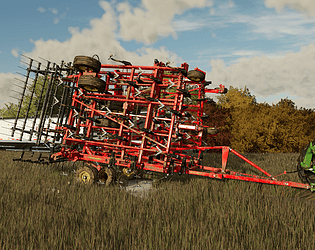
Okay. I discovered that what was happening is the cultivator depending on the terrain would fall into a scenario where it was riding on the collisions for the harrow on the back and none of the actual wheels were truly touching. Those don’t have any friction with the ground which is why it would slide away as if it was on ice. SO first of all, I worked in a self leveling hitch functionality that it should have had all along. This is limited to the fold/unfold raise/lower animations. Additionally, I added the ability for the harrows to overcome the “spring” downforce and flex over a much broader range of terrain. I kept my wheel suspension settings and further refined the diameter of the gauge wheels to allow for a smooth ride on level ground. This should solve all your problems. The download link in the previous post has been updated if you’d like to test it again and regardless, I’ll update the main page and link in a few days if you don’t report back any issues. Thanks!
I appreciate you testing that and reporting back so thoroughly . I had scaled the gauge wheels down, reduced their diameter, then softened the main and wing wheel’s suspension and tried to level the entire cultivator. I really struggled to get the tail down due to the set height of the gauge wheels. I honestly might throw those parts in blender and “adjust” the caster arms up so we can fix this properly. IRL it would be an easy adjustment. Heck maybe I’ll put them all on mouse control and you can adjust them for the tractor you are using.
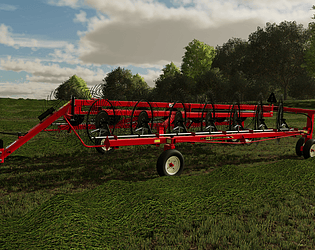
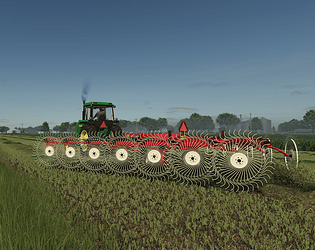
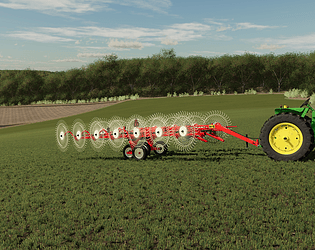
The “dropArea” is the same for the tedder as it is for the windrower. I think what you’re experiencing is that some maps have a <converter factor=some number larger than 1.0 for “TEDDER”. This will be in the maps_fillTypes.xml. If it’s more than 1.0 then tedding will increase the amount of hay by whatever factor is set. This can cause a giant windrow that spills out both sides as it’s dropped out of the rake. If this is the case, I can’t change anything about the rake to fix this. Sorry!
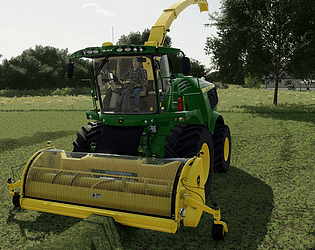
Well, you’ll get along good with either of the self propelled mowers on my page. If you use CoursePlay, they will both mow at 16.4ft and this rake runs at exactly twice that at 32.8 so you can even hire your hay cut, raked, and baled if you know how to set the CP course up correctly. But even then if you don’t like CP, those are what I’d recommend.
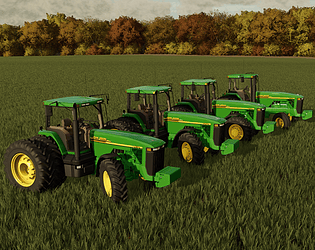
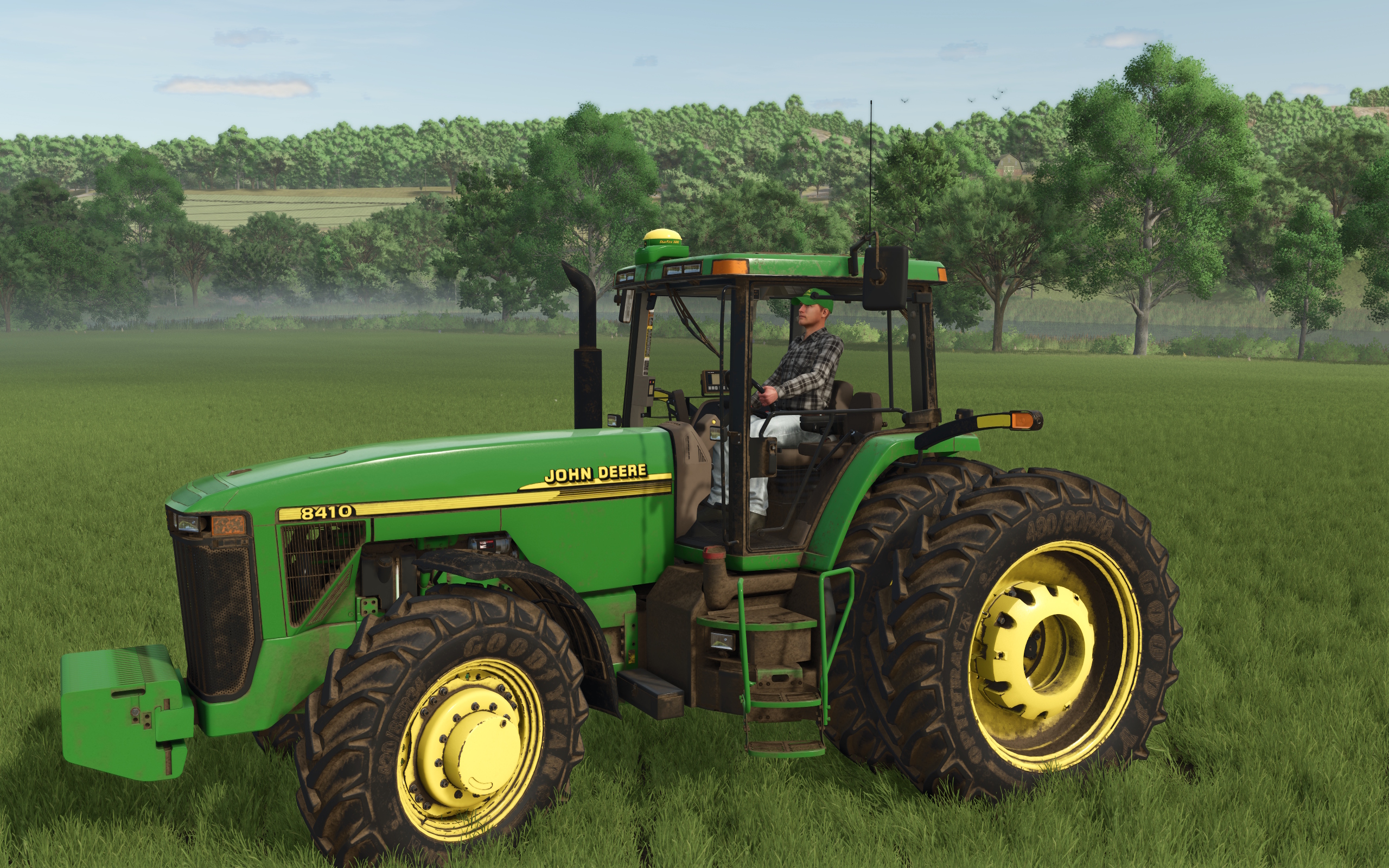
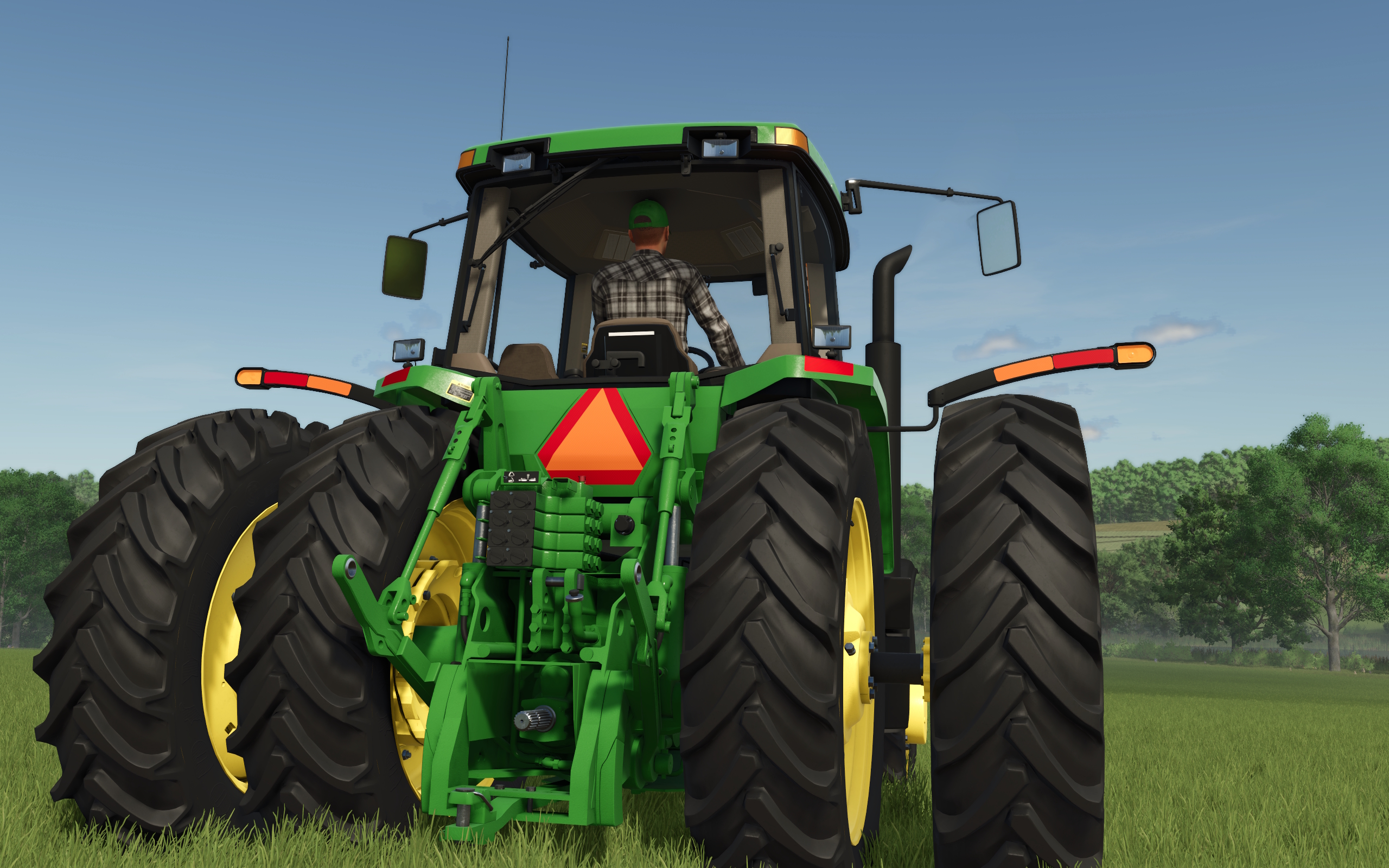
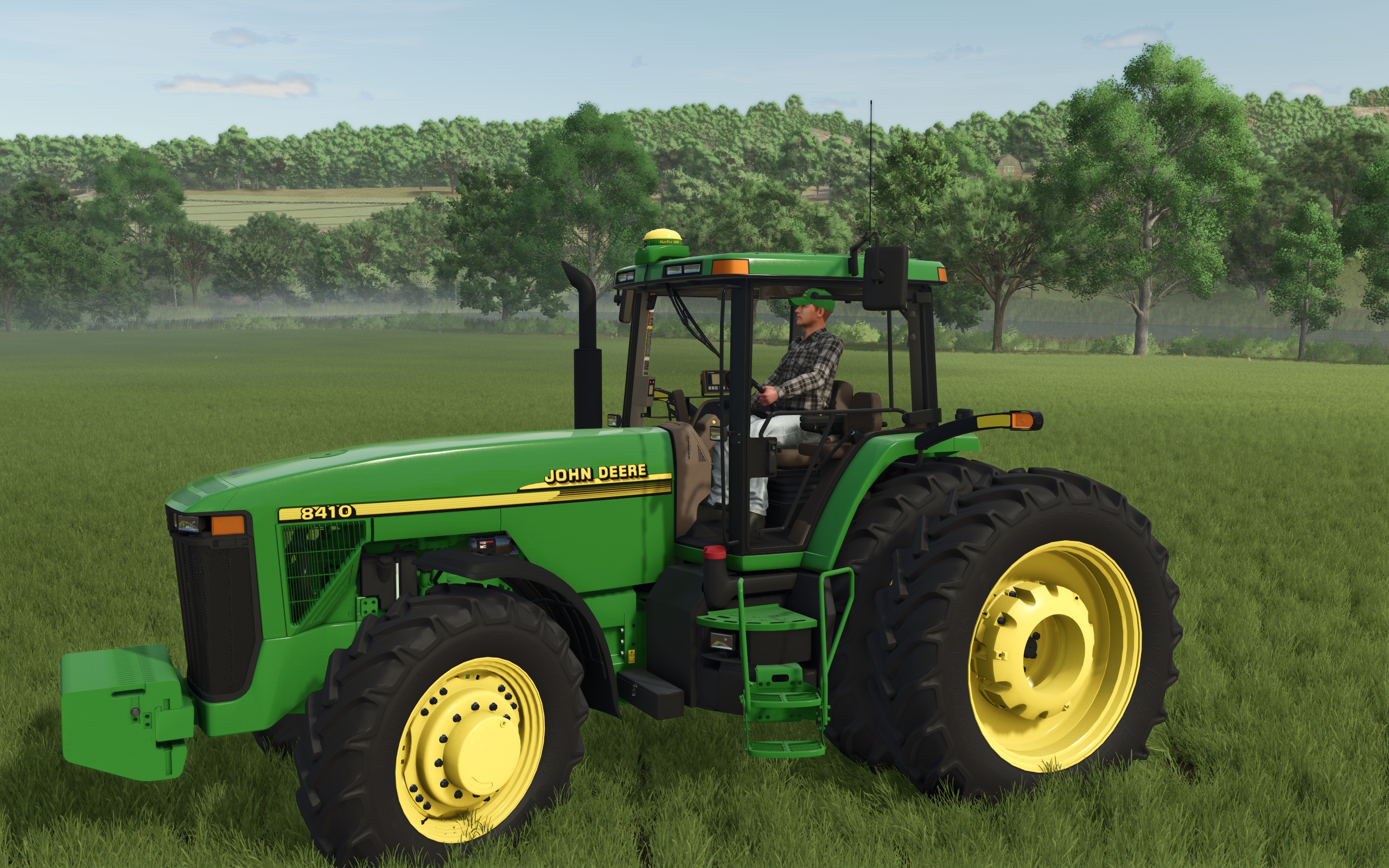
Yea the difference is the 8r uses a hinge and the hood rotates up. The 8000/8010 tractors have a hood that has to be completely removed and set aside so making a mouse control for that isn’t a very good fit. InteractiveControls really brings this mod to life. I highly recommend trying it. About the only thing you might have to do is set up the keyboard command to be able to enable it while playing from inside the cab. This is done by using the in-game keyboard setup page. Otherwise, there isn’t a lot to do to get it working.