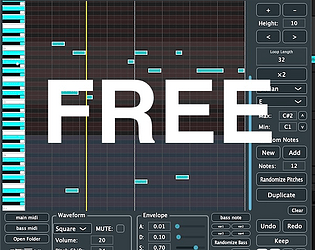
I built a visualization tool that changes images in sync with the rhythm!
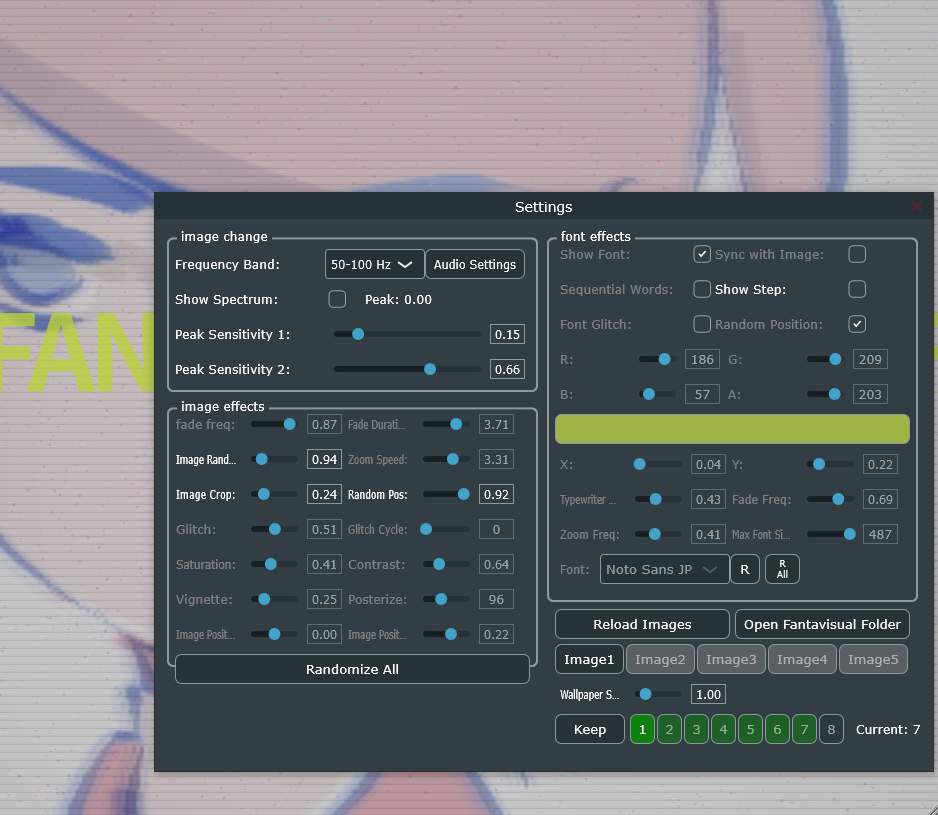
It’s perfect for those who want to stream their DAW projects on X (Twitter),
create YouTube videos, or easily make VJ-style visuals while playing music.
Give the free version a try—it might be all you ever need.
https://granvia.itch.io/fantavisual-free
https://youtu.be/yRjbvBR70h4?si=7AYP4rWoq24MEV4s
granvia
Creator of
Recent community posts
Thank you very much for checking this and for your patience — and sorry for the confusion.
I’ve confirmed the behavior, and this is actually intentional by design.
Fantamidi is based on 32 steps as the reference. When you set it to 64 steps, the starting half depends on the DAW timeline position.
For example, if playback starts at step 17, it begins from the first half, but if it starts at step 18, it begins from the second half.
This is partly my personal preference: when I want to slightly change the development in the middle of a track, I prefer the MIDI to start immediately from that point rather than waiting for the loop to come around.
The same idea applies to 128 steps — I thought it could be useful to control the starting position from the DAW side.
To be completely honest, there are also technical limitations on my side, and handling this in a more flexible way is currently difficult.
Ideally, it would be great to switch this behavior with a checkbox, but I’m sorry that I can’t offer that yet.
That said, I truly appreciate your feedback — it’s very valuable.
I’ll record this as a feature request for a future update.Thank you again for your detailed report and for supporting Fantamidi!
Thank you very much for purchasing Fantamidi and for the detailed feedback!
I really appreciate you taking the time to test it and explain the behavior so clearly — it’s extremely helpful.
I’ll take a closer look at the issue with the 64-step loop and investigate it in detail.
Thank you for your patience, and I’ll get back to you as soon as I have an update.
You were right—it wasn't recognized when I opened it in Rosetta mode. I’ll look into some workarounds for this. Thanks so much for letting me know!
ーーー
Thank you for the details, and sorry I don’t have a clear answer yet.
I’ll take a bit of time to look into this and see if there’s anything I can do on my side.
Would it be okay if I get back to you after checking?
Thank you for your patience.
ーー
Thanks for the report.
I don’t know the details of your environment, but on my side Fantamidi is working in Logic Pro on macOS 15.7.2 (see the screenshot below).
Could you please try restarting Logic Pro and macOS?
If it still doesn’t appear, let me know your macOS version, Logic Pro version, and whether you’re using Apple Silicon or Intel.