You misunderstand me. CD32 controller works fine. But a 1 button joystick and/or 2 button joystick does not work. is there a way to fix this please? I prefer to play with joystick if possible
No I even deleted and reinstalled the game on my CF card and I start it up with 2 button joystick in the joystick port and mouse in the mouse port and yet every time i start the game it's skipping by itself through the intro as if a button is pressed, then not allowing me to jump when game starts. If I use my CD32 controller (even if I do hotswap it following the above), I can fully control the game normally. So I assume something in the game settings thinks I'm using a CD32 controller at all times.
hey I love this game but I'm having a problem where it decides I'm using a control pad instead of a joystick, so i can't jump! If I unplug joystick and use my cd32 controller I can play the game but can i reset it to joystick control somewhere?
My joystick is a two button joystick but neither button nor "up" let's me jump.
OK thanks, I tried this now, I get the Scorpion Engine logo, then a loud "beep" tone that does not stop! This is the same whether I load game.exe or game-crunched.exe
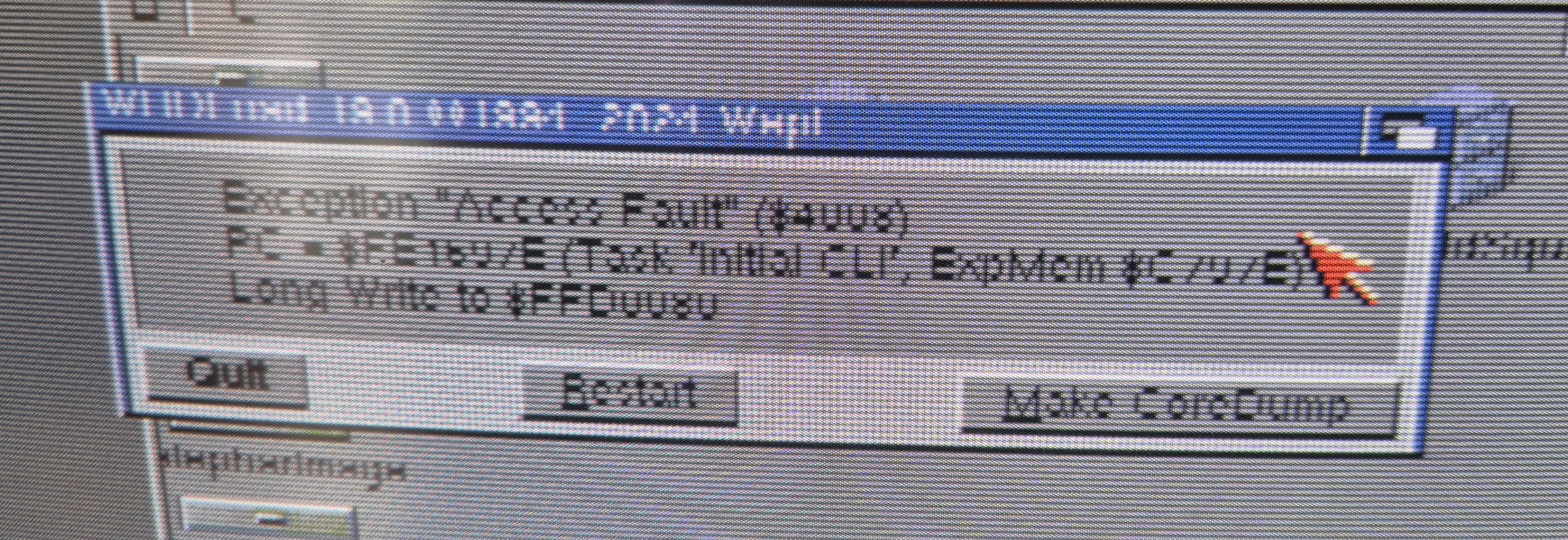
Hi I'm trying this, but game.exe doesn't work. it is an unknown command. There doesn't seem to be a game.exe file in CastlevaniaAGA.lha, only CastlevaniaAGA, cartridge.se, and CastlevaniaAGA.info
Hi! I'm wondering if anyone can help me, I'm having a real problem getting the game to boot. I'm on an original C64 with original SID. I'm using a King Fu Flash. The load screen starts up and I get to a full progress bar, then it just hangs there. Joystick presses etc don't do anything. I've tried unplugging all peripherals but there's no getting past that first logo screen with the progress bar. Also tried Re-downloading. And have now tried several earlier releases, they all either never get past the initial load screen, or if they do it's to only show me a garbled screen that I can't get past.