


No attack animations in this set, it's for traditional RPGs. Check out my action monsters pack if you need enemies with extra animations, thanks
A member registered Oct 27, 2015 · View creator page →
Creator of
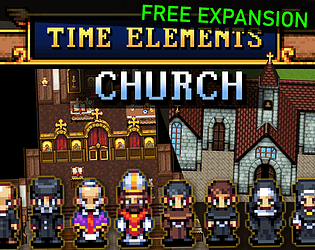
Free bonus add-on pack. Interior and exterior tileset with NPC sprites.
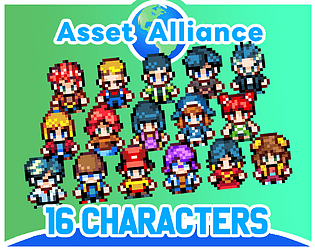
Free Bonus: New character sprites in a modern-chibi-pokémon style. Pixel-art with four-directional walk animations.
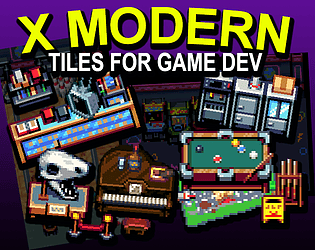
Game tiles! Fun environments unique to a modern-day setting.
3-room platformer made in 2017. Jubilee released as a full game in 2019.
Platformer
Play in browser
Character sprites for game dev!
Pixel sprite generator and parts for action RPG game dev.
SNES-style tileset for RPG castles and dungeons.
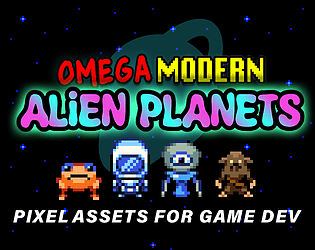
Pixel art assets; strange biomes and alien characters.
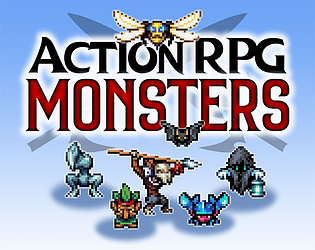
Pixel art monsters with bespoke animations.
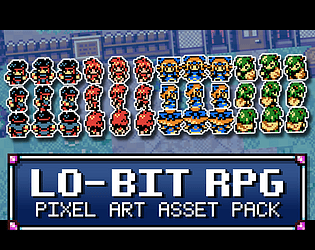
A full collection-- characters and tiles in a classic 8-bit pixel style!
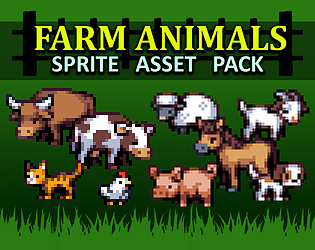
A small sprite set with some decorative animated farm animals.
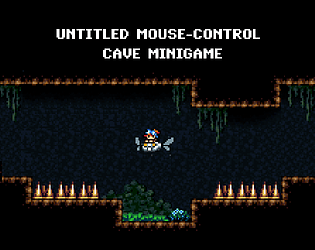
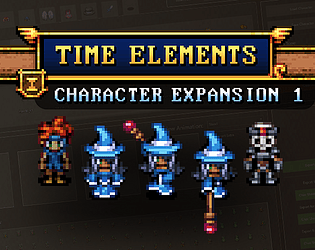
Modular character sprites with four-direction action animations. Includes a generator!
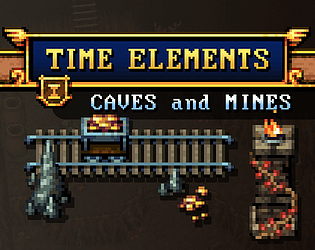
SNES-style tileset for RPG caves and dungeons.
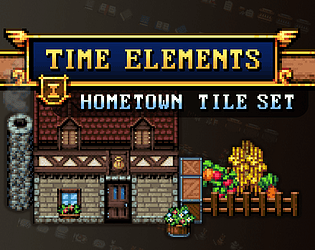
SNES-style tileset for RPG towns and villages.
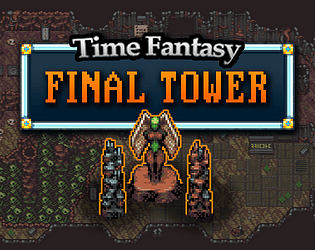
SNES-style pixel tiles for the ultimate dungeon!
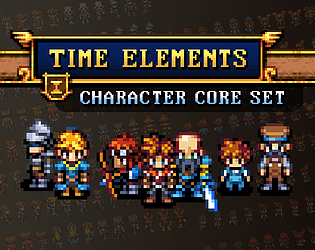
Modular character sprites with four-direction action animations. Includes a generator!
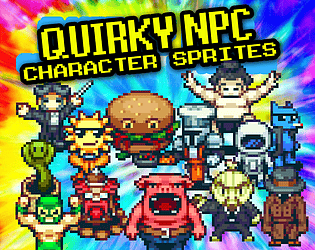
20+ weird character sprite assets for use in RPG games.
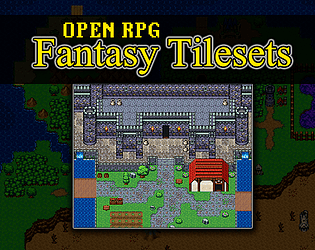
A collection of pixel tiles inspired by classic RPG Maker.

RPG pixel-art asset expansion pack.
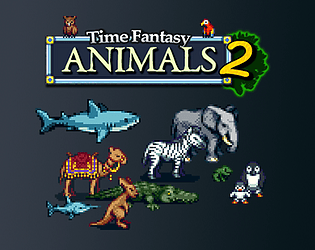
60+ exotic animal sprites- expansion for Time Fantasy RPG assets!
Expansion for Time Fantasy RPG assets- mini versions of characters.
Pixel-art sprite asset pack: giant robots and space fighters.
SNES-style pixel art sprite assets!
SNES-style pixel RPG tiles!
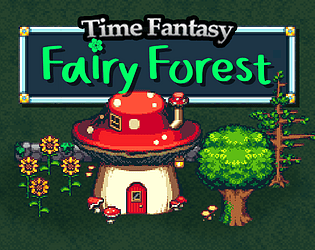
SNES-style pixel RPG tiles!
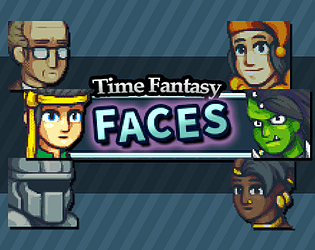
100+ pixel-art face portraits to match the Time Fantasy sprites.
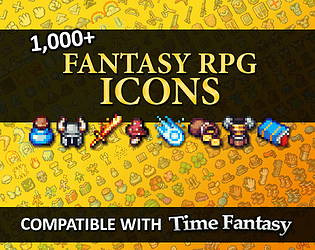
Over 1000 SNES-style pixel fantasy icons!
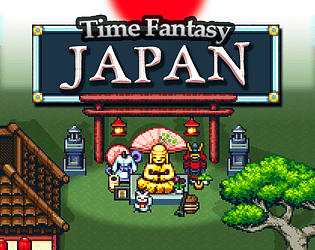
SNES-style pixel RPG tiles!
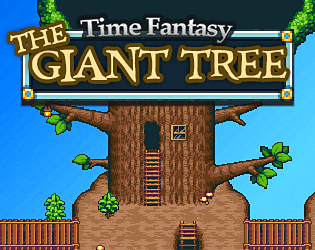
Pixel RPG tilesets, giant tree outside and inside.
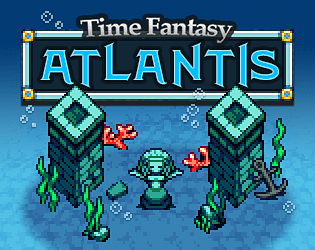
FREE SNES-style pixel RPG underwater tiles!
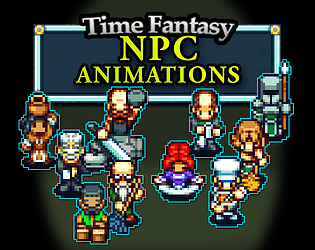
A collection of NPCs with unique action animations.
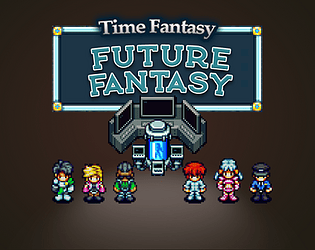
RPG assets expansion pack.
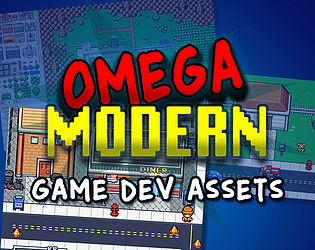
Complete asset collection! High-quality pixel art sprites, tiles, icons, and more!
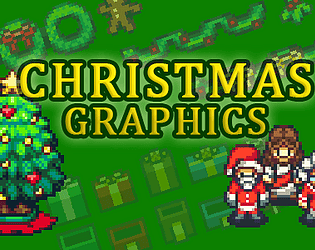
FREE SNES-style pixel graphics!
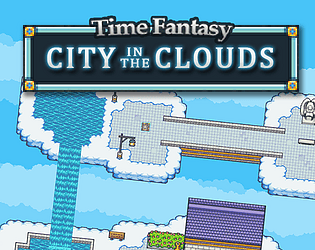
FREE cloud city pixel RPG tiles!
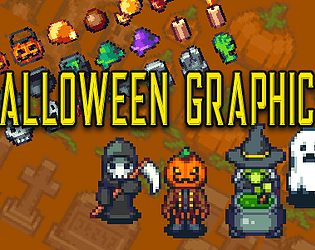
FREE SNES-style pixel assets, for Halloween and Day of the Dead!
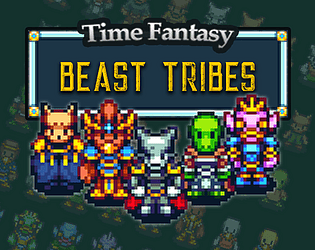
Pixel RPG sprites; 45 animal-men characters!
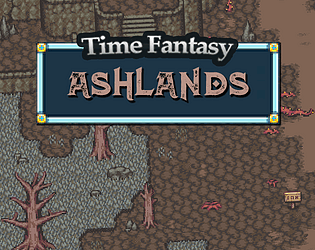
FREE SNES-style pixel RPG tiles!
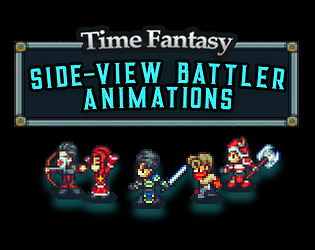
SNES-style pixel RPG characters!
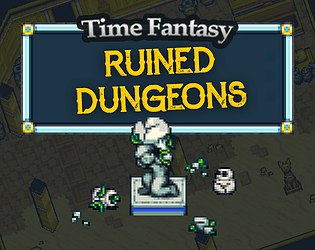
SNES-style pixel RPG tiles!
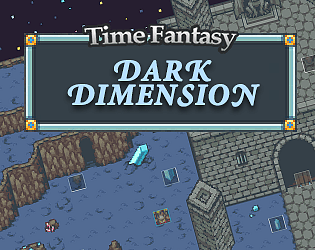
FREE SNES-style pixel RPG tiles!
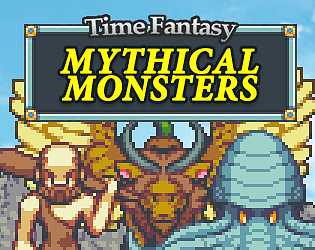
Pixel RPG sprites; monsters and bosses!
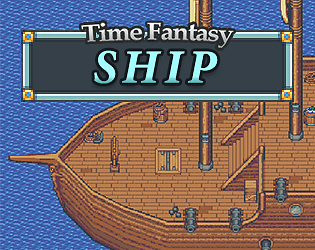
SNES-style pixel RPG tiles!
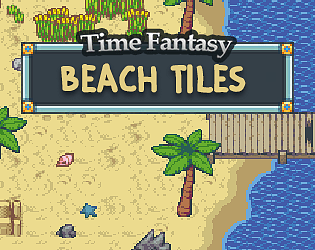
FREE beach tileset RPG asset.
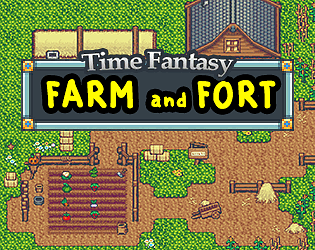
SNES-style pixel RPG tiles and icons!
FREE jungle tileset RPG asset.
Entire tarot deck - major and minor arcana - in 16-bit pixel artstyle.
SNES-style pixel RPG sprites!
SNES-style pixel RPG tiles!
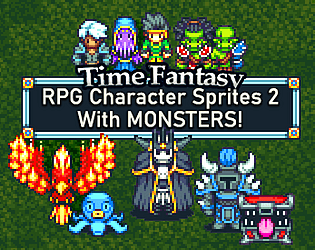
SNES-style pixel RPG sprites!
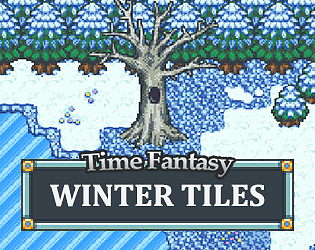
SNES-style pixel RPG tiles!
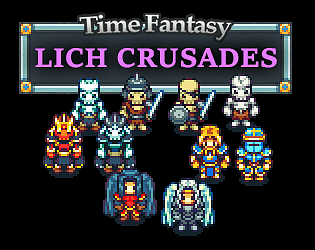
Skeleton army, lich lords, paladins, and angels!
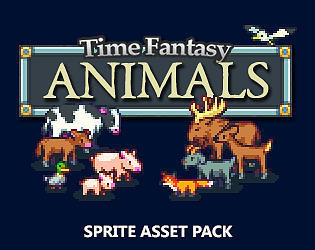
48 animal sprites- expansion pack for Time Fantasy RPG assets!
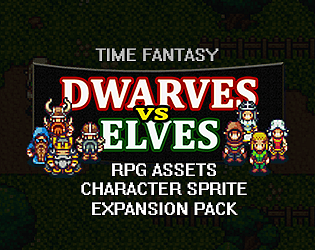
Sprite assets- expansion pack for Time Fantasy RPG assets!
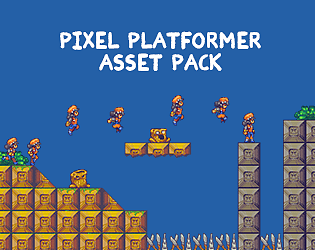
Free 2D assets: animated hero, monster and tiles.
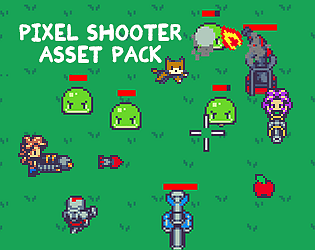
Pixel art assets for a topdown shooter or tower defense game.
Recent community posts
Time Elements: Character Expansion 1 comments · Replied to miltask in Time Elements: Character Expansion 1 comments
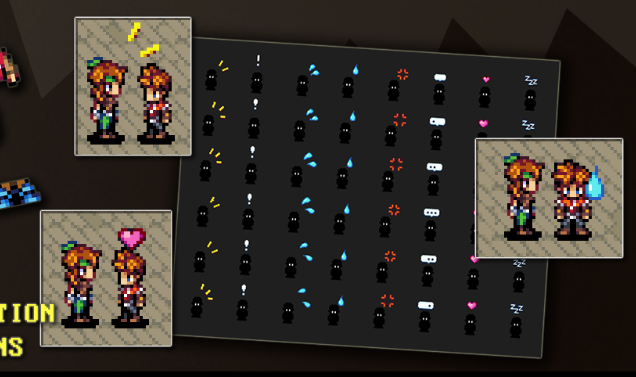
That kind of emotion just isn't really possible for a generator set like this, it'd require specific animations for individual characters. For that reason, the core pack includes a set of emotion animation popups to fill that same role, it's set up like this:
For magic and special vfx effects: because they're easier to mix-and-match with multiple styles, I've moved away from making them myself. Because there's other artists who specialize in those, that way I can focus on characters and environments which need more consistency to be used together.
Hope that makes sense.
Thanks!
Hometown Tiles (Time Elements) comments · Replied to raccoon42 in Hometown Tiles (Time Elements) comments
Thanks, good catch. I just added an extra sheet to the add-on file (tileA1_fallb in addition to the existing sheet) with the brown/orange grass color. If you redownload the fourseasons update it should be included now.
As for the tileset, the side parts are actually in the middle of the corner pieces (the way RM works is it uses 8x8 half-tiles). Here's a visual to show you what I mean:
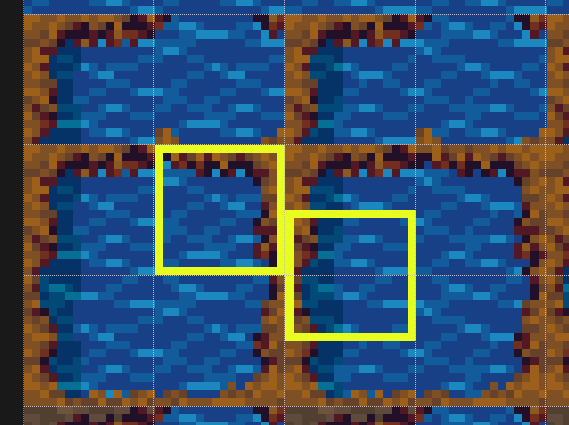
I believe that you can set up the tileset in Godot to use 8x8 tiles for the water layer, or alternatively shift the tileset by 8 pixels to pull the side piece.
Hope that makes sense. Thanks!