Thanks for the response!
Unfortunately, windows capture doesnt appear to have a transparency option in its properties.
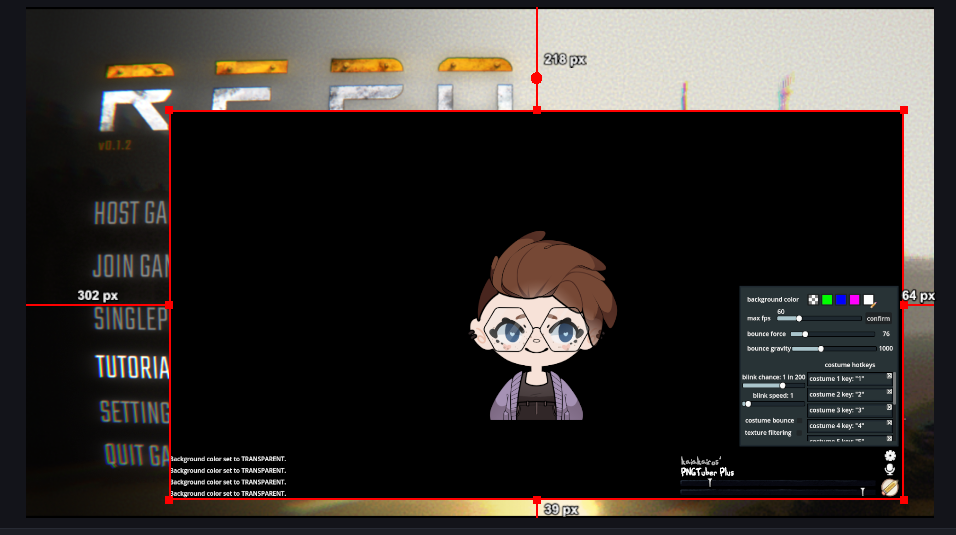
My avatar is saved with a transparent background. I add Pngtuber+ as a window capture into OBS and for some reason it shows up with a black background.
I have tried capturing PNGtuber+ directly and the steam version as well, both getting the same results.
I'm sure there's just a setting I need to adjust, or something.
Help me make my avatar appear as it should in OBS?