




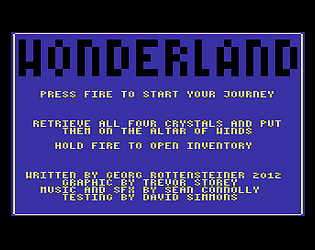

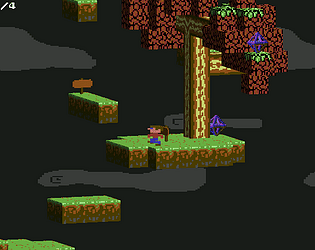

Oops, sorry about that. The designer seems to have moved the original URL. I’ve uploaded the d64 directly to itch.io now.
Sorry for the inconvenience!
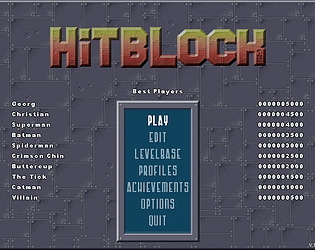
Ouch! Looks like the input control count got changed. The last update was years back. And I didn’t run into that issue locally. If you wouldn’t mind, could you re-map to the intended values?
Really sorry about that, I don’t have a reset control mapping function.
It’s supposed to look like this (german layout)

Fixed that achievement bug (I was copying the achievement settings from the last profile to a newly created one, facepalm). Also reset the score to zero when keeping playing after all lives are gone.
New setup is up, thanks!
The highscore per stage is a bit more involved, currently I’m only storing per set. That would include having to remember delta scores during playing (only count points from that level), and taking care that the order of levels is adapted. for. I’m also afraid that you’re basically getting the same score for every stage when it’s completed but the bonus points.
I tried to behave properly with the access rights. “In built” sets are properly installed with the game (Program Files) where there’s no write access when running). User sets (custom made or downloaded) are stored in %AppData%\Roaming\GR Games\HitBlock Deluxe.
I haven’t tried it but manually copying the sets in the game’s sets folder ought to be enough for them to show up.
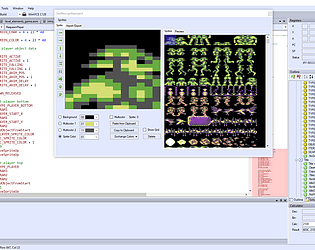
There is already a dialect file for XC= BASIC (open a .bas file and select XC= BASIC from the drop down).
You will need to create a solution/project. Add a new .bas file to the project. In the project properties you can add either a custom or a post build event to call the XC= BASIC compiler. I’m not up to date with its call syntax but it shouldn’t be too hard finding out.
The help/manual of C64Studio (F1) is also available online at: https://www.georg-rottensteiner.de/c64/C64Studio/manual/main.html
The description of the build events is found under Build Setup->Build Steps
HTH, otherwise don’t hesitate to ask!