
Indie game storeFree gamesFun gamesHorror games
Game developmentAssetsComics
SalesBundles
Jobs
TagsGame Engines

Elymnir

7
Posts
1
Topics
A member registered Apr 04, 2020 · View creator page →

Creator of

Recent community posts

(1 edit)

Hi there!

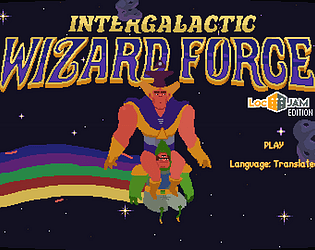
Thank you SO MUCH for this fix, nothing was working for me and this actually did. However, when I try and test the game, I can't click anything, like the "play" or "language" buttons. Did you encounter anything similar?

Edit: while translating I changed the "Language: {0}" segment, as I thought there was a language code to enter. After changing it back to 0, everything works fine.

Hi Alain !

I tried to see how it changes but according to the step by step guide, I can only test the game when I submit it, that might be a little too late.

Hi there, super excited to participate in LocJam again ;)

As per title, I saw at segment number 4 "Language: {0}" and I was wondering if, maybe, there was some code number to enter. For example, my language is French, would it be something like "Language: {4}" (where 4 is the code for French) ? Or should I just leave this segment as it is?

Hope you can help.

Merci beaucoup pour ton commentaire, ça me fait plaisir de savoir que quelqu'un aime ma traduction ^^

(1 edit)

Hello lupusyon! I'm no staff or else, just another translator doing the LocJam, but if it can help, I've decided to make my own terms. I've read Alain Dellepiane say numerous times, in other threads, to do as we please, so I think anything goes. The way I see it (well, feel it, since it's my first time), the LocJam seems to be all about what YOU think is a cool translation.

Plus, coming up with your own terms is the coolest part of translation.

Edit: well, I responded just one minute too late, but seems like I was right XD