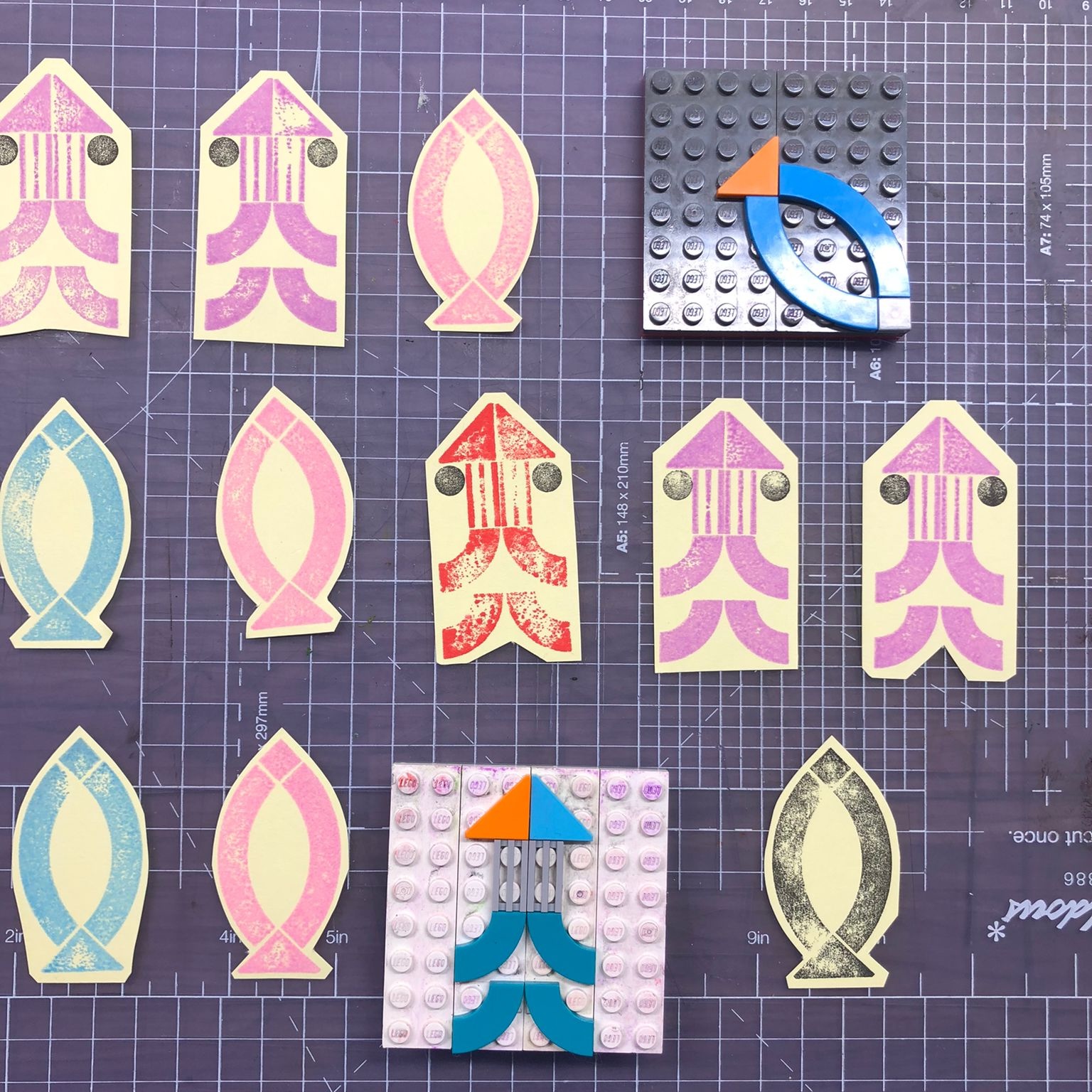
i love this zine! and i love doing Lego prints :)
A member registered Nov 23, 2021 · View creator page →
Creator of
A zine about zines (and crime).
A font based on a plain calligraphic hand
A cute font with snow on

A growing collection of fonts for December 2025
Big Poster Font made in Yorkshire by David Jones
A font made from Yorkshire-grown ZX81 semigraphics by David Jones
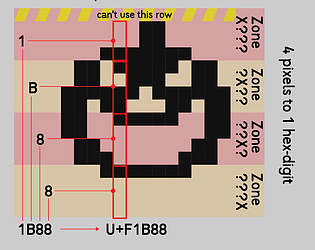
A 1x15 pixel font for making in-line icons
A typewriter font
Fonts for Swifties
A colour font from CubicType. Made in Yorkshire by David Jones.
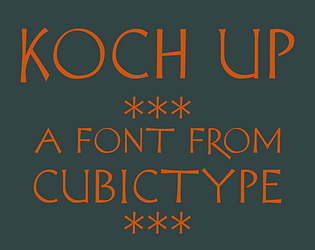
An informal font based on Rudolf Koch’s drawings
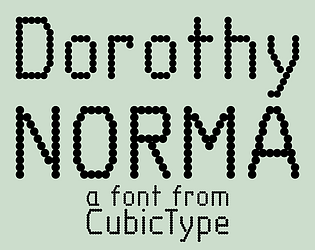
A dot matrix font based on DIN lettering
A friendly bold stencil font
A military-style stencil font in OTF
A utility font from CubicType. Made in Yorkshire by David Jones.
Recent community posts
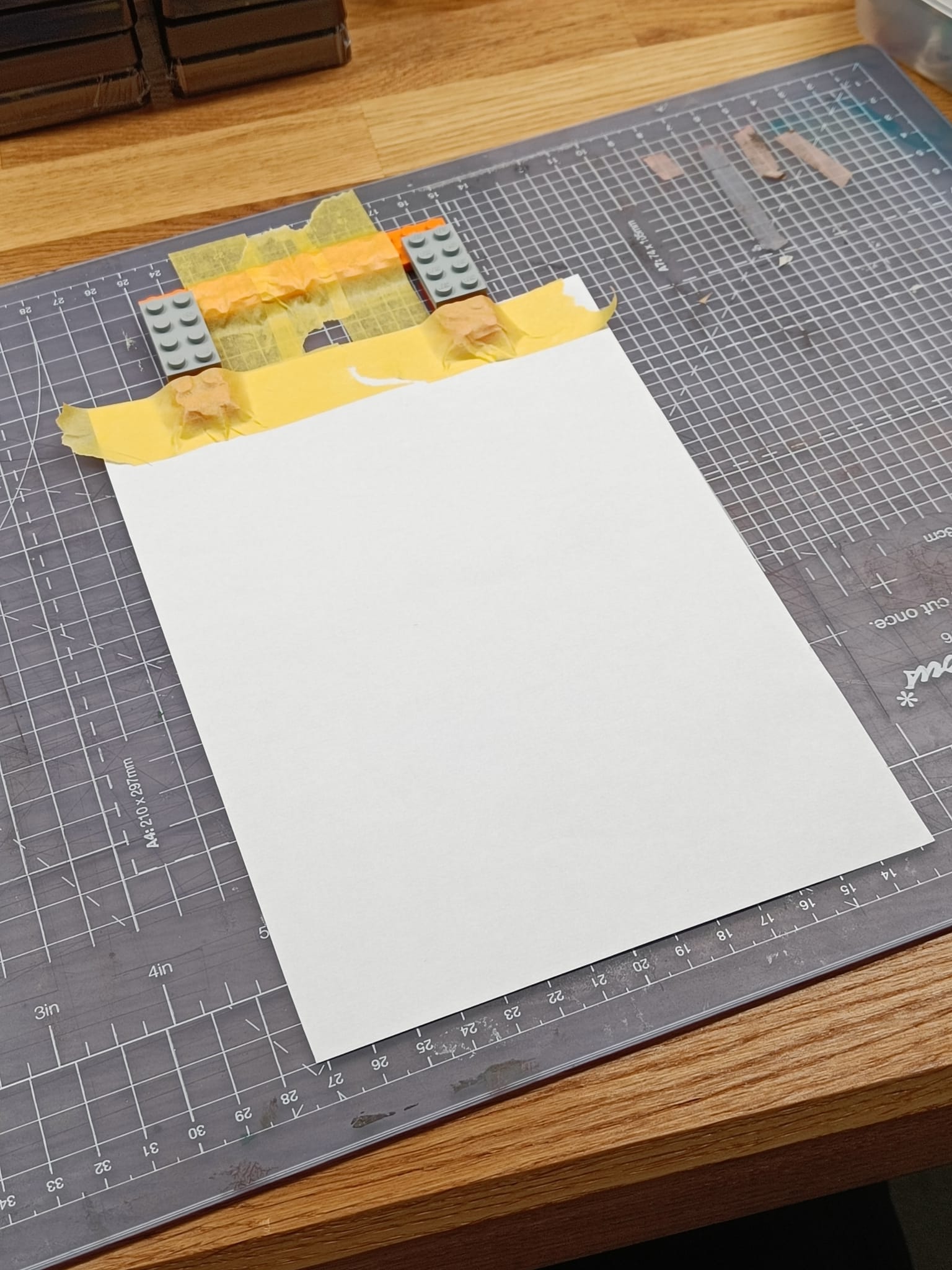
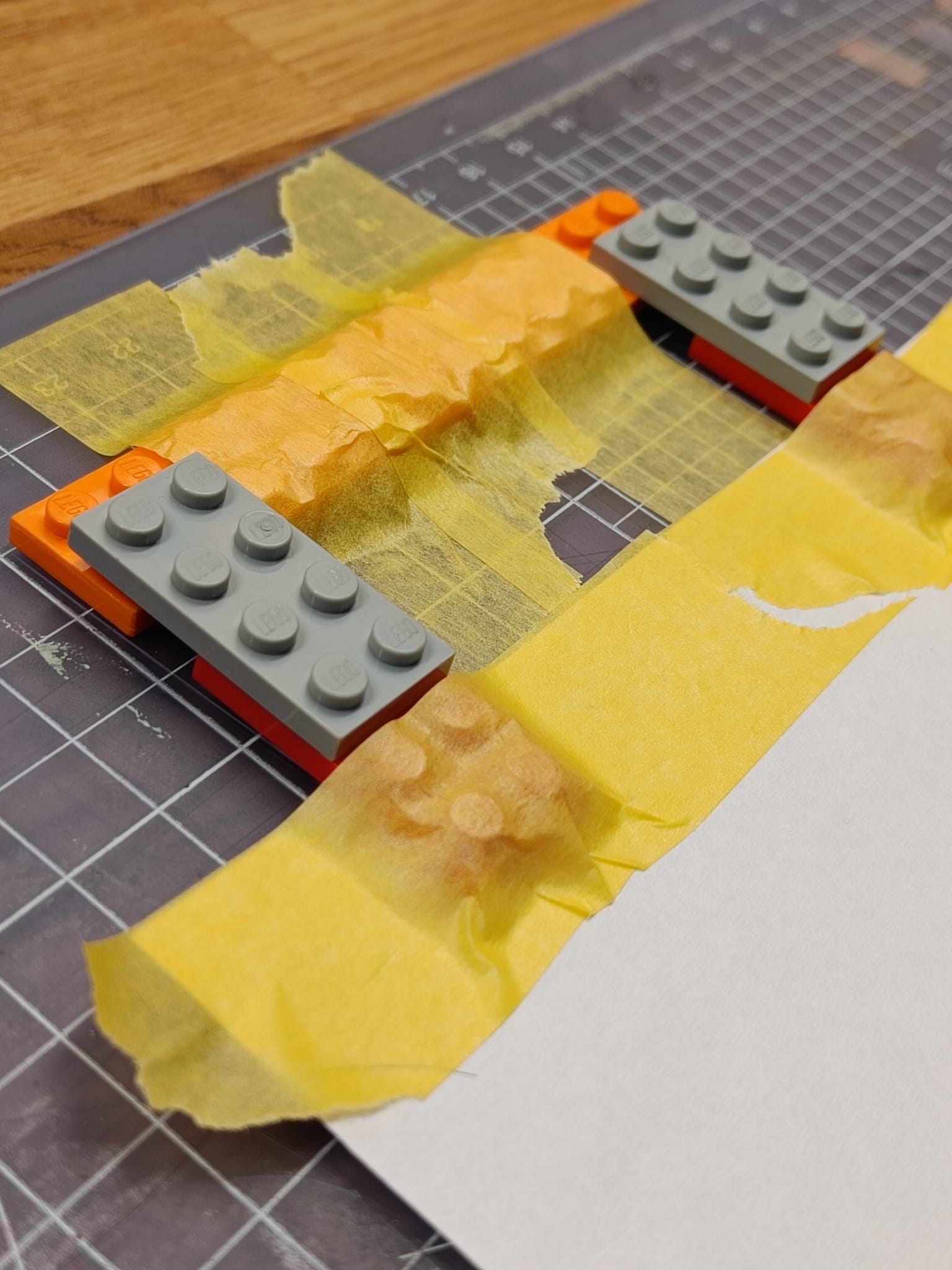
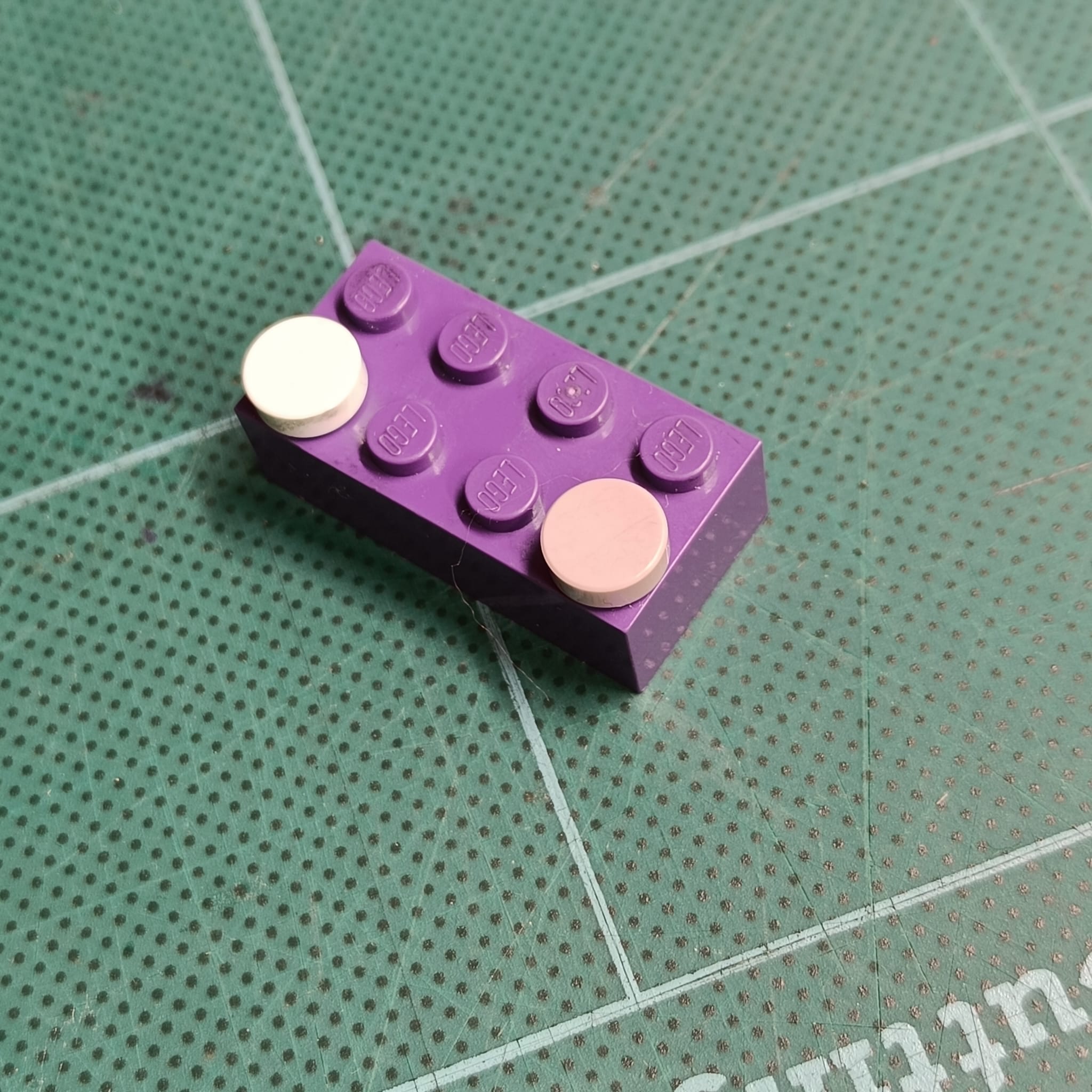
Hi, me again. So i tried my idea, which is basically to use Lego pieces to replace the Ternes Burton pins and tabs.
The long orange piece is taped down to my board and never moves.
Put a piece of paper down, attached two tabs (here each tab is made of two 2x4 flats: one red, and one grey) to the paper with tape. In the closeup, the nearer “tab” is not quite locked onto the orange plate, but when printing, it should be.
Now you can take the piece of paper away, and as long as you keep the Lego tabs taped to it, it should register perfectly when you reattach it to the orange plate.
So in principle this should work, it’s a bit more fiddly than Ternes Burton pins and tabs. But…
i haven’t tried printing, but i can tell straightaway that the orange piece wobbles too much and is not taped down well enough. Carpet tape would definitely be better, or possibly … (look away Lego fans) glue!
Maybe with your very large baseplates 48x48 you could add a long 2x12 piece directly onto that and then uses the 2x4 flats taped to the paper.
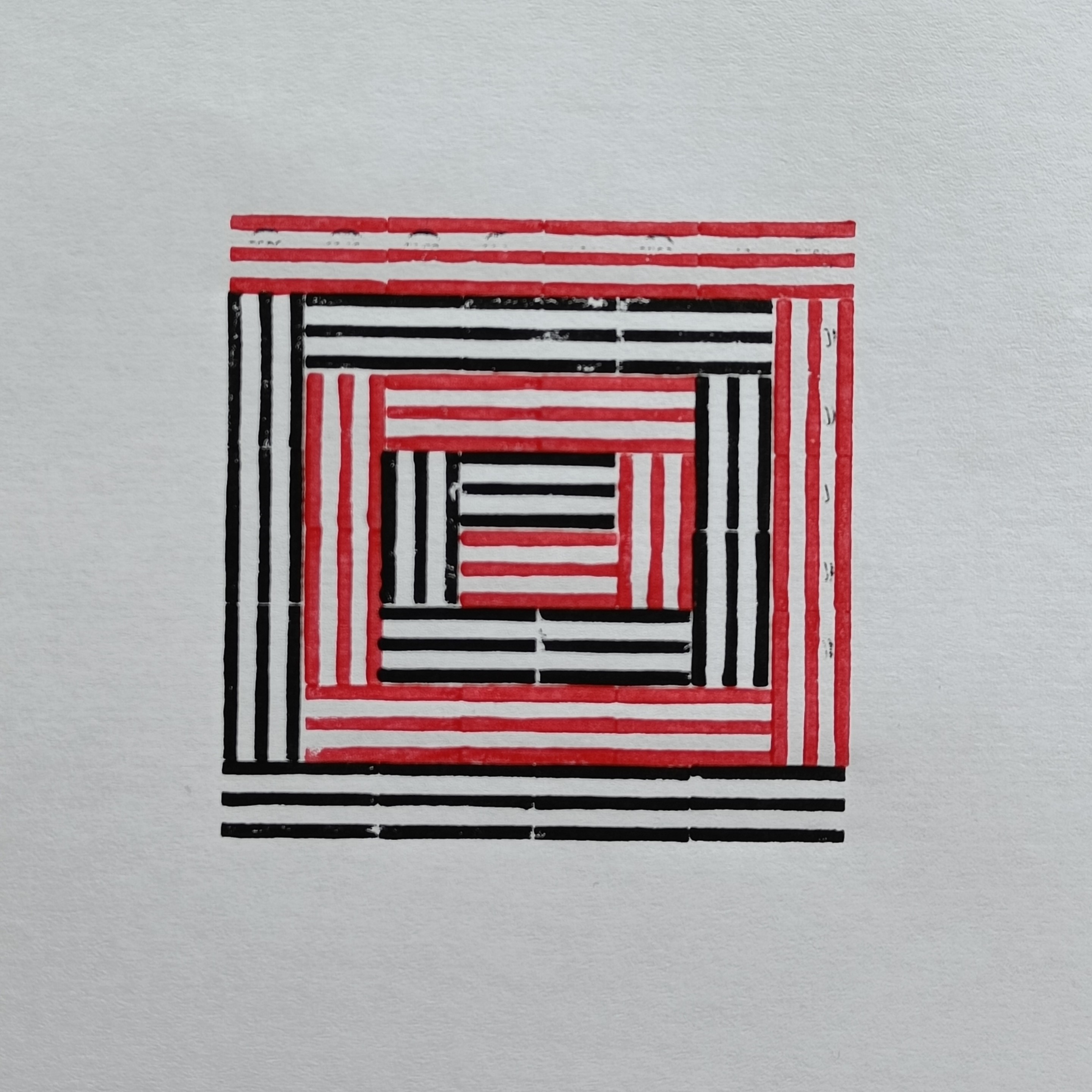
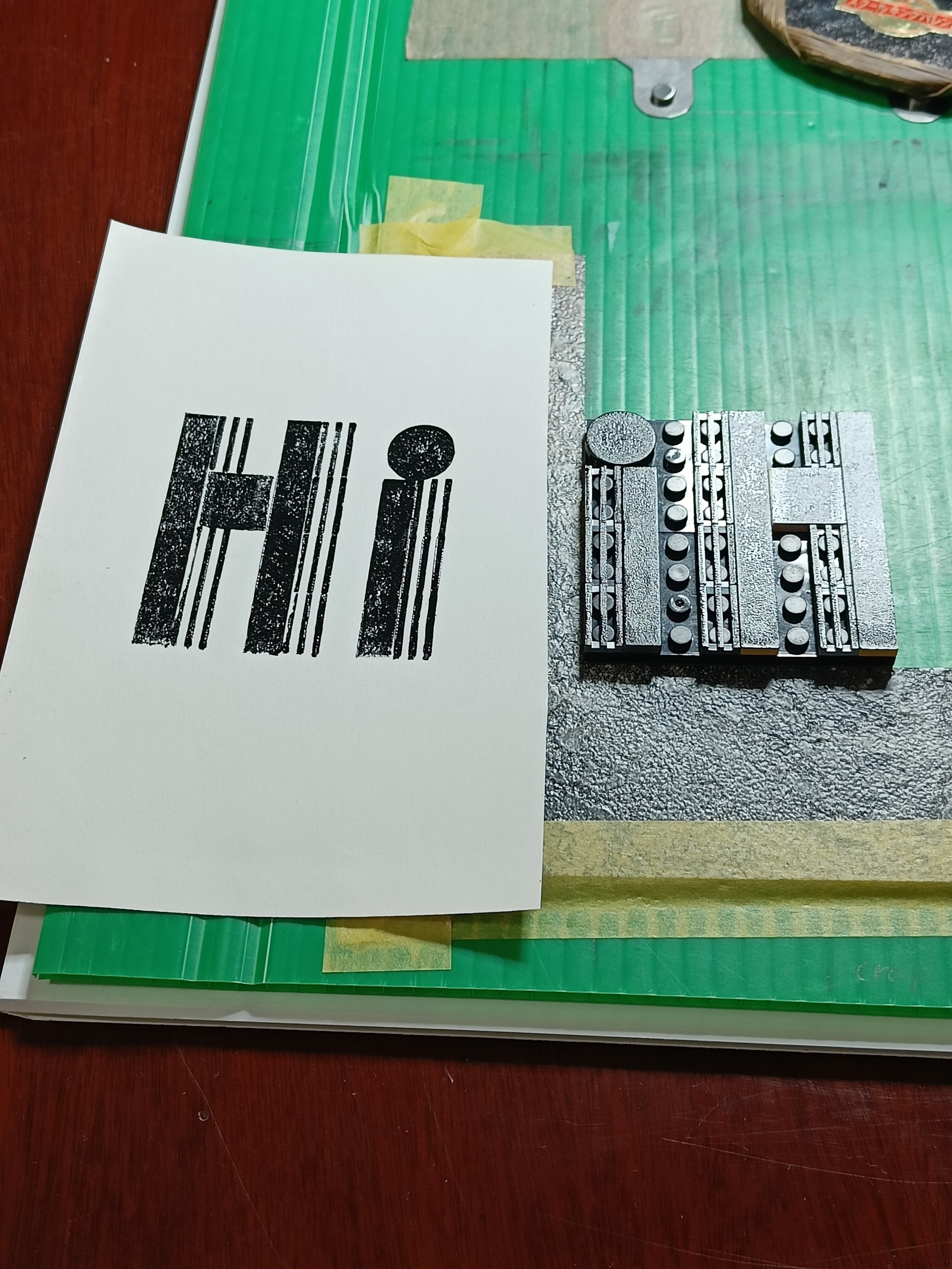
So here is a piece with excellent registration. In fact it’s the same plate turned around and inked again with a 2nd colour. My typical setup for rolling-ink prints is shown in the “Hi” picture. I have an “L” (made from scrap kitchen floor lino) taped down that registers the bottom-left of the plate.
If you are prepared to have 2 ink plates out and 2 rollers, you can tape the top-edge of the paper to the board, print the first colour; lift the paper up (but leave taped); change the plate and ink it with the second colour; drop the paper back down, it should register on the 2nd plate in the same place. And i have done that. I use Cranfield Caligo Safe Wash which stays workable plenty long enough to do that, but with water-based inks, maybe not.
However, i also use Ternes Burton pins, you can see them taped down near the top of the image (the right-hand one is partially hidden under a plastic/bamboo brayer). They are described here: https://handprinted.co.uk/products/ternes-burton-registration-pins-plastic (they seem to be plastic now, not metal). Each paper you print is placed down and registered to the pins with 2 plastic tabs that you tape to the paper. You can then take the paper off the pins, do what you like (e.g. print another 9 of that plate, and then prepare a second plate and colour), and put the paper back on the pins in exactly the same place. All the paper you are printing has to have a pair of tabs, but you can in principle do 50-off 4-colour edition prints. It’s a bit fiddly and tedious, but the results are good. Wide margins help as i find that even my frogtape yellow masking tape tears the paper when removed.
Thinking about all this to write this post, made me think of a way using Lego itself, which i may get round to trying today. I’ll let you know.
itch.io Community » Creativity & Art » 2D Art · Replied to colony_nine in Recent Prints made with Lego Tiles!
Ah, the eyes in the squid. Yes. That is actually a smaller stamp of its own, aligned by eye hovering over the printed squid. It’s easier because the stamp is quite small. I quite like the idea of doing some designs just with freely printed 2x2 or 4x4 stamps, but i haven’t really tried anything yet.
I have done prints with good registration, using pins. I’ll write a second post for that.
Very nice designs, lots of character. I too have been dabbling with some Lego printing, and i loved your zine: https://colony-nine.itch.io/a-somewhat-definitive-guide-to-lego-printing
I did some designs today actually. A lot smaller, with small ink pads and using the Lego more like a stamp. (though i have printed with Lego like you do with a roller printing inks).