

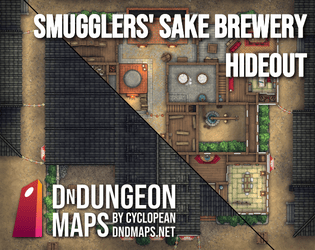
Good catch. Yeah, that was a failed experiment that I thought I had fully cleaned up. You're the first person to ever try redeeming one! I've gone ahead & removed them from the listing. Thanks for letting me know.
A member registered Jul 06, 2024 · View creator page →
Creator of
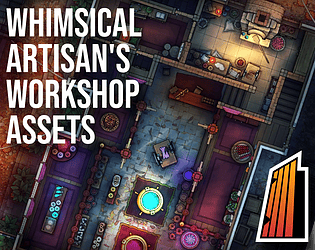
Artisan, mechanical, alchemic & other workshop components for Dungeondraft
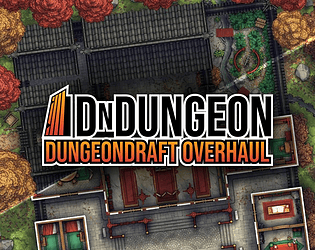
A new art style for Dungeondraft
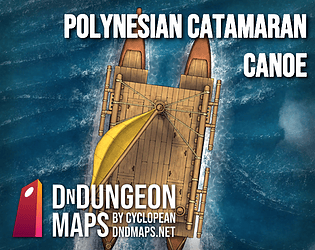
A free mini-pack featuring a Polynesian-inspired vessel & an ocean battlemap for your D&D/TTRPG games
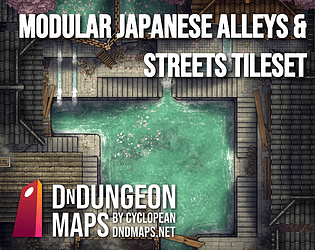
50+ modular narrow street tiles for urban maps & a drain pit in the back of a bathhouse!
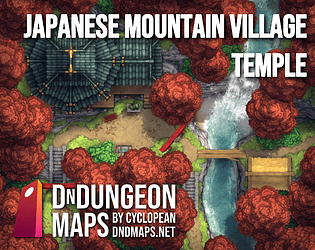
Red maples, a pagoda shrine, roads, a waterfall river, farm bridges & cottages for VTT & print.
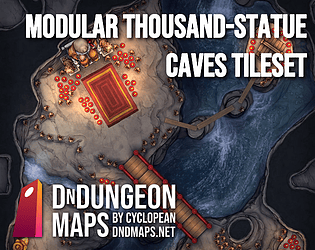
A geomorph-like set of dozens of tiles for building your very own temple-cave with
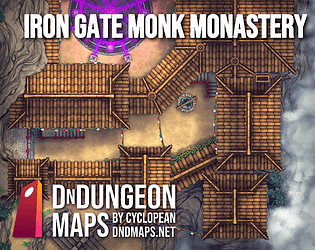
A winding path leads you to this Tibet-themed D&D map pack.
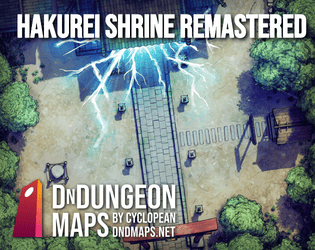
A D&D Japanese shrine map for your battlemap needs, inspired by a certain other shrine.
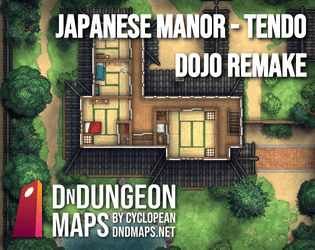
A mansion by any standard, crawling with looping paths & spare rooms.
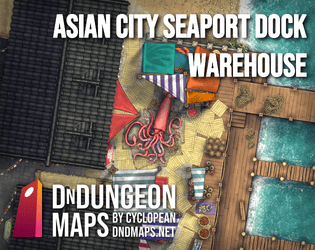
A pair of warehouses on the docks, plus a fishing market with a legendary catch.

A clean, flexible asset pack for Dungeondraft, the D&D mapping program
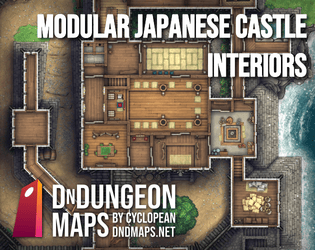
A set of dozens of parts to let you build your own custom Japanese castle interior map with & a full-fledged prefab map!
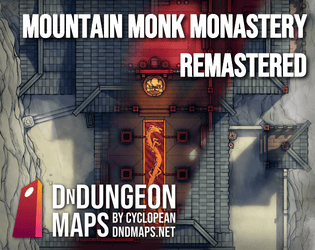
An enclave in the upper mountains. A colorful location map pack for your D&D campaign.
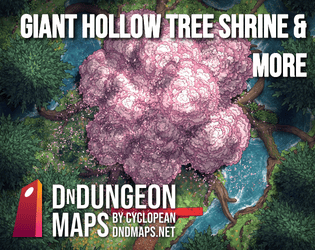
They say the roots of this enormous oak plummet down and punch into the Fair Folk's world!
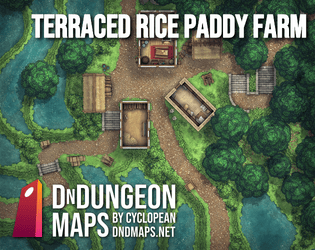
A pack of Asian rice paddy farm battlemaps for D&D or other TTRPGs.
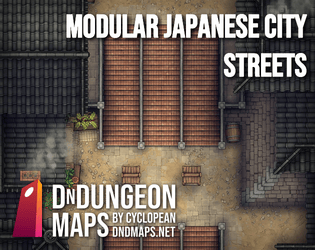
Modular 16×16 city battle map tiles to illustrate your D&D fights with
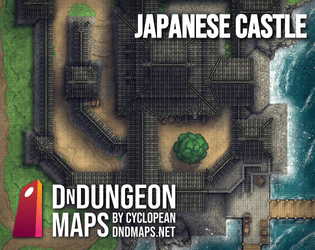
A castle exterior battlemap for your tabletop role-playing siege battles.
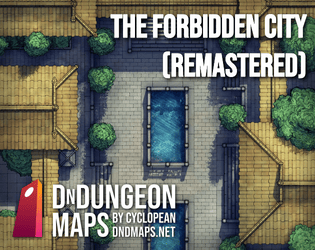
A palace for the grandest of ancient emperors.

A collection of dynamic forest floor battlemaps
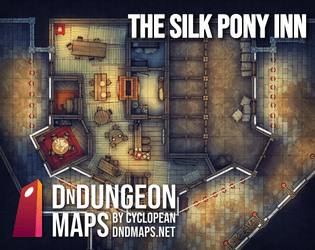
A notorious gambling den popular with thieves & assassins.
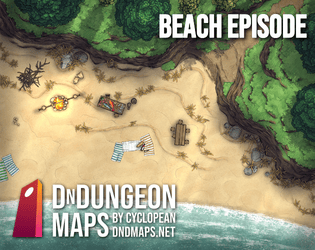
A pack of sandy beach maps, featuring a party, cave, and high cliff walls.
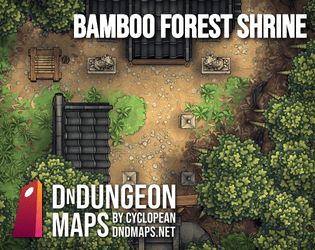
Flourishing stalks tower overhead along a bamboo forest path. What lies in wait down this dilapidated road?